
VOOPEAK TC29A2
VOOPEAK TC29A2 WiFi Bluetooth Trail Camera User Manual
Model: TC29A2
Introducció
Thank you for choosing the VOOPEAK TC29A2 WiFi Bluetooth Trail Camera. This manual provides essential information for the proper setup, operation, and maintenance of your camera. Please read it thoroughly before use to ensure optimal performance and longevity of the device.
Contingut del paquet
El paquet inclou:
- VOOPEAK TC29A2 Trail Camera (2 units)
- Corretja de muntatge
- Manual d'usuari
Note: Memory card and batteries are not included and must be purchased separately.
Configuració
1. Instal·lació de la bateria
The camera requires 4 AA batteries for operation. Ensure the batteries are inserted with the correct polarity as indicated inside the battery compartment.
- Obre la c de la càmeraasing.
- Localitzeu el compartiment de la bateria.
- Insert 4 AA batteries, observing the positive (+) and negative (-) terminals.
- Tanqueu el compartiment de la bateria de manera segura.
2. Instal·lació de la targeta SD
A memory card is required to store photos and videos. The camera supports standard SD cards (not included).
- With the camera powered off, open the casing.
- Localitzeu la ranura de la targeta SD.
- Insert the SD card until it clicks into place.
- Per treure-la, premeu suaument la targeta fins que surti.
3. Muntatge de la càmera
The camera is designed for tree mounting and can be installed using the included strap or screws.
- Muntatge de la corretja: Passeu la corretja de muntatge proporcionada per les ranures de la part posterior de la càmera i fixeu-la al voltant d'un arbre o un pal.
- Muntatge de cargols: Use screws (not included) to attach the camera to a surface. The camera features a screw-in installation type.
Ensure the camera is positioned to capture the desired area, considering the 130-degree wide-angle view.
Instruccions de funcionament
1. Encès / apagat
Locate the power switch inside the camera's casing. Toggle it to the "ON" position to power on the camera. Toggle to "OFF" to power it down.
2. WiFi and Bluetooth Connection (Waskame App)
The camera creates its own local WiFi hotspot for direct connection to your smartphone via the Waskame app. This allows for real-time monitoring, wireless preview, and setting adjustments without removing the SD card.
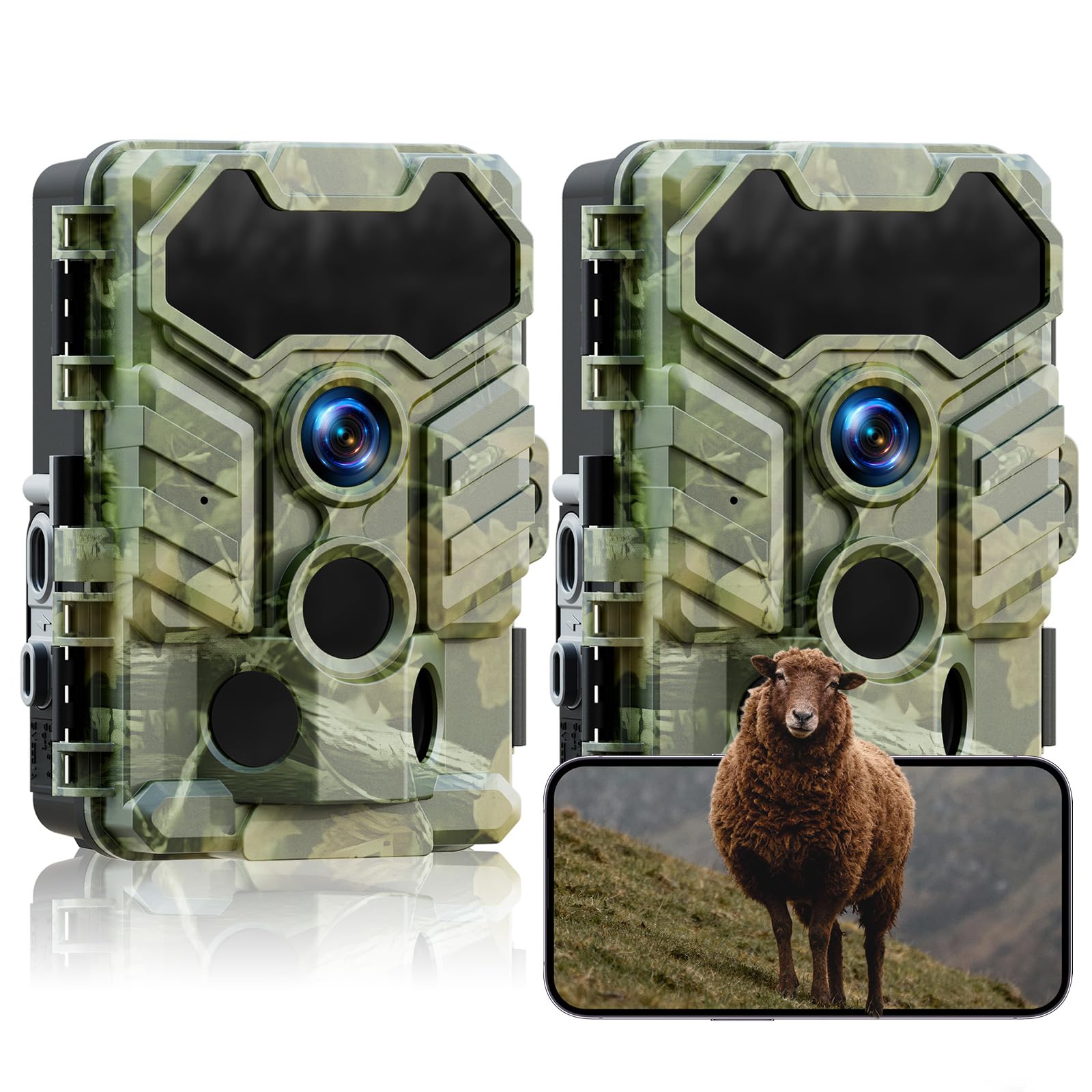
Image: VOOPEAK TC29A2 Trail Camera showing WiFi connection and app control. The camera connects directly to a smartphone via its own WiFi hotspot, allowing users to preview i descarregar files. The WiFi connection has a range limit of 33 feet.
- Download the "Waskame" app from your smartphone's app store.
- Assegureu-vos que la càmera estigui engegada.
- Activa el Bluetooth al teu telèfon intel·ligent.
- Open the Waskame app and follow the instructions to connect to the camera via Bluetooth, which will then establish a WiFi connection.
- The WiFi connection range is approximately 33 feet (10 meters).
3. Captura d'imatges i vídeos
The camera is equipped with a 32MP sensor for high-resolution images and HD video recording. It features a 0.1-second trigger speed and a 130-degree wide-angle lens to capture motion effectively.

Image: VOOPEAK TC29A2 Trail Camera illustrating its 130-degree detection angle. The image highlights the wide field of view provided by the lens and the three PIR sensors for motion detection.

Image: VOOPEAK TC29A2 Trail Camera demonstrating its 0.1-second trigger speed, capturing fast-moving wildlife.
- The camera automatically captures photos or videos when motion is detected by its 3 high-sensitivity PIR sensors.
- Adjust settings such as photo resolution, video resolution, and trigger interval via the Waskame app.
4. Visió nocturna
Equipped with 4 low-glow infrared LEDs, the camera provides clear night vision without disturbing wildlife. The night vision range is up to 65 feet (20 meters).

Image: VOOPEAK TC29A2 Trail Camera showcasing its low-glow night vision capability, capturing clear images in total darkness without startling animals. The effective range is shown as 49 feet.
5. Loop Recording and H.264 Compression
The camera utilizes advanced H.264 video compression to optimize storage space, reducing usage by up to 80% compared to older formats. With loop recording enabled, the camera automatically overwrites the oldest filequan la targeta de memòria està plena, cosa que garanteix un enregistrament contínuu.

Image: VOOPEAK TC29A2 Trail Camera illustrating the loop recording feature, where the oldest videos are automatically replaced by the newest ones to ensure continuous capture.
Manteniment
1. Neteja
- Gently wipe the camera lens and PIR sensors with a soft, dry cloth to remove dust and dirt.
- No utilitzeu netejadors abrasius ni dissolvents.
2. Resistència a l'aigua
The camera is IP66 waterproof, designed to withstand rain and harsh outdoor conditions. Ensure all latches and covers are securely closed to maintain its water resistance.

Image: VOOPEAK TC29A2 Trail Camera demonstrating its IP66 waterproof rating, shown in a snowy environment with a deer. The camera is designed to operate in temperatures from -20°C to 60°C.
3. Substitució de la bateria
Replace batteries when the power indicator shows low battery or when performance degrades. Always use fresh, high-quality AA batteries.
Resolució de problemes
- La càmera no s'encén:
- Comproveu si les piles estan inserides correctament amb la polaritat correcta.
- Assegureu-vos que les bateries tinguin prou càrrega.
- Verifiqueu que l'interruptor d'alimentació estigui en la posició "ON".
- Cannot connect via WiFi/Bluetooth:
- Assegureu-vos que la càmera estigui engegada.
- Confirm Bluetooth is enabled on your smartphone.
- Make sure your smartphone is within 33 feet (10 meters) of the camera.
- Restart the Waskame app and try again.
- No s'han capturat imatges/vídeos:
- Check if the SD card is properly inserted and not full.
- Assegureu-vos que la càmera estigui en un mode de gravació actiu.
- Verify that the PIR sensors are not obstructed.
- Adjust sensor sensitivity if necessary.
- Mala qualitat d'imatge/vídeo:
- Netegeu la lent de la càmera.
- Ensure sufficient lighting during daytime or proper night vision activation at night.
- Check resolution settings in the Waskame app.
Especificacions
| Número de model | TC29A2 |
| Resolució d'imatge | 32 MP |
| Resolució de captura de vídeo | 1080p (HD) |
| Velocitat de desencadenament | 0.1 segons |
| Angle de detecció | 130 graus |
| Gamma de visió nocturna | Fins a 65 peus (20 metres) |
| Comunicació sense fils | WiFi, Bluetooth |
| Nivell de resistència a l'aigua | IP66 (impermeable) |
| Font d'alimentació | 4 piles AA (no incloses) |
| Tipus de muntatge | Tree Mount, Screw-in |
| Dimensions (L x A x A) | 14.22 x 10.11 x 16.51 cm (5.6 x 3.98 x 6.5 polzades) |
| Pes | 871 g |
| Temperatura de funcionament | -20 °C a 60 °C |
Garantia i Suport
VOOPEAK provides reliable support for your product:
- 12-Month Repair Warranty: Cobertura de defectes de fabricació durant un any a partir de la data de compra.
- Política de devolució de 30 dies: Allows returns without reason within 30 days of purchase.
- Suport al client de per vida: Dedicated support is available for the lifetime of the product.
For assistance, please contact VOOPEAK customer service through the official channels.
Ask a question about this manual
Ask about setup, troubleshooting, compatibility, parts, safety, or missing instructions. Manuals+ will review the question and use this page’s manual context to help answer it.