
1. Introducció
This manual provides essential instructions for setting up, operating, maintaining, and troubleshooting your FIREBAT Android 15 Tablet. Please read this guide thoroughly to ensure optimal performance and longevity of your device.

Image: The FIREBAT Android 15 Tablet, showcasing its 10.95-inch In-Cell display, 1920x1200 resolution, 18W fast charging, and 8000mAh battery.
The FIREBAT Android 15 Tablet features a 10.95-inch In-Cell IPS touchscreen with a 1920x1200 resolution, powered by a UNISOC Spreadtrum T606 octa-core processor. It includes 12GB RAM (4GB physical + 8GB virtual) and 128GB internal storage, expandable via TF card up to 1TB. The tablet runs on the Android 15 operating system and is equipped with a 5MP front camera and a 13MP rear camera. An 8000mAh battery supports up to 10 hours of usage and 18W PD fast charging.
2. Què hi ha a la caixa
En desembalar, comproveu que hi hagi tots els elements:
- 1 x FIREBAT AR1 Tablet
- 1 x Pel·lícula protectora (preinstal·lada)
- 1 x Protective Case (Pre-installed)
- 1 x 9V/2A 18W US Power Charger
- 1 x Manual d'usuari (Aquest document)
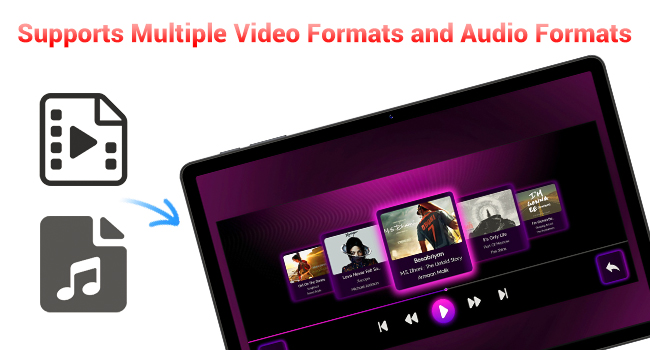
Image: A visual representation of the items included in the FIREBAT Tablet package: the tablet, power charger, and user manual.
Video: An unboxing video demonstrating the contents of the FIREBAT Android 15 Tablet package, including the tablet, protective case, charger, and user guide.
3. Configuració
3.1 Càrrega inicial
Before first use, fully charge your tablet using the provided USB-C cable and 18W power adapter. Connect the USB-C cable to the tablet's USB-C port and the power adapter to a wall outlet. The charging indicator will show the charging status.
3.2 Engegada/apagada
- Per encendre: Press and hold the Power button located on the side of the tablet until the FIREBAT logo appears.
- Per apagar: Premeu i manteniu premut el botó d'engegada fins que aparegui el menú d'opcions d'engegada. Seleccioneu "Apagar" i confirmeu.
- Per reiniciar: From the power options menu, select "Restart."
3.3 Configuració inicial
En encendre'l per primera vegada, seguiu les instruccions que apareixen a la pantalla per fer el següent:
- Seleccioneu el vostre idioma.
- Connect to a Wi-Fi network (802.11ac supported).
- Inicia la sessió amb el teu compte de Google o crea'n un de nou.
- Configura el bloqueig de pantalla (PIN, patró, contrasenya).
3.4 Protective Case and Film
Your tablet comes with a pre-installed protective film and a customized protective case. The case is designed to fully encase the tablet, offering protection for both the back and the screen when closed. It can also be folded to act as a stand for hands-free viewing.

Image: The FIREBAT Tablet featuring its delicate texture metal shell, designed for enhanced heat dissipation and improved protection.
4. Com utilitzar la tauleta
4.1 Navegació amb pantalla tàctil
The 10.95-inch In-Cell IPS touchscreen offers sensitive and precise touch response. Use standard gestures such as tap, swipe, pinch-to-zoom, and long-press to navigate the interface and interact with applications.

Image: The tablet's In-Cell technology, which embeds touch sensors directly into LCD pixels for a thinner design and more sensitive touch response.
4.2 Sistema operatiu Android 15
Your tablet runs on the latest Android 15 operating system, providing enhanced privacy, security, and customization options. Enjoy wider application compatibility and faster response times.
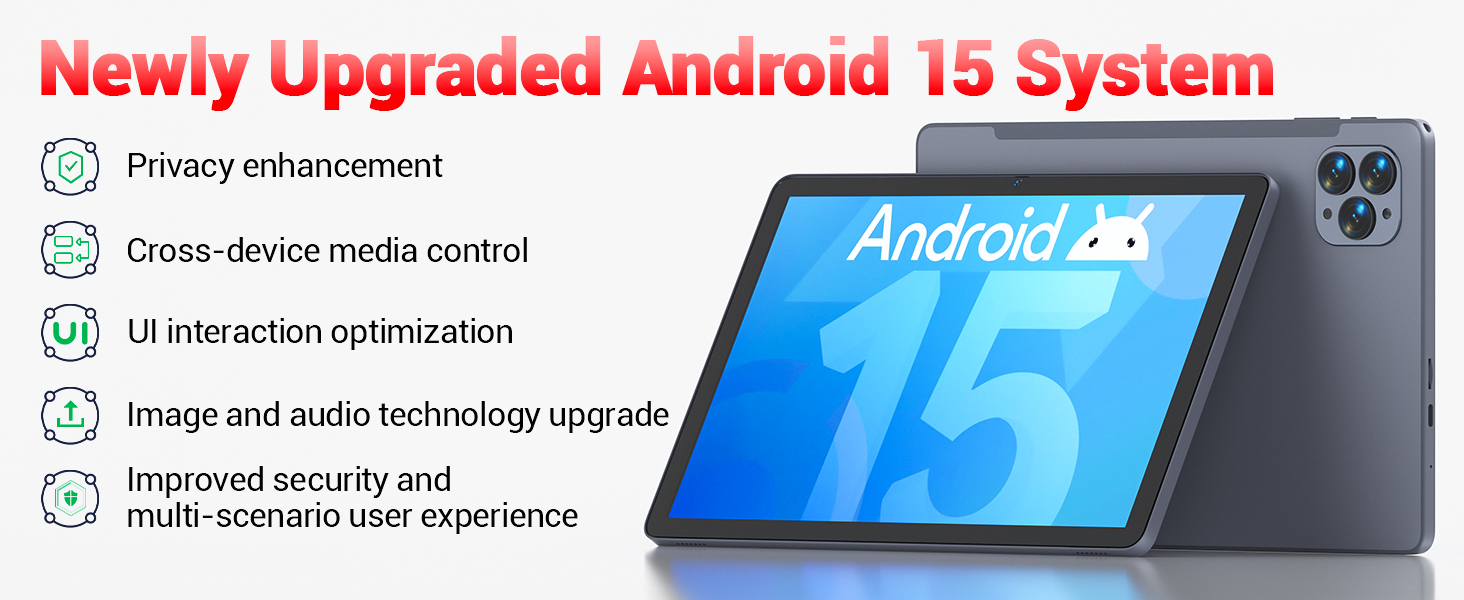
Image: The tablet's Android 15 system, highlighting features such as privacy enhancement, cross-device media control, UI optimization, and improved security.
4.3 Rendiment i multitasca
The UNISOC Spreadtrum T606 octa-core processor (dual-core A75 1.6GHz + hexa-core A55 1.6GHz) and MediaTek Mali-G57-3EE-single-core 650MHz GPU ensure smooth operation for most applications and efficient multitasking. The 12GB LPDDR4x memory (4GB physical + 8GB virtual) further enhances performance.

Image: A detailed diagram illustrating the UNISOC Spreadtrum T606 octa-core processor, emphasizing its 2-core + 6-core design for balanced performance and power saving.
4.4 Ús de la càmera
The tablet is equipped with a 5MP front camera and a 13MP rear camera. Open the Camera app to capture photos, record videos, and make video calls. Adjust settings within the app for optimal results.

Image: The tablet displaying a video call, highlighting the functionality of its 5MP front and 13MP rear cameras for clear communication and photography.
4.5 Gestió d'emmagatzematge
The tablet includes 128GB of high-speed internal storage. If more space is needed, you can expand it up to 1TB using a TF (microSD) card. Insert the TF card into the designated slot on the side of the tablet.
4.6 Connectivitat
- Wi-Fi 5: Connect to 2.4G/5G Wi-Fi networks for internet access.
- Bluetooth 5.0: Pair with Bluetooth-enabled devices such as headphones, speakers, or keyboards.
- Ràdio FM: Utilize the built-in FM radio feature for listening to local broadcasts.
4.7 Media and Applications
The tablet supports various video and audio formats, and is compatible with a wide range of e-book and office software. Widevine L1 support ensures high-quality streaming from compatible services.
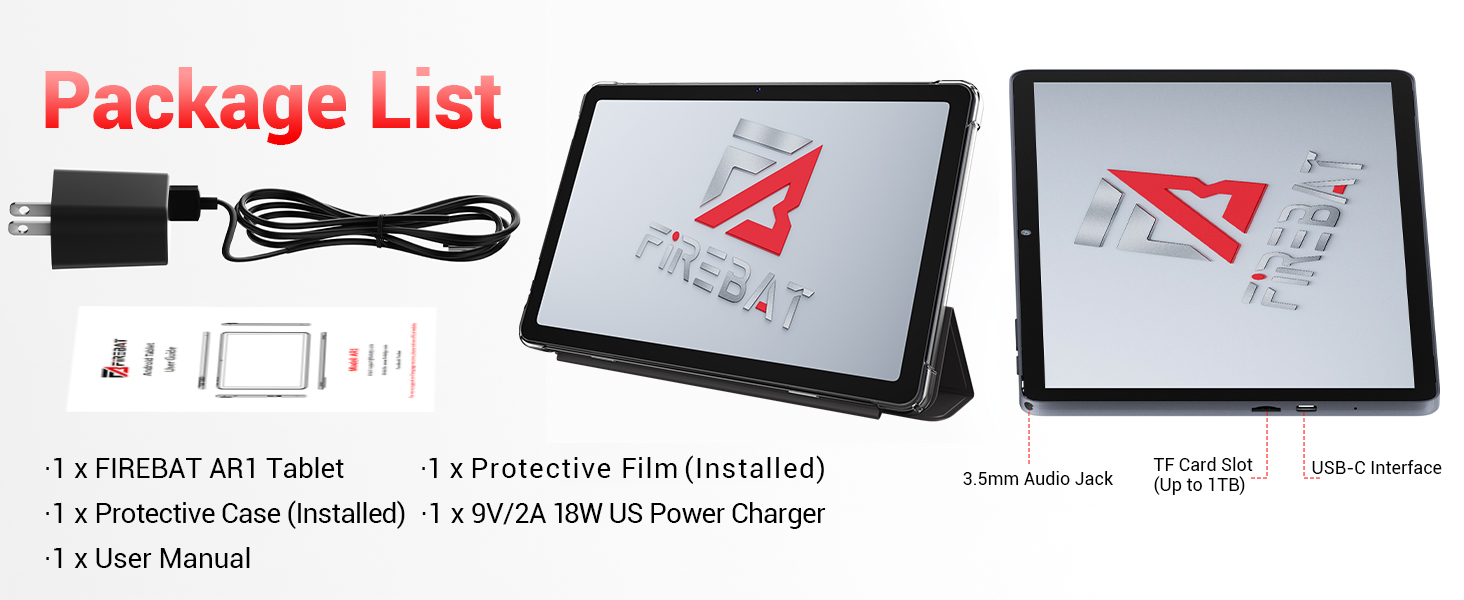
Image: The tablet's capability to support multiple video and audio formats, enhancing its multimedia functionality.
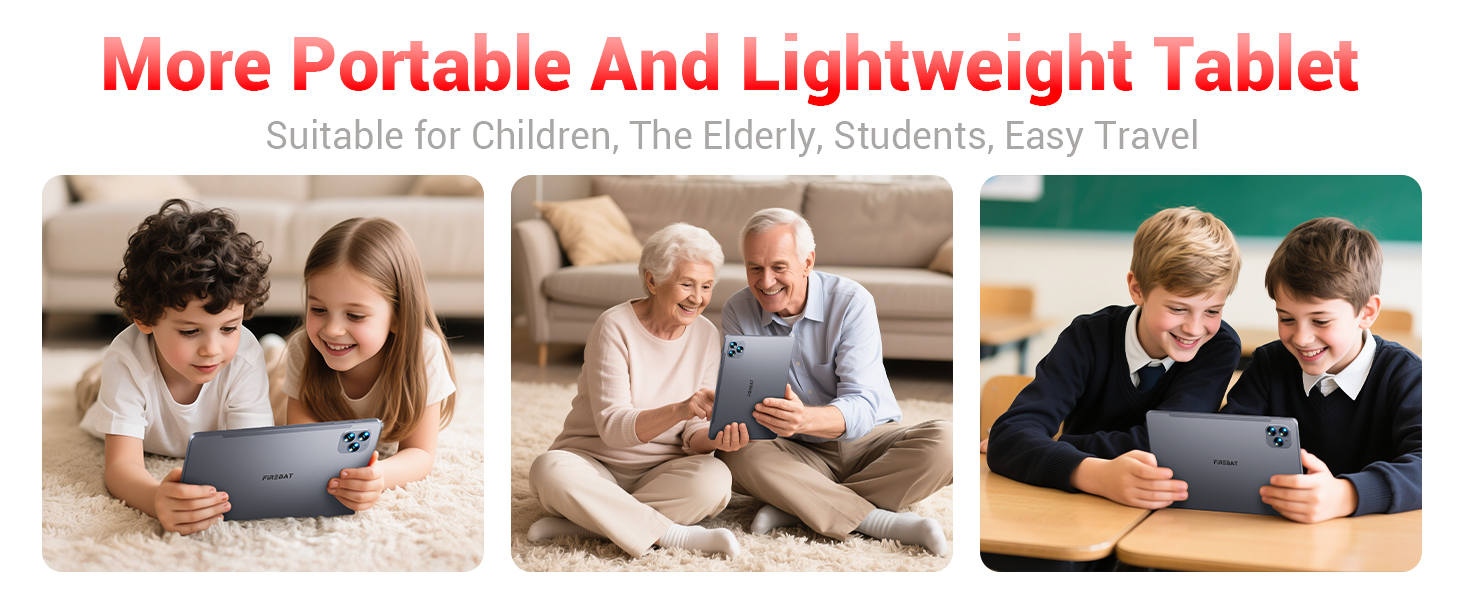
Image: The tablet displaying various e-book and office software applications, demonstrating its versatility for productivity and reading.
Video: A demonstration of the FIREBAT Android 15 Tablet's features, including its responsive touchscreen, protective case functionality, and overall performance for various applications.
5. Manteniment
5.1 Neteja de la tauleta
Feu servir un drap suau i sense borrissol per netejar la pantalla i el cos de la tauleta. Per a taques difícils, fregueu lleugerament.ampen the cloth with water or a screen-safe cleaner. Avoid using harsh chemicals or abrasive materials.
5.2 Actualitzacions de programari
Comproveu i instal·leu regularment si hi ha actualitzacions del sistema per assegurar-vos que la vostra tauleta tingui les darreres funcions, pegats de seguretat i millores de rendiment. Navegueu a Configuració > Sistema > Actualització del sistema per comprovar si hi ha actualitzacions.
5.3 Cura de la bateria
Per allargar la durada de la bateria:
- Eviteu temperatures extremes.
- No deixeu la tauleta completament carregada o completament descarregada durant períodes prolongats.
- Feu servir el carregador proporcionat per a una càrrega òptima.
6. Solució De Problemes
Si teniu problemes amb la tauleta, consulteu les solucions habituals següents:
| Problema | Solució |
|---|---|
| La tauleta no s'encén | Assegureu-vos que la bateria estigui carregada. Connecteu-la al carregador durant almenys 30 minuts i, a continuació, torneu-la a engegar. |
| Rendiment lent | Close unused applications, clear cache, or restart the tablet. Consider uninstalling unnecessary apps. |
| Problemes de connectivitat Wi-Fi | Restart your Wi-Fi router and the tablet. Forget the network and reconnect. Ensure you are within range. |
| La pantalla tàctil no respon | Restart the tablet. If the issue persists, perform a factory reset (data will be erased). |
| Les aplicacions es bloquegen | Ensure apps are updated. Clear the app's cache and data (Settings > Apps > [App Name] > Storage). Reinstall if necessary. |
For persistent issues, contact customer support or refer to the official FIREBAT weblloc per obtenir més ajuda.
7. Especificacions
| Característica | Detall |
|---|---|
| Nom del model | Tauleta Android 15 |
| Sistema operatiu | Android 15 |
| Mida de la pantalla | 10.95 polzades |
| Resolució de pantalla | 1920 x 1200 pixels (In-Cell IPS) |
| Processador | UNISOC Spreadtrum T606 Octa-Core (2x A75 1.6GHz, 6x A55 1.6GHz) |
| GPU | MediaTek Mali-G57-3EE-single-core 650MHz |
| RAM | 12GB LPDDR4x (4GB physical + 8GB virtual) |
| Emmagatzematge intern | 128 GB |
| Emmagatzematge ampliable | Fins a 1 TB mitjançant targeta TF |
| Càmera frontal | 5MP |
| Càmera posterior | 13MP |
| Capacitat de la bateria | 8000 mAh |
| Carregant | 18W PD Fast Charging (USB-C) |
| Connectivitat sense fil | Wi-Fi 5 (802.11ac), Bluetooth 5.0 |
| Altres característiques | FM Radio, Widevine L1, 3D G-sensor |
| Dimensions | 10 x 6.6 x 0.3 polzades |
| Pes de l'article | 1.1 lliures |
8. Garantia i Suport
For warranty information and customer support, please refer to the documentation included with your purchase or visit the official FIREBAT weblloc web. Conserveu el comprovant de compra per a reclamacions de garantia.