
1. Introducció
Welcome to the FUNYET 16-inch Laptop Computer NY-08 user manual. This guide provides essential information for setting up, operating, maintaining, and troubleshooting your new laptop. Designed for versatility and performance, the FUNYET NY-08 is equipped with an Intel 13th Gen N150 processor, ample memory, and a vibrant display to support your daily computing needs, from productivity to entertainment.
Figure 1: The FUNYET 16-inch Laptop Computer, showcasinpel seu disseny elegant i la seva gran pantalla.
2. Configuració
2.1 Desembalatge i inspecció inicial
Traieu amb cura tots els components de l'embalatge. Assegureu-vos que hi hagi els elements següents:
- FUNYET 16-inch Laptop Computer
- Adaptador de CA
- Manual d'usuari (aquest document)
- Targeta de garantia
2.2 Engegada i primer inici
Connect the AC adapter to the laptop's DC port and a power outlet. Press the power button to turn on the laptop. Follow the on-screen instructions to complete the initial Windows 11 Pro setup, including language, region, and user account creation.
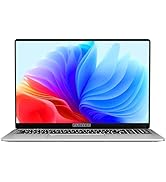
Figure 2: The laptop displaying the Windows 11 Pro operating system during initial setup.
2.3 Connexió a Wi-Fi
During the Windows setup or afterwards, navigate to the network settings. Select your desired Wi-Fi network from the list, enter the password if prompted, and click 'Connect'.
3. Com fer servir el portàtil
3.1 Windows 11 Pro superiorview
Your FUNYET laptop comes with Windows 11 Pro pre-installed, offering enhanced security, productivity features, and a redesigned user interface. Explore the Start Menu, Taskbar, and Widgets for a personalized experience.
3.2 Teclat i touchpad
The laptop features a full-size backlit keyboard for comfortable typing in various lighting conditions and a numeric keypad for efficient data entry. The integrated touchpad supports multi-touch gestures for navigation. A fingerprint scanner is integrated for secure and quick login.
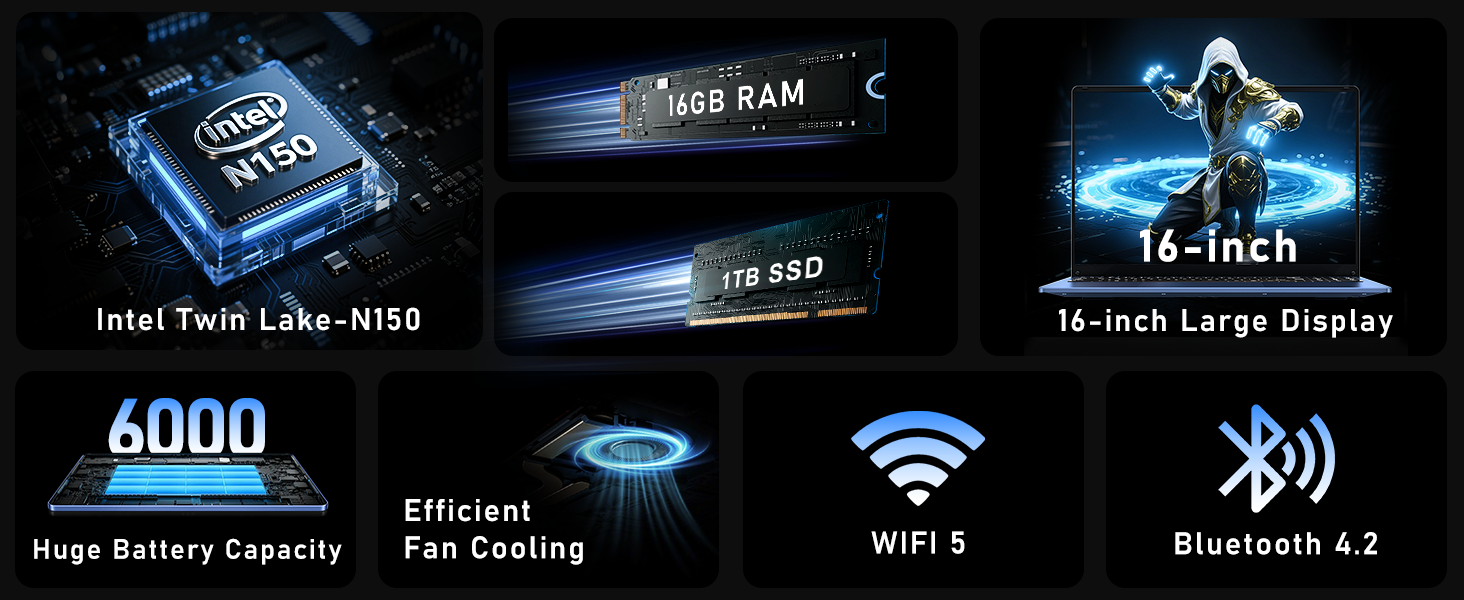
Figure 3: Close-up of the laptop's full-size backlit keyboard and numeric keypad.
3.3 Ports de connectivitat
The laptop is equipped with various ports for external device connectivity:
- Port USB 2.0: Per connectar dispositius USB més antics.
- Ports USB 3.0: Two ports for high-speed data transfer with compatible devices.
- Port mini HDMI: Per connectar pantalles o projectors externs.
- Presa d'auriculars de 3.5 mm: Per a la sortida d'àudio a auriculars o altaveus externs.
- Port DC: Per connectar l'adaptador de CA per carregar el portàtil.
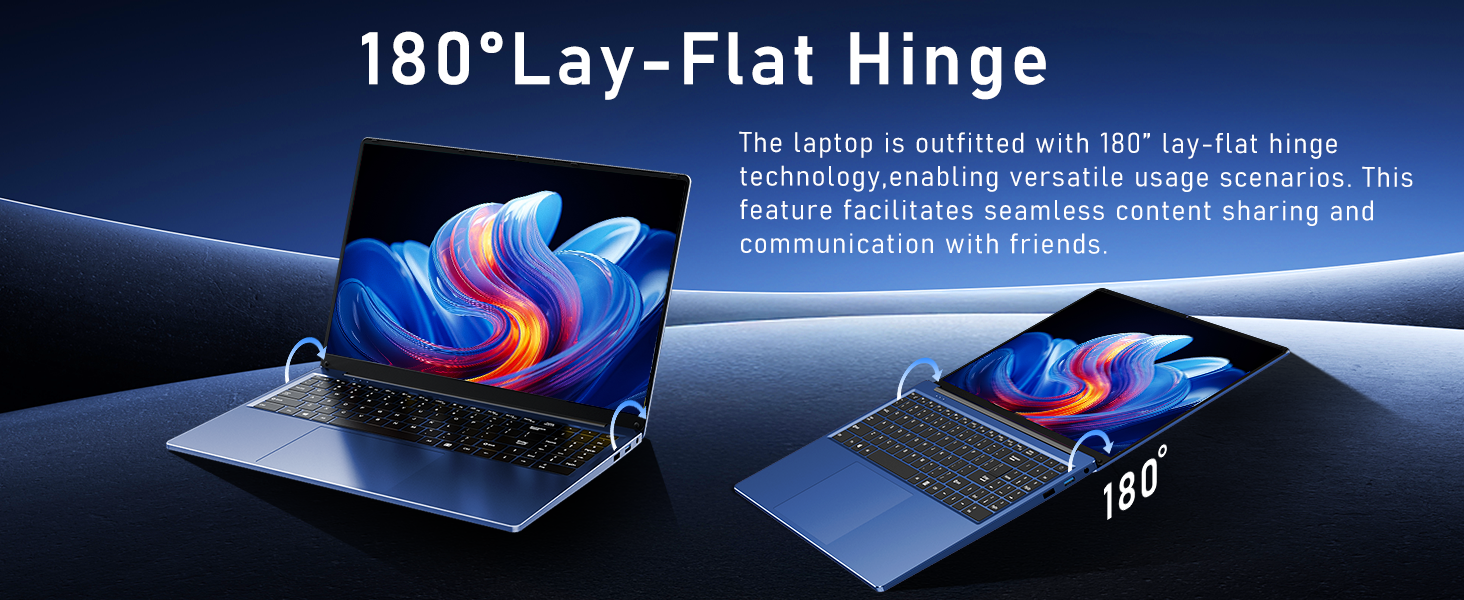
Figure 4: Diagram illustrating the various connectivity ports on the FUNYET laptop.
4. Característiques clau
The FUNYET NY-08 laptop is engineered with components designed for optimal performance and user experience.
4.1 Advanced Processor
Equipped with the latest 13th generation Intel Alder Lake N150 processor, featuring a boost frequency of up to 3.6GHz, 4 cores, and 4 threads. This provides robust performance for multitasking, streaming, and light gaming.
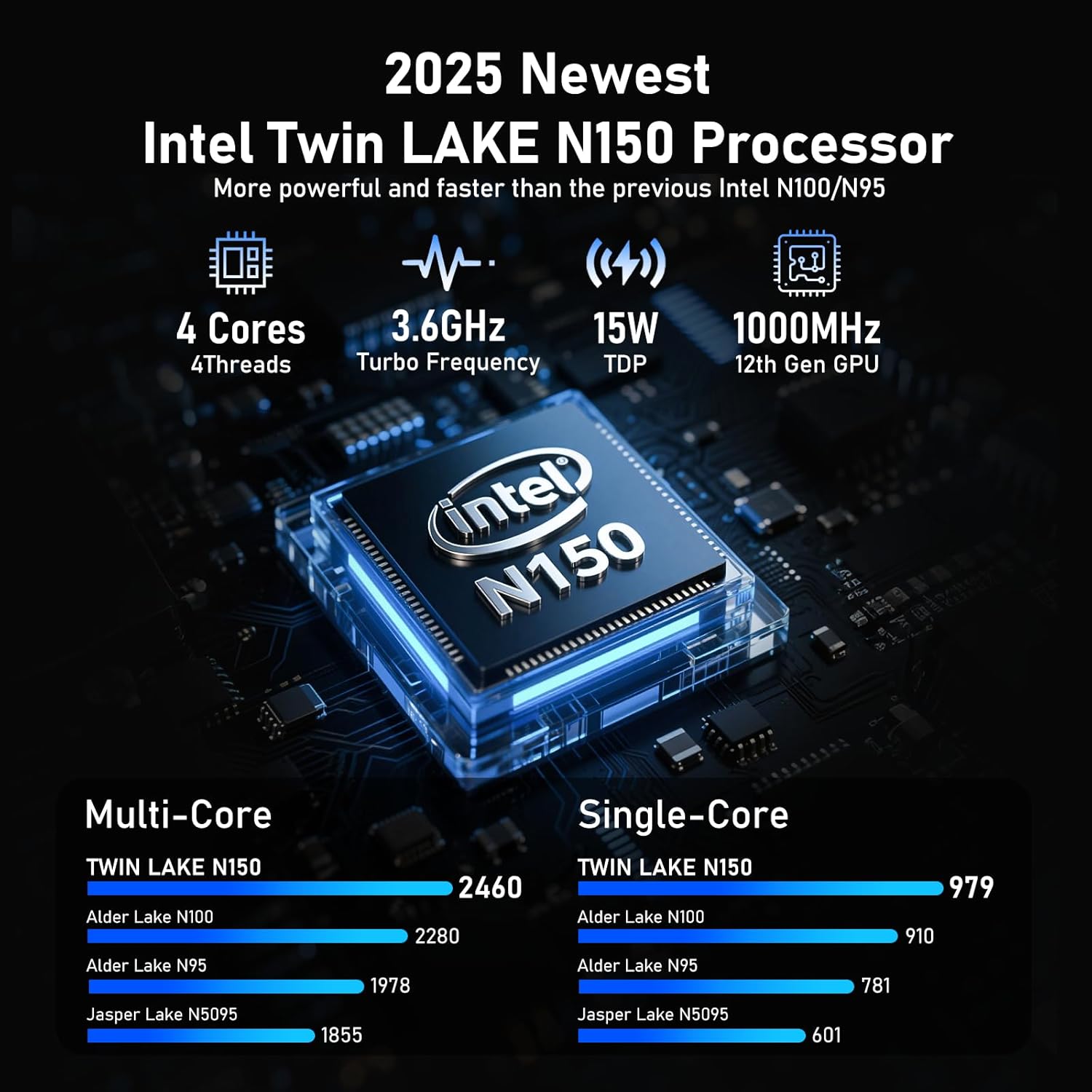
Figura 5: Detallada view of the Intel N150 processor, highlighting its core specifications.
4.2 Memòria i emmagatzematge
With 16GB of DDR4 RAM and a 1TB high-speed SSD, the laptop ensures effortless multitasking and provides ample space for all your data, applications, and media files.
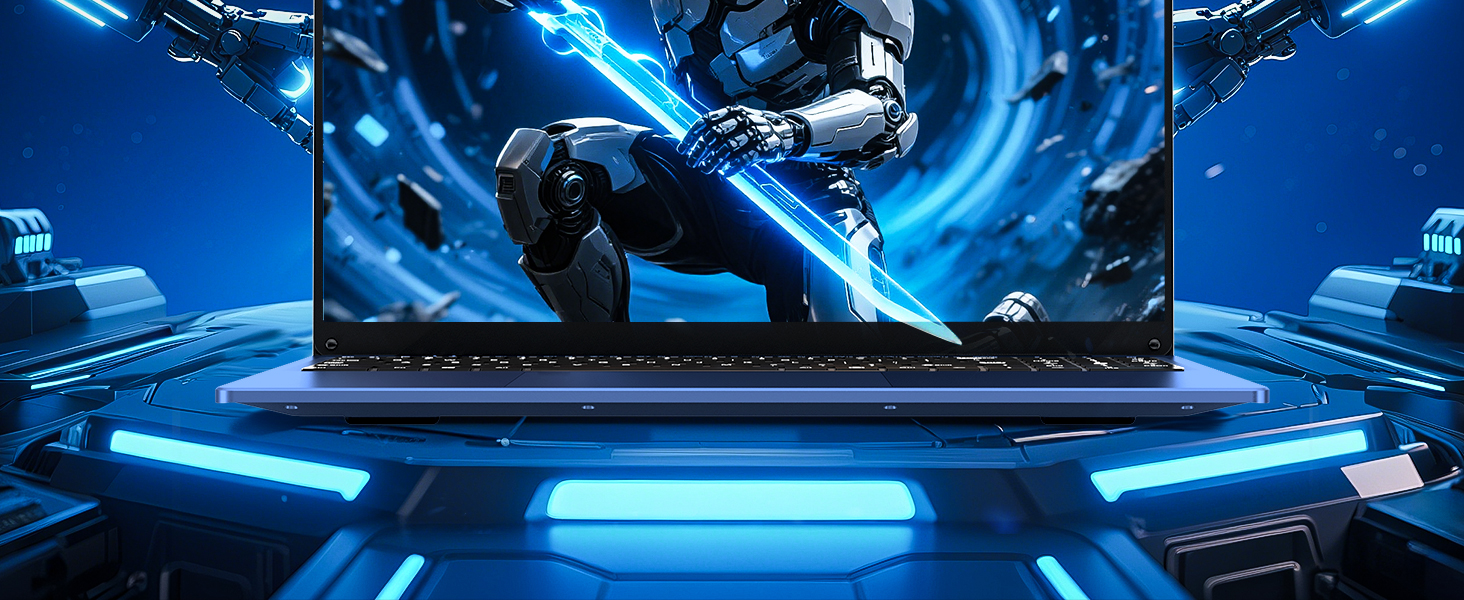
Figure 6: Visual representation of the 16GB RAM and 1TB SSD for high capacity and performance.
4.3 Visual Brilliance Display
Experience stunning visuals on the 16.0-inch Full HD IPS display with a 1920x1200 resolution. The 0.2-inch micro-bezel and 90% screen-to-body ratio provide an immersive viewing experience with vivid colors and eye protection features.

Figure 7: The laptop's 16-inch FHD IPS display, showcasing its visual clarity and narrow bezels.
4.4 Bateria de llarga durada
The laptop is equipped with a 6000mAh (46.2Wh) rechargeable battery, offering up to 6 hours of battery life, making it suitable for on-the-go use.
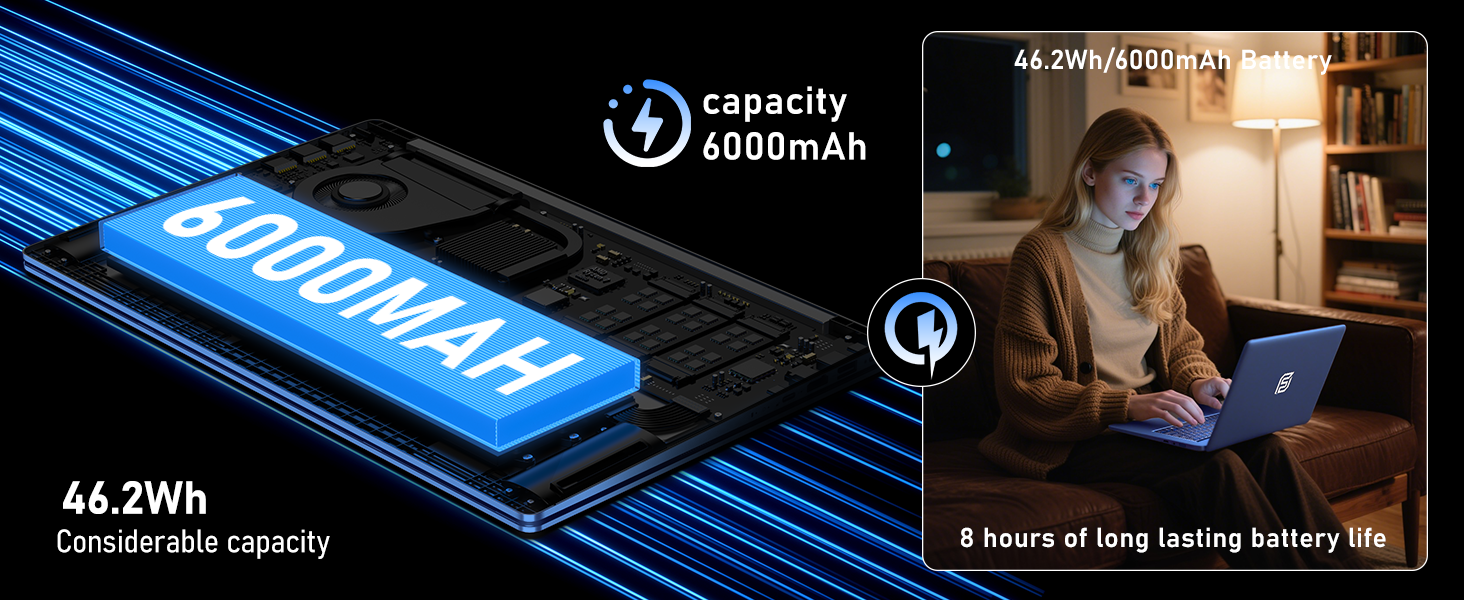
Figure 8: Illustration of the laptop's 6000mAh battery, providing extended usage.
4.5 Disseny portàtil
With a slim 0.8-inch body and a weight of only 3.5 pounds, this laptop is highly portable. It also features a 180° lay-flat hinge, allowing for versatile usage scenarios and easy content sharing.
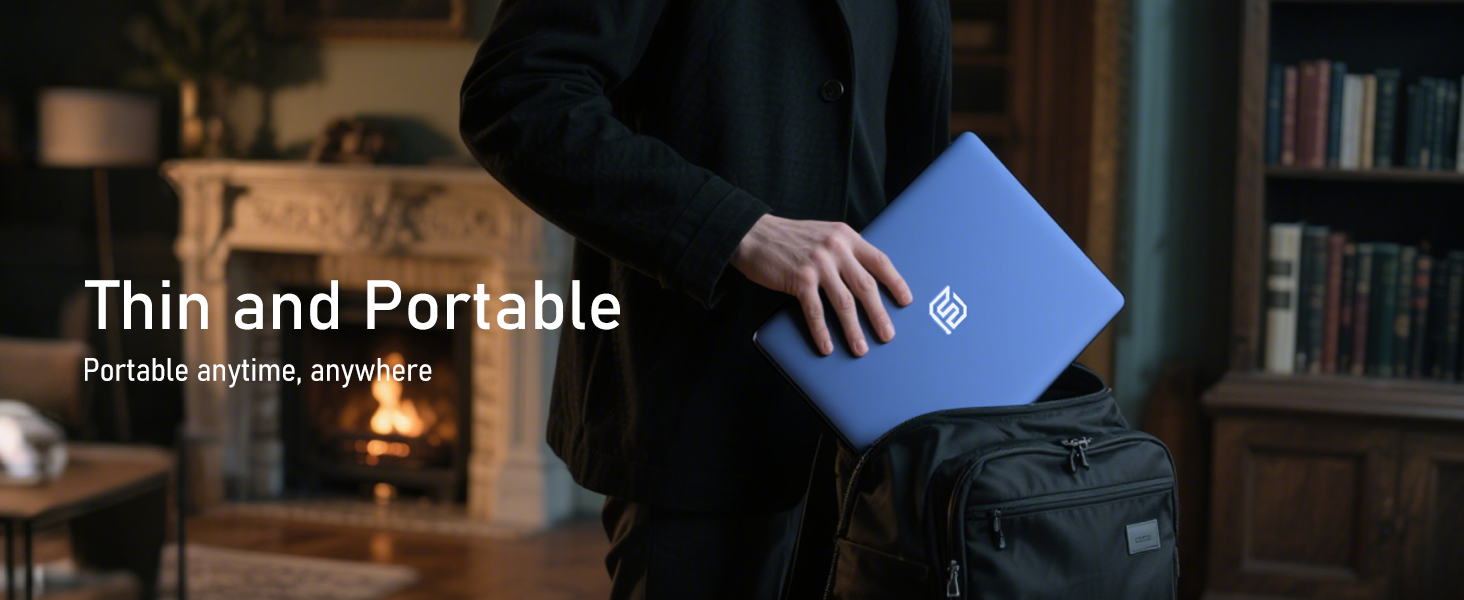
Figure 9: The laptop demonstrating its 180-degree lay-flat hinge for flexible use.
5. Manteniment
To ensure the longevity and optimal performance of your FUNYET laptop, follow these maintenance guidelines:
- Neteja: Feu servir un drap suau i sense borrissol per netejar la pantalla i l'exterior. Eviteu productes químics agressius.
- Actualitzacions de programari: Regularly update Windows 11 Pro and drivers to ensure security and performance.
- Cura de la bateria: Eviteu descarregar completament la bateria amb freqüència. Per a l'emmagatzematge a llarg termini, carregueu la bateria fins a un 50-70 % aproximadament.
- Ventilació: Assegureu-vos que les reixetes de ventilació del portàtil no estiguin obstruïdes per evitar que s'escalfi.
6. Solució De Problemes
Aquí teniu solucions a problemes comuns que podeu trobar:
| Problema | Solució |
|---|---|
| El portàtil no s'encén | Assegureu-vos que l'adaptador de CA estigui ben connectat i que la presa de corrent funcioni. Intenteu mantenir premut el botó d'engegada durant 10-15 segons per dur a terme un restabliment complet. |
| No hi ha connexió Wi-Fi | Check if Wi-Fi is enabled in Windows settings. Restart your router and the laptop. Verify your Wi-Fi password. |
| Rendiment lent | Close unnecessary applications. Check for background processes consuming resources. Ensure Windows and drivers are up to date. Run a disk cleanup. |
| Problemes de visualització | Adjust screen brightness. Ensure display drivers are updated. If connected to an external monitor, check cable connections. |
7. Especificacions
Detailed technical specifications for the FUNYET 16-inch Laptop Computer NY-08:
| Característica | Detall |
|---|---|
| Nom del model | NY-08 |
| Mida de la pantalla | 16 polzades |
| Resolució de pantalla | 1920 x 1200 pixels (FHD IPS) |
| Processador | Intel 13th Gen Alder Lake N150 (up to 3.6GHz, 4 Cores, 4 Threads) |
| RAM | 16 GB DDR4 |
| Disc dur | SSD de 1 TB |
| Sistema operatiu | Windows 11 Pro |
| Targeta gràfica | Gràfics integrats de Celeron |
| Tipus sense fil | 5 GHz Radio Frequency (Wi-Fi 5) |
| Bluetooth | Bluetooth 4.2 |
| Ports USB | 1x USB 2.0, 2x USB 3.0 |
| Sortida de vídeo | Mini HDMI |
| Jack d'àudio | Auriculars de 3.5 mm |
| Durada de la bateria | Up to 6-8 Hours (6000mAh) |
| Pes de l'article | 3.5 lliures |
| Dimensions del producte | 14 x 9 x 0.8 polzades |
| Característica especial | Backlit Keyboard, Fingerprint Scanner |
8. Garantia i assistència
Your FUNYET NY-08 laptop comes with a 2 any de garantia, ensuring peace of mind. For any issues or queries, our dedicated customer support team is available 24/7 to provide prompt and efficient assistance.
Informació de contacte:
- Telèfon: +1 800-986-9631 (4AM-10PM PT)
- Correu electrònic: funyetstore@outlook.com

Figure 10: FUNYET customer support information, including warranty and contact details.
9. Vídeos de productes
9.1 FUNYET Gaming Laptop Overview
Vídeo 1: Un oficial acabatview of the FUNYET Gaming Laptop, highlighting its design and core features. This video provides a visual introduction to the product's capabilities and aesthetics.
9.2 FUNYET Laptop for Gaming Features
Video 2: A detailed look at the FUNYET Laptop's features optimized for gaming and productivity. This video demonstrates the laptop's performance and various functionalities in action.