
1. Producte acabatview
The Starlink Router Mini is a compact, Wi-Fi 6, dual-band router designed to enhance Wi-Fi speed and extend coverage, effectively eliminating dead spots within your residence. Its small form factor makes it suitable for use as a mesh node, ensuring a consistent and reliable Wi-Fi experience. This router provides coverage for approximately 1300 square feet (120 square meters) per unit. Actual range may vary based on home construction, layout, and router placement.
Característiques principals:
- Compatibilitat: Works with Gen 2 Router, Gen 3 Router, Router Mini, and Starlink Mini Kit. Not compatible with third-party mesh systems.
- Ports Ethernet: Features one (1) Latching Ethernet LAN port and one (1) Latching Ethernet WAN port.
- Generació de Wi-Fi: Wi-Fi 6 for improved speed and efficiency.
- Classe de banda de freqüència: Dual-Band for flexible connectivity.
- Protocol de seguretat: WPA3 for enhanced network security.
2. Què hi ha a la caixa
Verifiqueu que tots els components siguin presents al paquet:
- Mini router
- Font d'alimentació
- Dempeus
- Wood Screws (2x)
- Ancoratges de guix (2x)
3. Guia de configuració
3.1 Desembalatge i col·locació inicial
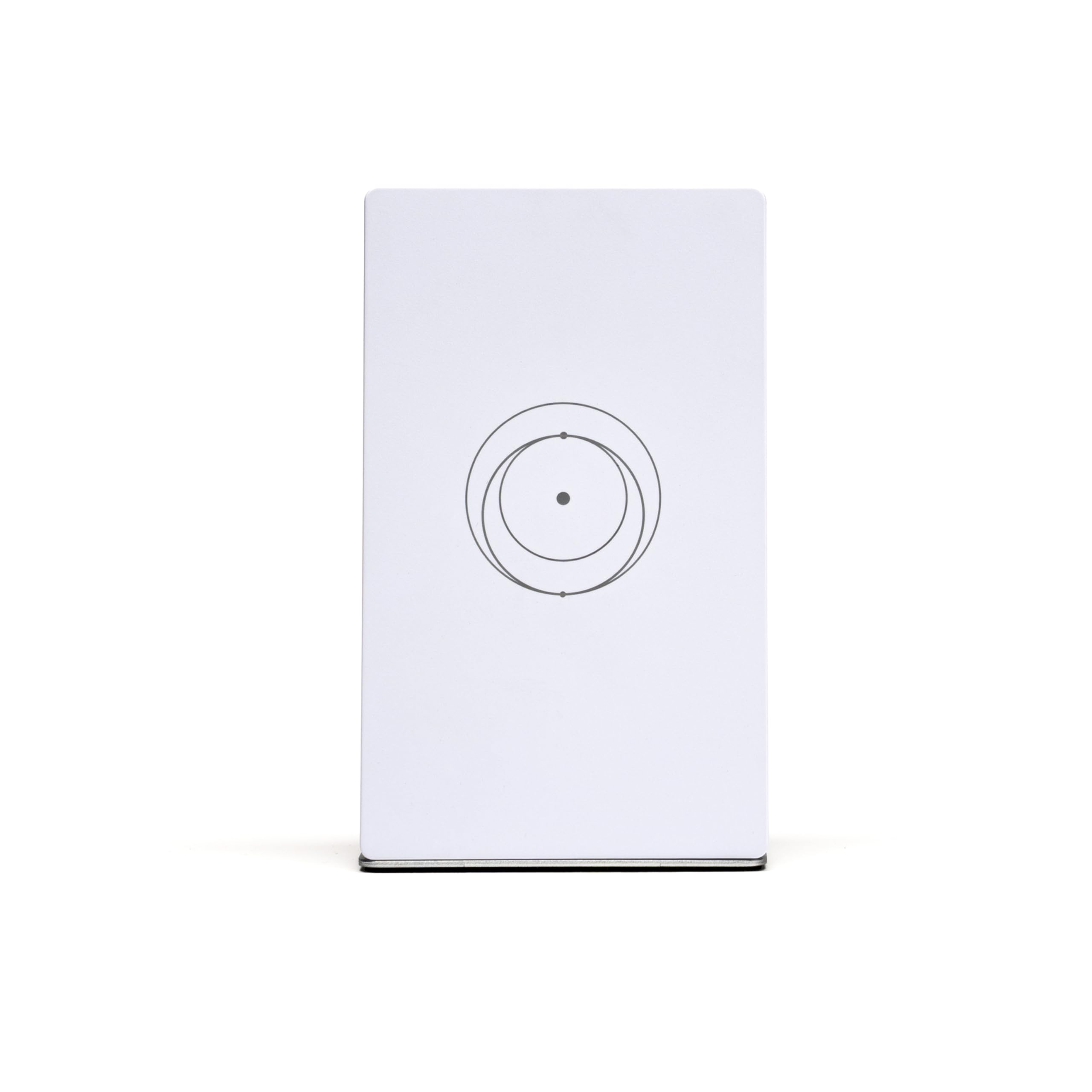
Carefully remove all components from the packaging. The Router Mini can be placed on a flat surface using its included stand or mounted to a wall.

3.2 Connecting the Router Mini
To connect your Starlink Router Mini, follow these steps:
- Connect the power supply to the Router Mini's power input port.
- Connecteu la font d'alimentació a una presa de corrent estàndard.
- Connect the Ethernet cable from your existing Starlink system (Gen 2, Gen 3, Gen 4 4X V4, or Mini Kit Satellite) to the WAN port on the Router Mini.
- If desired, connect devices directly via Ethernet to the LAN port.

3.3 Muntatge a la paret (opcional)
If you choose to wall mount the Router Mini, use the provided wood screws and drywall anchors. Ensure the mounting location is clear of obstructions for optimal signal performance.

4. Instruccions de funcionament
4.1 Encès
Once connected to power and your Starlink system, the Router Mini will automatically power on. Allow a few minutes for the device to boot up and establish a connection.
4.2 Connexió a Wi-Fi
Locate the Wi-Fi network name (SSID) and password on the label of your Router Mini. On your wireless devices (smartphones, tablets, laptops), search for available Wi-Fi networks and select your Router Mini's SSID. Enter the password when prompted to connect.
4.3 Mesh Network Functionality
The Router Mini can function as a mesh node to expand your Starlink Wi-Fi coverage. For optimal mesh performance, place additional Router Mini units strategically to cover areas with weak signals. Ensure they are within range of each other and your primary Starlink router for seamless roaming.
5. Manteniment
To ensure the longevity and optimal performance of your Starlink Router Mini, consider the following maintenance tips:
- Neteja: Gently wipe the exterior of the router with a soft, dry cloth. Avoid using liquid cleaners or abrasive materials.
- Ventilació: Ensure the router is placed in a location with adequate airflow to prevent overheating. Do not block ventilation openings.
- Condicions ambientals: Protect the router from extreme temperatures, direct sunlight, and moisture.
- Actualitzacions de firmware: Periodically check for and install firmware updates through the Starlink app to ensure your router has the latest features and security enhancements.
6. Solució De Problemes
If you encounter issues with your Starlink Router Mini, try the following troubleshooting steps:
- Sense connexió a Internet:
- Verify that the power supply is securely connected and the router is powered on.
- Check the Ethernet connection between the Router Mini and your Starlink system.
- Restart the Router Mini by unplugging it from the power outlet for 30 seconds and then plugging it back in.
- Ensure your main Starlink system is operational and has an active internet connection.
- Senyal Wi-Fi feble:
- Relocate the Router Mini to a more central location within your coverage area.
- Minimize physical obstructions (e.g., thick walls, large appliances) between the router and your devices.
- Consider adding another Router Mini as a mesh node to extend coverage.
- El dispositiu no es pot connectar a la Wi-Fi:
- Comproveu dues vegades la contrasenya del Wi-Fi.
- Restart the device attempting to connect.
- Ensure the Router Mini's Wi-Fi is enabled (check via the Starlink app if applicable).
7. Especificacions
| Marca | Starlink |
| Nom del model | Mini encaminador |
| Número de model | 39006001 |
| Característica especial | Seguretat a Internet |
| Classe de banda de freqüència | Doble banda |
| Comunicació sense fils estàndard | 802.11a, 802.11ac, 802.11ax |
| Dispositius compatibles | Gaming Console, Personal Computer, Security Camera, Smart Television, Smartphone, Tablet |
| Usos recomanats per al producte | Negocis, Jocs, Llar |
| Tecnologia de connectivitat | Wi-Fi |
| Color | Blanc |
| Sistema operatiu | ZyNOS |
| Protocol de seguretat | WPA3 |
| Nombre de Ports | 2 |
| LAN Port Bandwidth | 1000 Mbps |
| Maximum Upstream Data Transfer Rate | 1000 megabits per segon |
| Generació Wi-Fi | Wi-Fi 6 |
| Interval de connectivitat | 1300 peus quadrats |
| Is Modem Compatible | No |

8. Garantia i Suport
8.1 Informació de la garantia
The Starlink Router Mini comes with a 12 mesos de garantiaSi us plau, conserveu el comprovant de compra per a reclamacions de garantia.
8.2 Atenció al client
For technical assistance, troubleshooting beyond this manual, or warranty inquiries, please visit the official Starlink support website or contact their customer service. Refer to your Starlink account for specific support contact details.