
1. Introducció
Thank you for choosing the ErGear Electric Standing Desk. This manual provides essential information for the safe assembly, operation, and maintenance of your new adjustable height desk. Designed for optimal ergonomics and productivity, this desk allows you to effortlessly switch between sitting and standing positions, enhancing your workspace experience.
Key features include a smooth electric height adjustment mechanism, a spacious 160 cm x 80 cm work surface, exceptional stability with a solid steel frame, an upgraded motor for quiet operation, and a smart control panel with 4 memory presets.
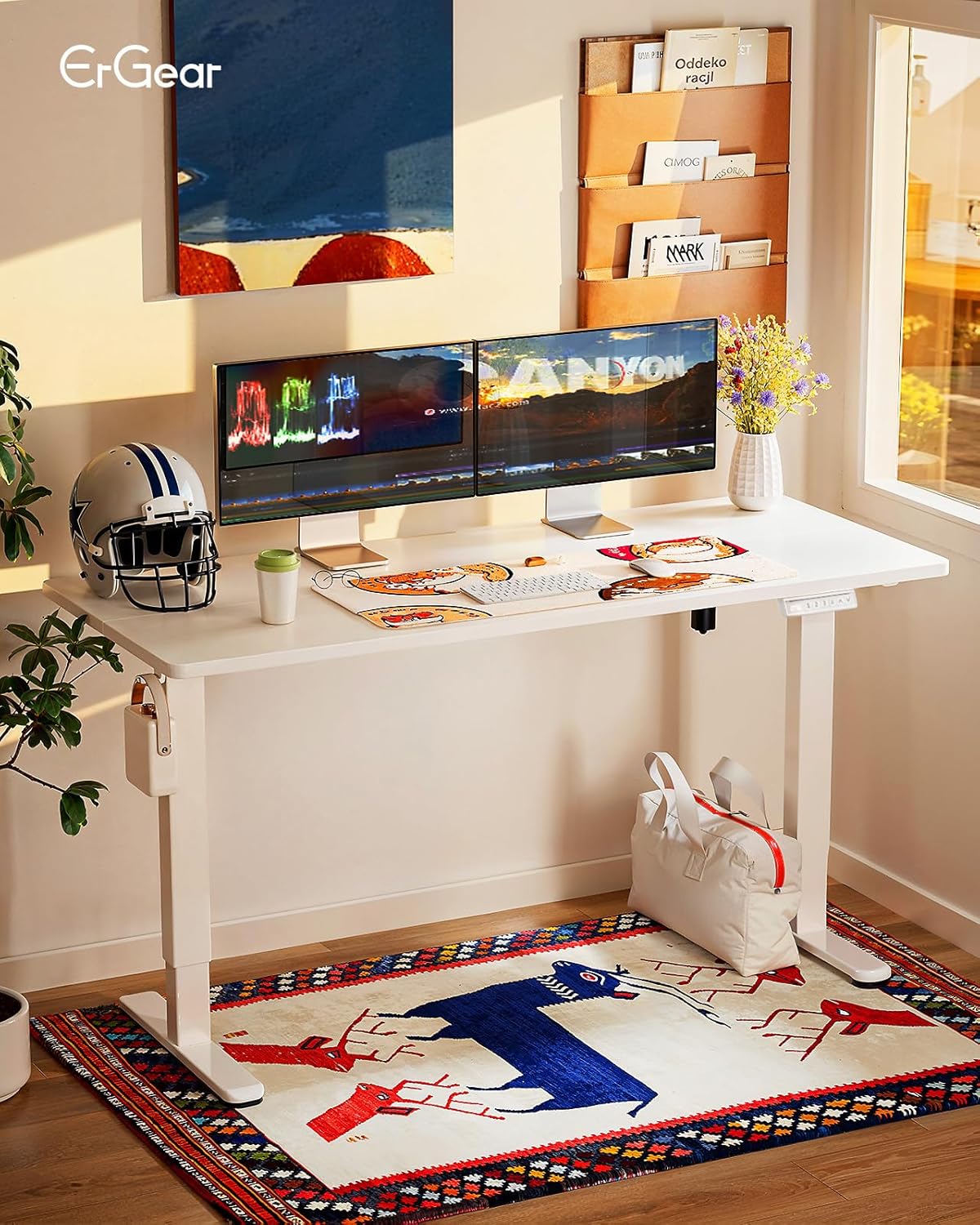
Figure 1: ErGear Electric Standing Desk in a modern office setup.
2. Informació de seguretat
Please read all safety warnings carefully before assembly and use. Failure to follow these instructions may result in injury or damage to the product.
- Do not place objects on the desk while adjusting the height.
- Keep hands and fingers away from the lifting mechanisms during operation.
- Ensure all cables are properly managed to prevent pinching or damage during height adjustments.
- Follow the provided assembly and maintenance instructions to ensure the safety and correct functioning of the desk.
- Do not overload the desk. The maximum recommended weight capacity is 80 kg.
- Assegureu-vos que l'escriptori estigui col·locat en una superfície plana.
3. Llista de components
Before starting assembly, please verify that all components are present and undamaged. Refer to the detailed parts list included in your packaging for specific item identification.
- Desktop (160 x 80 cm, White)
- Desk Frame (Legs, Crossbar, Motor Housing)
- Control Panel with 4 Memory Presets
- Adaptador d'alimentació i cable
- Headphone Hook (Included)
- Assembly Hardware (Screws, Allen Keys, etc.)
- Manual d'instruccions
4. Muntatge i muntatge
Assembly of the ErGear Electric Standing Desk is designed to be straightforward. All necessary tools for assembly are included. It is recommended to have at least one person for assembly.
- Desempaquetar components: Traieu amb cura totes les peces de l'embalatge i col·loqueu-les sobre una superfície neta i suau per evitar ratllades.
- Muntar el marc: Attach the desk legs to the crossbar according to the diagrams in your included manual. Ensure all screws are tightened securely.
- Adjunta l'escriptori: Place the desktop upside down on a soft surface. Align the assembled frame with the pre-drilled holes on the desktop and secure it with the provided screws.
- Install Control Panel and Accessories: Mount the control panel to the underside of the desk in the designated area. Attach the headphone hook as desired.
- Connecta l'electrònica: Connect the motor cable to the control panel and the power adapter. Plug the power adapter into a wall outlet.
- Gestió de cables: Utilize the integrated cable management features to keep your workspace tidy.

Figure 2: Illustration of desk assembly process.
5. Instruccions de funcionament
The ErGear Electric Standing Desk features an intuitive control panel for easy height adjustment and memory functions.
5.1. Ajust d'alçada
- Pujar escriptori: Manteniu premut el botó Fletxa amunt (^) botó per elevar l'escriptori a l'alçada desitjada.
- Escriptori inferior: Manteniu premut el botó Fletxa avall (v) botó per baixar l'escriptori a l'alçada desitjada.
- The digital display will show the current height in centimeters. The desk adjusts smoothly from 72 cm to 118 cm.
5.2. Preajustos de memòria
El tauler de control permet desar fins a 4 configuracions d'alçada preferides per a ajustaments ràpids.
- Establir una posició de memòria: Adjust the desk to your desired height using the Up/Down arrows. Press the "M" button (or similar memory set button, if present, otherwise proceed to step 2). Then, press one of the numbered memory buttons (1, 2, 3 o 4) until you hear a beep or see a confirmation on the display. The current height is now saved to that preset.
- Recordar una posició de memòria: Simply press the corresponding numbered memory button (1, 2, 3 o 4). L'escriptori es mourà automàticament a l'alçada desada.

Figure 3: Smart Control Panel with memory functions.
5.3. Ergonomic Use
The desk's adjustable height promotes a healthier work environment. Alternate between sitting and standing throughout your workday to improve circulation, reduce musculoskeletal tension, and enhance focus.

Figure 4: Ergonomic guidelines for sitting and standing.
5.4. Vídeo del producte
Vídeo 1: Demostració oficial del producteasing the desk's height adjustment, memory presets, stability, and motor features.
6. Manteniment
Regular maintenance ensures the longevity and optimal performance of your ErGear Electric Standing Desk.
- Neteja: Netegeu l'escriptori i el marc amb un drap suauamp drap. Eviteu productes químics agressius o netejadors abrasius.
- Comproveu les connexions: Reviseu periòdicament tots els cargols i les connexions elèctriques per assegurar-vos que estiguin ben fixats.
- Gestió de cables: Ensure cables remain neatly organized and are not interfering with the desk's movement.
- Eviteu la sobrecàrrega: No supereu la capacitat màxima de pes de 80 kg.
7. Solució De Problemes
If you encounter any issues with your desk, please refer to the following common solutions:
| Problema | Causa possible | Solució |
|---|---|---|
| L'escriptori no es mou. | Cable d'alimentació desconnectat, error del motor, sobrecàrrega. | Check power connections. Reduce weight on desk. Refer to the full manual for error codes and reset procedures. |
| L'escriptori es mou de manera desigual. | Càrrega desigual, connexions fluixes. | Distribuïu el pes uniformement. Comproveu i estrenyeu totes les connexions del marc. |
| Els preajustaments de memòria no funcionen. | Els preajustos no s'han desat correctament. | Re-save your desired memory positions following the instructions in Section 5.2. |
If the problem persists, please contact ErGear customer support.
8. Especificacions
Detailed technical specifications for the ErGear Electric Standing Desk.
| Característica | Detall |
|---|---|
| Marca | ErGear |
| Número de model | EGESD7W-160A-EU |
| Dimensions del producte (P x A x A) | 80 x 160 x 72-118 cm |
| Altura mínima | 72 centímetres |
| Altura màxima | 118 centímetres |
| Mida d'escriptori | 160 x 80 cm |
| Color | Blanc |
| Material d'escriptori | Fusta d'enginyeria |
| Material del marc | Acer d'aliatge |
| Mecanisme d'elevació | Elèctric |
| Característiques especials | Alçada regulable, elèctric, ergonòmic |
| Pes màxim recomanat | 80 quilos |
| Muntatge obligatori | Sí |
| Eines per al muntatge | Inclòs |
| GTIN | 840478843941 |

Figure 5: Desk dimensions.
9. Garantia i Suport
The ErGear Electric Standing Desk comes with a limited warranty. For specific warranty terms and conditions, please refer to the documentation included with your product or visit the official ErGear weblloc.
For technical support, troubleshooting assistance, or to inquire about replacement parts, please contact ErGear customer service through the retailer where you purchased the product or via the contact information provided on the ErGear official weblloc.