
Introducció
Thank you for choosing the INPHIC Wireless Rechargeable Mouse. This manual provides detailed instructions for setting up, operating, and maintaining your mouse to ensure optimal performance and longevity. This mouse features a visible battery indicator, silent buttons, an ergonomic design, and adjustable DPI settings for a comfortable and efficient user experience.
Configuració
1. Contingut del paquet
- INPHIC Wireless Rechargeable Mouse
- USB Receiver (stored in the mouse)
- Cable de càrrega USB-C
- Manual d'usuari
2. Càrrega inicial
Before first use, fully charge the mouse for approximately 1 hour. Connect the provided USB-C charging cable to the mouse's charging port and the other end to a USB power source (e.g., computer USB port, USB wall adapter). The visible battery indicator on the top of the mouse will show charging status and remaining battery level.

Image: The mouse connected via USB-C cable for charging, highlighting the charging port and the visible battery level indicator.
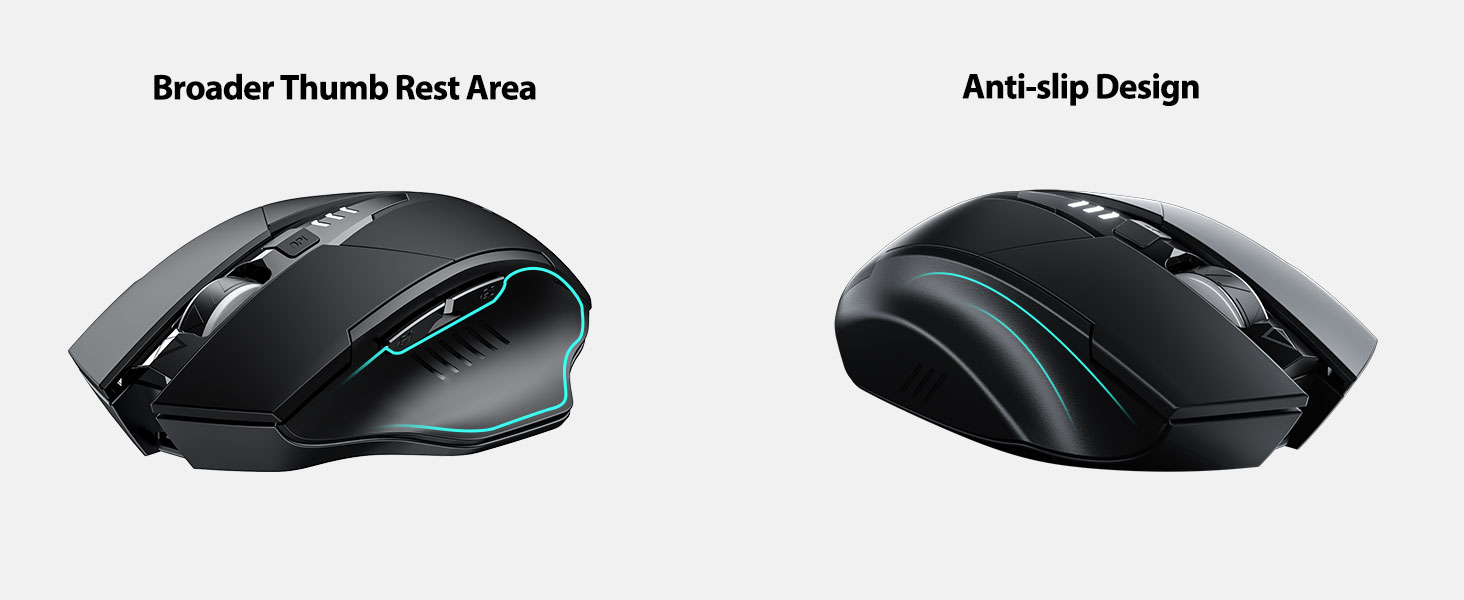
Image: A close-up of the mouse's top surface, showing the illuminated battery indicator displaying the current charge level.
3. Connecting the USB Receiver (2.4G Mode)
- Localitzeu el receptor USB que es troba al compartiment de la part inferior del ratolí.
- Traieu el receptor USB.
- Insert the USB receiver into an available USB port on your computer or laptop.
- Enceneu el ratolí amb l'interruptor d'encesa situat a la part inferior.
- L'ordinador hauria de detectar i instal·lar automàticament els controladors necessaris. El ratolí està llest per al seu ús.

Image: The underside of the mouse, illustrating the storage compartment for the USB receiver.

Image: The mouse in use on a desk, demonstrating its reliable 2.4G wireless connection with a laptop.
4. Compatibilitat
The 2.4G USB connected mode is compatible with any USB-enabled device and supports a wide range of operating systems, including:
- Windows 7/8/10/XP, Vista
- Sistema Mac OS
- Android
- Chrome OS
- Nucli Linux 2.6+

Image: The mouse positioned alongside icons representing Windows, Chrome OS, and Linux, illustrating its broad compatibility.
Instruccions de funcionament
1. Engegada/Apagada i Mode de repòs
Use the power switch on the bottom of the mouse to turn it on or off. To conserve battery, the mouse will automatically enter sleep mode after 5 minutes of inactivity. Click any button to wake it up.
2. Ajust de DPI
The mouse features 4 adjustable DPI levels: 800, 1200, 1600, and 2400. Press the DPI button located behind the scroll wheel to cycle through these settings. Each press will change the cursor speed, allowing you to select the sensitivity that best suits your task.
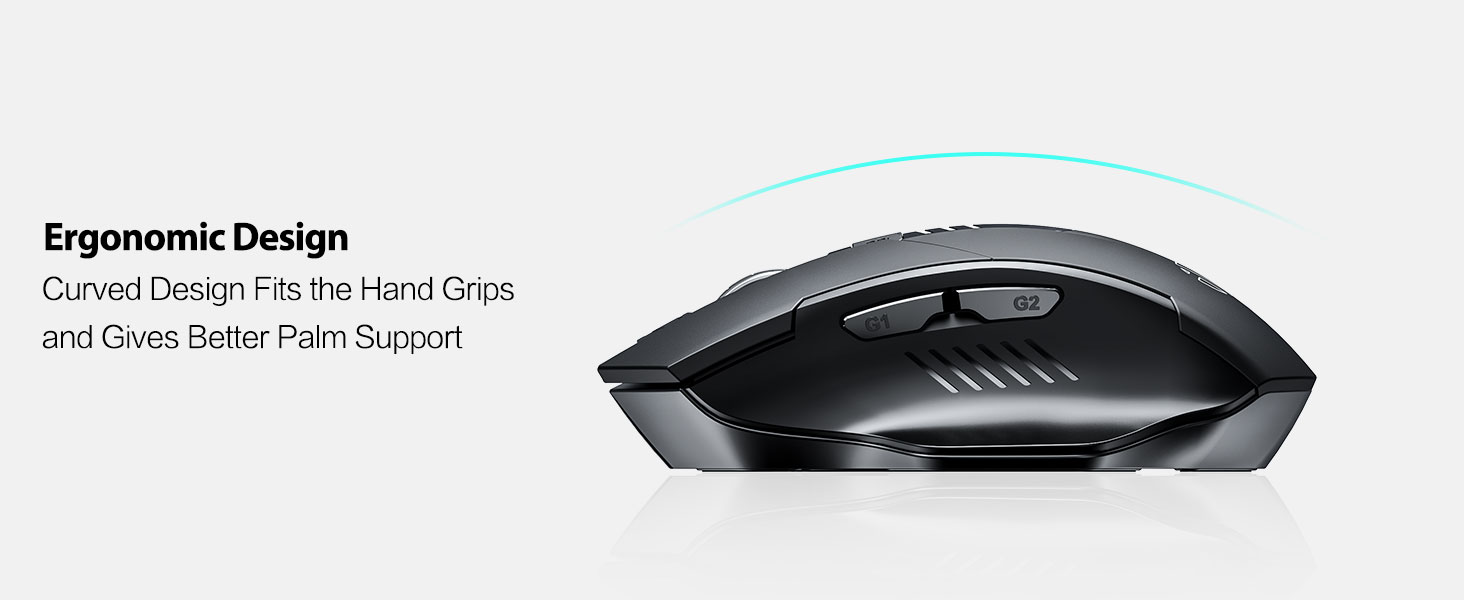
Image: An illustration showing the mouse and a graphic representing the adjustable DPI settings from 800 to 2400.

Imatge: Un primer pla view of the DPI controller button located on the top of the mouse.
3. Funcions del botó
The mouse is equipped with 6 efficient buttons:
- Botó esquerre de clic: Primary function, silent operation.
- Botó dret: Secondary function, silent operation.
- Roda de desplaçament: Per a desplaçament vertical. També es pot prémer per a la funcionalitat de clic central.
- Botó DPI: Adjusts cursor sensitivity (800/1200/1600/2400 DPI).
- Side Buttons (G1, G2): Typically function as 'Forward' and 'Back' in web navegadors i file exploradors.

Image: The mouse on a desk, emphasizing its quiet left and right click buttons for reduced noise.

Imatge: Un primer pla view of the smooth scrolling wheel on the mouse.
4. Disseny ergonòmic
The mouse is designed for right-handed users with a curved shape and a broader thumb rest area to provide optimal support for the entire palm and fingers. This design aims to reduce pressure and tension during extended use.
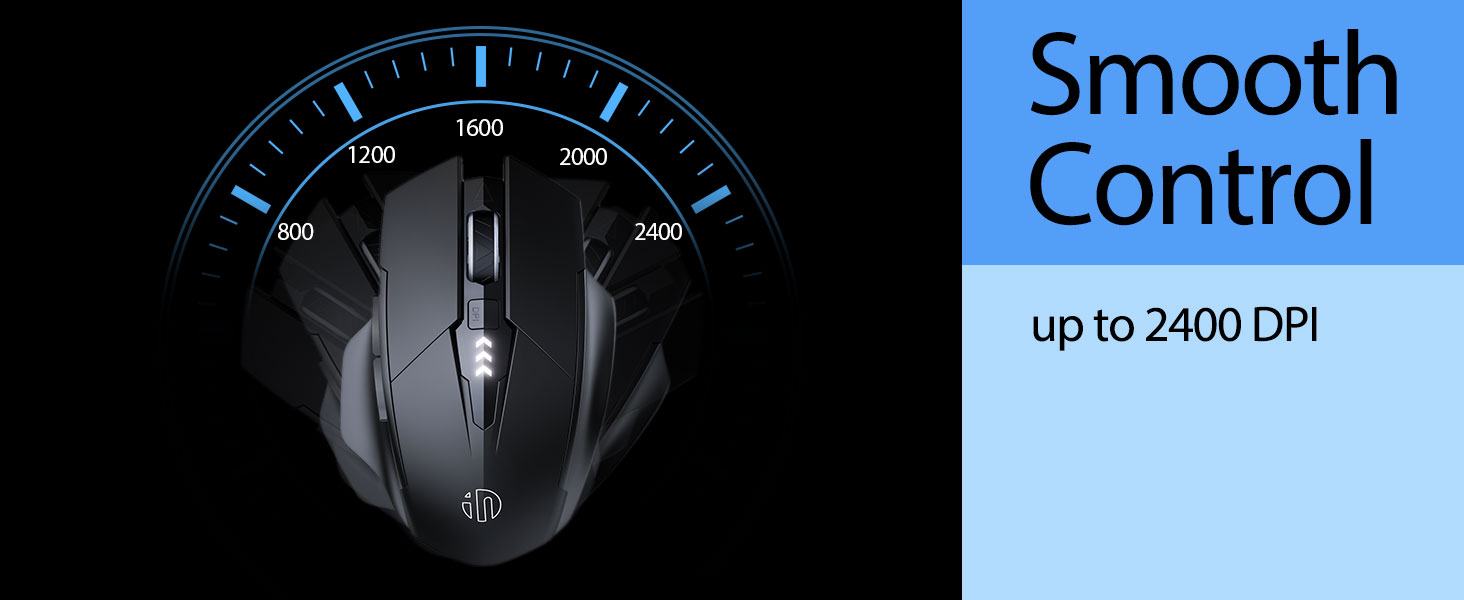
Image: An illustration demonstrating the ergonomic curve of the mouse, designed to fit the hand comfortably.

Imatge: Dos views of the mouse, highlighting its broader thumb rest area and anti-slip design for improved grip and comfort.
Manteniment
1. Neteja
Per netejar el ratolí, netegeu suaument la superfície amb un drap suau.amp cloth. Avoid using harsh chemicals or abrasive materials, as these can damage the finish. Ensure no liquid enters the internal components.
2. Emmagatzematge
When not in use for extended periods, store the mouse in a cool, dry place. It is recommended to turn off the mouse to preserve battery life. The USB receiver can be stored in its dedicated compartment on the mouse's underside.
3. Cura de la bateria
The built-in 400mAh rechargeable battery is designed for long-lasting performance. For optimal battery health, avoid completely draining the battery frequently. Recharge the mouse when the visible indicator shows a low battery level. Do not expose the mouse to extreme temperatures.
Resolució de problemes
| Problema | Causa possible | Solució |
|---|---|---|
| El ratolí no respon | Bateria baixa; receptor USB desconnectat; ratolí apagat. | Charge the mouse; Re-insert USB receiver; Turn on the mouse. |
| El moviment del cursor és erràtic o lent | Incorrect DPI setting; Dirty optical sensor; Unsuitable surface. | Adjust DPI using the DPI button; Clean the optical sensor; Use on a clean, non-reflective surface. |
| El ratolí no es carrega | Faulty USB-C cable or power source. | Try a different USB-C cable or USB port/power adapter. |
| Side buttons (G1/G2) not working | Application does not support side button functions. | Ensure the application (e.g., web browser) is active and supports 'back'/'forward' commands. |
Especificacions
- Model: B0FQCCP1VH
- Dimensions del producte: 4.7 x 3.1 x 0.1 polzades
- Pes de l'article: 4.2 unces
- Bateria: 1 Nonstandard Battery (400mAh, included)
- Tecnologia de connectivitat: Sense fil 2.4G (receptor USB)
- Tecnologia de detecció de moviment: Òptic
- Nivells de DPI: 800 / 1200 / 1600 / 2400 (ajustable)
- Botons: 6 (Left, Right, Scroll Wheel, DPI, G1, G2)
- Característiques especials: Ergonomic Design, LED Battery Level Display, Rechargeable, Silent Clicks (Left & Right Buttons)
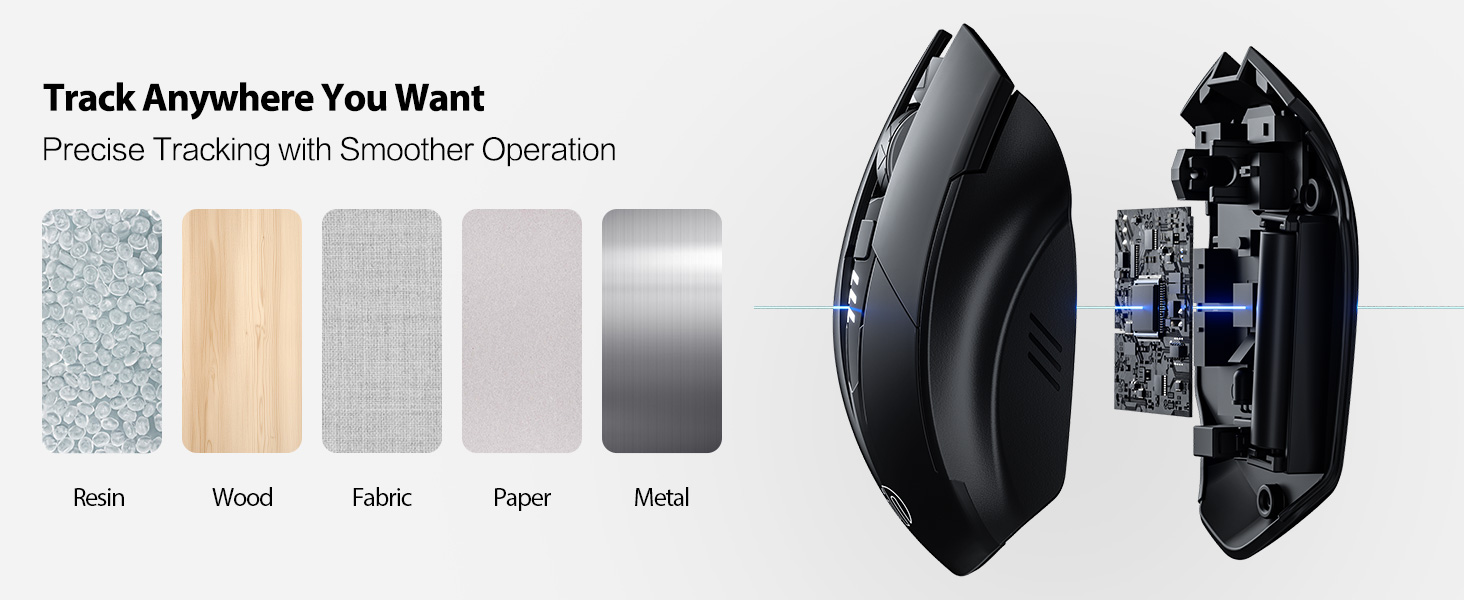
Image: A diagram illustrating the physical dimensions of the INPHIC Wireless Mouse.
Vídeo del producte
Vídeo: Un overview of the INPHIC Wireless Rechargeable Mouse, demonstrating its features and ergonomic design.
Garantia i Suport
Per obtenir informació sobre la garantia o assistència tècnica, consulteu l'embalatge del producte o poseu-vos en contacte directament amb el fabricant. Conserveu el rebut de compra com a comprovant de compra.