
1. Introducció
This manual provides detailed instructions for the safe and efficient operation of your VISSPL H86 Smart Projector. Please read this manual thoroughly before using the product and retain it for future reference. The VISSPL H86 is designed to deliver a high-quality visual experience with advanced features such as auto-focus, auto-keystone correction, and integrated smart operating system.
2. Què hi ha a la caixa
Upon opening the package, verify that all items listed below are present and in good condition. If any items are missing or damaged, please contact customer support.
- VISSPL H86 Smart Projector
- Control remot
- Cable d'alimentació
- Cable HDMI
- Manual d'usuari (aquest document)
- Kit de neteja
Video: VISSPL H86 Unboxing. This video demonstrates the unboxing process and contents of the VISSPL H86 Smart Projector package, including the projector, remote, cables, and documentation.
3. Producte acabatview
The VISSPL H86 Smart Projector is a compact and versatile device designed for home entertainment. It features a native 1080P resolution with 4K HDR support, delivering sharp and detailed images. With 1800 ANSI lumens, it provides vibrant brightness suitable for various lighting conditions. The projector integrates Whale OS, offering access to a wide range of streaming applications.

Image: The VISSPL H86 Smart Projector in a living room setting, projecting a screen with various streaming application icons like Netflix, YouTube, and Prime Video.
Característiques principals:
- Cinema-Quality Streaming: Pre-installed with popular apps like YouTube and Prime Video, ensuring authorized and smooth streaming.
- Visual Feast: 1800 ANSI lumens brightness, native 1080P resolution with 4K HDR support for exceptional clarity and vibrant colors.
- Disseny portàtil: Compact size (6.3×6.3×3.1 inches, 2.6 lbs) with an adjustable stand for flexible placement and projection from 40-250 inches.
- Precision Auto Focus: High-precision sensors provide instant, razor-sharp images without manual adjustments.
- Whale OS: A hybrid operating system integrating a browser, content ecosystem, and Android APK environment for limitless app access and OTA updates.
- Connectivitat avançada: Zero-lag WiFi 6 and Bluetooth 5.2 for stable streaming and wireless audio.

Image: A visual representation highlighting the projector's authentic 1080P resolution and 4K support, with vibrant colors and sharp details.
4. Configuració
4.1 Col·locació física
The VISSPL H86 projector is designed for flexible placement. It can project a screen size from 40 to 250 inches from a distance of 4 to 13 feet. For optimal image quality, a projection distance that yields approximately 120 inches is recommended. The integrated adjustable stand allows for easy positioning on a table, ceiling, or wall, including projecting onto the ceiling for a unique viewexperiència.

Image: A person relaxing in bed while the VISSPL H86 projector, placed on a bedside table, projects an image onto the ceiling.
4.2 Connexió d'alimentació
Connect the provided power cord to the projector's power input and then to a standard electrical outlet. The projector will power on automatically or can be turned on using the power button on the device or the remote control.
5. Instruccions de funcionament
5.1 Funcionament bàsic
Once powered on, the projector will display the home screen of the Whale OS. Use the remote control to navigate through menus and select applications or settings.
5.2 Enfocament automàtic i correcció trapezoidal
The VISSPL H86 features automatic focus and keystone correction. This means the projector will automatically adjust the image for clarity and correct any trapezoidal distortion, ensuring a perfectly rectangular picture even if the projector is not perfectly aligned with the screen. Manual adjustments are generally not required but can be performed if desired through the settings menu.
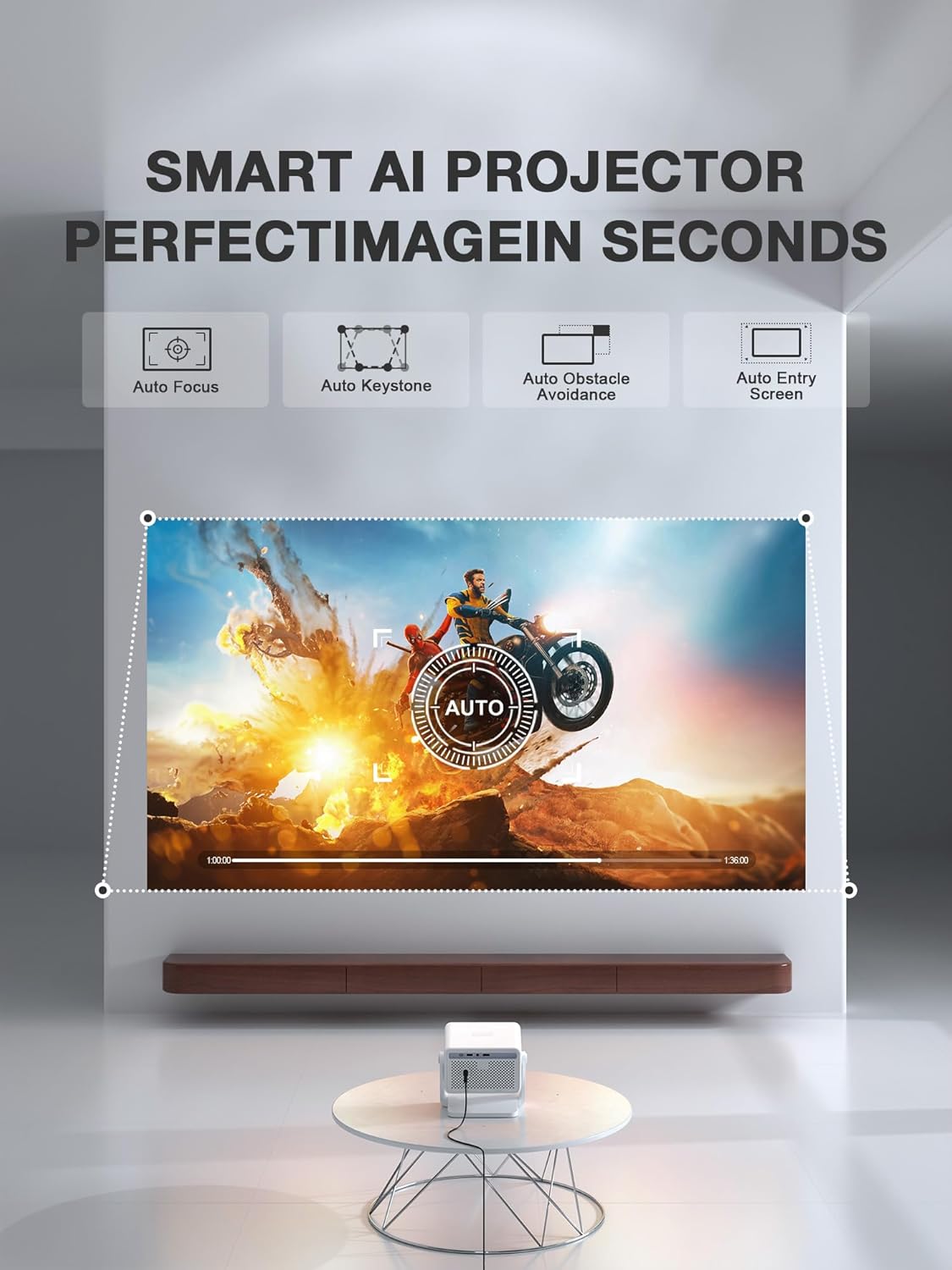
Image: A graphic illustrating the smart AI features of the projector, including auto-focus, auto-keystone, auto-obstacle avoidance, and auto-entry screen, ensuring a perfect image in seconds.
5.3 Connectivitat
El projector ofereix diverses opcions de connectivitat:
- HDMI: Connect external devices such as laptops, gaming consoles, or Blu-ray players using the HDMI port.
- USB: Feu servir el port USB per reproduir contingut multimèdia files directament des d'una unitat USB.
- Port d'àudio: Connect external speakers or headphones via the 3.5mm audio jack.
- Wi-Fi 6: Connecta't a la teva xarxa domèstica per accedir a Internet i reproduir en temps real.
- Bluetooth 5.2: Pair with Bluetooth speakers or headphones for enhanced audio.
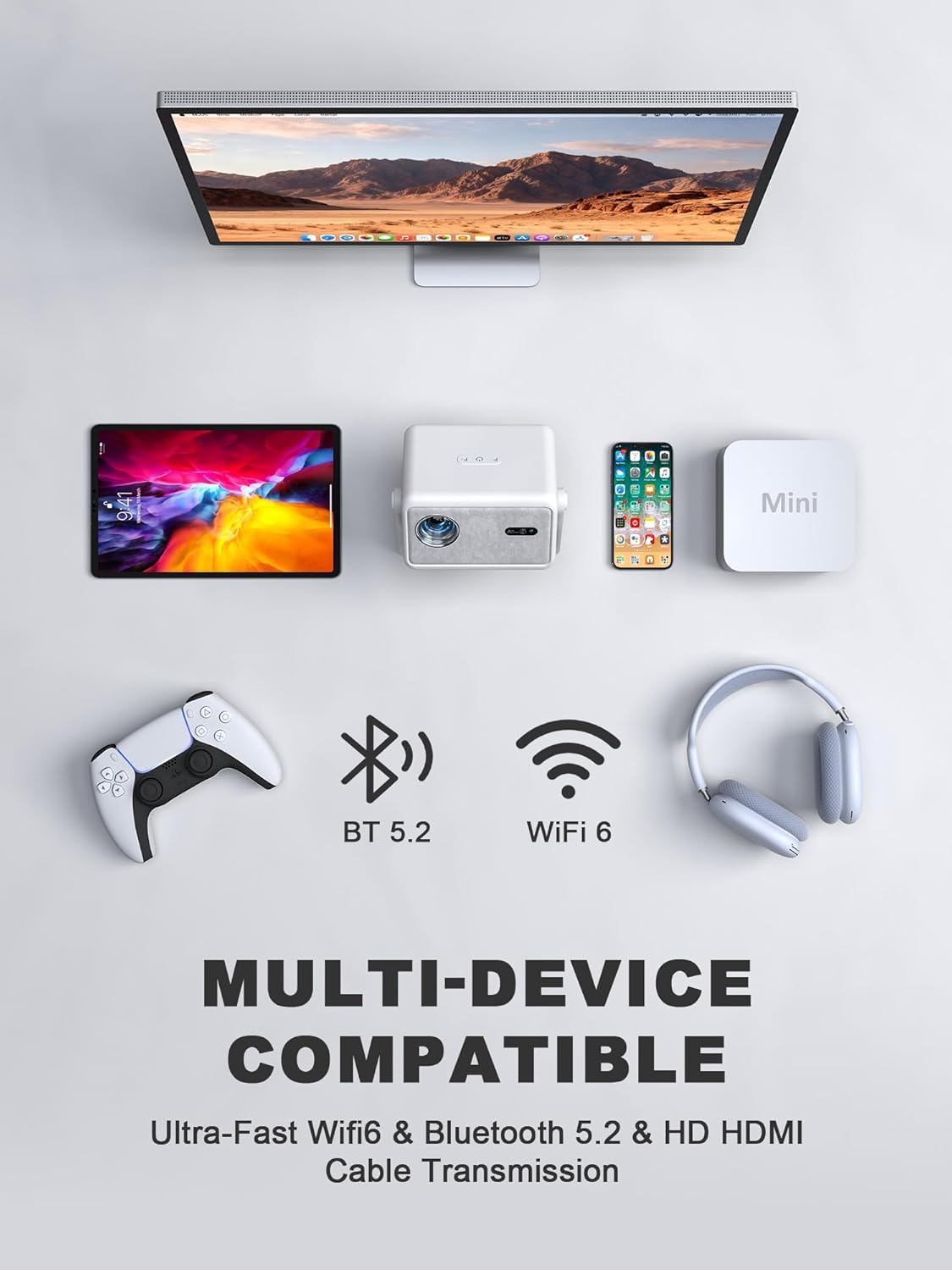
Image: An illustration showing the VISSPL H86 projector connected to various devices like a laptop, tablet, smartphone, and gaming console, highlighting its multi-device compatibility via Wi-Fi 6, Bluetooth 5.2, and HDMI.
5.4 Smart Features (Whale OS)
The projector runs on Whale OS, a hybrid operating system that provides access to a vast array of applications. Pre-installed apps include Netflix, YouTube, and Prime Video. Additional apps can be downloaded from the integrated app store.
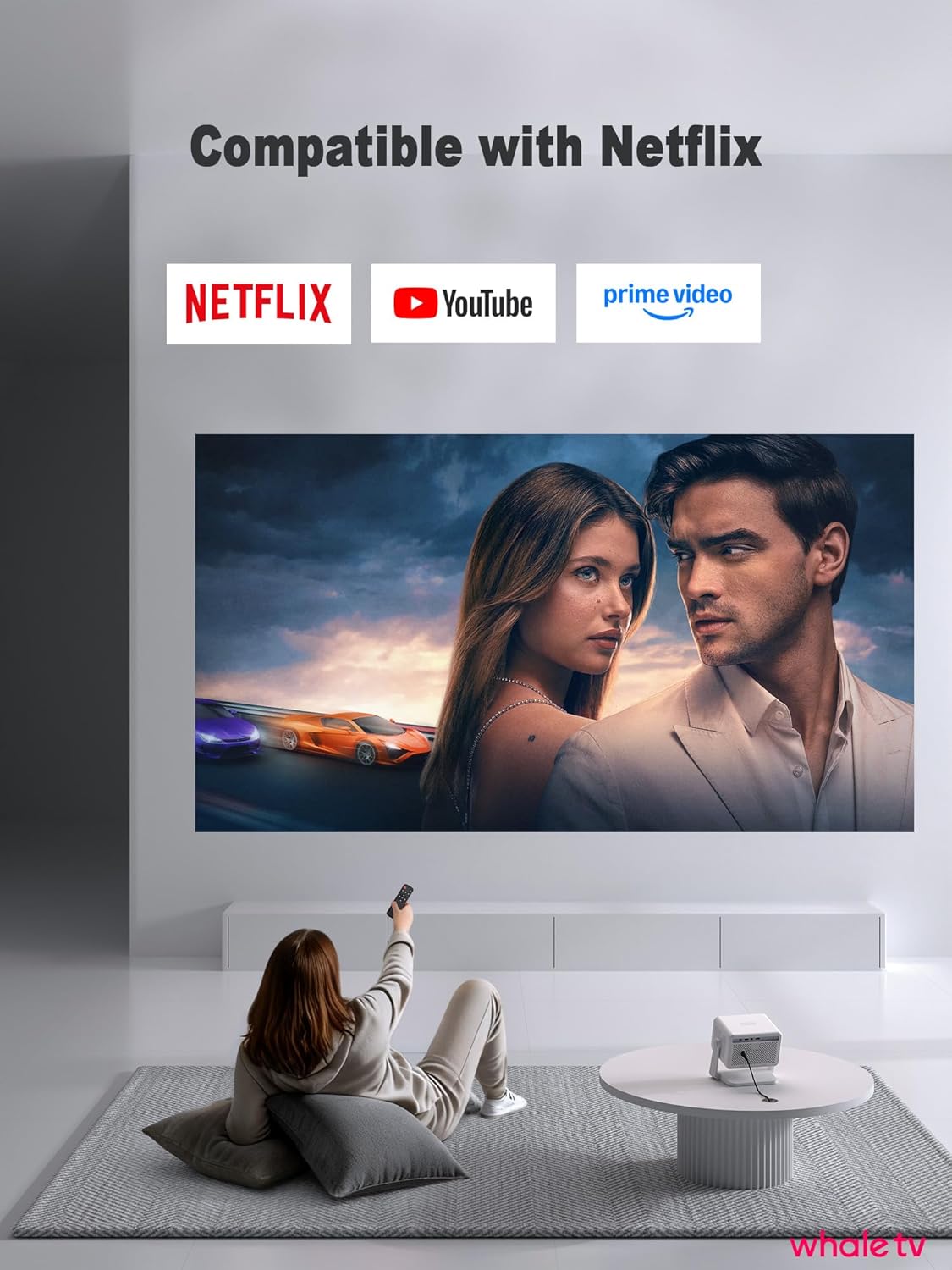
Image: A person using a remote control to navigate the VISSPL H86 projector's interface, which displays icons for Netflix, YouTube, and Prime Video, indicating built-in compatibility.
Video: VISSPL Smart Projector with Wifi and Bluetooth. This video highlights the smart features and connectivity options of the projector, including its Wi-Fi and Bluetooth capabilities.
5.5 Compartició de pantalla
The projector supports screen sharing with iOS and Android devices. Refer to the on-screen instructions or the projector's settings for specific steps to mirror your device's screen.
5.6 Ús del control remot
The included remote control provides full functionality for navigating the projector's interface, adjusting settings, and launching applications. Dedicated buttons for popular streaming services like Netflix, YouTube, and Disney+ are included for quick access.
6. Manteniment
6.1 Neteja
Regularly clean the projector lens and exterior to ensure optimal performance. Use the provided cleaning kit or a soft, lint-free cloth. Avoid abrasive cleaners or solvents. For the lens, gently wipe in a circular motion.
6.2 Emmagatzematge
Quan no l'utilitzeu durant períodes prolongats, guardeu el projector en un lloc fresc i sec, allunyat de la llum solar directa i de temperatures extremes. Feu servir l'embalatge original o una funda protectora per evitar l'acumulació de pols i els danys.
7. Solució De Problemes
- Sense energia: Ensure the power cord is securely connected to both the projector and a working electrical outlet.
- Sense imatge: Check HDMI or USB connections. Verify the input source is correctly selected in the projector's menu.
- Imatge borrosa: The projector features auto-focus. If the image remains blurry, try moving the projector slightly or manually adjusting focus in the settings.
- Imatge distorsionada: Auto-keystone correction should resolve most distortions. If not, check the projector's position relative to the screen or perform manual keystone adjustments.
- Sense so: Check the volume settings on the projector and any connected external audio devices. Ensure Bluetooth speakers are properly paired.
- Problemes de connexió Wi-Fi/Bluetooth: Restart the projector and your router/Bluetooth device. Ensure the projector is within range of the Wi-Fi signal or Bluetooth device.
8. Especificacions
| Característica | Detall |
|---|---|
| Marca | VISSPL |
| Número de model | H86 |
| Resolució de visualització | 1920 x 1080 (1080P natiu, compatibilitat amb 4K) |
| Brillantor | 1800 lúmens ANSI |
| Tecnologia de connectivitat | Wi-Fi 6, Bluetooth 5.2, HDMI, USB |
| Característiques especials | Auto Focus, Auto Keystone Correction, Whale OS |
| Usos recomanats | Home Cinema |
| Pes de l'article | 4.16 lliures |
| Dimensions del paquet | 9.33 x 8.54 x 8.43 polzades |
9. Garantia i assistència
The VISSPL H86 Smart Projector comes with a standard manufacturer's warranty. For detailed warranty information, including coverage period and terms, please refer to the warranty card included in your product packaging or visit the official VISSPL website. For technical support, troubleshooting assistance, or service inquiries, please contact VISSPL customer support through their official channels.
Podeu visitar el VISSPL Store on Amazon per obtenir més informació sobre el producte i recursos d'assistència.

![[PDF] V I S S P L H 8 6 - HCinema die Projektoren Datenbank](https://manuals.plus/m/f9cf4b3a79a1182ab60d9d5db708acce676ed377135732645f7ffc4ab0663d42.png)


![[PDF] VISSPL SMART PROJECT OR - HCinema die Projektoren Datenbank](https://manuals.plus/m/1e343578a4e650b735a5109be91d27ef7ae0e070d891788701fd0d8d19f328de.png)
![[PDF] VISSPL SMART PROJECT OR - HCinema die Projektoren Datenbank](https://manuals.plus/m/6683d1cc6401c51c8d2f2949273265975e37a20e2e960274c7ac884a313840af.png)

