
1. Introducció
The Redragon GS821 Soundbar is a versatile audio system designed to enhance your entertainment experience. It features dual powerful drivers and dual diaphragms for high-fidelity stereo sound, rich bass, and clear dialogue. With multiple connectivity options including HDMI ARC, Optical, Bluetooth 5.3, AUX, and USB, it integrates seamlessly with various devices such as TVs, PCs, projectors, and smartphones. The soundbar also offers three specialized equalizer modes to optimize audio for movies, music, and dialogue.
This manual provides detailed instructions for setting up, operating, and maintaining your Redragon GS821 Soundbar. Please read it thoroughly before use to ensure proper functionality and to maximize your audio experience.
2. Contingut del paquet
Verifiqueu que tots els elements que s'enumeren a continuació s'inclouen al vostre paquet:
- Redragon GS821 Soundbar
- Control remot
- Adaptador d'alimentació
- Cable d'àudio de 3.5 mm
- Kit de muntatge a la paret (cargols i ancoratges)
- Manual d'usuari (aquest document)
3. Producte acabatview
3.1 Frontal i lateral View
The soundbar features a sleek, compact design suitable for various placements.

The Redragon GS821 Soundbar, a compact audio device designed for TV and PC use.
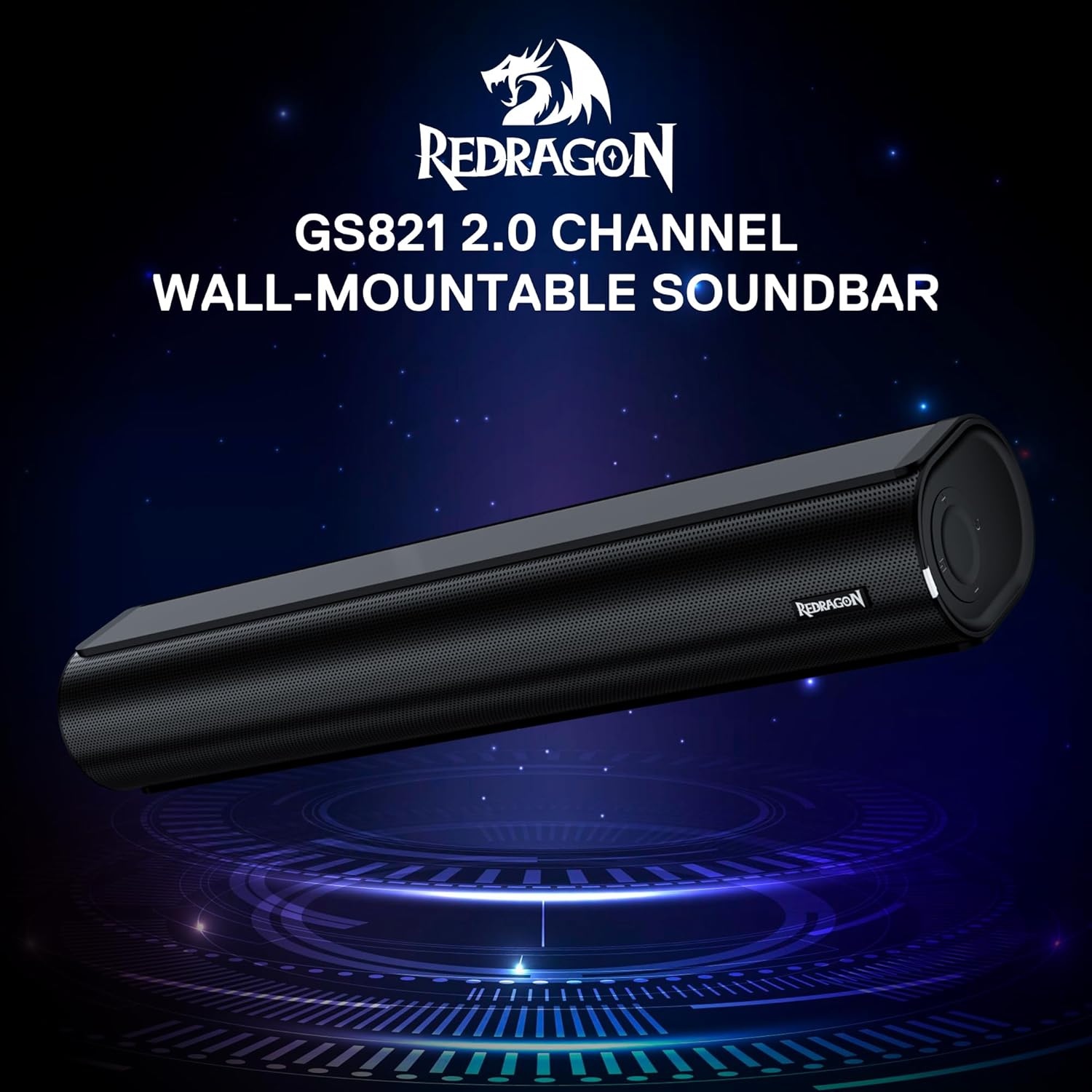
The Redragon GS821 Soundbar showing its compact dimensions: 15.9 inches wide, 4 inches deep, and 2.8 inches high.

Un va explotar view illustrating the dual 45mm sound units and internal components of the Redragon GS821 Soundbar, designed for Hi-Fi stereo sound.
3.2 Panell posterior i connexions
The rear panel provides various ports for connecting to your devices.
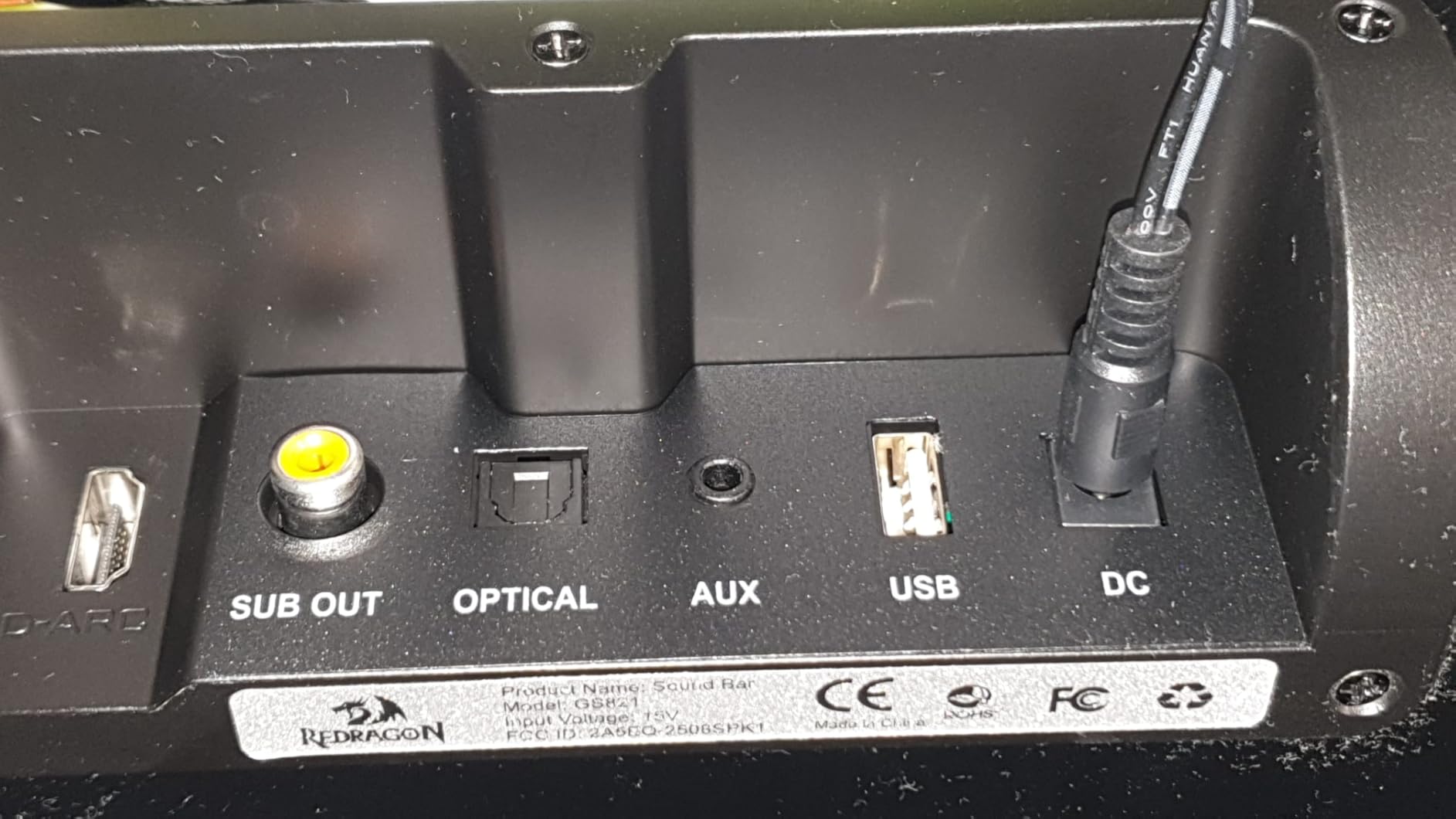
The rear panel of the Redragon GS821 Soundbar, featuring various input ports including HDMI ARC, Optical, AUX, and USB for versatile connectivity.
3.3 Controls and Remote
The soundbar can be controlled via its side buttons or the included remote control.

The included remote control for the Redragon GS821 Soundbar, alongside the manual control buttons located on the side of the soundbar for easy access.
4. Configuració
4.1 Col·locació
The Redragon GS821 Soundbar can be placed on a tabletop or mounted on a wall.
- Col·locació de la taula: Position the soundbar on a flat, stable surface directly in front of your TV or monitor. Ensure it does not block any sensors or the screen.
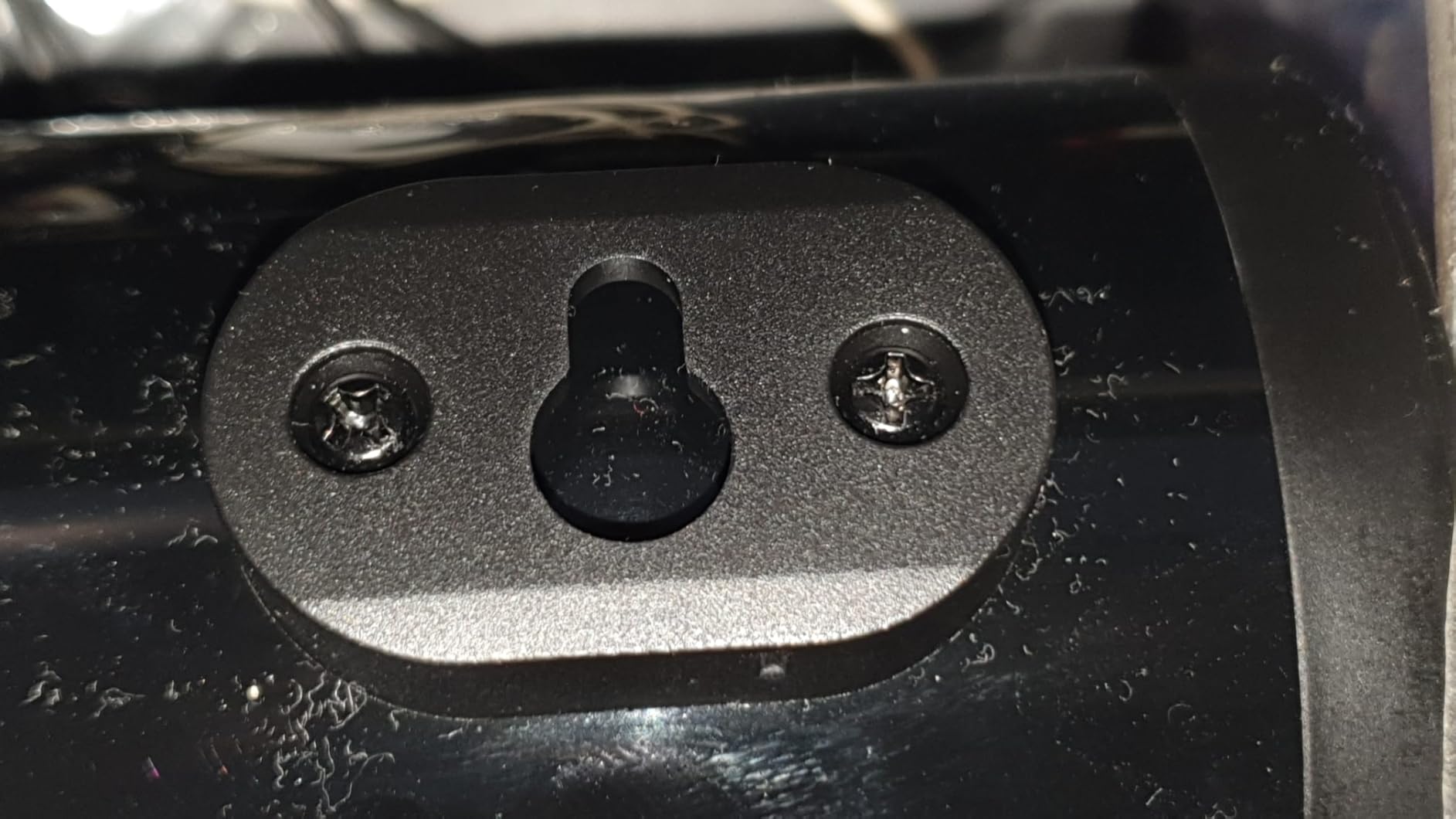
- Muntatge a la paret: Use the provided wall mounting kit. Mark the desired positions on the wall, drill pilot holes, insert anchors, and secure the soundbar using the screws. Ensure the soundbar is level and securely fastened.
4.2 Connexió d'alimentació
- Connecteu l'adaptador de corrent al port DC IN de la barra de so.
- Connecteu l'adaptador de corrent a una presa de corrent.
4.3 Connexions d'àudio
Choose one of the following methods to connect the soundbar to your audio source:
- ARC HDMI: Connect an HDMI cable from the soundbar's HDMI ARC port to your TV's HDMI ARC port. Ensure your TV's HDMI ARC function is enabled in its settings.
- Òptic: Connect an optical cable from the soundbar's OPTICAL port to your TV's or device's optical output port.
- AUX (3.5 mm): Use the provided 3.5mm audio cable to connect the soundbar's AUX port to the headphone jack or audio output of your device.
- USB: Inseriu una unitat flash USB que contingui àudio files into the USB port. The soundbar will automatically detect and play compatible audio files.
- Bluetooth: For wireless connection, refer to section 5.3 Bluetooth Pairing.
5. Instruccions de funcionament
5.1 Encès/Apagat
- Premeu el botó d'engegada de la barra de so o del comandament a distància per encendre o apagar la unitat.
5.2 Selecció d'entrada
Cycle through input modes using the 'M' button on the soundbar or the 'Input' button on the remote control. The LED indicator will change color to show the active input:
A guide to the LED indicator colors on the Redragon GS821 Soundbar, showing which color corresponds to each input mode (Standby, BT, ARC, Optical, AUX, USB).
- Vermell: En espera
- Blau: Bluetooth (BT)
- cyan: HDMI ARC
- Blanc: Òptic
- groc: AUX
- Lila: USB
5.3 Vinculació Bluetooth
Per connectar el dispositiu mitjançant Bluetooth:

A visual representation of the advanced Bluetooth 5.3 technology integrated into the Redragon GS821 Soundbar, ensuring ultra-low latency for perfect audio synchronization.
- Switch the soundbar to Bluetooth mode (Blue LED). The soundbar will enter pairing mode automatically.
- Al dispositiu (telèfon intel·ligent, tauleta, etc.), activeu el Bluetooth i cerqueu els dispositius disponibles.
- Select "Redragon GS821" from the list to pair.
- Un cop vinculat, l'indicador LED deixarà de parpellejar i es mantindrà de color blau continu.
5.4 modes d'equalització
The soundbar offers three specialized EQ modes to optimize your listening experience. Press the EQ button on the remote control to cycle through them:

An illustration of the three specialized sound modes available on the Redragon GS821 Soundbar: Music, Movie, and Dialogue, each optimized for different audio experiences.
- Mode pel·lícula: Enhances surround sound effects for cinematic immersion.
- Mode de música: Boosts bass and high frequencies for a rich, full-bodied audio experience.
- Mode de diàleg: Isolates and clarifies human voices, ideal for news, podcasts, or talk shows.
5.5 Control de volum
Adjust the volume using the volume buttons on the soundbar or the remote control.
- Premeu + per augmentar el volum.
- Premeu - per reduir el volum.
- Premeu el botó Silenciar button on the remote to mute/unmute the sound.
6. Manteniment
- Neteja: Feu servir un drap suau i sec per netejar la superfície de la barra de so. No utilitzeu netejadors líquids ni materials abrasius.
- Emmagatzematge: Quan no la feu servir durant períodes prolongats, guardeu la barra de so en un lloc fresc i sec, allunyat de la llum solar directa i de temperatures extremes.
- Eviteu les obstruccions: Ensure the speaker grilles are not obstructed to maintain optimal sound quality.
7. Solució De Problemes
| Problema | Solució |
|---|---|
| Sense poder | Ensure the power adapter is securely connected to the soundbar and a working power outlet. |
| Sense so | Check the input source selection. Ensure the volume is not muted and is turned up. Verify audio cables are correctly connected. If using HDMI ARC, ensure the TV's ARC function is enabled. |
| Problemes de vinculació de Bluetooth | Ensure the soundbar is in Bluetooth mode. Turn off and on Bluetooth on your device. Move your device closer to the soundbar. Forget the device from your Bluetooth list and try pairing again. |
| El comandament a distància no funciona | Check the battery in the remote control and replace if necessary. Ensure there are no obstructions between the remote and the soundbar. |
| Mala qualitat de so / Distorsió | Adjust the volume level. Try different EQ modes. Ensure the audio source is of good quality. Check cable connections for any damage. |
8. Especificacions
| Característica | Valor |
|---|---|
| Marca | Redragon |
| Número de model | GS821 |
| Potència de sortida màxima dels altaveus | 20 watts |
| Resposta de freqüència | 20000 Hz |
| Tecnologia de connectivitat | Bluetooth (BT 5.3), HDMI ARC, Optical, USB, 3.5mm AUX |
| Mode de sortida d'àudio | estèreo |
| Tipus de muntatge | Tabletop Mount, Wall Mountable |
| Color | Negre |
| Dimensions de l'article (D x W x H) | 2.8 "P x 15.9" W x 4" H |
| Ràtio senyal / soroll | 80 dB |
| Dispositius compatibles | Desktop, Laptop, Projector, Tablet, Television |
9. Informació de la garantia
The Redragon GS821 Soundbar comes with a 1 anys de garantia from the date of purchase. This warranty covers manufacturing defects and workmanship under normal use. It does not cover damage caused by misuse, accidents, unauthorized modifications, or external factors. Please retain your proof of purchase for warranty claims.
10. Atenció al client
If you encounter any issues or have questions regarding your Redragon GS821 Soundbar that are not addressed in this manual, please contact Redragon customer support. Refer to the official Redragon weblloc web o l'embalatge del producte per obtenir la informació de contacte més actualitzada.
For online support and FAQs, visit: www.redragonzone.com