
1. Producte acabatview
The Rainbuvvy 4G Smartwatch is a versatile device designed for connectivity and activity tracking. It features a large 2.88-inch HD touch screen, runs on Android 11 OS, and supports 4G network connectivity with an independent SIM card slot. The smartwatch includes dual cameras, built-in GPS, and a long-lasting battery.
Característiques principals:
- 2.88-inch HD Large Screen: High-definition TFT full touch display with 480*640 resolution for sensitive touch and smooth operation.
- Independent SIM Card Slot: Supports full Netcom 4G network and WiFi for fast internet access, video calls, text messages, and voice calls.
- Dual Cameras & GPS: Equipped with 8.0MP+2.0MP COMS high-sensitivity sensors for photography and video chat. Built-in GPS/GLONASS for precise positioning and navigation.
- Sistema operatiu Android 11: Powered by an octa-core CPU and 4GB+64GB configuration for smooth application performance.
- Espera llarga: 2300mAh polymer lithium battery with optimized energy-saving system.
- Detachable Band: Allows for easy removal of the watch body from the strap.

Image: The Rainbuvvy 4G Smartwatch showcasing its 2.88-inch HD large screen with 480x640 pixel resolution.
2. Configuració
2.1 Desembalatge i components
En obrir el paquet, assegureu-vos que hi hagi tots els components:
- Rainbuvvy 4G Smartwatch (main unit)
- Detachable Watch Band
- Cable de càrrega
- Manual d'usuari (aquest document)
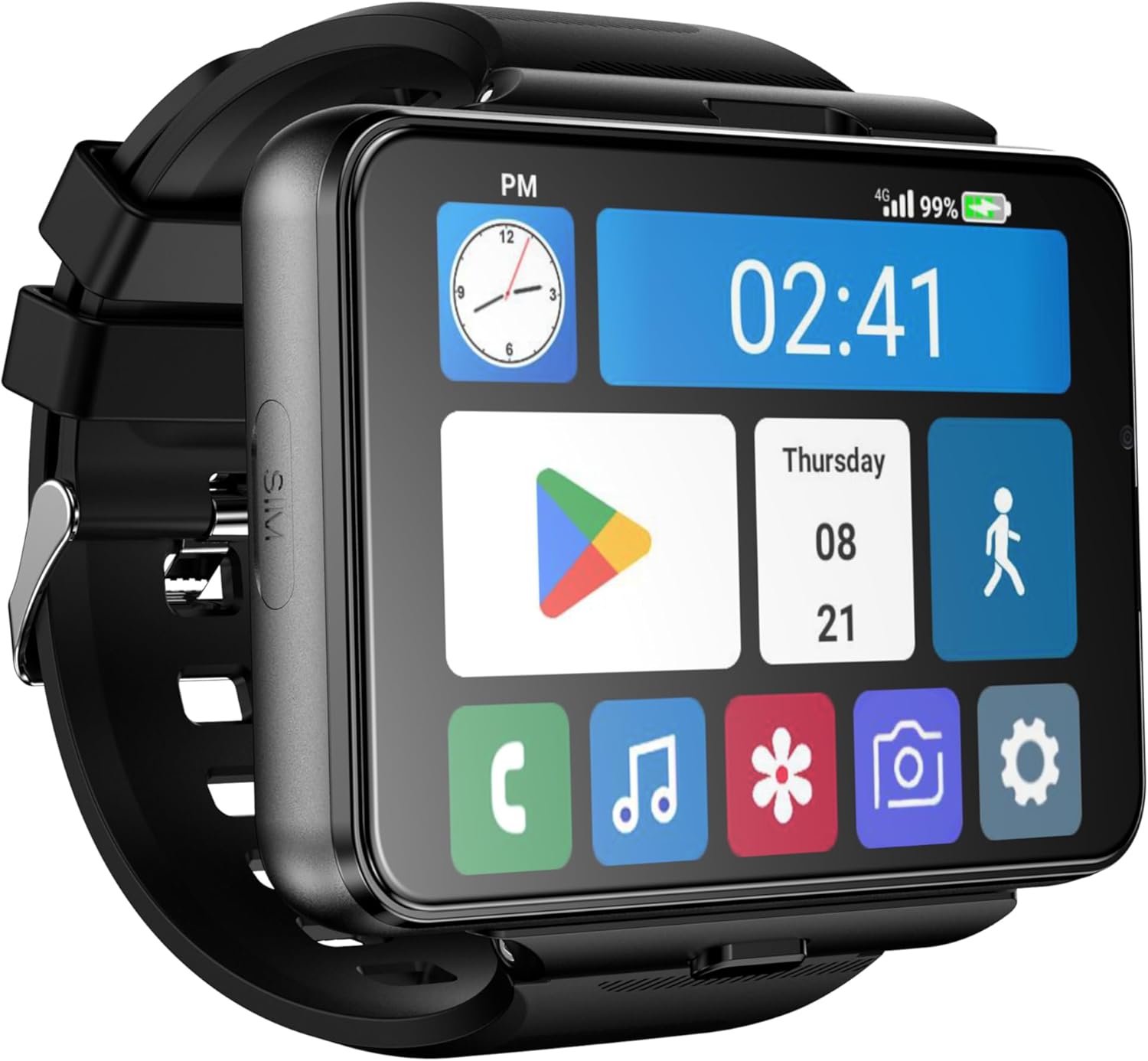
Image: The Rainbuvvy 4G Smartwatch with its detachable band and charging cable.
2.2 Attaching and Detaching the Watch Band
The smartwatch features a detachable design, allowing the main unit to be separated from the wristband. This can be useful for charging or using the device as a standalone mini-phone.
Video: This video demonstrates the process of installing and removing the watch band from the Rainbuvvy 4G Smartwatch.
Video: A detailed guide on how to install the watch band onto the Rainbuvvy 4G Smartwatch.

Image: Visual steps illustrating how to detach and attach the smartwatch body from its band for convenience.
2.3 Instal·lació de la targeta SIM
The smartwatch supports an independent SIM card for 4G network functionality. Locate the SIM card slot on the side of the device and insert your Nano-SIM card as shown in the video.
Video: This video demonstrates the features of the 4G LTE Smart Watch Phone, including SIM card insertion and dual camera functionality.

Imatge: Primer pla view of the Rainbuvvy 4G Smartwatch highlighting the independent SIM card slot for network connectivity.
2.4 Càrrega del dispositiu
Use the provided charging cable to charge your smartwatch. Connect the magnetic end of the cable to the charging pins on the back of the watch and the USB end to a power adapter or computer.

Image: The smartwatch display showing a 100% battery charge indicator, powered by its 2300mAh battery.
2.5 Encès/Apagat
To power on the device, press and hold the power button located on the side until the screen illuminates. To power off, press and hold the power button, then select 'Power Off' from the options.
3. Instruccions de funcionament
3.1 Navegació i interfície d'usuari
The smartwatch features a full touch screen for navigation. Swipe left, right, up, or down to access different screens, notifications, and quick settings. Tap icons to open applications.
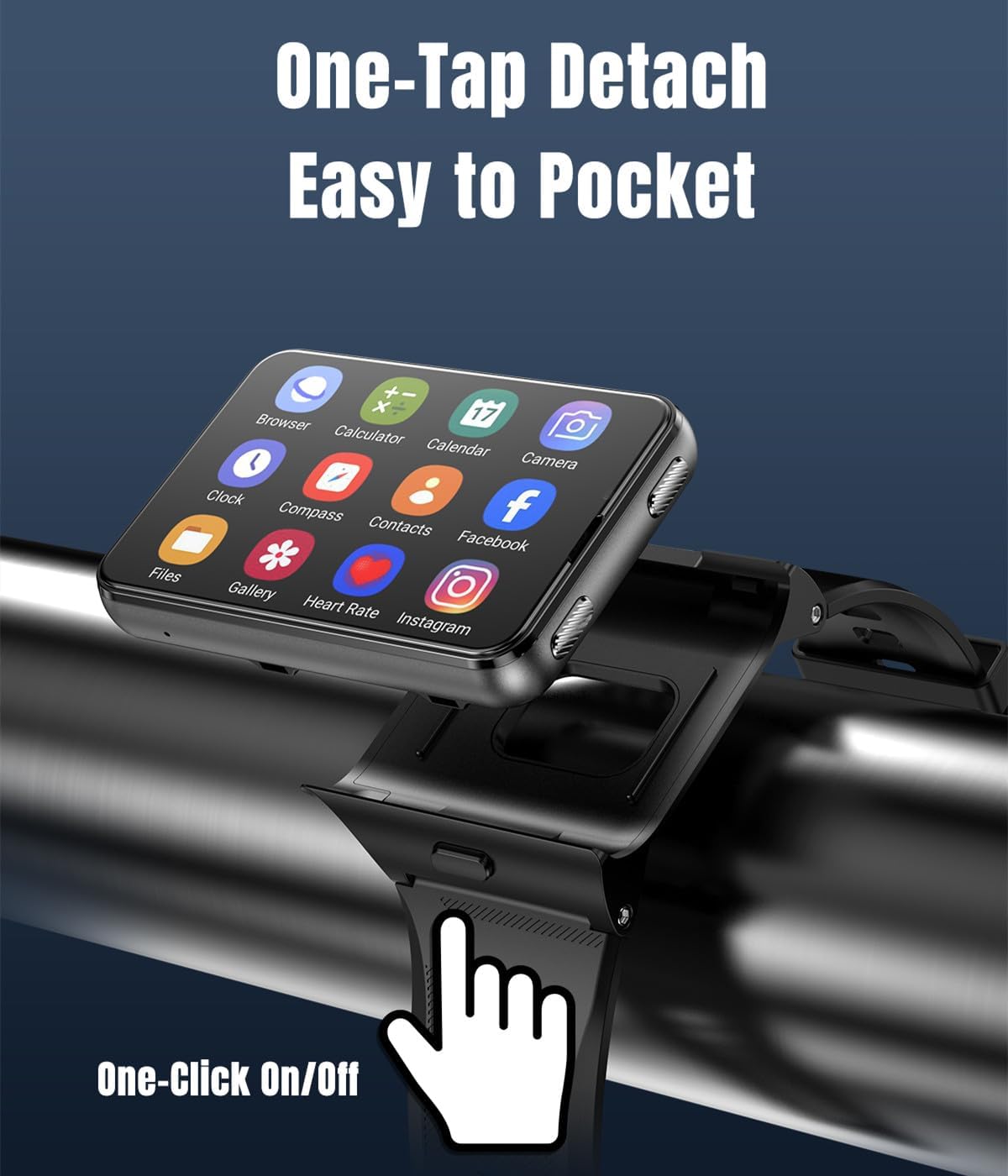
Image: The smartwatch screen displaying a grid of third-party applications available for download and use.
3.2 Característiques de comunicació
With an inserted SIM card, the smartwatch supports cellular communication:
- Trucades de veu: Dial numbers directly from the watch or select contacts.
- Missatges de text: Enviar i rebre missatges SMS.
- Videotrucades: Utilize the dual cameras for video communication.

Image: The smartwatch screen showing various message notifications from social media applications.
3.3 Ús de la càmera
The smartwatch is equipped with dual cameras (8.0MP+2.0MP) for capturing photos and videos. Access the camera application from the main menu.

Image: The Rainbuvvy 4G Smartwatch featuring its HD dual cameras (200W+800W) for photography and video calls.
3.4 Navegació GPS
Utilize the built-in GPS and GLONASS support for precise positioning and navigation. Compatible third-party navigation apps can be installed from the Google Play Store.
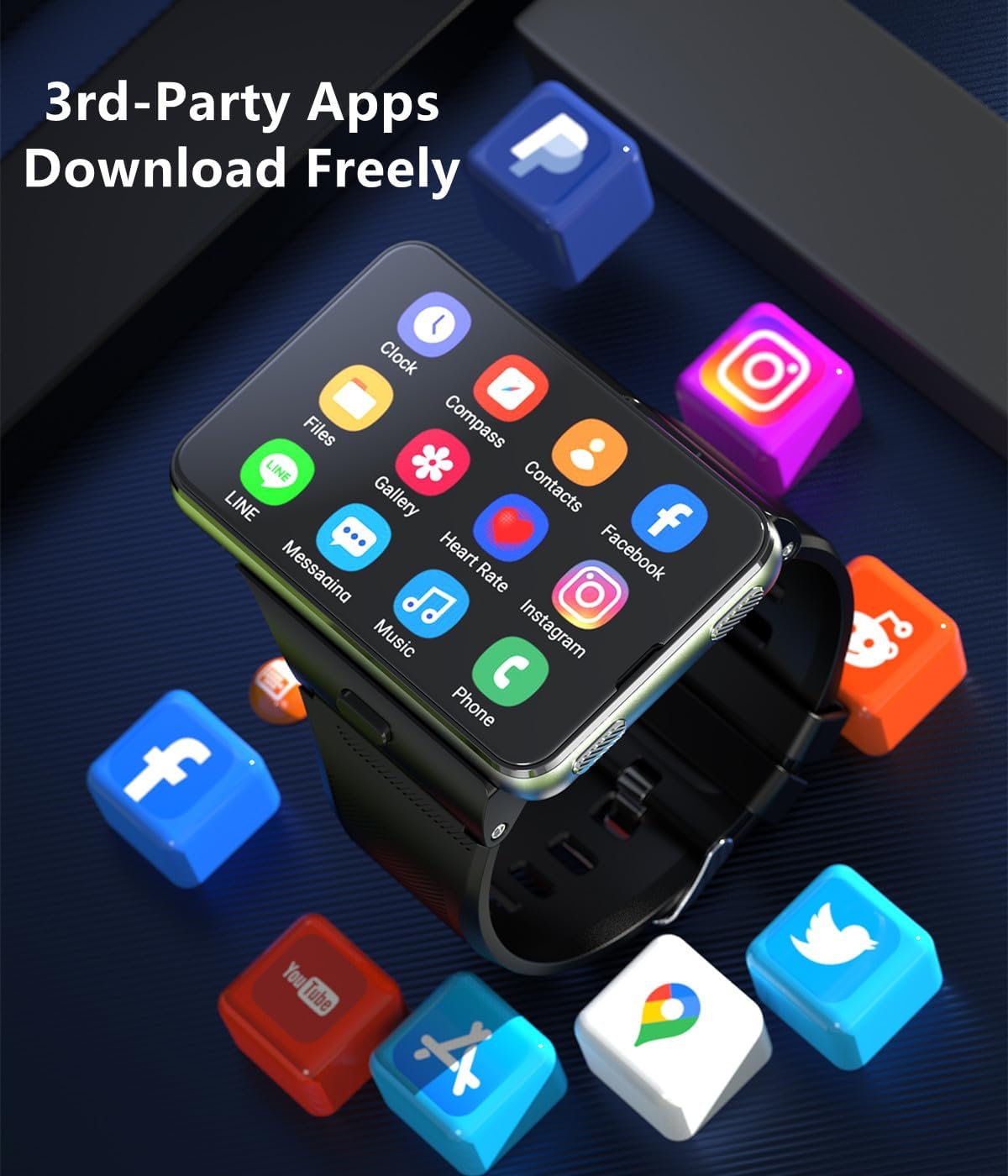
Image: The smartwatch screen showing GPS navigation with support for various mapping applications.
3.5 Gestió d'aplicacions
The Android 11 OS allows for installation of various third-party applications from the Google Play Store. Manage installed apps through the 'Apps & notifications' section in settings.
Video: This video demonstrates the smooth performance of games on the large screen of the Rainbuvvy 4G Smartwatch.
Vídeo: Un overview of the 4G Smartwatch's features, including dual cameras, WiFi, and GPS, highlighting its Android capabilities.
3.6 Reproducció de música
The smartwatch can play music directly. Connect Bluetooth headphones for a wireless audio experience.

Image: The smartwatch displaying a music player interface, paired with wireless earbuds for audio playback.
3.7 Seguiment de l'aptitud física
The device functions as an activity tracker, measuring various metrics. Access fitness features through dedicated applications on the watch.

Image: The back of the smartwatch showing the heart rate sensor in operation, emitting a green light.
4. Manteniment
4.1 Neteja
Regularly clean your smartwatch with a soft, dry cloth. Avoid using harsh chemicals or abrasive materials that could damage the screen or casing.
4.2 Resistència a l'aigua
The smartwatch is water resistant. However, it is not recommended for swimming or showering. Avoid prolonged exposure to water.

Image: The smartwatch being splashed with water, illustrating its water-resistant design.
4.3 Cura de la bateria
To prolong battery life, avoid extreme temperatures and fully discharging the battery frequently. Charge the device using the original charging cable.
5. Solució De Problemes
5.1 Problemes comuns
- No App Connectivity: This smartwatch operates as a standalone system and does not support app connectivity with a companion phone app.
- El dispositiu no s'encén: Ensure the device is fully charged. If the issue persists, perform a soft reset by holding the power button for an extended period.
- Problemes de xarxa: Check if the SIM card is correctly inserted and activated. Verify network coverage in your area.
5.2 Restabliment de fàbrica
If you encounter persistent software issues, a factory reset may resolve them. Navigate to Configuració > Sistema > Opcions de restabliment > Esborra totes les dades (restabliment de fàbrica). This will erase all data on the device, so back up important information beforehand.
6. Especificacions
| Característica | Detall |
|---|---|
| Sistema operatiu | Android 11 |
| Capacitat d'emmagatzematge de memòria | 64 GB |
| Memòria RAM instal·lada | 4 GB |
| Mida de la pantalla | 2.88 polzades |
| Tipus de visualització | LCD |
| Resolució | 480 x 640 |
| Capacitat de la bateria | 2300 milionsamp Hores (polímer de liti) |
| Tecnologia cel·lular | 4G (Unlocked for All Carriers) |
| Tecnologia de connectivitat | Wi-Fi, mòbil, GPS |
| GPS | Built-in GPS, GLONASS |
| Càmeres | Dual Camera (8.0MP+2.0MP COMS high-sensitivity sensor) |
| Nivell de resistència a l'aigua | Resistent a l'aigua |
| Tipus de material de la banda | Goma, silicona |
| Entrada de la interfície humana | Pantalla tàctil |
| Aplicació compatible | HEBSWatch |
| Nom del model | Rellotge intel·ligent |
| Número de model | B0FRSDCFKT |
| UPC | 734383210168 |
| Fabricant | Rainbuvvy |
7. Garantia i assistència
7.1 Informació de la garantia
This Rainbuvvy Smartwatch comes with a Limited Warranty. Please refer to the product packaging or contact customer support for specific terms and conditions regarding your warranty.
7.2 Atenció al client
For further assistance, technical support, or inquiries regarding your Rainbuvvy Smartwatch, please contact the manufacturer's customer service. Contact details can typically be found on the product packaging or the official Rainbuvvy weblloc.