
1. Introducció
Thank you for choosing the DOOGEE BoneBeat Swim Lite Bone Conduction Headphones. These headphones are designed for active lifestyles, offering IP68 waterproofing, dual Bluetooth 5.4 and 32GB MP3 modes, and an open-ear design for comfort and situational awareness during various sports activities, including swimming, running, and fitness.
2. Contingut del paquet
Assegureu-vos que tots els elements que s'enumeren a continuació estiguin presents al vostre paquet:
- 1 x DOOGEE BoneBeat Swim Lite Headphones
- 1 x cable de càrrega magnètic
- 1 x Adjustable Elastic Strap
- 1 x Pair of Silicone Swimming Earplugs
- 1 x Pair of Foam Swimming Earplugs
- 1 x bossa d'emmagatzematge
- 1 x Manual d'usuari
- 1 x Targeta de servei
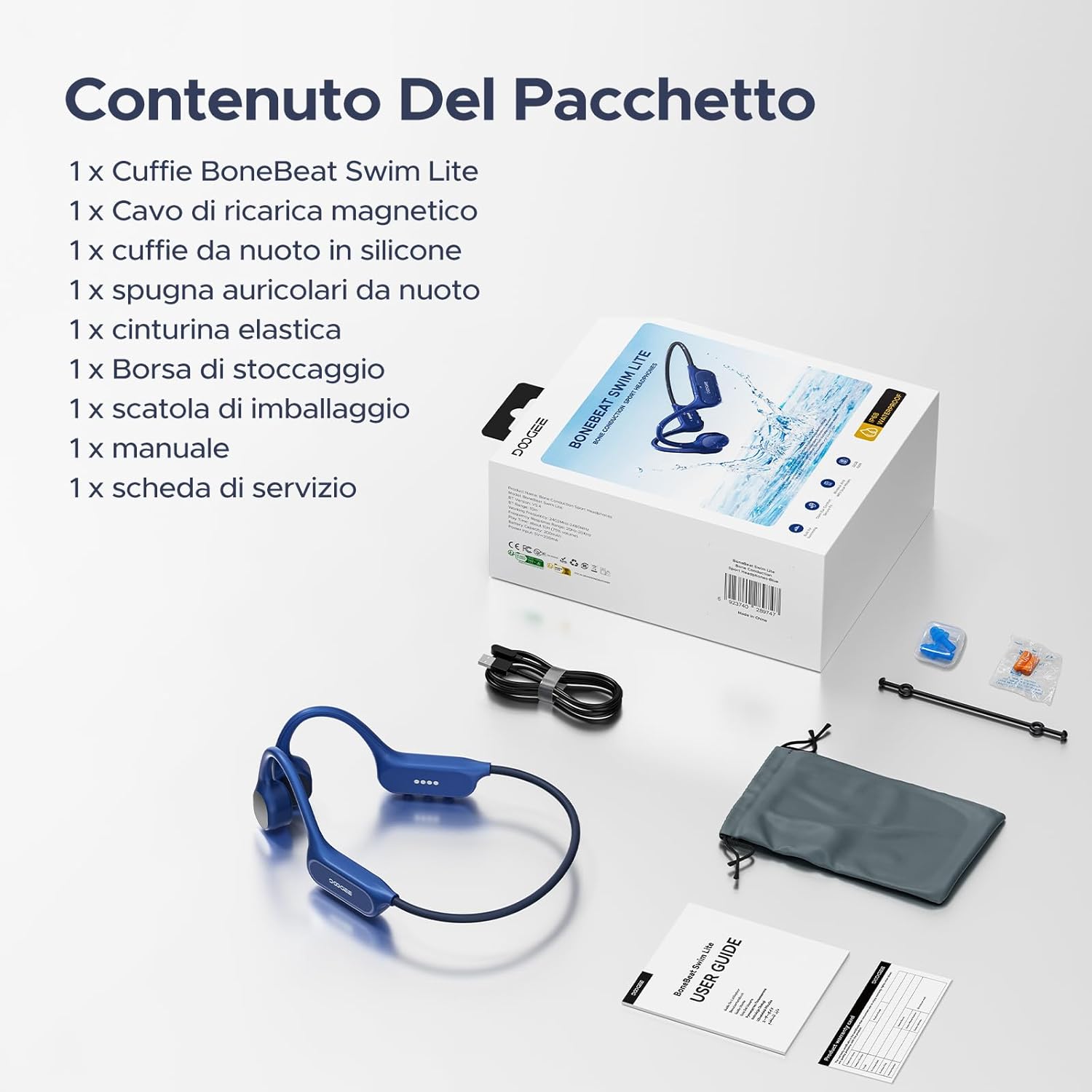
Image: Package contents of the DOOGEE BoneBeat Swim Lite headphones.
3. Configuració
3.1 Càrrega dels auriculars
Before first use, fully charge your headphones. Connect the magnetic charging cable to the charging port on the headphones and plug the USB end into a compatible power source (e.g., computer USB port or USB wall adapter). The LED indicator will show charging status. A 10-minute charge provides approximately 2 hours of playback.
3.2 Vinculació Bluetooth
- Power on the headphones by pressing and holding the Multi-Function Button (MFB) until the LED indicator flashes.
- Al dispositiu (telèfon intel·ligent, tauleta, ordinador portàtil), activeu el Bluetooth i cerqueu els dispositius disponibles.
- Select "DOOGEE BoneBeat Swim Lite" from the list to pair. The LED indicator will show a solid light when successfully connected.
3.3 Mode MP3 i File Transferència
The headphones feature 32GB of internal storage for MP3 playback, allowing you to store approximately 8,000 standard-quality songs. To transfer music:
- Connecteu els auriculars a l'ordinador amb el cable de càrrega magnètic.
- Els auriculars apareixeran com una unitat de disc extraïble.
- Arrossega i deixa anar l'àudio MP3 files a la carpeta d'emmagatzematge dels auriculars.
- Expulseu el dispositiu de l'ordinador de manera segura abans de desconnectar el cable.
Note: For underwater use, switch to MP3 mode as Bluetooth signals do not transmit effectively through water.
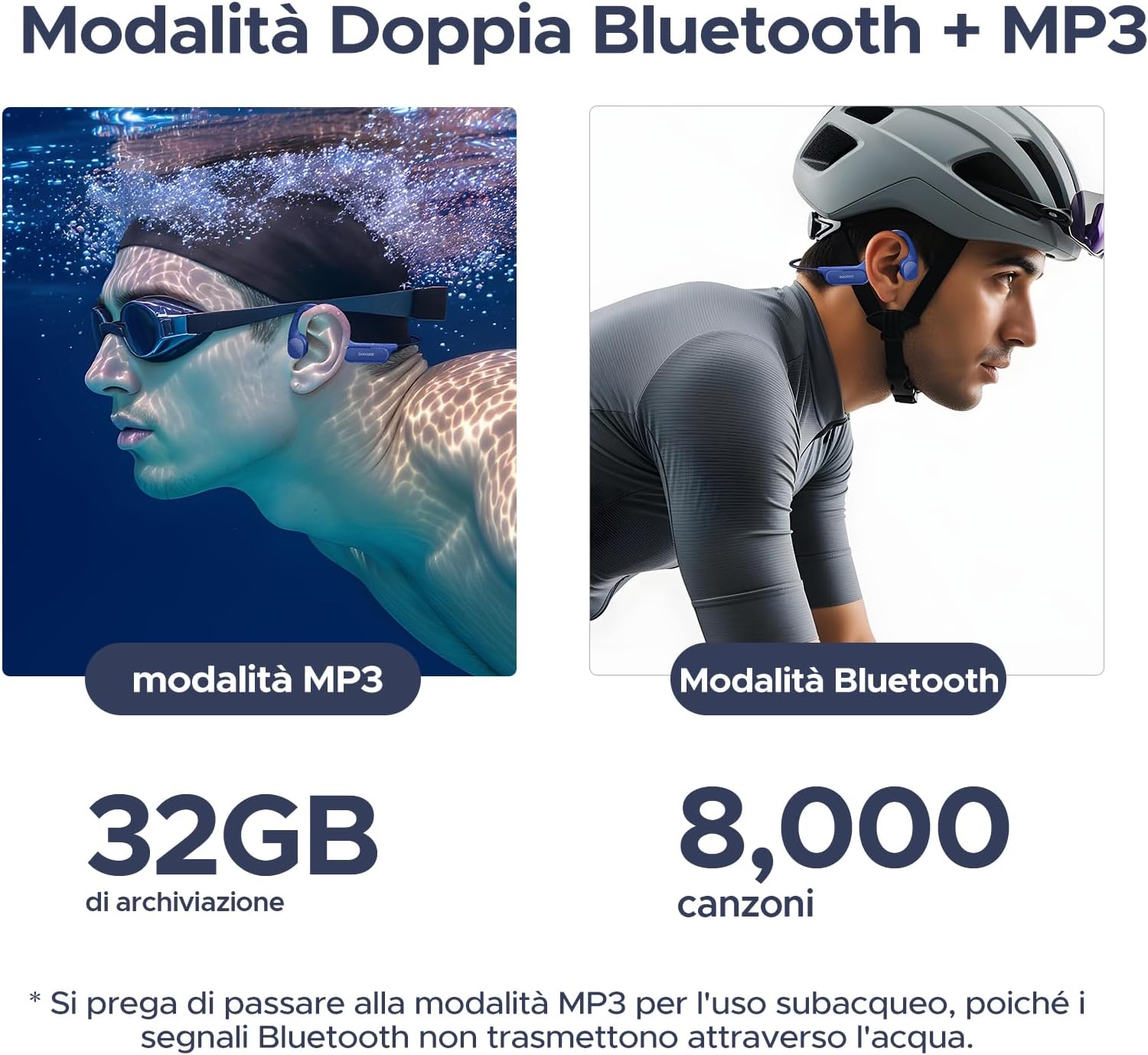
Image: Dual mode functionality for MP3 (swimming) and Bluetooth (cycling).
4. Instruccions de funcionament
4.1 Encès/Apagat
- Encès: Manteniu premut el MFB durant 3 segons.
- Apagar: Manteniu premut el MFB durant 5 segons.
4.2 Reproducció de música
- Reproduir/pausa: Premeu el MFB una vegada.
- Pista següent: Press and hold the Volume + button for 2 seconds.
- Pista anterior: Press and hold the Volume - button for 2 seconds.
- Pujar el volum: Premeu el botó Volum +.
- Baixar el volum: Premeu el botó de volum -.
4.3 Gestió de trucades
- Respon a la trucada: Premeu el MFB una vegada.
- Finalitzar la trucada: Premeu el botó multifunció una vegada durant una trucada.
- Rebutja la trucada: Manteniu premut el MFB durant 2 segons.
4.4 Switching Modes (Bluetooth/MP3)
To switch between Bluetooth and MP3 modes, double-press the MFB. A voice prompt will indicate the current mode.

Image: Optimized physical buttons for easy control during sports.
5. Característiques clau
- Classificació impermeable IP68: Designed for immersion, allowing use in swimming pools, rain, or showers.
- Secure & Stable Fit: Lightweight (25g) and made from flexible titanium alloy, with an ergonomic design and adjustable strap for a secure fit during intense activities.
- Dual Mode (Bluetooth 5.4 & 32GB MP3): Offers stable, low-latency Bluetooth connectivity and 32GB internal storage for smartphone-free music playback. Supports multipoint connection.
- Durada de la bateria de 10 hores: Provides up to 10 hours of playback in Bluetooth mode and 6 hours in MP3 mode. Quick charge feature offers 2 hours of music from a 10-minute charge.
- Excellent Audio Quality: Advanced bone conduction technology delivers powerful bass and clear treble. Features a noise-canceling microphone for clear calls.
- Disseny d'orella oberta: Ensures situational awareness by keeping your ears open to ambient sounds, enhancing safety during outdoor activities.

Image: DOOGEE BoneBeat Swim Lite headphones in use during swimming, highlighting IP68 waterproofing.
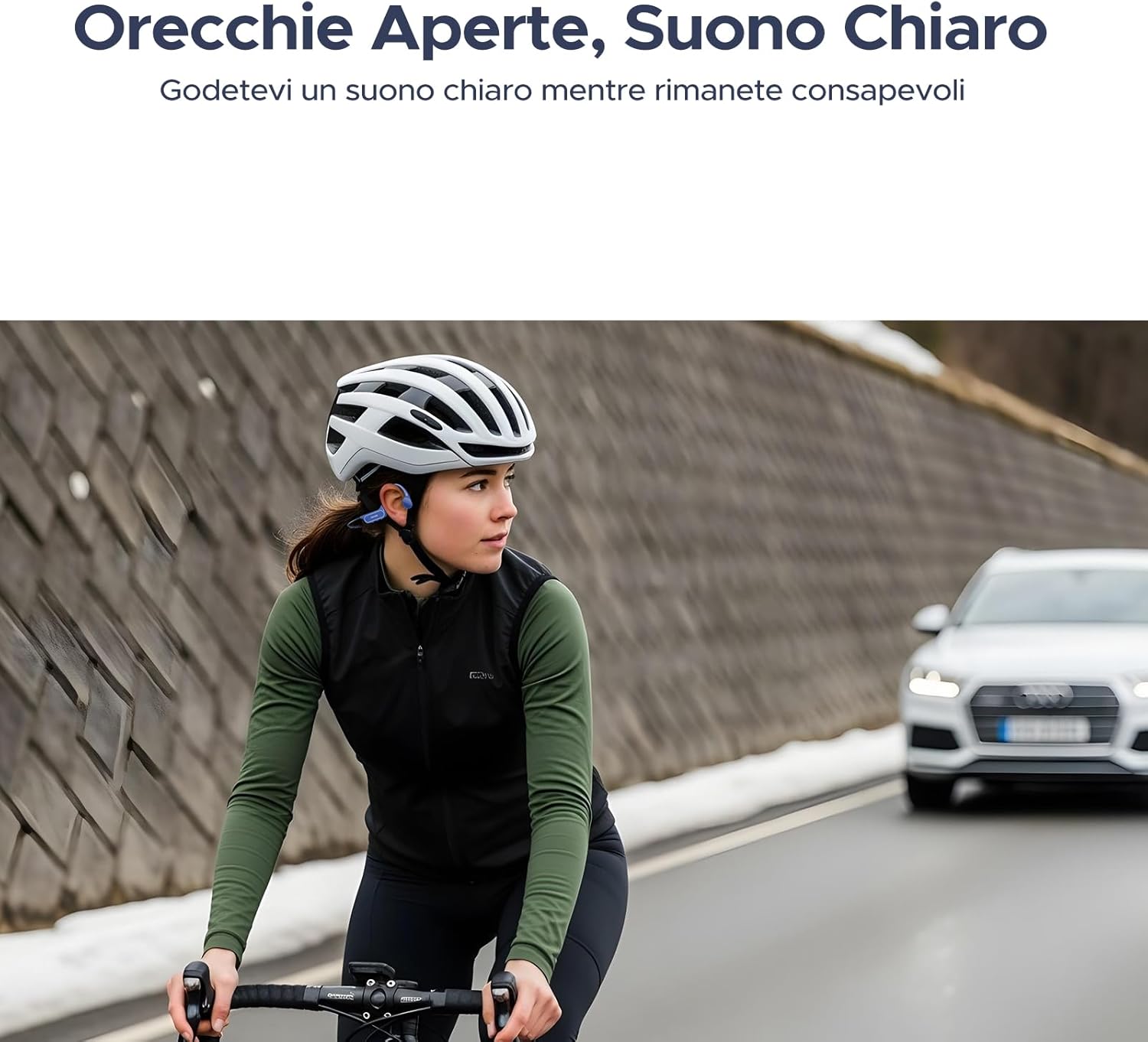
Image: Cyclist wearing DOOGEE BoneBeat Swim Lite headphones, showcasing the open-ear design for safety.

Image: Battery life details for Bluetooth and MP3 modes.

Image: Illustration of advanced bone conduction technology for clear and vibrant sound.
6. Manteniment
- Neteja: Netegeu els auriculars amb un suau, damp cloth after each use, especially after swimming or heavy sweating. Do not use abrasive cleaners.
- Assecat: Assegureu-vos que el port de càrrega estigui completament sec abans de carregar-lo per evitar danys.
- Emmagatzematge: Guardeu els auriculars a la bossa d'emmagatzematge proporcionada en un lloc fresc i sec, allunyat de la llum solar directa i de temperatures extremes.
- Exposició a l'aigua: While IP68 rated, it is recommended to rinse the headphones with fresh water immediately after contact with saltwater or chlorinated water to prevent corrosion. Do not wear headphones in hot baths or saunas.
7. Solució De Problemes
- Sense energia: Assegureu-vos que els auriculars estiguin completament carregats.
- No es pot emparellar Bluetooth: Make sure the headphones are in Bluetooth pairing mode and within range of your device. Try restarting both devices.
- Sense so: Check the volume levels on both the headphones and your connected device. Ensure the correct mode (Bluetooth or MP3) is selected.
- Poor Sound Quality in Water: Switch to MP3 mode for optimal sound quality underwater, as Bluetooth signals are significantly weakened by water. Using the provided earplugs can also enhance sound perception while swimming.
- Music Transfer Issues: Ensure the headphones are properly connected to the computer and recognized as a storage device. Check that the audio fileestan en un format compatible (per exemple, MP3).
8. Especificacions
| Marca | DOOGEE |
| Model | BONEBEATSWIMLITE |
| Material | ABS + Titanium Alloy |
| Pes | 25 grams |
| Nivell de resistència a l'aigua | IP68 (impermeable) |
| Versió Bluetooth | 5.4 |
| Emmagatzematge intern | 32 GB (aprox. 8,000 cançons) |
| Durada de la bateria (Bluetooth) | Fins a 10 hores |
| Battery Life (MP3) | Fins a 6 hores |
| Temps de càrrega | 10 minuts per a 2 hores de reproducció (càrrega ràpida) |
| Tipus de control | Control multimèdia, comandament a distància |
| Dispositius compatibles | Bluetooth-enabled devices (mobile phones, tablets, laptops) |
| Característiques addicionals | Built-in Microphone, Wireless |
9. Garantia i Suport
DOOGEE products come with a standard manufacturer's warranty. Please refer to the included Service Card for specific warranty terms and conditions. For technical support, troubleshooting assistance, or warranty claims, please contact DOOGEE customer service through their official weblloc web o la informació de contacte que es proporciona a l'embalatge del producte.
Conserveu el tiquet de compra com a comprovant de compra a efectes de garantia.