Introducció
Thank you for choosing the Sudio C8 Noise Cancelling Earbuds. This manual provides essential information on how to set up, operate, maintain, and troubleshoot your earbuds to ensure optimal performance and longevity. Please read this manual carefully before using your device.
Què hi ha a la caixa
Verifiqueu que tots els elements siguin presents al paquet:
- Sudio C8 Earbuds and Charging Case
- Cable de càrrega USB-C
- Eartip Card with 4 Silicone Eartip Sizes
- Manual d'usuari

Image: Contents of the Sudio C8 retail packaging.
Producte acabatview
The Sudio C8 earbuds feature an ergonomic in-ear design for comfortable wear and are equipped with Active Noise Cancellation for an immersive audio experience. The compact charging case provides extended battery life and convenient storage.
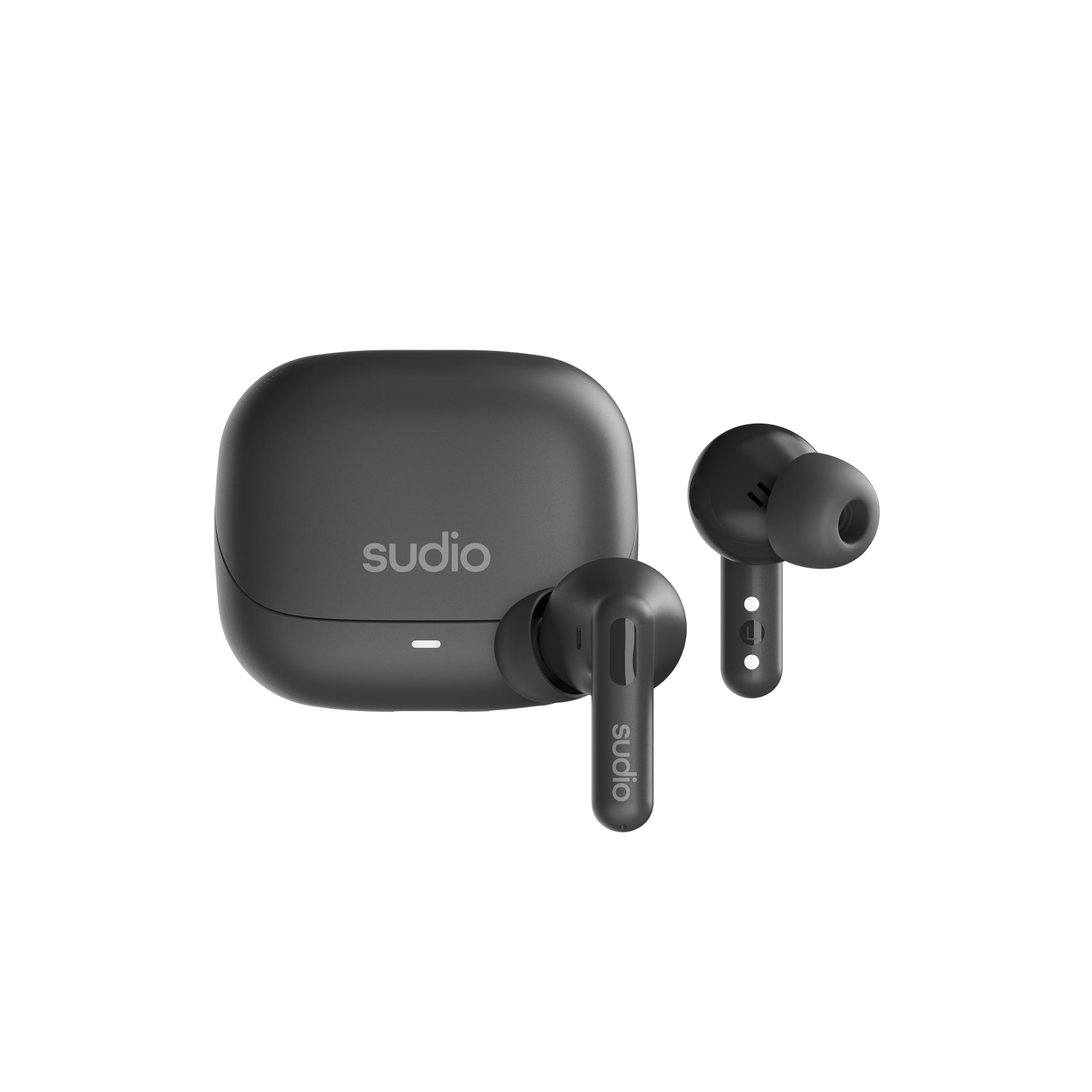
Imatge: Anvers i revers view of the Sudio C8 earbuds.

Image: Sudio C8 earbuds and charging case.
Configuració
1. Càrrega dels auriculars i l'estoig
Before first use, fully charge the Sudio C8 earbuds and their charging case. Use the provided USB-C cable to connect the charging case to a power source.
- Introduïu els auriculars a l'estoig de càrrega. Assegureu-vos que estiguin correctament col·locats.
- Connect the USB-C cable to the charging port on the case and to a USB power adapter (not included) or a computer's USB port.
- The indicator light on the charging case will show the charging status. A full charge typically takes approximately 6 hours for the case.
- The earbuds provide up to 6 hours of playtime on a single charge, with an additional 30 hours provided by the charging case.

Image: Sudio C8 earbuds and case, illustrating USB-C charging.
2. Emparellament amb el dispositiu
To connect your Sudio C8 earbuds to a Bluetooth-enabled device:
- Assegureu-vos que els auriculars estiguin carregats i col·locats dins de l'estoig de càrrega.
- Open the charging case lid. The earbuds will automatically enter pairing mode, indicated by a flashing light on the case or earbuds.
- Al dispositiu (telèfon intel·ligent, tauleta, ordinador), aneu a la configuració de Bluetooth.
- Cerca available devices and select "Sudio C8" from the list.
- Un cop connectat, l'indicador lluminós deixarà de parpellejar i sentireu un to de confirmació.
- Els auriculars es tornaran a connectar automàticament a l'últim dispositiu emparellat quan es treguin de l'estoig, si el Bluetooth està activat al dispositiu.
Instruccions de funcionament
Encès/Apagat
- Encès: Open the charging case lid, or remove the earbuds from the case. They will power on automatically.
- Apagar: Torna a col·locar els auriculars a l'estoig de càrrega i tanca la tapa. S'apagaran automàticament.
Controls tàctils
The Sudio C8 earbuds feature intuitive touch controls on each earbud. The specific functions may vary slightly depending on your device and application.
- Reproduir/pausa: Un sol toc a qualsevol dels auriculars.
- Pista següent: Toqueu dues vegades l'auricular dret.
- Pista anterior: Toqueu dues vegades l'auricular esquerre.
- Respondre/Finalitzar la trucada: Toqueu un sol cop a qualsevol dels auriculars durant una trucada entrant o activa.
- Rebutja la trucada: Premeu i manteniu premut qualsevol dels auriculars durant 2 segons durant una trucada entrant.
- Activate/Deactivate Active Noise Cancellation (ANC): Press and hold either earbud for 2 seconds during music playback or standby. This cycles through ANC On, Ambient Mode, and ANC Off.
- Assistent de veu: Triple tap on either earbud (functionality depends on your device).
Cancel·lació activa de soroll (ANC)
The Sudio C8 earbuds are equipped with Active Noise Cancellation technology to reduce ambient noise. To cycle through ANC modes (ANC On, Ambient Mode, ANC Off), press and hold either earbud for 2 seconds.
- ANC activat: Redueix el soroll extern per a una experiència auditiva immersiva.
- Mode ambient: Et permet escoltar el teu entorn mentre gaudeixes de l'àudio, útil per a la consciència en entorns concorreguts.
- ANC apagat: Mode d'escolta estàndard sense cancel·lació de soroll.
Realització de trucades
The Sudio C8 earbuds feature dual microphones for clear call quality.
- Ensure the earbuds are connected to your phone.
- Use the touch controls to answer or end calls as described above.
Manteniment
Neteja
Una neteja regular ajuda a mantenir la qualitat del so i la higiene.
- Netegeu suaument els auriculars i l'estoig de càrrega amb un drap suau, sec i sense borrissol.
- Traieu les puntes de les orelles i netegeu-les amb aigua i sabó suau, i després eixugueu-les bé abans de tornar-les a col·locar.
- Use a dry cotton swab to carefully clean the speaker mesh and charging contacts.
- No utilitzeu netejadors abrasius, alcohol ni dissolvents químics.
Emmagatzematge
Quan no els utilitzeu, guardeu els auriculars a la seva funda de càrrega per protegir-los de la pols i els danys.
Resistència a l'aigua
The Sudio C8 earbuds are sweat and splash resistant. This means they can withstand light rain and sweat during workouts. They are not designed for submersion in water. Do not use them while swimming or showering.

Image: Sudio C8 earbuds highlighting sweat and splashproof design.
Resolució de problemes
If you encounter issues with your Sudio C8 earbuds, try the following solutions:
| Problema | Solució |
|---|---|
| Els auriculars no s'aparellen |
|
| No hi ha so dels auriculars |
|
| Problemes de càrrega |
|
| L'ANC no funciona eficaçment |
|
Especificacions
| Característica | Detall |
|---|---|
| Nom del model | SUDIO C8 |
| Tecnologia de connectivitat | Sense fil (Bluetooth 5.4) |
| Funcions de control de soroll | Cancel·lació activa del soroll |
| Durada de la bateria (auriculars) | Fins a 6 hores |
| Temps de reproducció total (amb estoig) | Fins a 30 hores |
| Temps de càrrega (cas) | Aprox. 6 hores |
| Interfície de càrrega | USB tipus C |
| Mètode de control | Toca |
| Nivell de resistència a l'aigua | Sweat & Splash Resistant |
| Pes de l'article | 12.3 unces (paquet total) |
| Material | Plastic, Silicone, Fabric |
| Components inclosos | Cable, Eartip, User Manual, Wireless Charging Case |
Garantia i Suport
Sudio products are designed for quality and reliability. For detailed warranty information and customer support, please refer to the official Sudio website or the warranty card included in your product packaging.
You can typically find support resources, FAQs, and contact information at the official Sudio support page: www.sudio.com/support