
Introducció
This manual provides detailed instructions for the YUSSBCU 4K 64MP Digital Camera, Model A2. Designed for ease of use, this compact camera is ideal for photography enthusiasts, beginners, and vloggers. It captures high-resolution 4K video and 64MP still images, featuring autofocus, a 180° flip screen, 16X digital zoom, and various shooting modes.

Image: The YUSSBCU 4K 64MP Digital Camera, showcasinel seu disseny compacte i la seva lent frontal.
Què hi ha a la caixa
En obrir el paquet, assegureu-vos que hi hagi tots els elements següents:
- YUSSBCU 4K 64MP Digital Camera (Model A2)
- Manual d'usuari
- Lent Cap
- Camera Cleaning Cloth
- Cable USB (tipus C)
- Adaptador USB
- Wrist Strap / Lanyard
- Bossa de transport
- Lector de targetes SD
Video: An unboxing demonstration of the YUSSBCU Digital Camera, showing all included accessories and the camera itself.
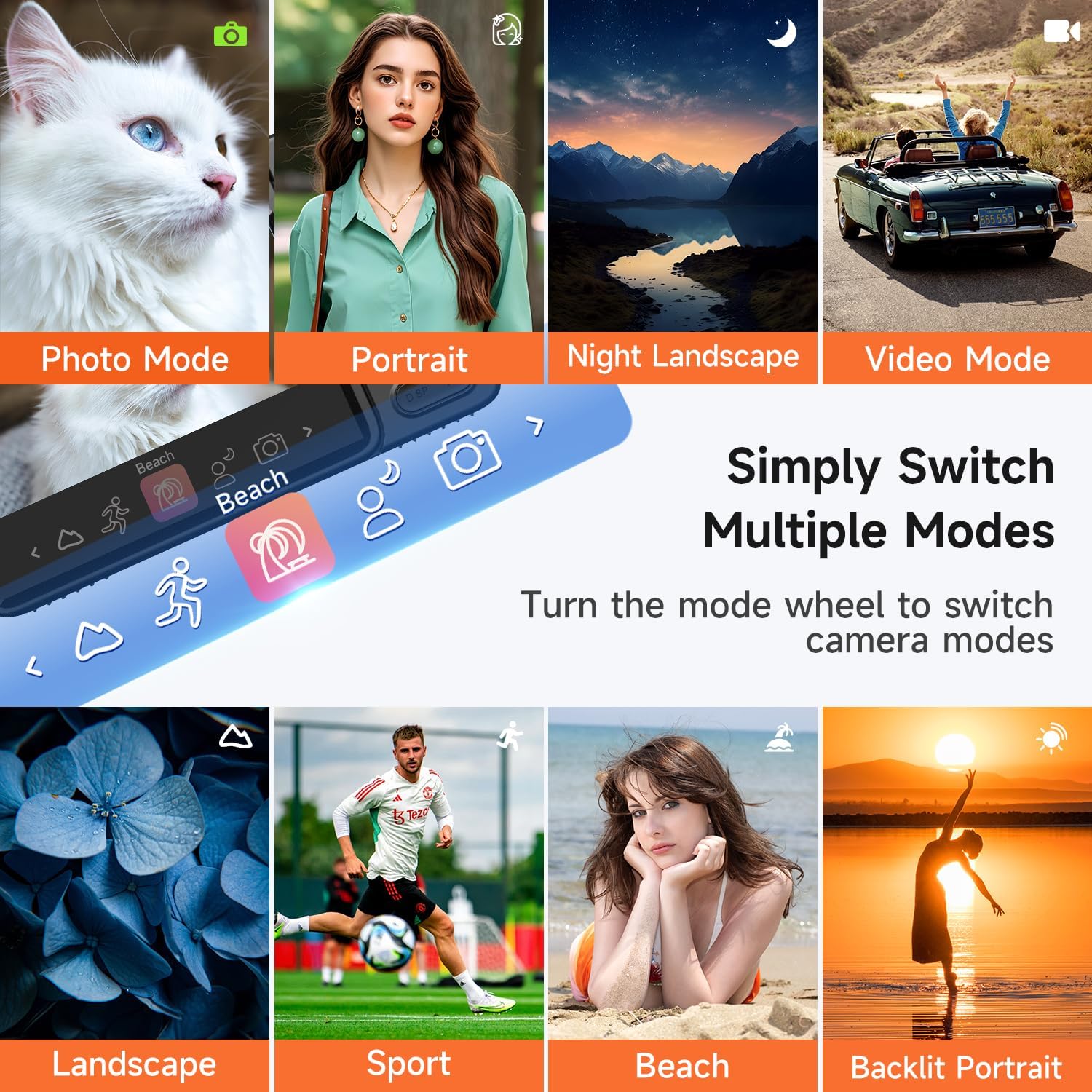
Image: A layout of the camera's accessories, including charging cables, a cleaning cloth, and a lanyard.
Producte acabatview
The YUSSBCU A2 camera features a user-friendly design with essential controls for capturing photos and videos. Its compact form factor makes it easy to carry, while the 180° flip screen enhances versatility for selfies and vlogging.
Característiques principals:
- Pantalla giratòria de 180°: The 3.0-inch IPS screen can be flipped 180 degrees, allowing for easy self-recording and vlogging.
- Enfocament automàtic: The camera features an autofocus system to ensure subjects are sharp and in focus.
- Zoom digital 16X: Adjust the zoom level to capture distant subjects with clarity.
- Flash incorporat: Provides additional lighting for clear images in low-light conditions.
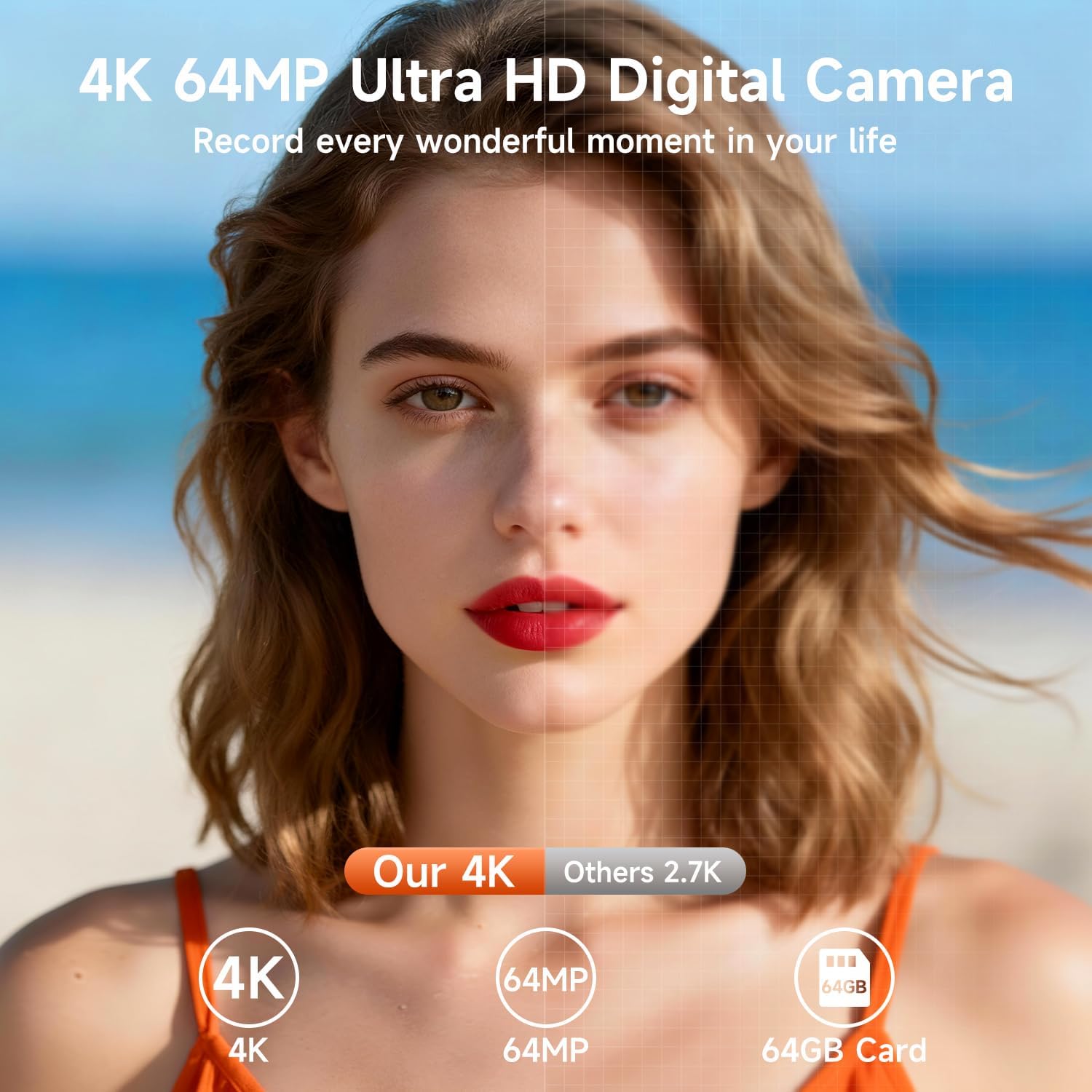
Image: A user demonstrating the 180° flip screen feature, ideal for selfies and vlogging.

Imatge: Un example of the camera's autofocus in action, clearly focusing on a subject.

Image: A visual representation of the 16X digital zoom, showing varying levels of magnification.
Configuració
1. Carregant la bateria
Before first use, fully charge the camera battery. Connect the camera to a power source using the provided USB cable and adapter. The charging indicator light will show the charging status.
2. Inserció de la targeta de memòria
Locate the memory card slot on the side or bottom of the camera. Insert a compatible SD card (not included) into the slot until it clicks into place. Ensure the card is inserted in the correct orientation.
3. Encès / apagat
Press and hold the power button (usually located on the top or side) for a few seconds to turn the camera on or off. The screen will illuminate upon startup.
Instruccions de funcionament
Modes de fotografia
The camera offers various photo modes to enhance your photography:
- Normal Photo Mode: Standard photography for everyday shots.
- Timed Shooting: Set a delay (e.g., 2s, 5s, 10s) before the photo is taken, useful for self-portraits or group shots.
- Tret continu: Capture a series of photos rapidly.
- 15+ Filters: Apply various creative filters directly to your photos.
- Face Beauty: Enhances facial features for portraits.
- Micro-Shooting: For close-up photography of small subjects.
- 8 Scene Selections: Optimize settings for specific environments like Portrait, Night Landscape, Landscape, Sport, Beach, and Backlit Portrait.

Image: A visual guide to various photo modes and features like Face Beauty and Timed Shooting.

Image: The camera's mode dial interface, illustrating the ease of switching between different shooting modes.
Modes de vídeo
Record high-quality 4K video with the following options:
- Normal Video Mode: Gravació de vídeo estàndard.
- Gravació per lapse de temps: Capture events over a long period and condense them into a short video.
- Enregistrament en bucle: Continuously record, overwriting the oldest footage quan la targeta de memòria estigui plena.
Video: A demonstration of the camera's video recording capabilities, showcasing its ease of use and flip screen for vlogging.
Funció de zoom
To adjust the 16X digital zoom, press the 'W' button to zoom out (wide) and the 'T' button to zoom in (telephoto) on the camera's control panel.
Flash incorporat
Activate the built-in flash to illuminate subjects in dimly lit environments, ensuring clear and bright photos.
WebFunció de càmera
Connect the camera to your PC via the USB cable and select the "Webcam" option to use it for live streaming, video chats, or vlogging on platforms like YouTube, Facebook, or TikTok.

Image: The camera functioning as a webcam, connected to a laptop for online communication.
Transferència d'imatges
Transferring your photos and videos to a computer or other devices can be done in two ways:
- Cable USB: Connect the camera directly to your computer using the provided USB cable. The camera will appear as a removable drive, allowing you to copy files.
- Lector de targetes SD: Remove the SD card from the camera and insert it into the included SD card reader. Connect the reader to your computer to access and transfer files.

Image: Demonstrates transferring images from the camera to a computer or phone.
Especificacions
| Característica | Especificació |
|---|---|
| Marca | YUSSBCU |
| Nom del model | A2 |
| Resolució de fixes efectius | 64 MP |
| Resolució de vídeo | 2160p (4K) |
| Zoom òptic | 16 x |
| Mida de la pantalla | 3 polzades |
| Tipus de visualització | LED |
| Tipus d'enfocament | Enfocament automàtic |
| Estabilització d'imatge | Digital |
| Flash de la càmera | Integrat |
| Tecnologia de connectivitat | USB |
| Tipus de bateria | Polímer d'ions de liti |
| Admet File Format | MOV |
Manteniment
Una cura i un manteniment adequats allargaran la vida útil de la càmera:
- Neteja: Use the provided cleaning cloth to gently wipe the lens and screen. Avoid abrasive materials or harsh chemicals.
- Emmagatzematge: Store the camera in its carrying pouch in a cool, dry place away from direct sunlight and extreme temperatures.
- Cura de la bateria: Fully charge the battery before long periods of storage. Do not expose the battery to high temperatures.
- Resistència a l'aigua: This camera is not water-resistant. Avoid exposure to water or high humidity.
Resolució de problemes
Si teniu problemes amb la càmera, consulteu les solucions habituals següents:
- La càmera no s'encén: Assegureu-vos que la bateria estigui completament carregada i inserida correctament.
- Les imatges són borroses: Check that autofocus is enabled and allow the camera to focus before capturing. Clean the lens if necessary.
- Error de la targeta de memòria: Ensure the SD card is properly inserted and not full. Try reformatting the card (this will erase all data).
- Problemes de reproducció de vídeo: Verify the video format is supported by your playback device.
Garantia i Suport
The YUSSBCU 4K 64MP Digital Camera comes with a 1 anys de garantia del fabricant. For technical support, warranty claims, or further assistance, please refer to the contact information provided in the included user manual or visit the official YUSSBCU support weblloc.