
1. Introducció
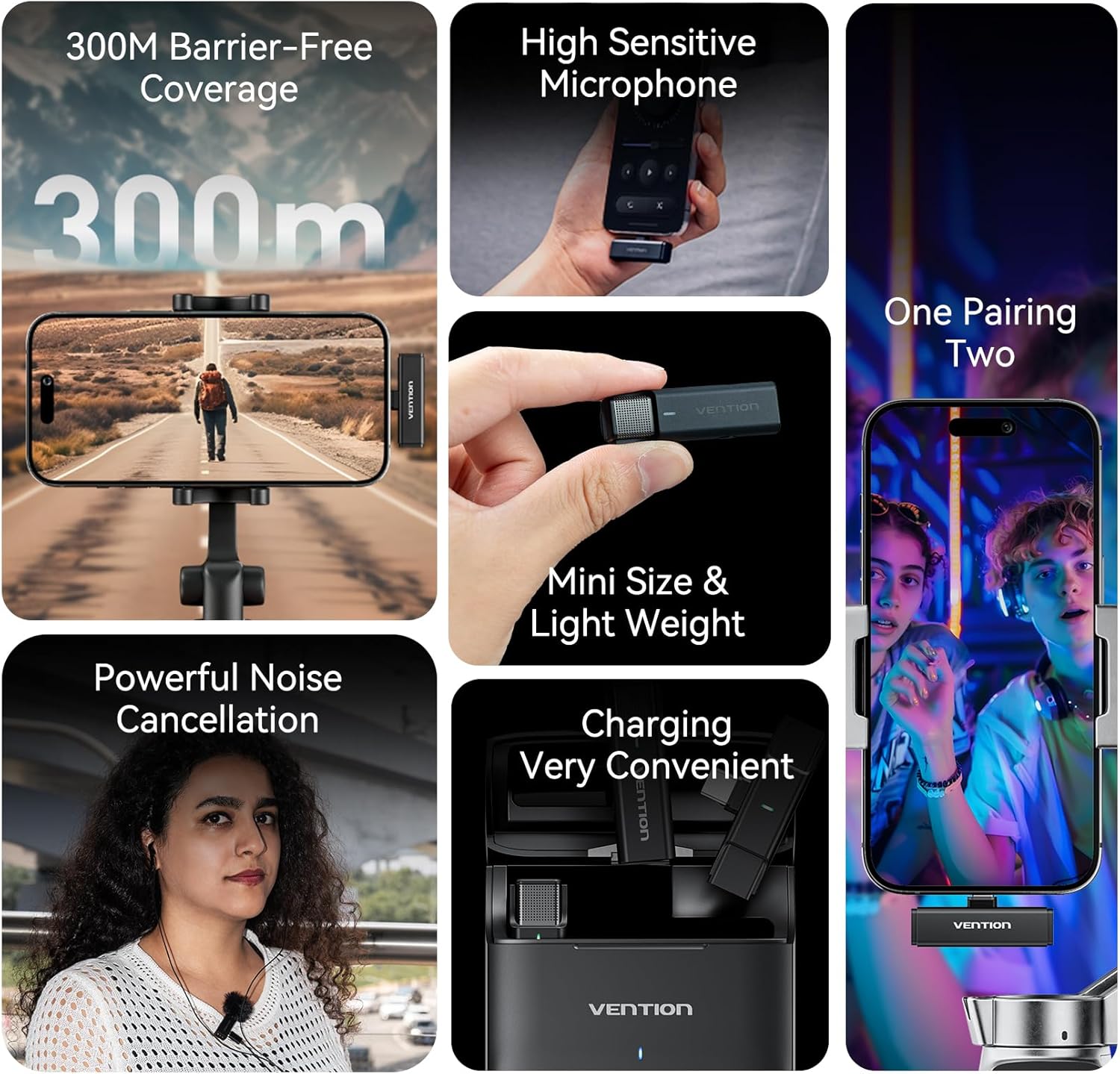
The VENTION USB-C Mini Wireless Lavalier Microphone system is designed for high-quality audio capture with exceptional portability and ease of use. Featuring 2.4GHz wireless technology, intelligent noise reduction, and a long-lasting charging case, it is ideal for streaming, video recording, and karaoke. This manual provides detailed instructions to help you get the most out of your device.
2. Què hi ha a la caixa
- Estoig de càrrega x 1
- Micròfon x 2
- Receiver x 1 (USB-C or Lightning, depending on model)
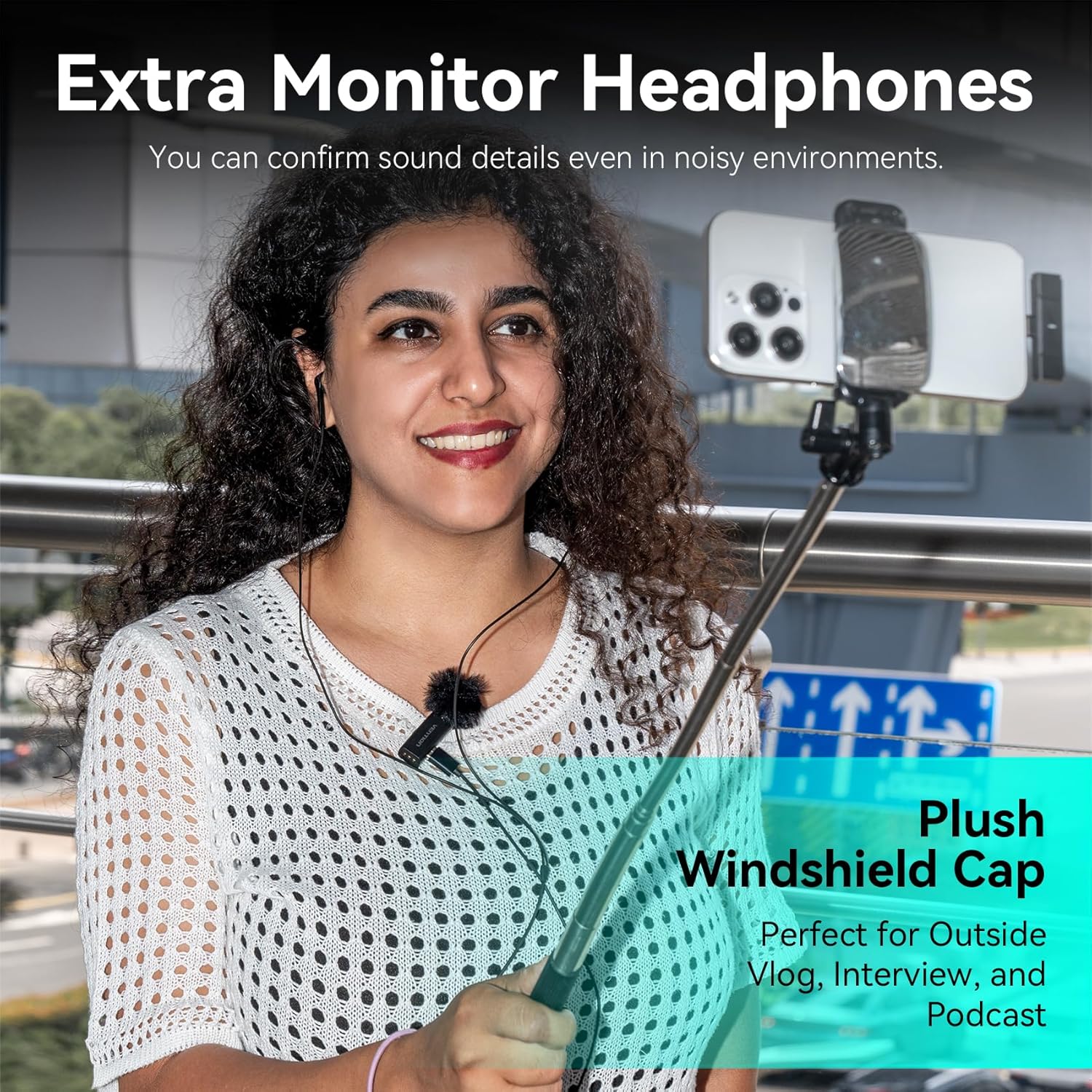
- Plush Windshield Cap x 2
- Cable USB-C x 1
- IEMs (In-Ear Monitors) x 2
- Manual d'usuari x 1
- Targeta de garantia x 1

3. Producte acabatview
3.1 Estoig de càrrega
The charging case serves as both a protective container and a power bank for your microphones and receiver. It features an indicator light and a USB-C port for charging.
- Llum indicadora: Displays charging status and battery level of the case.
- Port USB-C: Per carregar la funda.
3.2 Microphone & Receiver
Each microphone is equipped with a clip for easy attachment and a power button that also controls noise reduction modes. The receiver connects directly to your recording device.
- Clip de micròfon: Per enganxar el micròfon a la roba.
- Indicator Light (Mic): Shows pairing status and noise reduction mode.
- Power Button (Mic): Controls power and toggles noise reduction/AI voice modes.
- USB-C/IEM Port (Mic): For charging or real-time monitoring with IEMs.
- USB-C Interface (Receiver): Connects to your smartphone or other compatible device.
- Reset Button (Receiver): For resetting the receiver if needed.
- Indicator Light (Receiver): Shows power on/pairing status.

4. Configuració
4.1 Càrrega del dispositiu
Before first use, ensure all components are fully charged.
- Càrrega de la caixa: Connect the provided USB-C cable to the charging case's USB-C port and a power adapter. The red indicator light will be on during charging and turn off when fully charged.
- Charging Microphones: Place the microphones into the charging case. The green indicator light on the microphones will blink slowly during charging and turn off when fully charged.
4.2 Connexió al dispositiu
The VENTION microphone system offers a plug-and-play experience.
- Insert the receiver (USB-C or Lightning) directly into the charging port of your smartphone or compatible recording device.
- Take the microphones out of the charging case. They will automatically power on and attempt to pair with the receiver.
- The receiver's indicator light will blink slowly during pairing and turn solid green once successfully paired. The microphone's indicator light will also turn solid green.
5. Instruccions de funcionament
5.1 Noise Reduction (NR) Modes
The microphone features intelligent noise reduction to ensure clear audio in various environments. By default, the microphone starts in noise reduction mode.
- Toggle NR: Press the power button on the microphone once to cycle through different noise reduction levels (weak, medium, strong). The green indicator light on the microphone will blink 1, 2, or 3 times to indicate the current NR strength.
- Disable NR: Continue pressing the power button until the green light stops blinking and remains solid, indicating standard mode.

5.2 AI Voice Modes (Reverb Effects)
Enhance your audio with built-in AI voice effects, including reverb.
- Activate AI Voice: Double-press the power button on the microphone. The indicator light will turn blue.
- Toggle AI Voice Effects: While in AI voice mode (blue light), press the power button once to cycle through different AI voice effects. The blue indicator light will blink 1, 2, or 3 times to indicate the current effect.
- Disable AI Voice: Double-press the power button again to return to standard or noise reduction mode (green light).
5.3 Monitorització d'àudio en temps real
For precise audio control, use the included IEMs (In-Ear Monitors) to monitor your sound in real-time.
- Connect the IEMs to the USB-C/IEM port on the microphone.
- This allows you to hear your audio as it's being recorded, ensuring optimal sound quality.


6. Manteniment
6.1 Neteja
To maintain optimal performance, regularly clean your microphone and charging case.
- Use a soft, dry cloth to wipe down the exterior of the microphones, receiver, and charging case.
- Eviteu utilitzar productes químics o materials abrasius.
- Ensure no moisture enters the ports or microphone grilles.
6.2 Emmagatzematge
When not in use, store the microphone system properly to prolong its lifespan.
- Always store the microphones and receiver in the charging case.
- Keep the charging case in a cool, dry place away from direct sunlight and extreme temperatures.
7. Solució De Problemes
Si trobeu algun problema, proveu els passos següents:
- Sense so: Ensure the receiver is fully inserted into your device and the microphones are powered on and paired (solid green light). Check your device's audio input settings.
- No emparellament: Make sure both microphones and the receiver are charged. Try resetting the receiver using the reset button.
- Bateria baixa: Charge the microphones and charging case as described in Section 4.1.
- Interferència: Move away from other 2.4GHz wireless devices or sources of electromagnetic interference.
8. Especificacions
| Característica | Especificació |
|---|---|
| Marca | VENCIÓ |
| Nom del model | NCAB0 |
| Tecnologia de connectivitat | RF (2.4 GHz) |
| Tipus de connector | USB tipus C |
| Característica especial | Reducció de soroll |
| Dispositius compatibles | Smartphone |
| Color | Negre |
| Pes de l'article | 114 grams |
| Factor de forma del micròfon | Lavalier |
| Font d'alimentació | Funciona amb bateria |
| Nombre de bateries | 2 bateries no estàndard necessàries. (inclòs) |
| Ràtio senyal / soroll | 64 dB |
| Usos recomanats | Speech, Video Recording, Streaming |
9. Garantia i assistència
9.1 Informació de la garantia
This VENTION product comes with a 2 anys de garantia del fabricant. Please refer to the included Warranty Card for full details on coverage and claims.
9.2 Atenció al client
For further assistance, technical support, or warranty claims, please contact VENTION customer service through the official VENTION Store on Amazon or visit the VENTION weblloc per obtenir informació de contacte.