
1. Introducció
This manual provides essential information for setting up, operating, maintaining, and troubleshooting your Lenovo Legion 5 2025 Gaming Laptop. This high-performance laptop is equipped with an AMD Ryzen 7 260 processor, NVIDIA GeForce RTX 5050 graphics, 16GB DDR5 RAM, and a 1TB NVMe SSD, designed for an immersive gaming and productivity experience.

Imatge: Frontal view of the Lenovo Legion 5 2025 Gaming Laptop, showcasing el seu disseny i pantalla elegants.

Imatge: Més deview of key features including AMD Ryzen 7 260, Cold Front Hyper cooling, WUXGA IPS display, AI-boosted FPS, Mux Switch, Lenovo AI Now, Gaming Zone, Nahimic Audio, White Backlit Keyboard, and Rapid Charge.
2. Configuració
2.1 Unboxing
Traieu amb cura tots els components de l'embalatge. La caixa ha de contenir:
- Lenovo Legion 5 2025 Laptop
- Adaptador d'alimentació
- Guia de l'usuari (aquest document)
2.2 Engegada i càrrega inicials
- Connecteu l'adaptador de corrent al connector d'alimentació del portàtil i després a una presa de corrent.
- Press the power button, typically located on the top right of the keyboard or side of the chassis.
- Allow the laptop to charge fully before initial use for optimal battery calibration.
2.3 Configuració del sistema operatiu
Upon first boot, follow the on-screen instructions to complete the Windows 11 Home setup. This includes selecting your region, connecting to a network, and creating a user account.
2.4 Connexió de perifèrics
Connect any external devices such as a mouse, keyboard, or external monitor to the available ports on your laptop. Refer to Section 3.8 for a detailed list of ports.
3. Instruccions de funcionament
3.1 Gestió de l'energia
The power button initiates startup, sleep, or shutdown functions. You can configure these actions in Windows Power Options.
3.2 Característiques de visualització
Your laptop features a 16-inch WUXGA (1920x1200) IPS display with a 165Hz refresh rate, 100% sRGB color accuracy, and 300 Nits brightness. It supports Dolby Vision, G-SYNC, and Low Blue Light technology for an enhanced visual experience. Adjust display settings via Windows Display Settings or NVIDIA Control Panel.

Image: Illustrates the laptop's display features including 15.3" WUXGA IPS Display, 165Hz Variable Refresh Rate, 300 Nits Brightness, 16:10 Aspect Ratio, NVIDIA G-SYNC, Dolby Vision, and Eyesafe Display certification.
3.3 Teclat i touchpad
The laptop is equipped with a White Backlit Keyboard featuring 1.6mm key travel, 100% Anti-Ghosting, and swappable keycaps for a responsive typing and gaming experience. Utilize the function (Fn) keys for quick access to system controls. The precision touchpad supports multi-touch gestures.

Image: Highlights the Legion TrueStrike gaming keyboard with 100% Anti-Ghosting, White Backlit, and 1.6mm Key Travel features.
3.4 Sistema d'àudio
Experience rich audio with stereo speakers (2W x2) optimized by HARMAN and Nahimic Audio. Adjust audio settings through the Nahimic Audio software for personalized sound profiles and immersive 3D audio.

Image: Shows the Nahimic by Steelseries Audio interface, emphasizing AI-Powered Immersive 3D Audio, 2 speakers, AI Smart Profiles, Sound Tracker 2.0, Sound Sharing+, Surround Sound, Streaming Dashboard, and Device Optimization.
3.5 Cooling System (Legion Coldfront: Hyper)
The Legion Coldfront: Hyper cooling system features turbo-charged 3D fans, robust copper 3D heat pipes, and aluminum heat sinks to maintain optimal temperatures during intense usage. Acoustic AI Sound Sync adjusts performance for quiet operation. Use the Fn+Q shortcut to switch between performance modes.

Imatge: Una imatge interna view of the laptop highlighting the Legion Coldfront Hyper cooling system with turbo-charged 3D fans, copper 3D heatpipes, Acoustic AI Sound Sync, and aluminum heat sinks.
3.6 Lenovo AI Engine+ and AI Now
Leverage the Lenovo AI Engine+ powered by the dedicated Lenovo AI Core (LA1) chip for dynamic performance optimization. In Balance mode, scenario detection intelligently adjusts settings for games and applications. Lenovo AI Now, your personal AI assistant, offers knowledge assistance, PC management, a personal knowledge base, and cloud chat features.

Image: Illustrates the AI capabilities with Lenovo AI Engine+ and the dedicated Lenovo AI Core (LA1) chip, including scenario detection, Gaming Zone features like Game Clip Master and Game Companion, and Lenovo AI Now functionalities.

Image: Details Lenovo AI Now as a personal AI assistant, offering Knowledge Assistant, PC Assistant, Personal Knowledge Base, and Cloud Chat features.
3.7 Legion Space Software
Legion Space is your central hub for managing gaming performance, customizing settings, connecting accessories, and accessing your game library. It allows for overclocking, thermal profile adjustments, and Wi-Fi prioritization for enhanced gaming experiences.
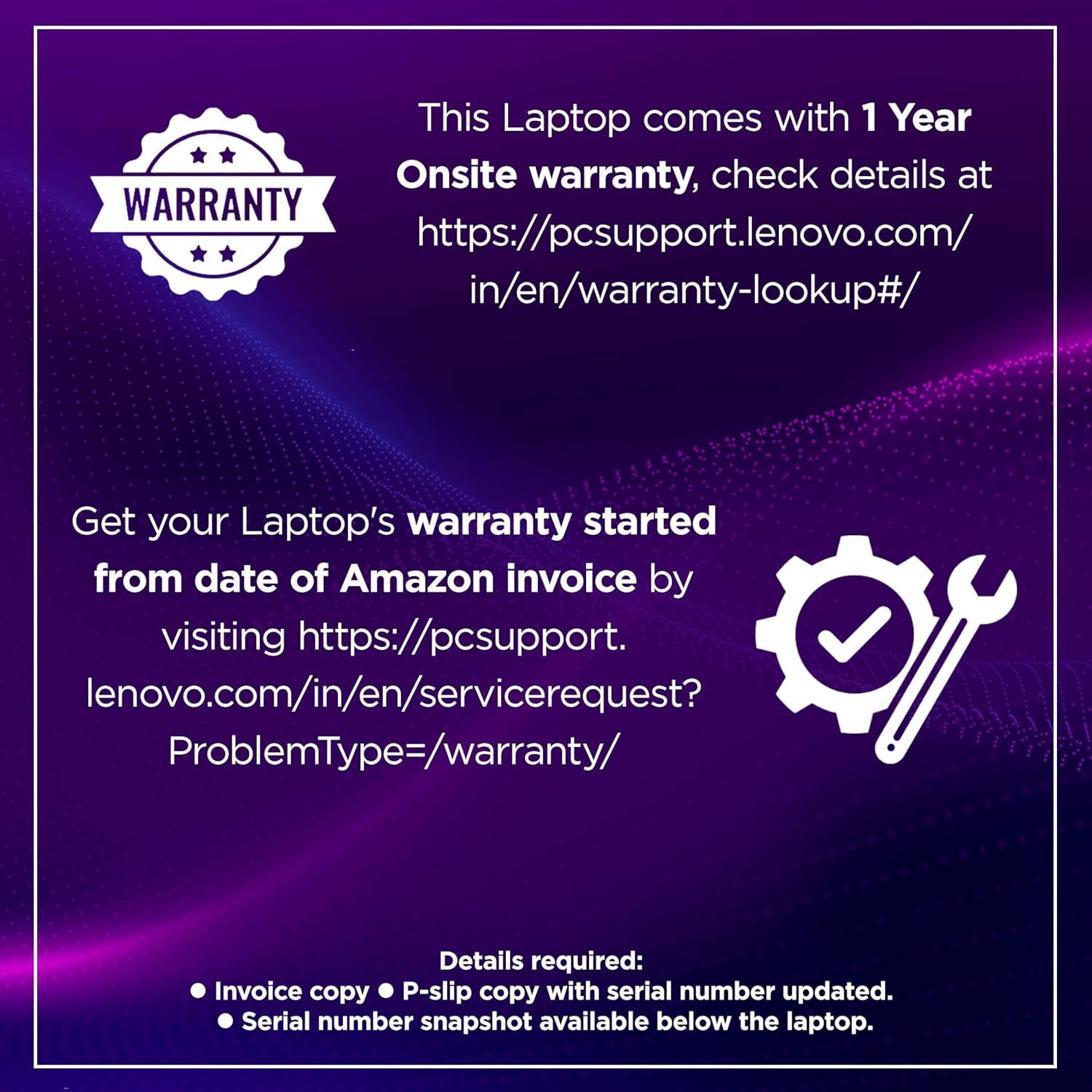
Image: A screenshot of the Legion Space software interface, showing options for performance settings, accessory management, and game library access, emphasizing enhanced gaming experiences.
3.8 Ports i connectivitat
The laptop offers comprehensive connectivity options:
- USB-A: 2x USB 5Gbps (USB 3.2 Gen 1), 1x USB 5Gbps (USB 3.2 Gen 1) Always On
- USB-C: 1x USB 10Gbps (USB 3.2 Gen 2) with USB PD 65-100W and DisplayPort 2.1, 1x USB4 40Gbps with DP 1.4
- Sortida de vídeo: 1x HDMI 2.1 (up to 8K/60Hz)
- Àudio: 1x presa combinada d'auriculars/micròfon (3.5 mm)
- Xarxa: 1x Ethernet (RJ-45)
- Potència: 1x connector d'alimentació
- Sense fil: Wi-Fi 6 (802.11ax), Bluetooth 5.2

Image: Diagram illustrating the various ports on the Lenovo Legion 5 2025, including USB-A, USB-C, HDMI, Ethernet, Audio Combo Jack, E-Shutter Button, and DC In.
3.9 Bateria i càrrega
The laptop is equipped with an 80 Watt-hour Lithium Ion battery, providing up to 9.6 hours of battery life. It supports Rapid Charge technology, allowing you to charge up to 70% in approximately 30 minutes. The laptop comes with a 245W power adapter and also supports 140W USB-C charging.
4. Manteniment
4.1 Neteja
- Pantalla: Utilitzeu un drap suau i sense pelusa dampNetegeu amb aigua o un netejador de pantalles. Eviteu productes químics agressius.
- Teclat i xassís: Feu servir un drap suau per netejar les superfícies. Una llauna d'aire comprimit pot eliminar la pols entre les tecles i les reixetes de ventilació.
4.2 Actualitzacions de programari
Regularly update your Windows operating system, device drivers (especially graphics drivers), and Lenovo software (e.g., Legion Space, Lenovo Vantage) to ensure optimal performance and security.
4.3 Cooling System Care
Ensure that the laptop's ventilation grilles are not obstructed. Operating the laptop on soft surfaces like beds or carpets can block airflow and lead to overheating. Periodically clean dust from the vents using compressed air.
4.4 Cura de la bateria
To prolong battery life, avoid fully discharging the battery frequently. Store the laptop in a cool, dry place and avoid exposing it to extreme temperatures.
5. Solució De Problemes
If you encounter issues with your Lenovo Legion 5 2025, try the following basic troubleshooting steps:
- Sense energia: Ensure the power adapter is securely connected to both the laptop and a working power outlet. Check if the battery has sufficient charge.
- Problemes de visualització: Si la pantalla està en blanc o parpelleja, proveu de connectar un monitor extern per verificar si el problema és a la pantalla del portàtil. Actualitzeu els controladors gràfics.
- Disminució del rendiment: Close unnecessary applications. Check Task Manager for processes consuming high CPU or RAM. Ensure the cooling vents are clear.
- Problemes de connectivitat de xarxa: Verify Wi-Fi is enabled and connected to the correct network. Restart your router. For Ethernet, check cable connections.
- Problemes d'àudio: Check volume levels, ensure correct audio output device is selected in Windows settings, and update audio drivers.
Per a problemes més complexos o persistents, consulteu el servei d'assistència de Lenovo. weblloc o contacteu amb el servei d'atenció al client.
6. Especificacions
| Característica | Detall |
|---|---|
| Processador | AMD Ryzen 7 260 (8C / 16T, 3.8 / 5.1GHz, 8MB L2 / 16MB L3) |
| Gràfics | NVIDIA GeForce RTX 5050 8GB GDDR7 (Boost Clock 2662MHz, TGP 115W, 440 AI TOPS) |
| Mostra | 16" WUXGA (1920x1200) IPS, 165Hz, 100% sRGB, 300 Nits, Dolby Vision, G-SYNC, Low Blue Light |
| Memòria | 16GB DDR5-5600 (1x 16GB CSODIMM, Max 32GB) |
| Emmagatzematge | 1TB SSD M.2 2242 PCIe 4.0x4 NVMe (Supports 2x M.2 SSDs, 2242 up to 1TB, 2280 up to 2TB) |
| Sistema operatiu | Windows 11 Home |
| Programari preinstal·lat | Office Home 2024, Lenovo AI Now |
| Àudio | Stereo speakers, 2W x2, audio by HARMAN, optimized with Nahimic Audio |
| Càmera | HD720p with E-shutter |
| Ports | 2x USB-A (USB 5Gbps), 1x USB-A (USB 5Gbps, Always On), 1x USB-C (USB 10Gbps, PD 65-100W, DP 2.1), 1x USB-C (USB4 40Gbps, DP 1.4), 1x HDMI 2.1, 1x Headphone/mic combo, 1x Ethernet (RJ-45), 1x Power connector |
| Connectivitat sense fil | Wi-Fi 6 (802.11ax), Bluetooth 5.2 |
| Bateria | 80Wh Lithium Ion (up to 9.6 hours battery life) |
| Adaptador d'alimentació | 245W (supports 140W USB-C charging) |
| Dimensions (L x A x A) | 34.4 x 25.5 x 2.3 cm |
| Pes | 2.1 quilos |
| Material de la caixa | PC-ABS + 15% Talc (Top & Bottom) |
| Color | Eclipsi Negre |
| Mil-Grade Certification | MIL-STD-810H |
7. Garantia i Suport
7.1 Informació de la garantia
Your Lenovo Legion 5 2025 laptop comes with a comprehensive warranty package:
- 1 Year Onsite Warranty
- 1 Year Accidental Damage Protection (ADP)
- 1 Year Legion Ultimate Support
For detailed warranty terms and conditions, please visit the official Lenovo support weblloc.

Image: Provides information on the 1 Year Onsite warranty and how to register your laptop's warranty using the Amazon invoice and serial number.

Image: Details the Lenovo Accidental Damage Protection (ADP) covering accidental falls, damaged screens, equipment failure due to power surges, structural failures, and liquid spills. Legion laptops include 1 year of inbuilt ADP.
7.2 Activating Your Warranty
To activate your warranty, you will need:
- Your Amazon invoice copy.
- A P-slip copy with the serial number updated.
- A snapshot of the serial number, typically found on a label below the laptop.
You can check your warranty status and register your product online:
- Warranty Lookup: https://pcsupport.lenovo.com/in/en/warranty-lookup#/
- Sol·licitud de servei: https://pcsupport.lenovo.com/in/en/servicerequest?ProblemType=/warranty/
7.3 Atenció al client
For technical assistance, service requests, or further information, please visit the official Lenovo support weblloc web o contacteu amb els seus canals d'atenció al client.