
Introducció
This manual provides detailed instructions for the Asixxsix 6 Channel DJ Mixer. It covers setup, operation, maintenance, and troubleshooting to ensure optimal performance and longevity of your device.

Imatge: Frontal view of the Asixxsix 6 Channel DJ Mixer, showcasinel seu disseny compacte i la disposició de control.
Característiques clau
The Asixxsix 6 Channel DJ Mixer is designed for versatile audio mixing applications.
- Disseny compacte i portàtil: Easy to transport for various events and productions.
- Opcions d'entrada versàtils: Features 4-channel inputs, 48V phantom power, built-in guitar amplifiers, Bluetooth connectivity, and MP3 support.
- Font d'alimentació flexible: Can be powered via computer, portable power bank, or adapter.
- Integrated Effects and Sound Card: Includes effects processors and a computer sound card interface for expanded music creation.
- Operació fàcil d'utilitzar: Intuitive design suitable for daily music creation, live streaming, and entertainment.
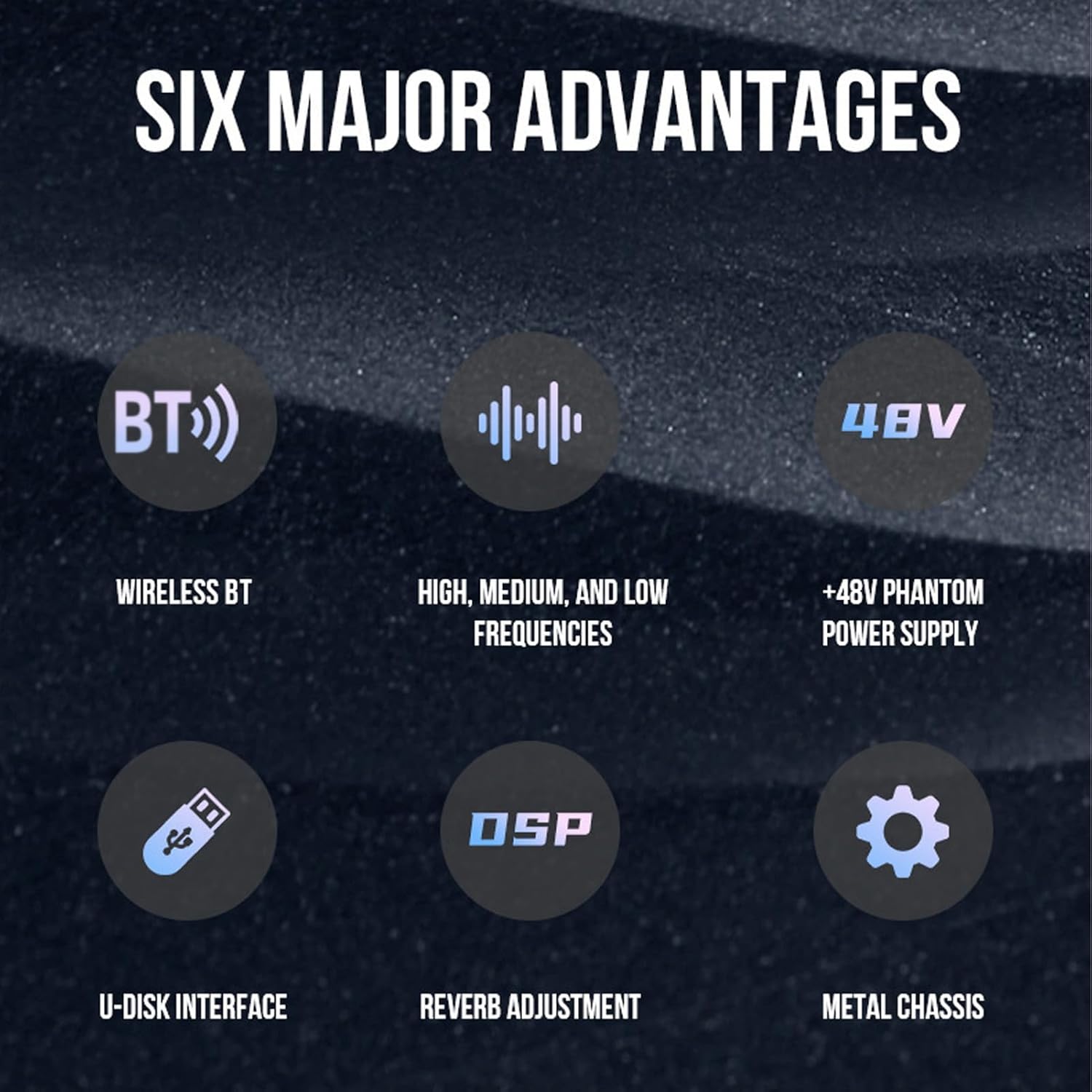
Image: Diagram highlighting key features: Wireless BT, High/Medium/Low Frequencies, +48V Phantom Power Supply, U-Disk Interface, Reverb Adjustment, and Metal Chassis.
Contingut del paquet
Si us plau, verifiqueu que tots els elements siguin presents al paquet:
- 1 x Asixxsix 6 Channel DJ Mixer
- 1 x cable USB
- 1 x Manual d'usuari (aquest document)
- 2 adaptadors

Image: The Asixxsix 6 Channel DJ Mixer, USB cable, user manual, and two audio adapters included in the package.
Instruccions de configuració
Follow these steps to set up your Asixxsix 6 Channel DJ Mixer.
1. Connexió d'alimentació
Connect the mixer to a power source using the provided USB cable. The mixer can be powered via a computer USB port, a portable power bank, or a standard USB power adapter (5V/1A recommended).
2. Connexions d'entrada d'àudio
The mixer features multiple input options:
- MIC/LINE Inputs (Channels 1-4): Use XLR or 6.35mm (1/4 inch) TRS/TS cables to connect microphones, instruments (like guitars), or line-level devices.
- Stereo Line Inputs (Channels 5/6): Use RCA cables to connect stereo line-level devices such as CD players or other audio sources.

Image: Detail of the multi-channel audio input interfaces, showing XLR/6.35mm combo jacks for microphones and instruments.
3. Connexions de sortida d'àudio
Connect your speakers or recording devices to the MAIN OUT ports using XLR cables. For headphone monitoring, connect headphones to the PHONES jack.
4. Phantom Power (for Condenser Microphones)
If using condenser microphones, activate the +48V phantom power by pressing the "+48V" button. An indicator light will illuminate when active. Ensure dynamic microphones are not connected when phantom power is engaged, as this may cause damage.
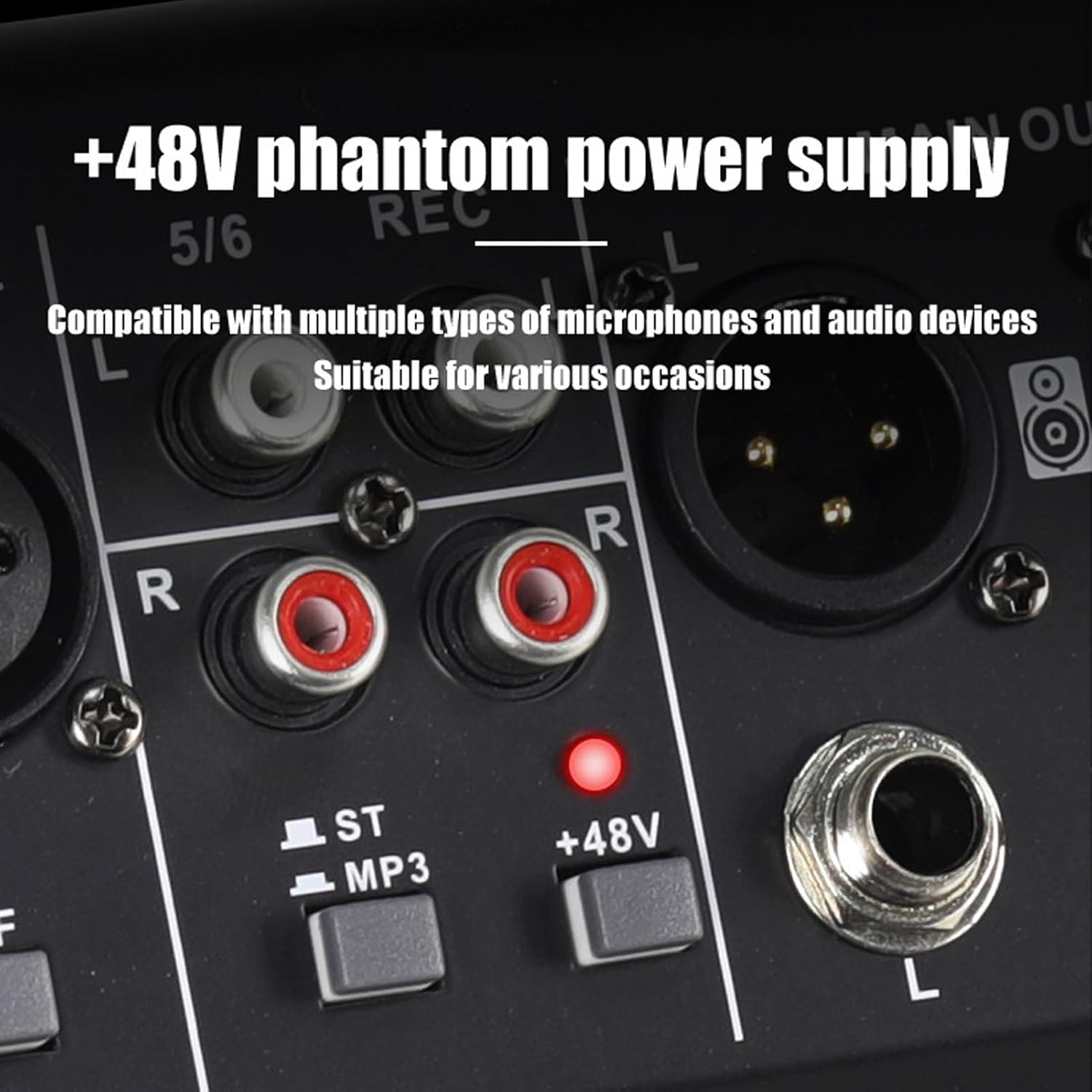
Image: Close-up of the +48V phantom power button and indicator light, alongside RCA stereo inputs.
Instruccions de funcionament
1. Controls de canal
- Mando GAIN: Adjusts the input sensitivity for each channel. Set it to an appropriate level to prevent clipping.
- HIGH, MID, LOW Knobs: These are 3-band EQ controls for adjusting the treble, midrange, and bass frequencies of each channel.
- EFF Knob: Controls the amount of effect (reverb) applied to the channel.
- LED PIC: S'il·lumina quan el senyal d'entrada és massa alt, cosa que indica un possible retall. Reduïu el GUANY si aquest LED s'il·lumina amb freqüència.
2. MP3/USB Playback
Inseriu una unitat flash USB que contingui àudio MP3 files into the USB interface. The mixer will automatically detect and play the files. Use the control buttons (Play/Pause, Previous, Next) to navigate.

Image: The mixer displaying its MP3 playback function with a USB flash drive connected, showing the digital display.
3. Bluetooth (BT) Connectivity
Per connectar un dispositiu Bluetooth:
- Power on the mixer. The BT function is automatically enabled.
- On your mobile device, search for available Bluetooth devices and select the mixer (usually named "BT-AUDIO" or similar).
- Once paired, you can stream audio wirelessly from your device to the mixer.

Image: A smartphone wirelessly connected to the mixer via Bluetooth, demonstrating audio streaming capability.
4. Integrated Effects (DSP)
The mixer includes a Digital Signal Processor (DSP) for effects. Use the EFF (Effect) knob on each channel to send signal to the effect processor. The main EFFECT controls (DELAY, REPEAT) adjust the characteristics of the reverb.
5. Main Output and Monitoring
- Fader principal: Controla el volum de sortida general del mesclador.
- Controlador de TELÈFONS: Ajusta el volum de la sortida dels auriculars.
- Mesuradors de nivell: Provide visual feedback on the main output signal level. Aim for levels that are strong but do not consistently peak into the red.
Manteniment
- Neteja: Use a soft, dry cloth to clean the mixer's surface. Avoid liquid cleaners or abrasive materials.
- Emmagatzematge: Guardeu la batedora en un lloc fresc i sec, allunyat de la llum solar directa i de temperatures extremes.
- Manipulació: Handle the mixer with care. Avoid dropping or subjecting it to strong impacts.
- Ventilació: Assegureu-vos una ventilació adequada al voltant de la batedora per evitar el sobreescalfament.
Resolució de problemes
| Problema | Causa possible | Solució |
|---|---|---|
| Sense sortida de so | Incorrect connections, low volume levels, faulty cables. | Check all cable connections. Ensure MAIN fader and channel volume knobs are up. Verify speakers are powered on. |
| So distorsionat | Input signal too high (clipping), faulty cables, incorrect EQ settings. | Reduce GAIN on input channels. Check PEAK LEDs. Adjust EQ settings. Replace suspect cables. |
| El micròfon no funciona | No phantom power (for condenser mics), incorrect input selection, faulty mic/cable. | Activate +48V phantom power if using a condenser mic. Ensure mic is connected to a MIC/LINE input. Test with another mic or cable. |
| Bluetooth no connectat | Mixer not in pairing mode, device too far, interference. | Ensure mixer is powered on. Check if BT is enabled on your device. Move device closer to the mixer. |
| Problemes de reproducció d'MP3 | Sense suport file format, corrupted USB drive, incorrect selection. | Assegureu-vos files are in MP3 format. Try a different USB drive or reformat the current one. |
Especificacions
- Marca: Asixxsix
- Model: 6 Channel DJ Mixer (B0FYZ68RJV)
- Material: Metall
- Dimensions: Approximately 21.8 cm (8.6 in) x 20.6 cm (7.1 in) x 5 cm (2 in)
- Canals: 6 (4 mono MIC/LINE, 1 stereo LINE/MP3/BT)
- Potència fantasma: +48V
- Connectivitat: XLR, 6.35mm (1/4 inch) TRS/TS, RCA, USB, Bluetooth
- Font d'alimentació: AC/DC (via USB 5V/1A)
- Entrada d'àudio: Microphone, Line-level instruments, MP3
- Efectes integrats: DSP Reverb

Image: The Asixxsix 6 Channel DJ Mixer with its dimensions labeled: 21.8cm (8.6in) length, 20.6cm (7.1in) width, and 5cm (2in) height.
Informació de la garantia
This Asixxsix product comes with a manufacturer's warranty for 90 days from the date of purchase. This warranty covers defects in materials and workmanship under normal use. It does not cover damage caused by misuse, accident, unauthorized modification, or improper installation.
For warranty claims or service, please contact your retailer or Asixxsix customer support with your proof of purchase.
Atenció al client
If you encounter any issues not covered in this manual or require further assistance, please contact Asixxsix customer support.
You may also visit the official Asixxsix store on Amazon for additional product information and resources: Asixxsix Amazon Store.