1. Introducció
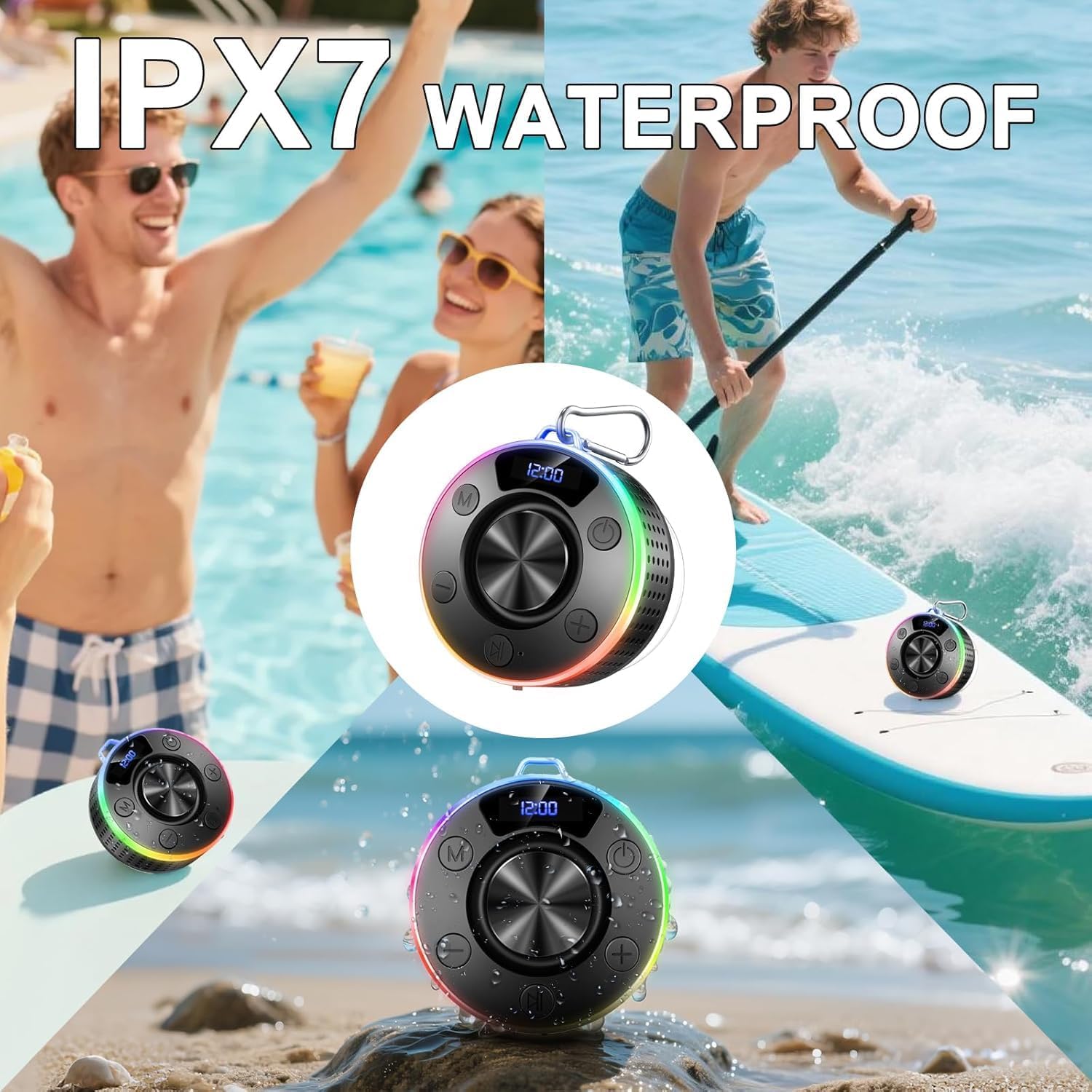
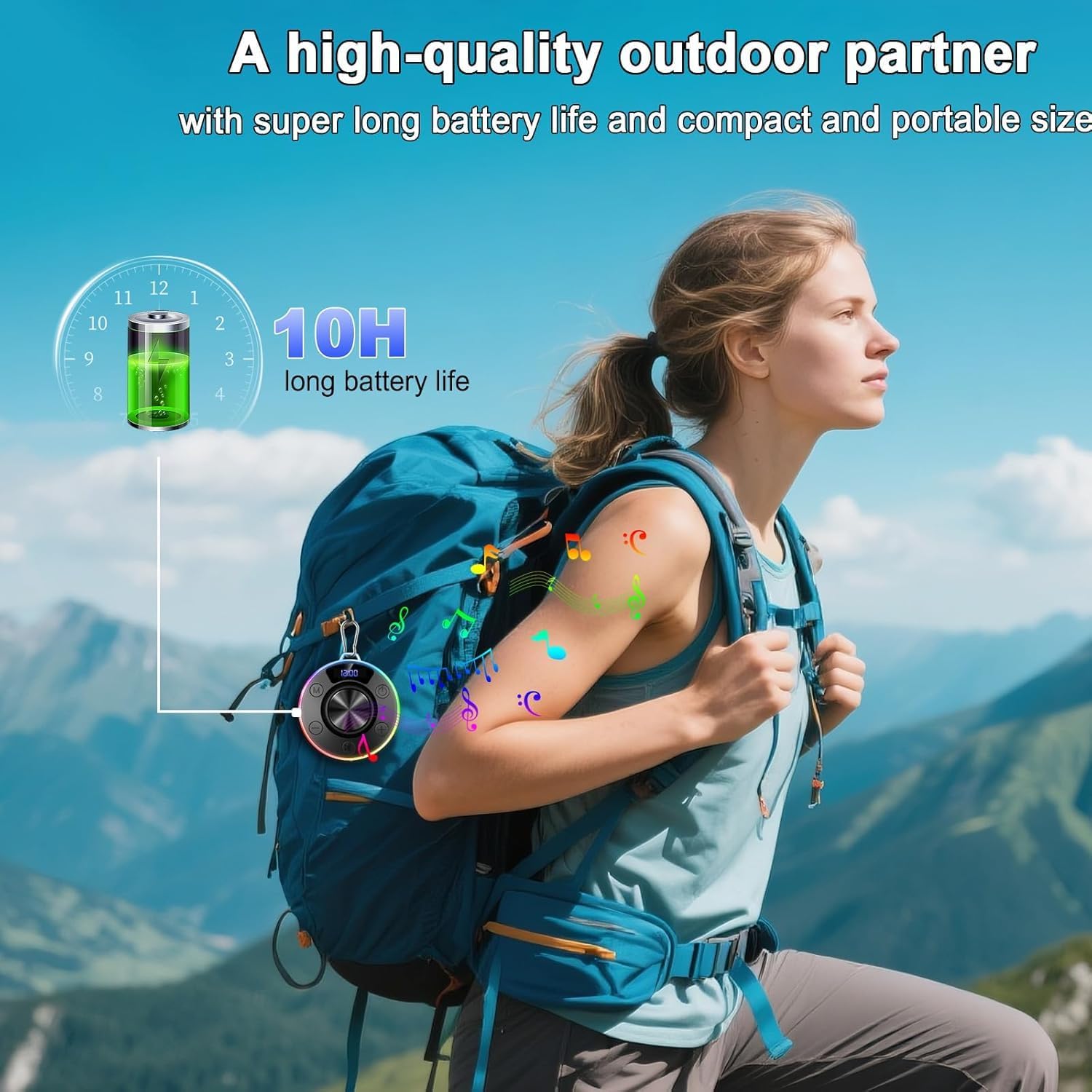
Thank you for choosing the Donerton T7C Bluetooth Shower Speaker. This portable, waterproof speaker is designed to provide high-quality audio in various environments, including showers, pools, and outdoor activities. Featuring Bluetooth 5.4, 360° HD stereo sound, LED lighting, and a built-in microphone, it offers a versatile audio experience.
2. Què hi ha a la caixa
- Donerton T7C Bluetooth Shower Speaker
- Cable de càrrega USB-C
- Ventosa
- Mosquetó
- Guia d'inici ràpid
3. Producte acabatview
The Donerton T7C speaker features an intuitive control layout and a durable, waterproof design. Below is a diagram illustrating its main components and controls.
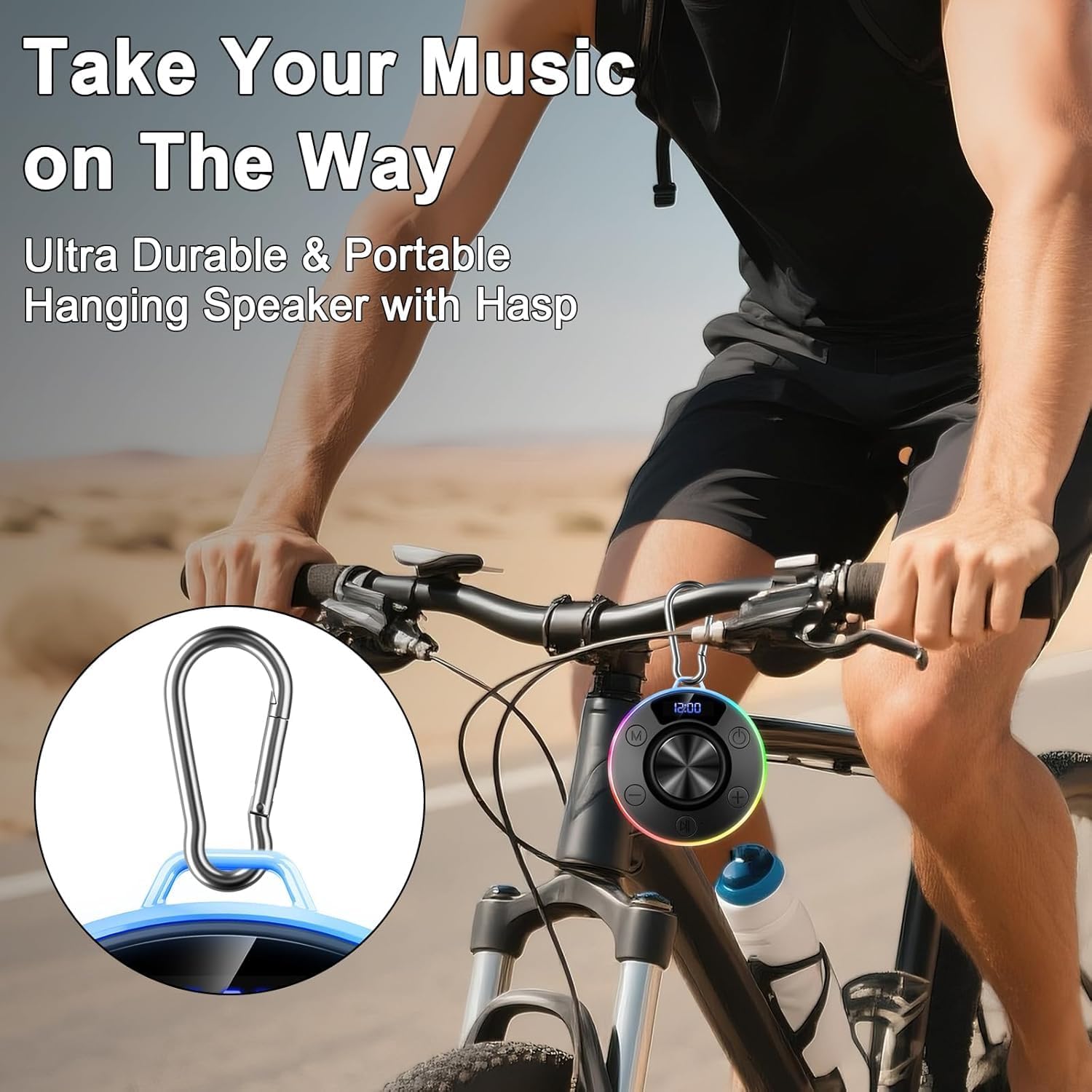
Figure 1: Donerton T7C Speaker Controls and Features
- Power Button (On/Off/Switch Lights): Press and hold to power on/off. Short press to switch LED light modes.
- Baixar volum / Cançó anterior: Prem curt per baixar el volum. Prem llarg per anar a la cançó anterior.
- Play/Pause / Answer/End Call: Short press to play/pause music or answer/end calls.
- Pujar volum / Cançó següent: Prem curt per pujar el volum. Prem llarg per passar a la cançó següent.
- Switching Mode (M): Short press to switch between different modes (e.g., Bluetooth, FM radio if available).
- Pantalla LED: Shows time, battery level, and volume.
- Port de càrrega USB-C: For charging the speaker. Covered by a silicone flap for waterproofing.
- Ventosa: Located on the bottom for secure attachment to smooth surfaces.
- Bucle de mosquetó: For attaching the speaker to bags or other items.
4. Configuració
4.1 Càrrega de l'altaveu
- Locate the USB-C charging port on the side of the speaker, protected by a silicone flap.
- Gently open the silicone flap.
- Connect the provided USB-C cable to the speaker and the other end to a USB power adapter (not included).
- La pantalla LED indicarà l'estat de càrrega. Una càrrega completa triga aproximadament 3 hores.
- Once fully charged, disconnect the cable and securely close the silicone flap to maintain waterproofing.
4.2 Vinculació Bluetooth
- Press and hold the Power Button for 3 seconds to turn on the speaker. The LED display will show "BLUE" and the lights will flash, indicating it's in pairing mode.
- Al telèfon intel·ligent o al dispositiu amb Bluetooth, aneu a la configuració de Bluetooth.
- Cerca "T7C" in the list of available devices and select it to pair.
- Once successfully paired, the speaker will emit a confirmation tone, and the LED display will show "CONNECTED". The lights will stop flashing and display the current time.
- L'altaveu es tornarà a connectar automàticament a l'últim dispositiu emparellat quan s'engegui, si està dins de l'abast.
4.3 Connectar l'altaveu
The speaker can be attached using its suction cup or carabiner.
- Ús de la ventosa: Ensure the desired surface (e.g., shower tile, glass) is clean, smooth, and dry. Press the suction cup firmly against the surface for 10-15 seconds to create a vacuum seal.
- Using the Carabiner: Attach the carabiner to the speaker's loop and then hook it onto a backpack, bicycle, or tent.

Figure 2: Speaker attached to a shower wall
5. Instruccions de funcionament
5.1 Reproducció de música
- Reproduir/pausa: Premeu breument el botó Reproduir/Pausa.
- Pujar/baixar el volum: Premeu breument els botons de pujar el volum (+) o baixar el volum (-).
- Seguiment anterior / següent: Long press the Volume Up (+) button for the next track or the Volume Down (-) button for the previous track.
5.2 Gestió de trucades
With the built-in microphone, you can manage calls directly from the speaker.
- Respondre/Finalitzar la trucada: Premeu breument el botó Reproduir/Pausa.
- Rebutja la trucada: Manteniu premut el botó Reproduir/Pausa durant 2 segons.
5.3 modes d'il·luminació LED
The speaker features multiple LED lighting effects to enhance your experience.
- Canvia el mode de llum: Short press the Power Button to cycle through different lighting effects.
- Encendre/apagar els llums: Press and hold the Light Button for 2 seconds to turn the LED lights on or off.

Figure 3: RGB Lighting Adjustment Options
6. Manteniment
- Neteja: Netegeu l'altaveu amb un suau, damp tela. No utilitzeu productes químics aggressivs ni netejadors abrasius.
- Impermeabilització: Always ensure the USB-C charging port's silicone flap is securely closed when not charging to maintain IPX7 waterproofing.
- Cura de la ventosa: For optimal adhesion, periodically clean the suction cup and the surface it attaches to. If the suction cup loses grip, reattach it firmly.
- Emmagatzematge: Guardeu l'altaveu en un lloc fresc i sec, allunyat de la llum solar directa i de temperatures extremes.
7. Solució De Problemes
| Problema | Solució |
|---|---|
| L'altaveu no s'encén. | Ensure the speaker is charged. Connect to a power source using the USB-C cable. |
| No es pot emparellar per Bluetooth. | Ensure the speaker is in pairing mode (flashing blue light). Check your device's Bluetooth settings and try reconnecting. Forget previous pairings if necessary. |
| Sense so o àudio distorsionat. | Adjust the volume on both the speaker and your connected device. Ensure the speaker is within Bluetooth range (up to 30 meters). |
| Suction cup loses grip. | Clean both the suction cup and the surface with a mild detergent or alcohol wipe. Ensure the surface is completely dry before reattaching. |
| Els llums LED no funcionen. | Short press the Power Button to cycle through light modes. Press and hold the Light Button for 2 seconds to turn lights on/off. |
8. Especificacions
- Model: T7C
- Marca: Donerton
- Tipus d'altaveu: Altaveu Bluetooth portàtil
- Connectivitat: Bluetooth 5.4
- Classificació impermeable: IPX7 (submergible fins a 1 metre durant 30 minuts)
- Potència de sortida: Fins a 10 W RMS
- Bateria: recarregable de 850 mAh
- Temps de joc: Fins a 10 hores
- Temps de càrrega: Aproximadament 3 hores
- Port de càrrega: USB-C
- Dimensions: 3.35 x 3.35 x 1.34 polzades (aprox. 1" de profunditat x 1" d'amplada x 1" d'alçada)
- Pes: 7.8 unces
- Característiques: 360° HD Stereo Sound, Robust Bass, LED Light, Built-in Mic for Hands-Free Calls, Magnetic Design, Carabiner
9. Garantia i Suport
For warranty information and customer support, please refer to the documentation included in your product packaging or visit the official Donerton weblloc web. Conserveu el rebut de compra per a qualsevol reclamació de garantia.
10. Imatges del producte