
1. Producte acabatview
The Hornbill M1-CBFHS Smart Keyless Entry Door Lock is a comprehensive security solution designed for various applications including homes, Airbnb properties, and offices. This system offers multiple unlocking methods and smart features for enhanced convenience and control.

Image: Hornbill M1-CBFHS Smart Keyless Entry Door Lock with handle set, showcasinel seu disseny i components.
2. Components inclosos
Abans de començar la instal·lació, comproveu que hi hagi tots els components:
- Tauler frontal (1)
- Panell posterior (1)
- Nanses
- forrellat
- Accessoris de bloqueig
- Claus (2)
- IC cards (2)
- Cargols
- Manual d'usuari
- Pestillo
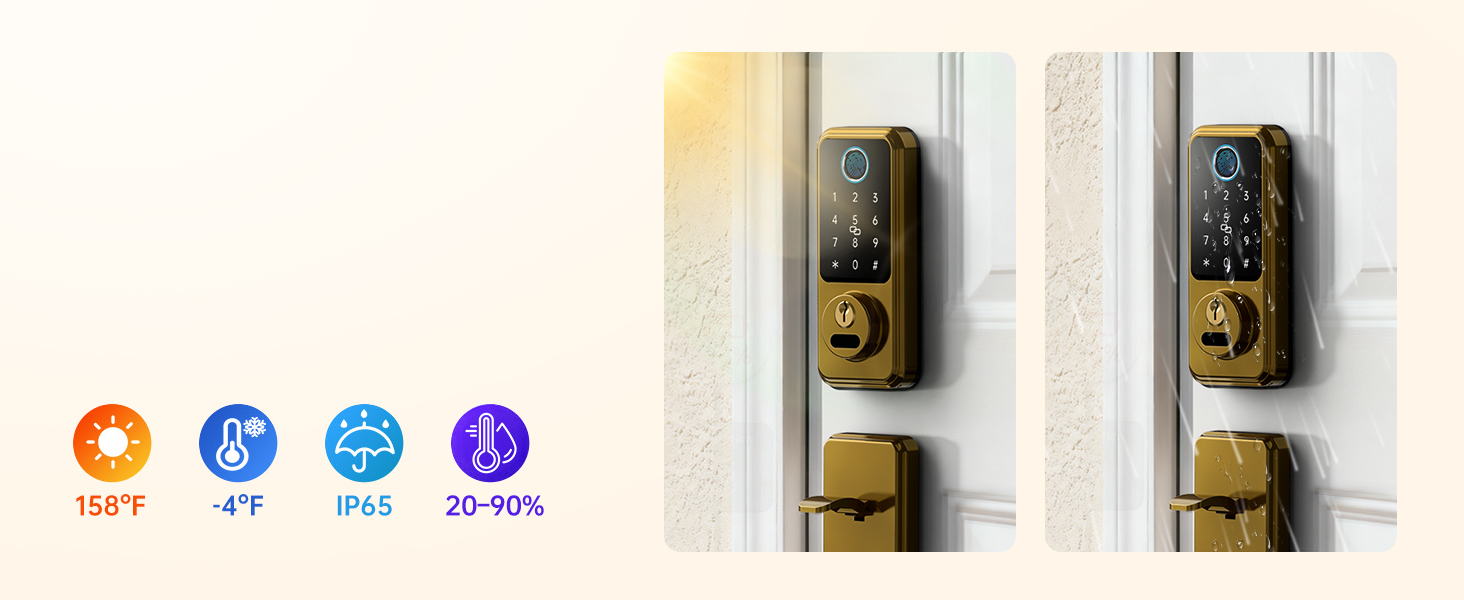
Image: All components included with the Hornbill M1-CBFHS Smart Lock, laid out for inspection.
3. Configuració i instal·lació
3.1 Comprovació de compatibilitat de portes
Abans de la instal·lació, assegureu-vos que la porta compleixi les especificacions següents:
- Diàmetre del forat: 2-1/8" (54 mm)
- Distància mínima: 5" (127 mm)
- Adjustable Distance: 8-1/4" - 9-27/32" (210-250mm)
- Part posterior: 2-3/8" or 2-3/4" (60mm-70mm)
- Hole Diameter (Latch): 7/8" (22 mm)
- Compatible with both Left-Handed and Right-Handed doors.
- Requires a latch hole; not compatible with doors that are not chiseled.
- Compatible with single cylinder deadbolts; not compatible with mortise/integrated locks.

Image: Diagram illustrating door compatibility measurements and requirements for the smart lock installation.
3.2 Instal·lació mecànica
Follow the detailed instructions provided in the included user manual for mechanical installation of the deadbolt and handle set. Ensure all screws are tightened securely and the latch operates smoothly.

Image: A hand using a screwdriver to install a component of the smart lock, demonstrating a step in the mechanical installation process.
3.3 App Setup and Initial Pairing
- Download the "Next Lock App" from your device's app store.
- Creeu un compte i inicieu sessió.
- Follow the in-app instructions to add your Hornbill M1-CBFHS lock. This typically involves activating Bluetooth on your phone and following prompts to pair the lock.
- Once paired, calibrate the lock and set up initial admin fingerprints and passcodes.
4. Instruccions de funcionament
4.1 Mètodes de desbloqueig
The Hornbill M1-CBFHS offers multiple ways to unlock your door:
- Reconeixement d'empremtes digitals: Store up to 50 fingerprints. Place your registered finger on the sensor for quick access (recognition time less than 0.2 seconds).
- Contrasenyes: Enter your personalized passcode on the keypad. Anti-peeping password feature allows you to enter random digits before or after your actual code to prevent unauthorized viewing.
- IC Fobs: Tap the provided IC fob on the designated area of the lock.
- Claus físiques: Use the backup physical keys for traditional unlocking.
- Control de l'aplicació: Unlock or lock the door remotely via the Next Lock App (requires Hornbill Wi-Fi Gateway, sold separately).
- Control de veu: Integrate with Amazon Alexa or Google Assistant for voice commands (requires Hornbill Wi-Fi Gateway, sold separately).
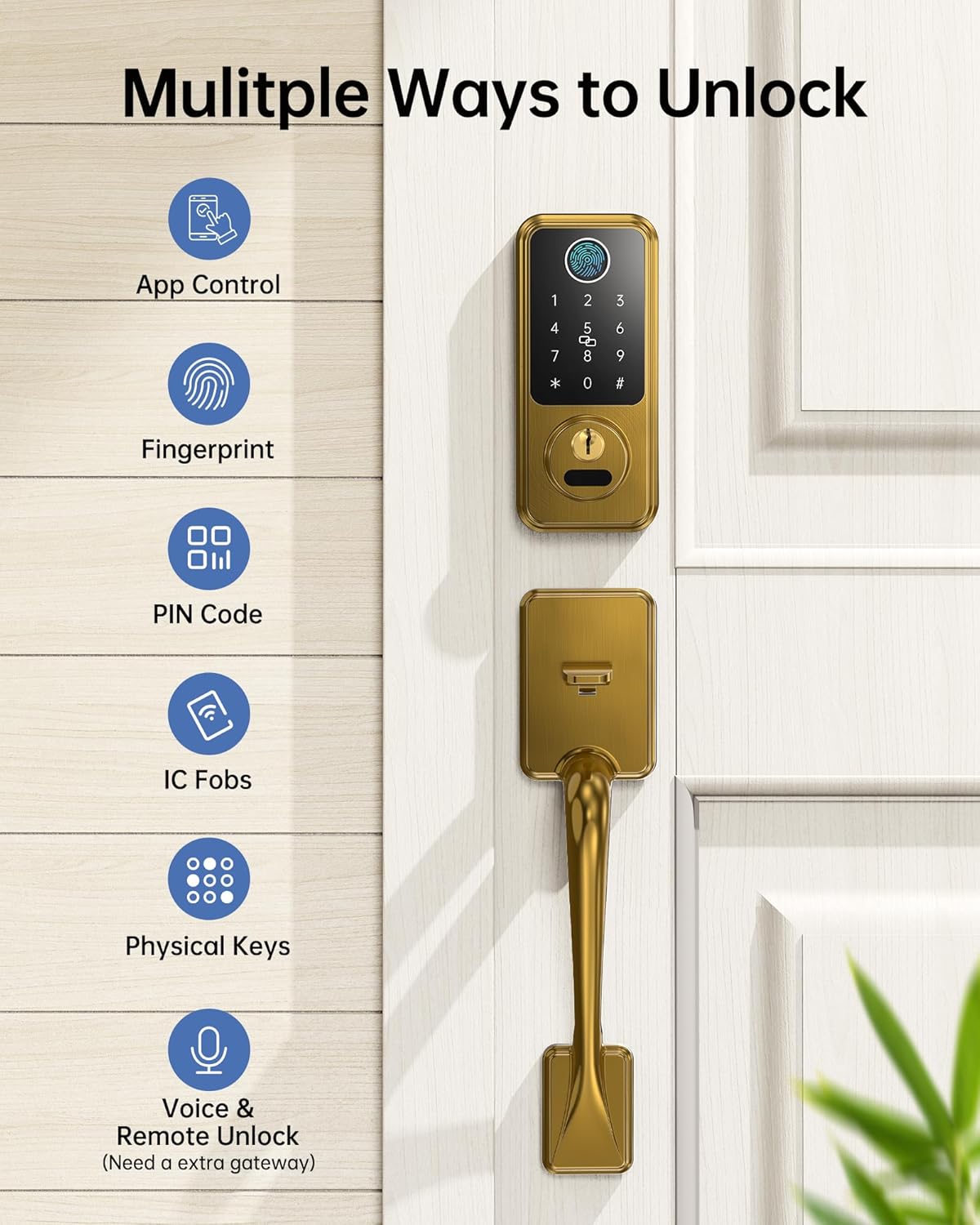
Image: Visual representation of the multiple unlocking methods available for the smart lock, including app control, fingerprint, PIN code, IC fobs, physical keys, and voice/remote unlock.

Image: Close-up of the smart lock keypad and fingerprint sensor, highlighting its biometric unlocking capabilities and speed.
4.2 Bloqueig automàtic i bloqueig d'un sol toc
- Bloqueig automàtic: Configure the auto-lock feature via the Next Lock App to automatically lock the door after a set period (1-900 seconds) once it closes.
- Bloqueig d'un sol toc: Press and hold the "#" key on the keypad for approximately 2 seconds to instantly lock the door.
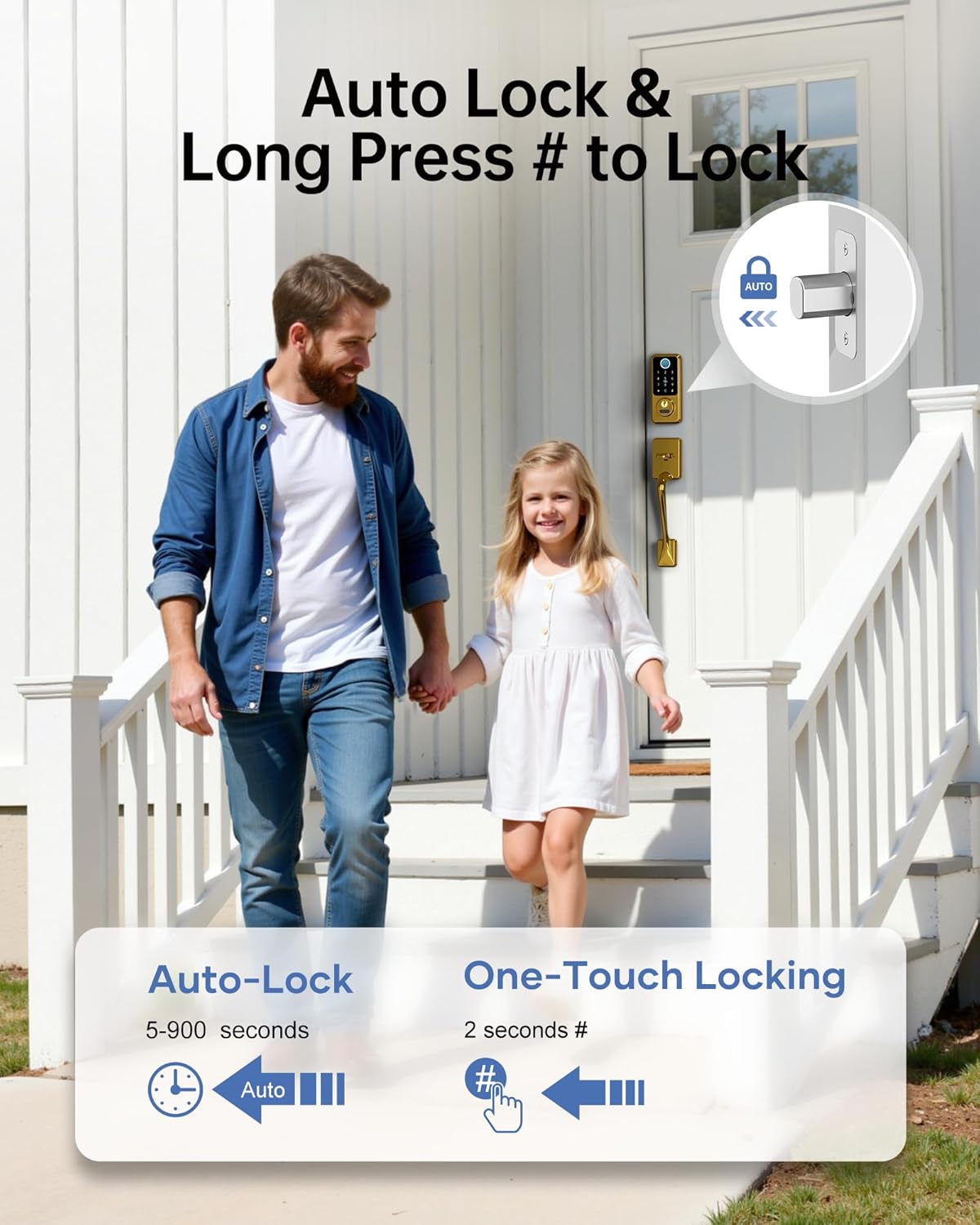
Image: A family leaving their home, illustrating the convenience of auto-lock and one-touch locking features.
Note: The lock does not detect door status. To use the auto-lock function, ensure the door is fully closed. If the door is open, the bolt will still extend.
4.3 Managing Access Codes and E-Keys
- Accés temporal: Generate temporary passcodes for guests, housekeepers, or service providers. These can be time-limited or one-time use. Up to 300 passcodes can be assigned and revoked at any time.
- Share E-Keys: Grant family members, tenants, or guests admin access to the lock via the Next Lock App. Admins can manage the door, set/revoke passcodes, and view registres d'activitats.
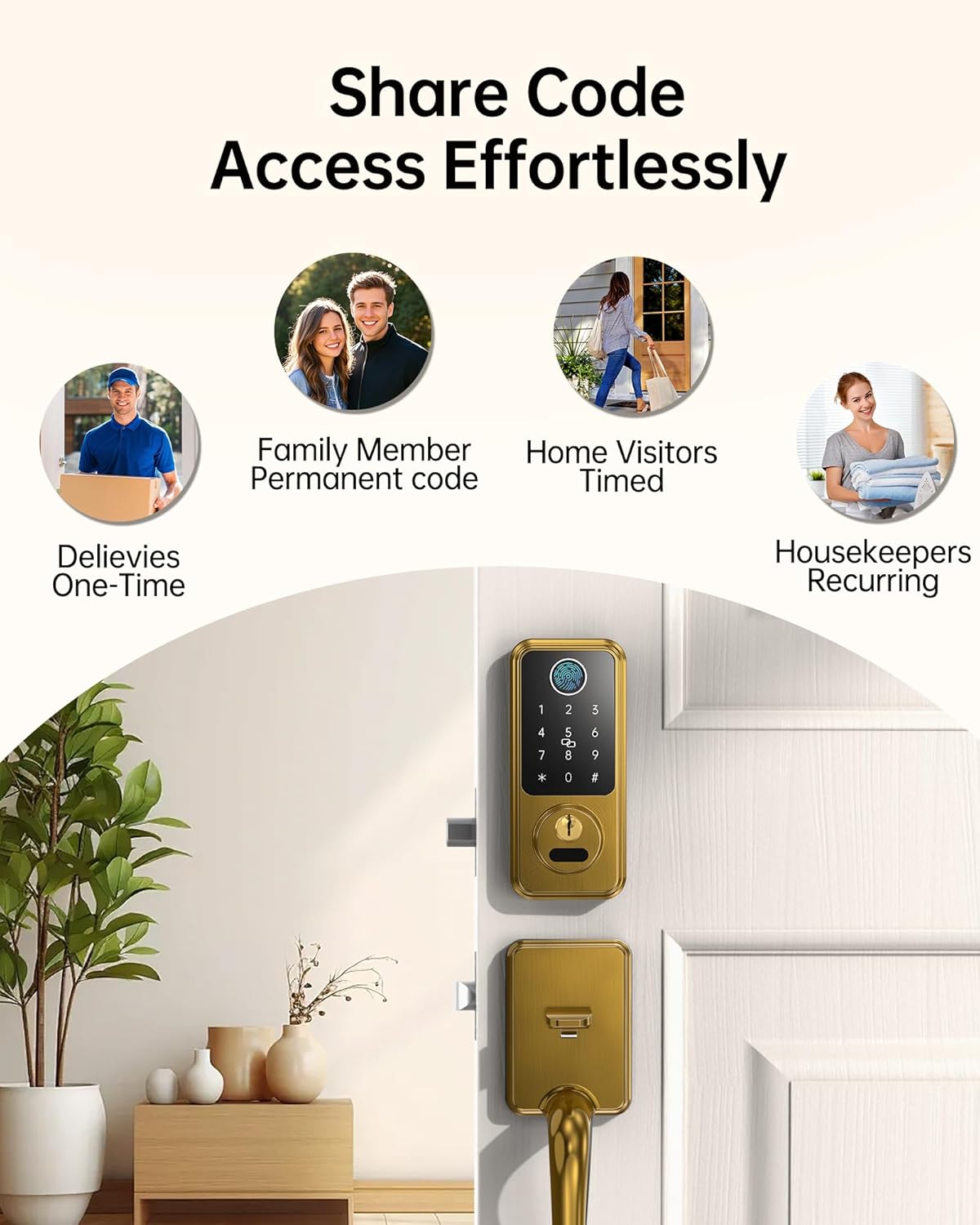
Image: Icons representing different user types (deliveries, family, visitors, housekeepers) and how access codes can be shared effortlessly.
5. Manteniment
5.1 Gestió de la bateria
- The lock requires 4 AA alkaline batteries (not included).
- Monitor battery life through the Next Lock App.
- Alertes de bateria baixa: The app will notify you when the battery level drops below 20%. Replace batteries promptly.
- Type-C Emergency Charging: In case of a completely drained battery, use a Type-C cable to connect a power bank to the emergency charging port on the lock for temporary power access.

Image: A smartphone displaying a low battery alert for the smart lock, with the lock itself showing a warning indicator.
5.2 Neteja i cura
Netegeu l'exterior del pany amb un drap suau iamp drap. Eviteu productes de neteja abrasius o dissolvents que puguin danyar l'acabat o els components electrònics.
6. Solució De Problemes
- Problemes de reconeixement d'empremtes dactilars: Ensure your finger is clean and dry. Try re-registering your fingerprint in the app. Ensure the sensor is clean.
- El teclat no respon: Check battery levels. If batteries are low, use the emergency Type-C charging port or physical key.
- Problemes de connectivitat de l'aplicació: Ensure Bluetooth is enabled on your device. If using Wi-Fi, verify the Hornbill Wi-Fi Gateway (sold separately) is powered on and within 16ft (10ft if walls block) of the lock and router. Check your 2.4GHz Wi-Fi network.
- Auto-Lock Not Engaging: Confirm the door is fully closed. The auto-lock feature does not detect if the door is ajar. Verify auto-lock settings in the Next Lock App.
- Mechanical Latch Issues: Ensure the lock is installed correctly and all components are aligned. If the latch mechanism is stiff or not engaging, re-check the installation steps or consult professional assistance.
7. Especificacions
| Característica | Detall |
|---|---|
| Marca | hornbill |
| Número de model | M1-CBFHS |
| Tipus de bloqueig | Biomètric, pany de seguretat, teclat numèric |
| Característiques especials | Anti-Peeping Password, Auto-Lock, Fingerprint, Fob Unlock, One-Touch Lock |
| Dimensions de l'article (L x A x A) | 7.9 x 4.9 x 9 polzades |
| Usos recomanats | New homes, Airbnb properties, offices, apartments, garages, rental properties |
| Components inclosos | Front Panel, Back Panel, Handles, Deadbolt, Lock Accessories, Keys, IC cards, Screws, User Manual, Latch |
| Tipus de controlador | Amazon Alexa, Google Assistant (with optional Wi-Fi Gateway) |
| Mètode de control | Aplicació, comandament a distància, tàctil, veu |
| Protocol de connectivitat | Bluetooth, Wi-Fi (with optional Wi-Fi Gateway) |
| Color | Llautó setinat |
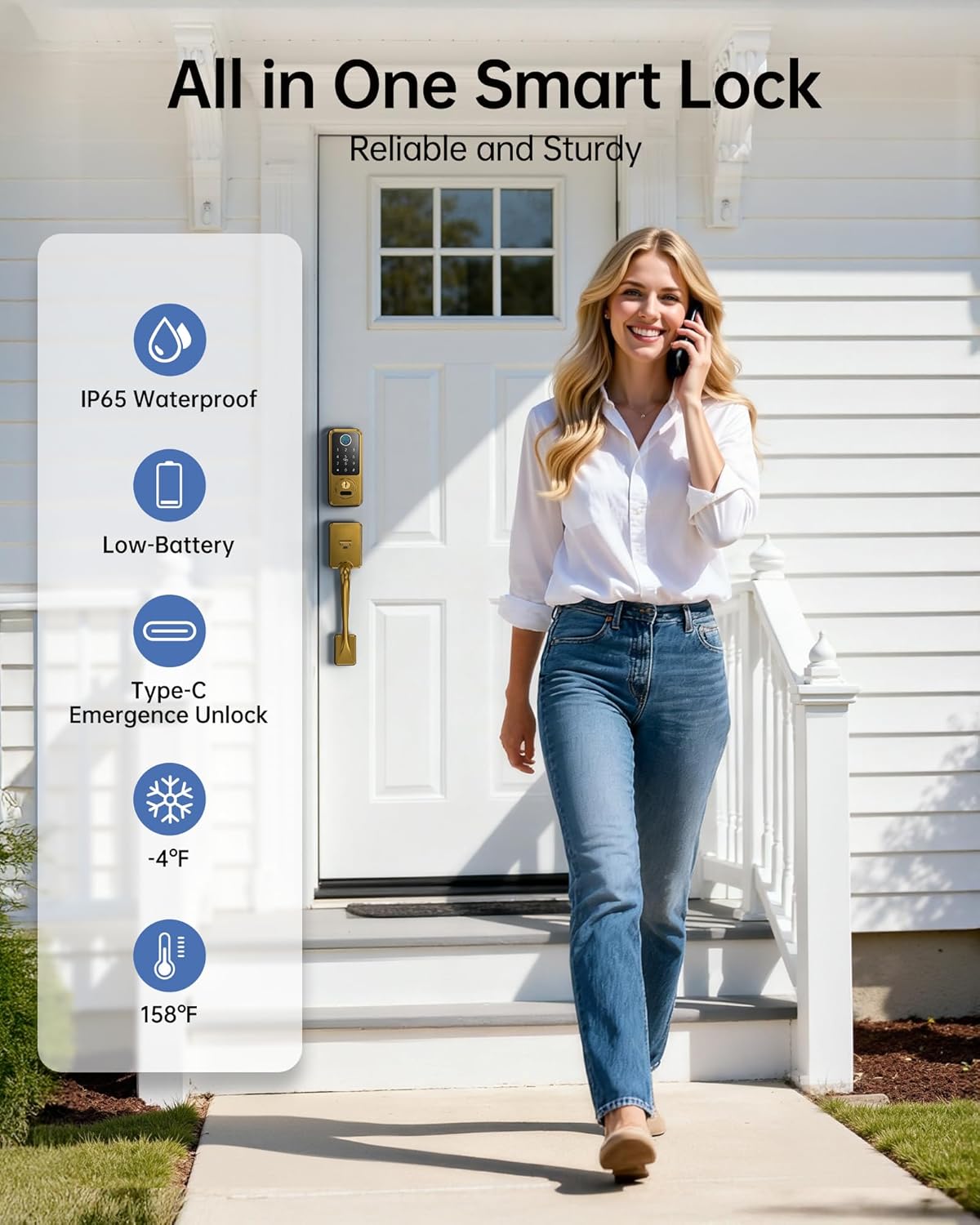
Imatge: Més deview of the smart lock's robust features including IP65 waterproofing, low battery alerts, Type-C emergency unlock, and temperature resilience.
8. Garantia i Suport
Hornbill provides comprehensive after-sales support for your product:
- Atenció al client: Assistència disponible les 24 hores del dia, els 7 dies de la setmana.
- Devolucions: Política de devolució de 30 dies.
- Substitució: One-year replacement warranty.
- Suport tècnic: Suport tècnic de per vida.
For assistance, please contact the Hornbill after-sales support team.