
1. Introducció
Gràcies per la compraasing the ECHTPower PC Gaming Controller EP03. This manual provides detailed instructions for setting up, operating, and maintaining your controller to ensure optimal performance and an enhanced gaming experience. Please read this manual thoroughly before use and retain it for future reference.
Contingut del paquet:
- ECHTPower PC Gaming Controller EP03
- Base de càrrega sense fil
- Cable de càrrega USB-C
- Receptor sense fil 2.4G
- Manual d'usuari
2. Producte acabatview
The ECHTPower EP03 controller is designed for precision and durability, featuring advanced technologies for a superior gaming experience across multiple platforms.
Característiques principals:
- TMR Hall Effect Joysticks: Provides high precision, prevents drift, and offers an extended lifespan of over 5 million operations.
- Disparadors d'efecte Hall dual: Allows for one-touch stroke adjustment between 2mm and 9mm for customizable response.
- Base de càrrega sense fil: Convenient charging solution for the built-in 800mAh battery, offering up to 10 hours of continuous use.
- Tres stage Rapid Fire (Turbo) Function: Adjustable speeds of 8, 16, or 21 shots per second.
- Quatre stage Vibration Adjustment: Customize haptic feedback intensity at 0%, 30%, 60%, or 100%.
- Taxa de sondeig de 1000 Hz: Ensures instant response times via 2.4G wireless and wired connections.
- 6-axis Gyroscope: Enhances immersion and control in action and racing games by capturing real-time wrist movements.
- Àmplia compatibilitat: Supports PC, Mac, Nintendo Switch, Steam Deck, and mobile devices.

Figura 2.1: Diagram illustrating the Hall Effect Joystick technology, highlighting drift prevention and durability.

Figura 2.2: Image demonstrating the dual Hall Effect triggers with adjustable stroke lengths (2mm to 9mm).

Figura 2.3: The ECHTPower controller placed on its wireless charging dock, indicating 800mAh battery and 10 hours of use.
3. Configuració
3.1 Càrrega del controlador
- Connect the USB-C charging cable to the wireless charging dock.
- Connect the other end of the USB-C cable to a power source (e.g., PC USB port, USB wall adapter).
- Place the controller onto the wireless charging dock. The indicator lights on the controller will show charging status.
- Alternatively, connect the USB-C cable directly to the controller for wired charging.
3.2 Connexió a dispositius
The EP03 controller supports multiple connection methods:
3.2.1 2.4G Wireless Connection (PC/Mac/Steam Deck)
- Insert the 2.4G wireless receiver into an available USB port on your PC, Mac, or Steam Deck.
- Power on the controller. The controller will automatically attempt to pair with the receiver.
- Once connected, the indicator light on the controller will stabilize.
3.2.2 Wired Connection (PC/Mac/Steam Deck)
- Connect the USB-C charging cable to the controller.
- Connect the other end of the USB-C cable to an available USB port on your PC, Mac, or Steam Deck.
- The controller will be recognized automatically as a wired gamepad.
3.2.3 Bluetooth Connection (Nintendo Switch/Mobile)
Refer to your Nintendo Switch or mobile device's pairing instructions. The controller can be put into Bluetooth pairing mode by holding a specific button combination (refer to quick start guide for exact combination, usually Home + X or similar).

Figura 3.1: The controller highlighting its 2.4G wireless and wired connectivity with a 1000Hz polling rate.
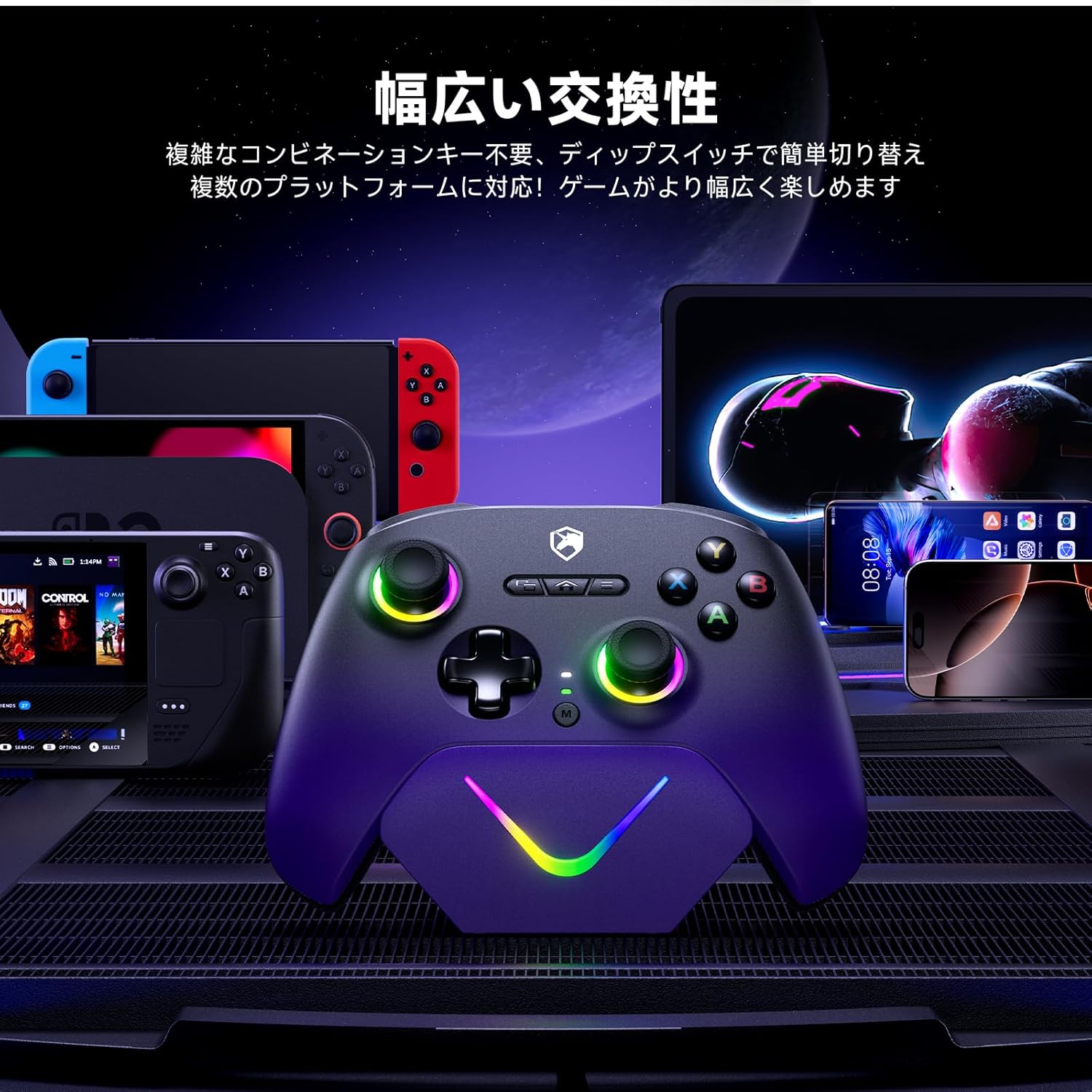
Figura 3.2: Mostra d'imatgesasing the controller's compatibility with various platforms including Nintendo Switch, Steam Deck, PC, Mac, and mobile devices.
4. Instruccions de funcionament
4.1 Encès/Apagat
- Encès: Premeu el botó d'inici per encendre el controlador.
- Apagar: Press and hold the Home button for 3-5 seconds to turn off the controller. The controller will also automatically power off after a period of inactivity to conserve battery.
4.2 Característiques especials
4.2.1 Joysticks d'efecte Hall
The Hall Effect joysticks utilize magnetic sensors for input, eliminating physical contact wear and tear. This design prevents stick drift and ensures precise, consistent input over the controller's lifespan.
4.2.2 Dual Hall Effect Triggers
The triggers feature Hall Effect sensors for smooth and accurate input. You can adjust the trigger stroke length for different game types:
- Short Stroke (2mm): Ideal for shooting games requiring quick, responsive inputs.
- Long Stroke (9mm): Suitable for racing games or other genres where nuanced pressure input is beneficial.
Refer to the quick start guide for specific button combinations to adjust trigger stroke.
4.2.3 Turbo (Rapid Fire) Function
The controller includes a three-stage turbo function for rapid button presses. This feature can be assigned to specific buttons.
- Activació: Press the Turbo button and the desired action button simultaneously to activate turbo for that button.
- Ajust de velocitat: Press the Turbo button and the + (Plus) or - (Minus) button (or specific D-pad directions) to cycle through the three speeds: 8, 16, or 21 presses per second.
- Desactivació: Repeat the activation step to deactivate turbo for a specific button.

Figura 4.1: Illustration of the three-stage rapid fire function, showing speeds of 8, 16, and 21 presses per second.
4.2.4 Ajust de vibració
Customize the intensity of the controller's vibration feedback.
- Press the Vibration button (or specific button combination) to cycle through the four vibration levels: 0% (off), 30%, 60%, and 100%.

Figura 4.2: Visual representation of the four-stage vibration adjustment, from 0% to 100% intensity.
4.2.5 6-axis Gyroscope
The integrated 6-axis gyroscope allows for motion control in compatible games, providing an immersive experience, particularly in action and racing genres. Ensure the game supports gyroscope input for this feature to function.
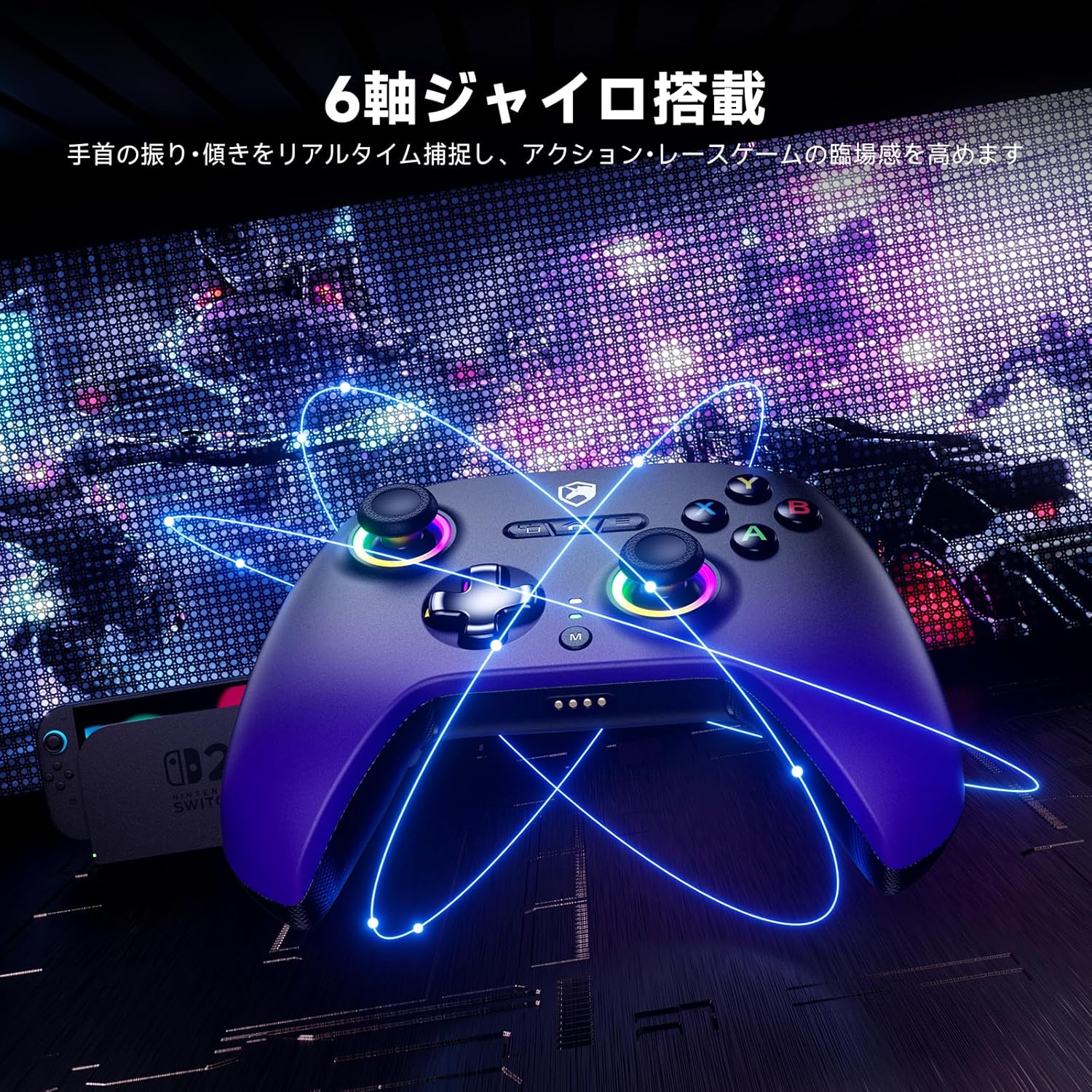
Figura 4.3: Image illustrating the 6-axis gyroscope functionality, enhancing real-time motion capture for gaming.
5. Manteniment
- Neteja: Feu servir un drap suau i sec per netejar el controlador. Per a la brutícia persistent, netegeu lleugerament.ampRenta el drap amb aigua. Evita utilitzar productes químics agressius o materials abrasius.
- Emmagatzematge: Guardeu el controlador en un lloc fresc i sec, allunyat de la llum solar directa i de temperatures extremes.
- Cura de la bateria: Per allargar la durada de la bateria, eviteu descarregar completament el controlador amb freqüència. Carregueu-lo regularment, fins i tot si no l'utilitzeu durant períodes prolongats.
6. Solució De Problemes
6.1 El controlador no es connecta
- Comproveu la bateria: Assegureu-vos que el controlador estigui prou carregat.
- Sense fil 2.4G: Verify the 2.4G receiver is securely plugged into a USB port. Try a different USB port.
- Amb cable: Ensure the USB-C cable is firmly connected to both the controller and the device. Try a different USB-C cable.
- Bluetooth: Ensure Bluetooth is enabled on your device and the controller is in pairing mode. Remove previous pairings and try again.
- Reinicia: Restart your computer/device and the controller.
6.2 Retard d'entrada o desconnexions
- Interferència: Move closer to the 2.4G receiver or device. Avoid obstacles and other wireless devices that may cause interference.
- Nivell de bateria: Una bateria baixa pot afectar el rendiment sense fil. Carregueu el controlador.
- Connexió per cable: If experiencing issues with wireless, try a wired connection to rule out wireless interference.
6.3 Els botons o joysticks no responen
- Recalibrar: Some operating systems or games allow for controller calibration. Refer to your system settings.
- Firmware: Check the ECHTPower official website for any available firmware updates for your controller.
- Restablir: Locate the small reset button (if present, usually a pinhole) on the controller and press it with a thin object.
7. Especificacions
| Característica | Especificació |
|---|---|
| Número de model | EP03 |
| Tecnologia de connectivitat | Wired & 2.4G Wireless & Bluetooth |
| Dispositius compatibles | PC, Mac, Nintendo Switch, Steam Deck, Mobile |
| Tipus de controlador | Gamepad |
| Capacitat de la bateria | 800 mAh |
| Durada de la bateria | Fins a 10 hores (ús continu) |
| Taxa de votació | 1000 Hz |
| Tipus de palanca de control | Efecte Hall |
| Tipus de disparador | Dual Hall Effect (Adjustable Stroke 2mm-9mm) |
| Vibració | 4-stage Ajustable |
| Giroscopi | 6 eixos |
| Foc ràpid (Turbo) | 3-stage Adjustable (8/16/21 times/s) |
| Dimensions de l'article | 3.15 x 5.12 x 6.3 polzades |
8. Garantia i Suport
ECHTPower products are designed for reliability and performance. For warranty information, technical support, or customer service inquiries, please refer to the contact information provided with your product packaging or visit the official ECHTPower website. Please have your model number (EP03) and purchase details ready when contacting support.