
Introducció
The HUBBLE CONNECTED Nursery Pal Glow+ Twin is a comprehensive baby monitoring system designed to provide parents with peace of mind. This system includes two Full HD cameras and a 5-inch parent unit, offering a wide range of features such as a 7-color night light, sleep trainer, two-way talk, and secure remote access via the HubbleClub app. This manual provides essential information for setting up, operating, and maintaining your device.
Què hi ha a la caixa
Desembaleu amb cura el contingut i assegureu-vos que hi hagi tots els elements:
- 2 x 1080p Smart HD Cameras
- 1 x 5-inch Parent Unit
- 2 x adaptadors d'alimentació per a càmeres
- 1 x Power Adapter for Parent Unit
- 1 x Guia d'inici ràpid

Image: Components included in the Nursery Pal Glow+ Twin package.
Configuració
1. Encès
- Connect each camera to a power outlet using the provided power adapters. Ensure the green indicator light on the camera illuminates.
- Connect the parent unit to a power outlet using its dedicated power adapter.
- Press and hold the power button on the parent unit until the screen turns on. The cameras and parent unit should automatically pair.
2. Col·locació de la càmera
Place the cameras in locations that provide a clear view of your child's sleeping or play area. Ensure the cameras are positioned at a safe distance from the child, out of reach, and with power cords secured to prevent entanglement. The cameras can be placed on a flat surface or mounted using a Hubble Grip (sold separately).

Imatge: Més deview of camera features and full room coverage capabilities.
Instruccions de funcionament
1. Unitat principal acabadaview
The 5-inch parent unit provides a clear display of your child's room and allows control over camera functions.
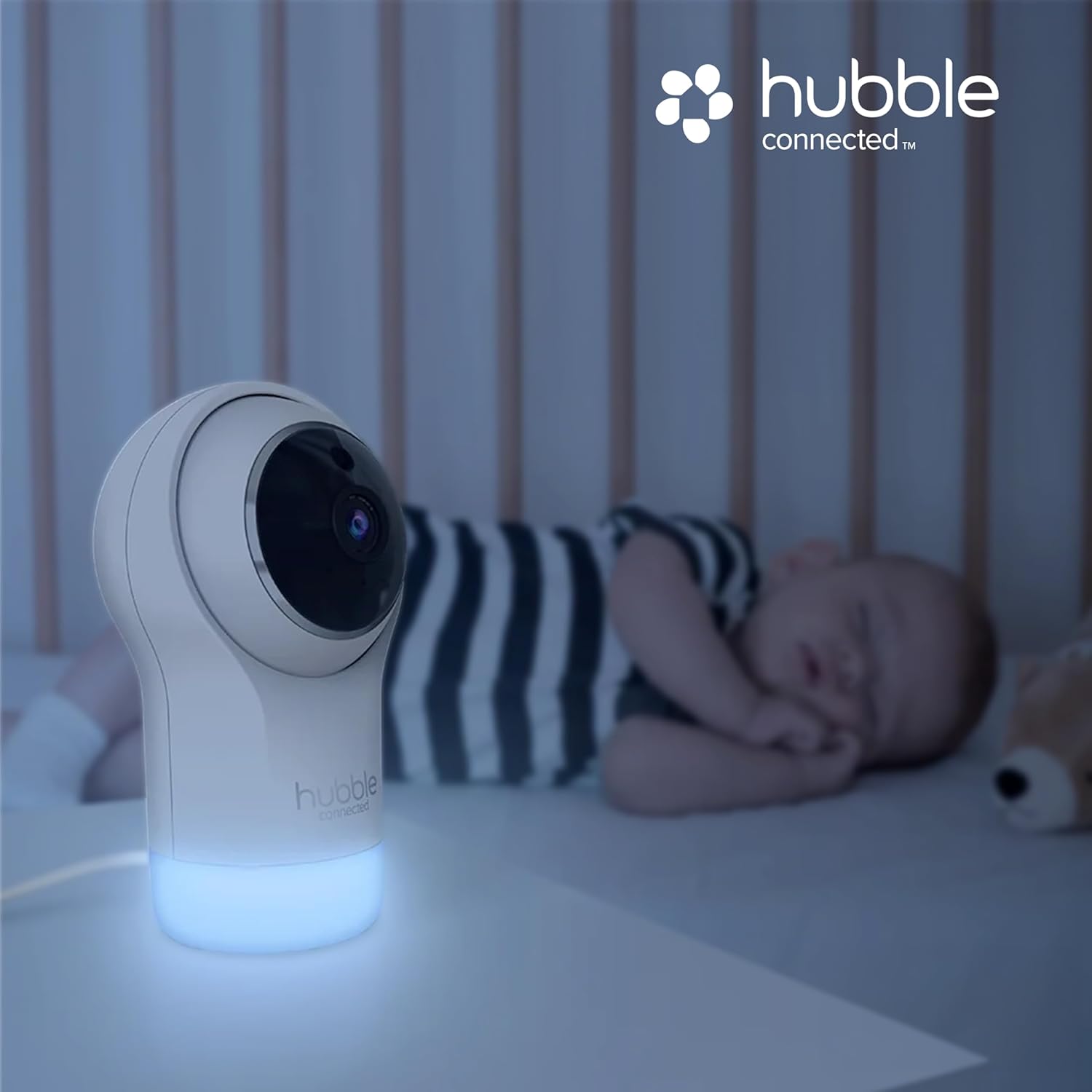
Image: Parent unit displaying a split-screen view from two cameras.
- Botó d'encesa: Premeu i manteniu premut per encendre/apagar la unitat.
- Botons de navegació: Use the directional pad to navigate menus and control camera pan/tilt/zoom.
- Interruptor de càmera: Double-tap the middle button on the directional pad to switch between Camera 1 and Camera 2, or to activate split-screen view.
- Xerrada bidireccional: Press and hold the microphone button to speak through the camera to your child.
- Control de volum: Utilitzeu els botons de volum dedicats per ajustar el nivell d'àudio.
- Antena: Extend the antenna for improved signal range.
- Indicadors: The screen displays battery life, signal strength, room temperature, and mute status.
2. Característiques de la càmera
- Panoràmica, inclinació i zoom: Use the parent unit's navigation buttons to remotely adjust the camera's view.
- Visió nocturna per infrarojos: Automatically activates in low-light conditions to provide a clear view of your child at night.
- Llum nocturna de 7 colors: The camera base features a customizable night light. Adjust colors and brightness through the parent unit or HubbleClub app.
- Soothing Sounds, Lullabies, and Audiobooks: Access a library of preloaded sounds to help soothe your child to sleep.
- Sleep Trainer: Utilize built-in programs to establish healthy sleep routines for your child.
3. HubbleClub App
For enhanced features and remote monitoring, download the free HubbleClub app on your iOS or Android device.

Image: HubbleClub app interface showing real-time alerts and smart sleep schedules.
- Accés remot: View live camera feeds from anywhere using your smartphone.
- Video Recordings & Snapshots: Capture and download precious moments. Motion-activated video recordings are also available.
- Activity Notifications: Receive real-time alerts for motion, sound, and temperature changes.
- BabyZone Setup: Defineix àrees específiques dins de la càmera view per a la detecció de moviment.
- Secure Monitoring: The HubbleClub app utilizes 256-bit WiFi encryption and US-based servers for enhanced data protection.

Image: Secure monitoring features with 256-bit encryption.
Manteniment
To ensure optimal performance and longevity of your baby monitor, follow these maintenance guidelines:
- Neteja: Use a soft, dry cloth to clean the cameras and parent unit. Do not use abrasive cleaners or solvents.
- Cura de les lents: Gently wipe camera lenses with a microfiber cloth to remove dust or smudges.
- Cura de la bateria: For the parent unit, avoid fully discharging the battery frequently. Charge it regularly to maintain battery health.
- Emmagatzematge: If storing the device for an extended period, ensure it is fully charged and stored in a cool, dry place.
Resolució de problemes
Consulteu la taula següent per veure els problemes habituals i les seves solucions:
| Problema | Causa possible | Solució |
|---|---|---|
| No hi ha imatge a la unitat principal | Camera or parent unit not powered on; out of range; not paired. | Ensure both devices are powered and charged. Move closer to the camera. Re-pair devices if necessary (refer to Quick Start Guide). |
| No hi ha so o mala qualitat d'àudio | Volume too low; microphone muted; interference. | Increase volume on parent unit. Check if microphone is muted. Move devices away from other electronic equipment. |
| Problemes de connectivitat de l'aplicació | Poor Wi-Fi signal; incorrect app settings; outdated app version. | Ensure strong Wi-Fi signal. Check app settings and camera connection status. Update the HubbleClub app to the latest version. |
| La bateria de la unitat parental es descarrega ràpidament | High screen brightness; continuous use; aging battery. | Reduce screen brightness. Keep parent unit plugged in for extended use. Battery life naturally decreases over time. |
Especificacions
Detailed technical specifications for the Nursery Pal Glow+ Twin:
| Característica | Detall |
|---|---|
| Marca | HUBBLE CONNECTAT |
| Nom del model | HCSNPGLX2 |
| Dispositius compatibles | Smart device using the HubbleClub App |
| Color | Blanc |
| Components inclosos | Monitors and display (2 cameras, 1 parent unit, power adapters) |
| Material de tancament | Metal, Paper, Plastic, Polycarbonate (PC) |
| Piles necessàries | No (Parent unit has built-in rechargeable battery) |
| UPC | 810074830973 |
Garantia
The HUBBLE CONNECTED Nursery Pal Glow+ Twin comes with a 1 anys de garantia limitada del fabricant. This warranty covers defects in materials and workmanship under normal use. Please retain your proof of purchase for warranty claims. For full details, refer to the warranty information provided with your product or visit the official HUBBLE CONNECTED weblloc.
Suport
For further assistance, technical support, or to inquire about additional accessories, please contact HUBBLE CONNECTED customer service:
- Assistència en línia: Visita el HUBBLE CONNECTED Support Page
- Correu electrònic: Consulteu la Guia d'inici ràpid per obtenir el correu electrònic de contacte específic.
- Telèfon: Refer to your Quick Start Guide for specific contact phone number.
Always ensure you have your product model number (HCSNPGLX2) and proof of purchase ready when contacting support.
