
1. Introducció
This manual provides essential information for the safe and effective use of your NBD 8K 64MP Digital Camera. Please read this manual thoroughly before using the camera and retain it for future reference. This camera is designed for capturing high-resolution photos and videos, featuring an 8K video recording capability, 64MP still image resolution, 16X digital zoom, and a 180-degree flip screen for versatile shooting.
2. Informació de seguretat
- Do not expose the camera to water or moisture. This device is not water-resistant.
- Eviteu deixar caure la càmera o sotmetre-la a impactes forts.
- Mantingueu la càmera allunyada de camps magnètics forts.
- No intenteu desmuntar ni modificar la càmera. Les reparacions només les ha de realitzar personal de servei autoritzat.
- Use only NBD-approved batteries and chargers.
- Guardeu la càmera en un lloc fresc i sec quan no la feu servir.
- Mantenir fora de l'abast dels nens.
3. Contingut del paquet
Verifiqueu que tots els elements que s'enumeren a continuació s'inclouen al vostre paquet:
- NBD S100F 8K Camera
- 52mm Wide Angle Lens
- Lent macro de 52 mm
- Rechargeable Lithium-Ion Batteries (x2)
- Carregador de bateria
- Camera Neck Rope (Strap)
- Black Leather Bag (Pouch)
- 64GB Memory Card (TF Card)
- Cable USB
- Lector de targetes
- Manual d'instruccions
- Drap de neteja de lents

Figura 3.1: Accessoris inclosos
4. Components de la càmera
Familiarize yourself with the main parts and controls of your NBD 8K 64MP Digital Camera.
4.1 Davant View
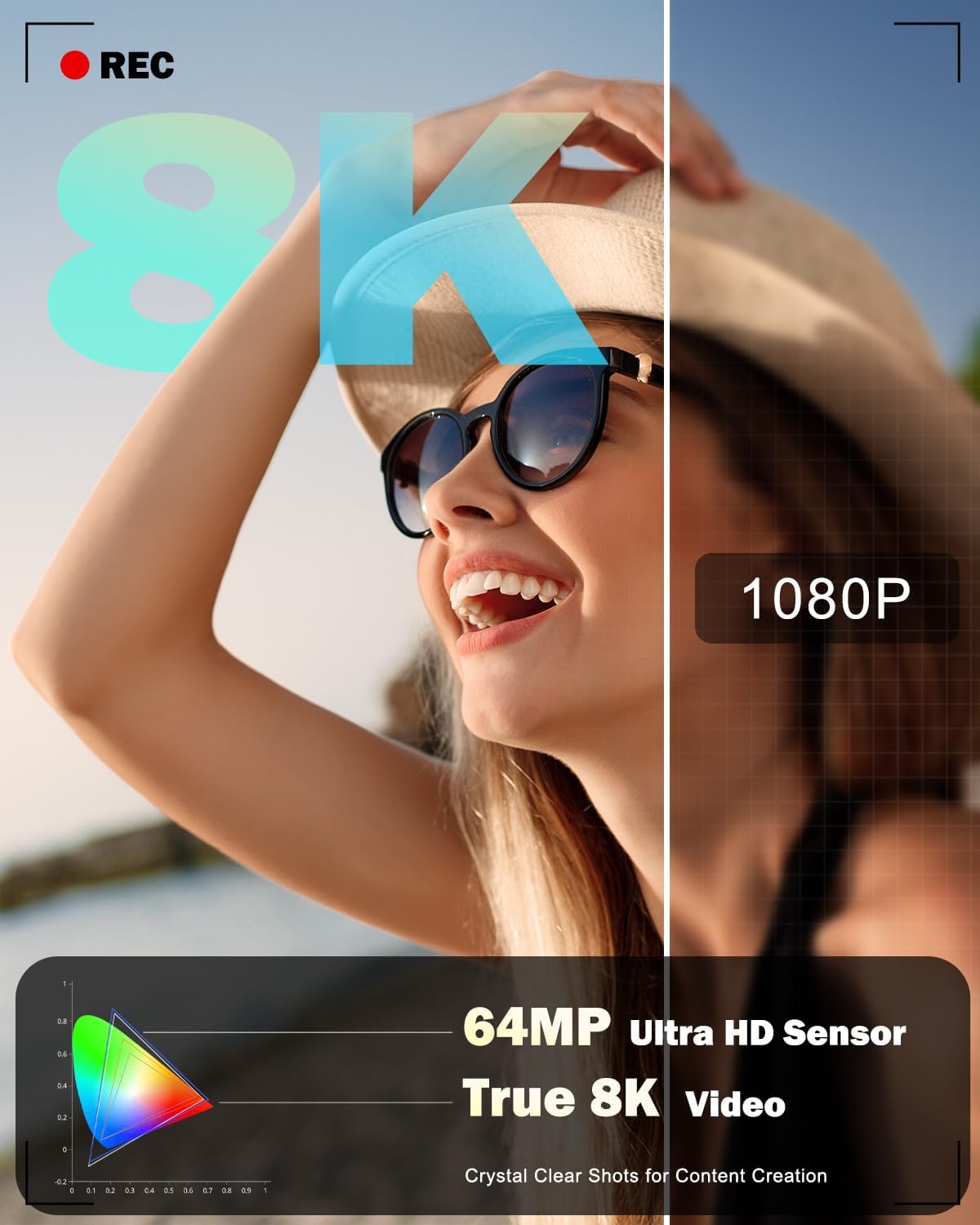
Figura 4.1: Frontal View de la Càmera
This image displays the front of the camera, highlighting the main lens, built-in flash, and the NBD branding.
4.2 Darrera View and Flip Screen

Figura 4.2: posterior View with Flip Screen
La part posterior view shows the 3-inch IPS 180-degree flip screen, which can be rotated for selfies or vlogging, along with various control buttons for menu navigation and settings adjustment.
4.3 Amunt View

Figura 4.3: superior View de la Càmera
The top of the camera features the mode dial for selecting different capture modes, the shutter button, and the zoom control lever.
4.4 Dimensions

Figura 4.4: Dimensions de la càmera
The camera is designed to be compact and portable, with approximate dimensions of 4.5 inches by 2.7 inches, making it easy to carry.
5. Configuració
5.1 Instal·lació i càrrega de la bateria
- Obriu la tapa del compartiment de la bateria que es troba a la part inferior de la càmera.
- Introduïu una bateria de liti-ió completament carregada, assegurant-vos que l'orientació sigui correcta tal com s'indica a l'interior del compartiment.
- Tanqueu bé la tapa del compartiment de la bateria.
- To charge the battery, insert it into the provided charger and connect the charger to a power source. The indicator light on the charger will show the charging status.
5.2 Instal·lació de la targeta de memòria
- Localitza la ranura de la targeta de memòria, normalment a prop del compartiment de la bateria o al lateral de la càmera.
- Insert the 64GB microSD card (TF card) into the slot with the contacts facing the correct direction until it clicks into place.
- To remove the card, gently push it in until it springs out.
5.3 Fixació de lents
The camera comes with a 52mm Macro Lens and a detachable wide-angle lens. To attach:
- Align the threads of the desired lens (macro or wide-angle) with the threads on the camera's main lens.
- Gently screw the lens clockwise until it is securely fastened. Do not overtighten.
- Per treure-ho, desenrosqueu-ho en sentit antihorari.
5.4 Engegada inicial i configuració bàsica
- Manteniu premut el botó d'encesa per encendre la càmera.
- Upon first use, you may be prompted to set the date, time, and language. Follow the on-screen instructions using the navigation buttons and the 'OK' button.
- Format the memory card before first use to ensure optimal performance. Navigate to the 'Settings' menu, find 'Format Card', and confirm.
6. Funcionament de la càmera
6.1 Encès/Apagat
Press the power button to turn the camera on or off. The camera will automatically power off after a period of inactivity to conserve battery life.
6.2 Basic Photography (Still Images)
- Turn the mode dial to the 'Photo' icon.
- Enquadra la teva foto amb la pantalla abatible de 3 polzades.
- Press the shutter button halfway down to activate autofocus. The focus frame will appear on the screen.
- Once focus is achieved, press the shutter button fully to capture the image.
6.3 Enregistrament de vídeo
- Turn the mode dial to the 'Video' icon.
- Press the shutter button to start recording. A 'REC' indicator will appear on the screen.
- Torneu a prémer el botó de l'obturador per aturar la gravació.
6.4 Using Capture Modes
The camera offers various capture modes accessible via the mode dial:

Figure 6.1: Camera Capture Modes
- Mode de fotografia: Captura d'imatges fixes estàndard.
- Foto d'interval: Captures a series of photos at set intervals.
- Mode de vídeo: Standard video recording (up to 8K resolution).
- Vídeo de càmera lenta: Records video for slow-motion playback.
- Vídeo d'intervals: Records video clips at set intervals for time-lapse effects.
- Mode de reproducció: Review fotos i vídeos capturats.
6.5 Funcionament de l'enfocament automàtic
The camera features an autofocus system. Half-pressing the shutter button will engage the autofocus, indicated by a green frame on the screen when focus is achieved. The camera also supports face detection for improved portrait photography.

Figure 6.2: Autofocus in Action

Figure 6.3: Face Detection Autofocus
6.6 Zoom digital
The camera features 16X digital zoom. Use the zoom lever (typically around the shutter button) to zoom in or out. Note that digital zoom magnifies the image electronically and may result in some loss of image quality compared to optical zoom.

Figure 6.4: Digital Zoom Levels
6.7 Using the Flip Screen
The 180-degree flip screen allows for flexible viewing angles. Rotate the screen to face forward for self-portraits or vlogging. The camera can also function as a PC webcam when connected via USB, utilizing the flip screen for monitoring.

Figure 6.5: Camera as PC Weblleva
6.8 Funcionament del flaix
The camera includes a built-in flash for illuminating subjects in low-light conditions. The flash can be set to automatic or forced-on modes via the camera's menu settings.

Figure 6.6: Built-in Flash Effect
6.9 WiFi Connection and App Control
The camera supports WiFi connectivity for remote control and image transfer to smartphones or computers.
- Enable WiFi on the camera via the settings menu.
- Download the dedicated NBD camera app on your smartphone.
- Connecta el teu telèfon intel·ligent a la xarxa WiFi de la càmera.
- Use the app for remote framing, transferring photos and videos, and sharing content to social media platforms.

Figure 6.7: WiFi and USB Connectivity
7. Manteniment
7.1 Neteja de la càmera i els objectius
- Use the provided lens cleaning cloth or a soft, lint-free cloth to gently wipe the camera body and screen.
- For lenses, use a lens brush to remove dust, then gently wipe with a lens cleaning cloth. Do not use abrasive materials or harsh chemicals.
7.2 Cura de la bateria
- Charge batteries fully before use.
- Remove batteries from the camera if it will not be used for an extended period.
- Guardeu les piles en un lloc fresc i sec.
7.3 Emmagatzematge
When storing the camera, ensure it is turned off, and the lens cap is attached. Place it in the provided pouch or a camera bag to protect it from dust and scratches.
8. Solució De Problemes
Si teniu problemes amb la càmera, consulteu els problemes i solucions més comuns següents:
| Problema | Causa possible | Solució |
|---|---|---|
| La càmera no s'encén. | La bateria està esgotada o inserida incorrectament. | Carregueu la bateria completament i assegureu-vos que estigui inserida correctament. |
| No es poden fer fotos/vídeos. | La targeta de memòria està plena, no està inserida o està malmesa. | Insert a memory card, delete unnecessary files o formateu la targeta (primer feu una còpia de seguretat de les dades). |
| Les imatges són borroses. | Autofocus failed, camera shake, or dirty lens. | Ensure autofocus locks before shooting, hold camera steady, or clean the lens. |
| Problemes de connexió Wi-Fi. | Incorrect password, camera WiFi not enabled, or app issues. | Verify WiFi password, enable WiFi on camera, restart app/camera. |
| No sound in recorded videos. | Microphone settings, or external microphone not connected properly. | Check camera audio settings. Ensure any external microphone is securely connected and functional. |
If the problem persists, please contact NBD customer support.
9. Especificacions
| Característica | Especificació |
|---|---|
| Nom del model | NBD-8K64MP |
| Tecnologia del sensor fotogràfic | CMOS |
| Resolució de fixes efectius | 64 MP |
| Resolució de vídeo | 8K (7680x4320), 5K (5120x2880 @ 25 FPS) |
| Zoom digital | 16X |
| Tipus de lent | 52mm Macro Lens, Detachable Wide-Angle Lens |
| Mostra | 3-inch IPS 180° Flip LCD Screen |
| Enfocament automàtic | Yes (Hybrid Auto Focus) |
| Interval ISO | 100-3200 |
| Mitjans d'emmagatzematge | microSD (64GB card included) |
| Connectivitat | USB, Wi-Fi |
| Tipus de bateria | Lithium Ion (x2 included) |
| Admet File Formats | JPEG, MP4 |
| Modes de tir | Easy, Landscape, Movie, Portrait, Sports, Interval Photo, Interval Video, Slow Motion |
| Tipus de muntatge | Trípode |
| Nivell de resistència a l'aigua | No resistent a l'aigua |
10. Garantia i Suport
Your NBD 8K 64MP Digital Camera is covered by a manufacturer's warranty. Please refer to the warranty card included in your package for specific terms and conditions. For technical support, troubleshooting assistance, or warranty claims, please visit the official NBD website or contact NBD customer service through the contact information provided in your product documentation.
No official product videos from the seller were found to embed in this manual.