
1. Introducció
Gràcies per la compraasing the Aiwa BST-130RD Bluetooth Speaker. This portable speaker features Bluetooth 5.3 connectivity, vibrant RGB lighting, FM radio, and multiple playback options including USB and TF card. This manual provides essential information for the safe and efficient use of your device. Please read it thoroughly before operation and retain it for future reference.
2. Contingut del paquet
Assegureu-vos que tots els elements siguin presents al paquet:
- Aiwa BST-130RD Bluetooth Speaker
- Cable de càrrega USB tipus C
- Manual d'instruccions
3. Producte acabatview
Familiarize yourself with the speaker's controls and ports.
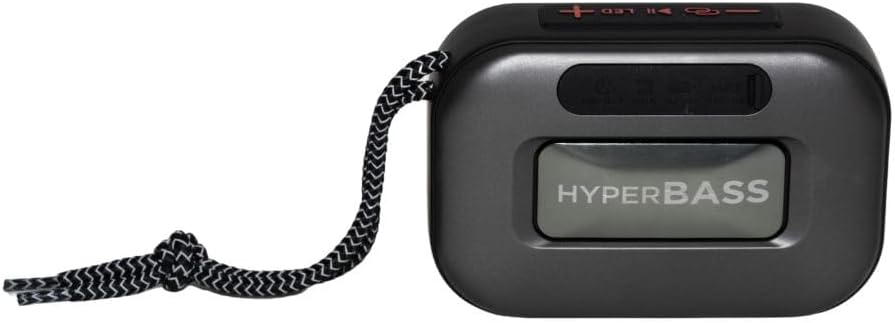
Figura 3.1: Davant view of the Aiwa BST-130RD Bluetooth Speaker, showcasing the speaker grille and RGB light ring.

Figura 3.2: Close-up of the tactile control buttons located on the top panel of the speaker. These include power, play/pause, volume, mode, and LED light controls.

Figura 3.3: posterior view of the speaker, illustrating the USB-A port, Micro SD (TF) card slot, AUX-IN port, and USB Type-C charging port.
Controls:
- Botó d'encesa: Manteniu premut per encendre/apagar l'altaveu.
- Botó Reproduir/Pausa: Reprodueix o pausa l'àudio. Respon/finalitza trucades en mode Bluetooth.
- Puja el volum (+): Increase volume. Long press for next track/FM station.
- Baixar el volum (-): Decrease volume. Long press for previous track/FM station.
- Botó de mode (M): Switch between Bluetooth, FM Radio, USB, TF Card, and AUX-IN modes.
- Botó LED: Canvia els modes d'il·luminació RGB.
Ports:
- Port USB-A: Per a la reproducció des d'una unitat flaix USB.
- Ranura per a targetes TF: Per a la reproducció de targetes Micro SD.
- AUX-IN Port (3.5mm): Per a connexió d'àudio amb cable.
- Port de càrrega USB tipus C: Per carregar l'altaveu.
4. Configuració
4.1 Càrrega de l'altaveu
- Connecteu el cable de càrrega USB tipus C proporcionat al port de càrrega de l'altaveu.
- Connect the other end of the cable to a 5V DC USB power adapter (not included).
- El llum indicador de càrrega s'il·luminarà durant la càrrega i s'apagarà un cop estigui completament carregat.
- Una càrrega completa sol trigar aproximadament 2-3 hores.
4.2 Encès/Apagat
- Per encendre: Press and hold the Power button for 2-3 seconds until you hear an audible prompt and the RGB lights activate.
- Per apagar: Press and hold the Power button for 2-3 seconds until you hear an audible prompt and the RGB lights deactivate.
5. Instruccions de funcionament
5.1 Vinculació Bluetooth
- Ensure the speaker is powered on and in Bluetooth mode (indicated by an audible prompt or LED status). If not, press the Mode button to switch to Bluetooth mode.
- Activeu el Bluetooth al vostre telèfon intel·ligent, tauleta o altre dispositiu compatible amb Bluetooth.
- Cerca available devices and select "AIWA BST-130RD" from the list.
- Once paired, the speaker will emit an audible confirmation.
- Ara pots reproduir àudio des del teu dispositiu a través de l'altaveu.
5.2 Emparellatge estèreo sense fil veritable (TWS)
The TWS function allows you to connect two Aiwa BST-130RD speakers for a stereo sound experience.
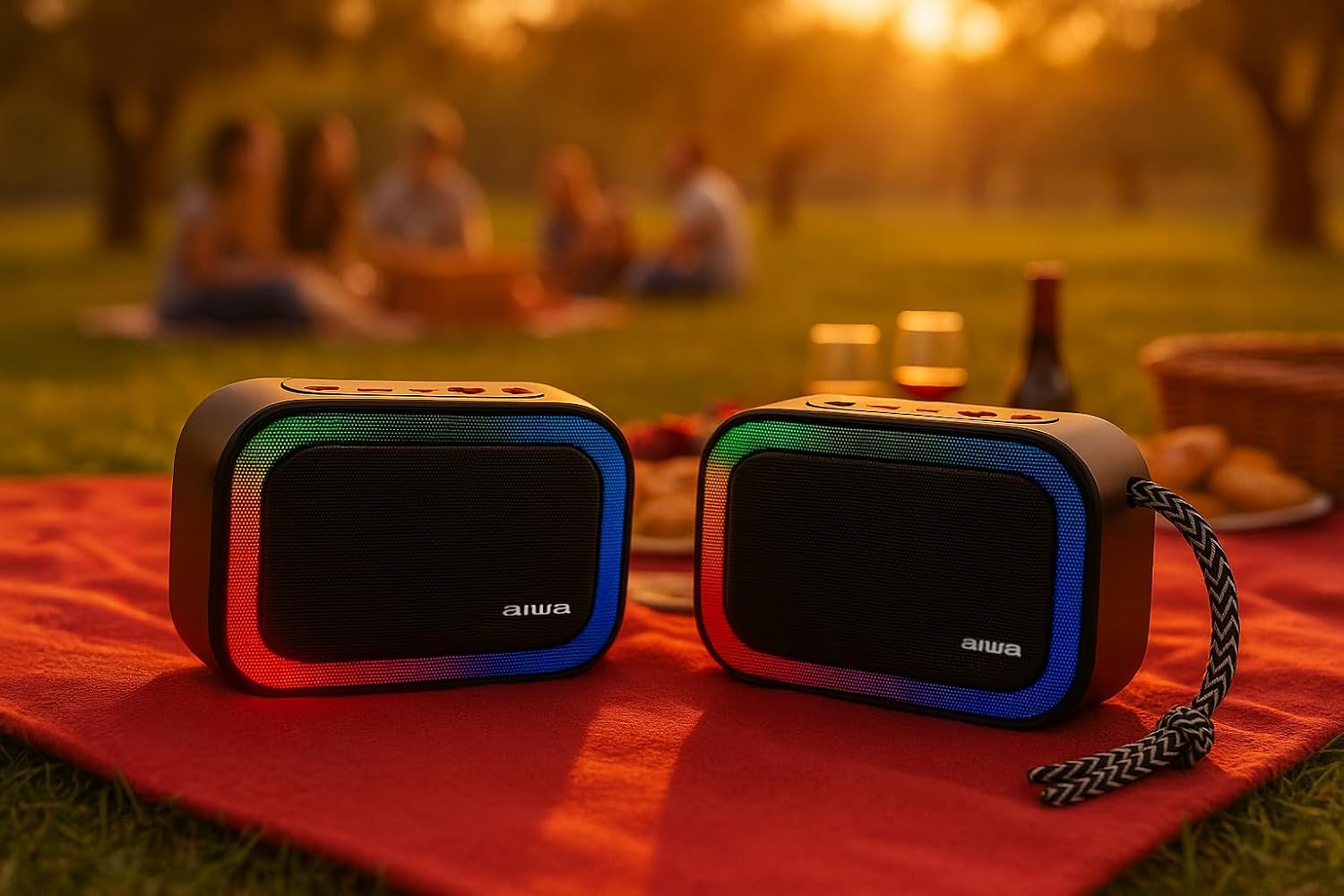
Figura 5.1: Two Aiwa BST-130RD speakers operating in True Wireless Stereo (TWS) mode, providing a wider soundstage.
- Ensure both BST-130RD speakers are powered on and in Bluetooth mode, but not yet paired to any device.
- On one of the speakers (this will be the primary speaker), double-press the Play/Pause button. The speaker will search for another BST-130RD.
- Once connected, you will hear an audible confirmation. The primary speaker will act as the left channel, and the secondary speaker as the right channel.
- Now, pair your Bluetooth device to the primary speaker as described in Section 5.1.
5.3 Funcionament de la ràdio FM
- Premeu el botó Mode repetidament fins que entreu al mode de ràdio FM.
- Press the Play/Pause button once to initiate an automatic station scan. The speaker will scan and save available FM stations.
- Feu servir els botons Pujar volum (+) i Baixar volum (-) (premu llargament) per navegar entre les emissores desades.
Reproducció de targetes USB / TF de 5.4
- Insert a USB flash drive into the USB-A port or a TF (Micro SD) card into the TF card slot.
- The speaker will automatically switch to the corresponding mode and begin playing MP3 files. If not, press the Mode button to select USB or TF mode.
- Use the Play/Pause button to control playback. Use the Volume Up (+) and Volume Down (-) buttons (long press) to skip tracks.
5.5 Mode AUX-IN
- Connect one end of a 3.5mm audio cable (not included) to the speaker's AUX-IN port.
- Connect the other end to the audio output of your external device (e.g., MP3 player, computer).
- Press the Mode button to switch to AUX-IN mode.
- Audio will now play through the speaker. Control playback from your external device.
5.6 Funció de mans lliures
Quan es connecta mitjançant Bluetooth a un telèfon intel·ligent, l'altaveu es pot utilitzar per a trucades de mans lliures.
- Respon a la trucada: Premeu el botó Reproduir/Pausa una vegada.
- Finalitzar la trucada: Premeu el botó Reprodueix/Pausa una vegada durant una trucada.
- Rebutja la trucada: Manteniu premut el botó Reproduir/Pausa durant 2 segons.
5.7 Control d'il·luminació RGB
The speaker features a dynamic RGB lighting system.

Figura 5.2: The Aiwa BST-130RD speaker displaying its vibrant RGB lighting effects.
- Premeu el botó LED per canviar entre els diferents modes d'il·luminació RGB.
- Press and hold the LED button to turn the RGB lighting On/Off.
6. Manteniment
- Netegeu l'altaveu amb un drap suau i sec. No utilitzeu productes de neteja abrasius ni dissolvents.
- Eviteu exposar l'altaveu a temperatures extremes, llum solar directa o humitat elevada.
- No submergiu l'altaveu a l'aigua. No és impermeable.
- When not in use for extended periods, charge the battery at least once every three months to prolong its lifespan.
7. Solució De Problemes
| Problema | Causa possible | Solució |
|---|---|---|
| L'altaveu no s'encén. | Bateria baixa. | Charge the speaker using the provided USB Type-C cable. |
| Sense so. | Volume too low; incorrect mode; device not paired. | Increase volume on speaker and connected device. Ensure correct mode is selected. Re-pair Bluetooth device. |
| L'aparellament de Bluetooth falla. | L'altaveu no està en mode d'emparellament; el dispositiu és massa lluny; interferències. | Assegureu-vos que l'altaveu estigui en mode d'emparellament Bluetooth. Acosteu el dispositiu a l'altaveu. Desactiveu els altres dispositius Bluetooth. |
| La recepció de ràdio FM és deficient. | Senyal feble; interferències ambientals. | Move the speaker to a different location. Perform an auto-scan again. |
8. Especificacions
- Model: BST-130RD
- Versió Bluetooth: V5.3
- Potència de sortida: 5 W RMS (10% THD)
- Controlador d'altaveus: 5 cm (Full Range), 3 Ohm Impedance
- Resposta de freqüència: 80 Hz - 18 kHz
- Ràtio senyal / soroll: ≥ 85 dB
- Sensibilitat: 490 mV (1 kHz)
- Entrades: Bluetooth, USB MP3, TF MP3, FM Scanner, AUX-IN (3.5mm Stereo)
- Entrada d'alimentació: 5V DC USB Type-C
- Bateria: 1200mAh, 3.7V Lithium (with protection circuit)
- Vol. De càrregatage: 5V 1A
- Característiques: TWS (True Wireless Stereo), RGB Lighting, Hands-free Function
- Dimensions: 133 x 89 x 47.5 mm
- Pes: 0.314 kg
9. Informació de seguretat
- No desmunteu, repareu o modifiqueu el dispositiu.
- Keep the device away from water, moisture, and flammable substances.
- Eviteu escoltar música durant molt de temps a volums alts per evitar danys auditius.
- Dispose of the battery and device responsibly according to local regulations.
10. Garantia i Suport
Aiwa products are designed and manufactured to the highest quality standards. For warranty information and technical support, please refer to the warranty card included in your package or visit the official Aiwa weblloc per a la vostra regió.