
1. Introducció
This manual provides instructions for the setup, operation, maintenance, and troubleshooting of your LETSUNG Golite11 Mini PC. The Golite11 is a compact desktop computer designed for various tasks, from web browsing and office applications to light gaming and multimedia playback. It features an Intel Celeron N4000 processor, 6GB LPDDR4 RAM, and a 128GB M.2 SSD, offering efficient performance in a small form factor.
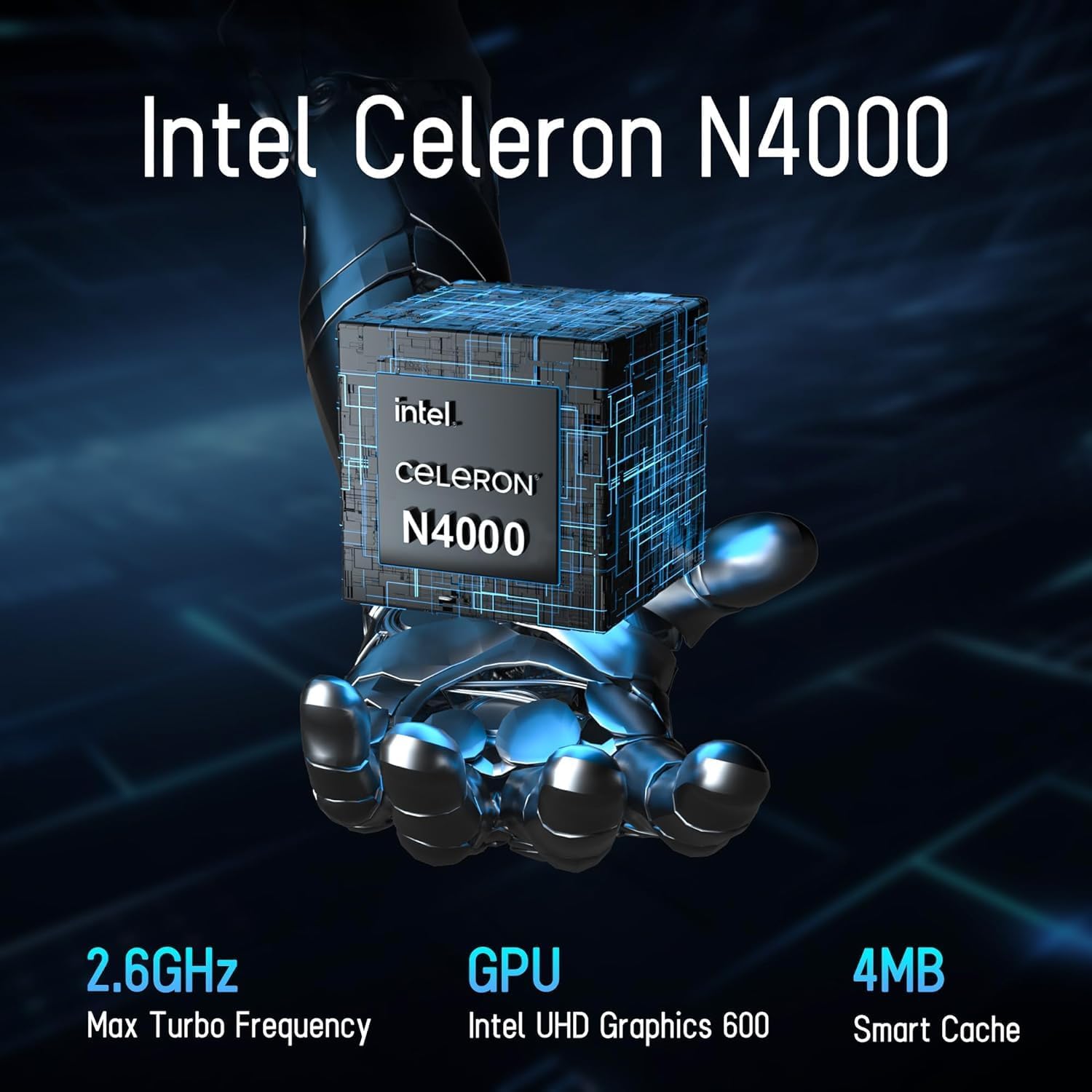
Image 1.1: LETSUNG Golite11 Mini PC, front view.
2. Què hi ha a la caixa
Verifiqueu que tots els elements siguin presents al paquet:
- 1 x Golite 11 Mini PC
- 1 x cable HDMI
- 1 x Muntatge VESA
- 1 x adaptador de corrent
- 1 x Guia d'usuari
3. Producte acabatview
3.1. Processador i memòria
The Golite11 Mini PC is equipped with an Intel Celeron N4000 processor, providing efficient performance for daily computing tasks. It includes 6GB of LPDDR4 RAM for smooth multitasking.

Image 3.1: Intel Celeron N4000 Processor.

Image 3.2: DDR4 Memory Module.
3.2. Emmagatzematge
The device comes with a 128GB M.2 SATA SSD, offering fast boot times and data access. Storage can be expanded up to 512GB.
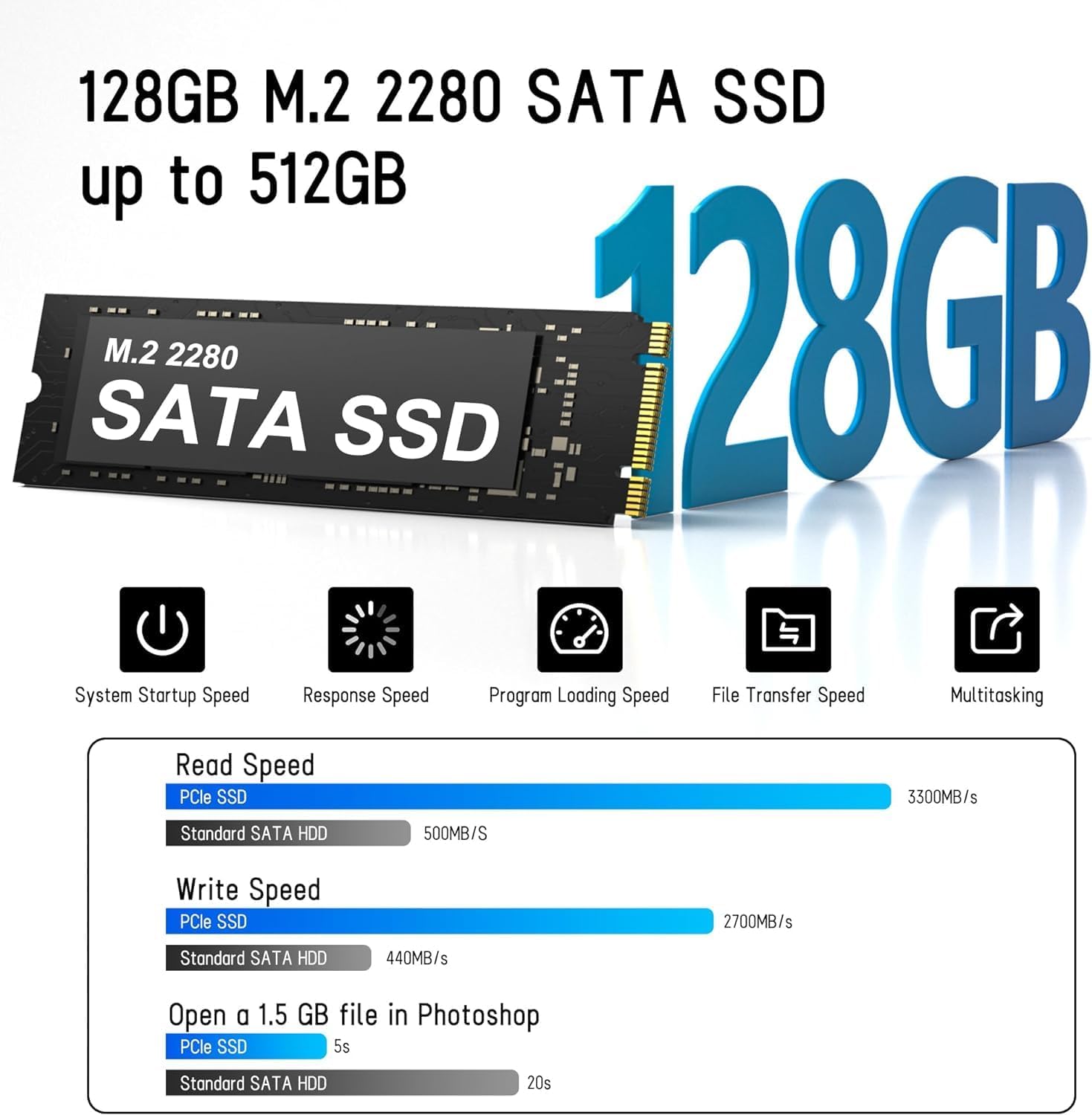
Image 3.3: M.2 SATA SSD.
3.3. Ports i connectors
The Golite11 Mini PC features a variety of ports for connectivity:
- Botó d'encesa: Per encendre o apagar el dispositiu.
- Presa d'auriculars de 3.5 mm: Per a la sortida d'àudio.
- Ports USB 3.2 Gen 1: Múltiples ports per connectar perifèrics.
- Port LAN RJ45: Per a la connexió de xarxa amb cable.
- Ports HDMI 1.4: Two ports for connecting displays.
- Jack DC: Per a l'entrada de potència.

Imatge 3.4: Detallada view of ports and connectors.
4. Configuració
Follow these steps to set up your LETSUNG Golite11 Mini PC:
- Connect to a Display: Use the provided HDMI cable to connect the Mini PC to a monitor or TV. The device supports dual displays.
- Connecteu els perifèrics: Connecteu el teclat i el ratolí USB als ports USB disponibles.
- Connectar l'alimentació: Connect the power adapter to the DC jack on the Mini PC, then plug the adapter into a power outlet.
- Encès: Press the power button located on the device. The system will boot up.
- Configuració inicial de Windows: Follow the on-screen instructions to complete the initial Windows operating system setup, including language, region, and network configuration.
5. Instruccions de funcionament
5.1. Funcionament bàsic
Once the initial setup is complete, your Mini PC is ready for use. Navigate the operating system using your connected keyboard and mouse. You can install applications, browse the internet, and perform other computing tasks.
5.2. Dual Display Setup
The Golite11 supports connecting two displays simultaneously for an extended desktop experience. Connect a second monitor using the additional HDMI port. The operating system should automatically detect the second display. You can configure display settings (e.g., extend, duplicate) through the display settings in your operating system.

Image 5.1: Dual display setup with the Mini PC.
5.3. Connectivitat de xarxa
- Wi-Fi: The Mini PC supports WiFi 5.0. To connect to a wireless network, go to your operating system's network settings, select your desired Wi-Fi network, and enter the password.
- Ethernet: For a wired connection, connect an Ethernet cable from your router or modem to the RJ45 LAN port on the Mini PC.
5.4. Dispositius Bluetooth
The Mini PC supports Bluetooth 4.2. To pair Bluetooth devices (e.g., headphones, speakers), enable Bluetooth in your operating system's settings, search for devices, and follow the pairing instructions.
6. Manteniment
6.1. Neteja
To maintain optimal performance, keep the Mini PC clean. Use a soft, dry cloth to wipe the exterior. For dust accumulation in vents, use compressed air. Ensure the device is powered off and unplugged before cleaning.

Image 6.1: Internal cooling system for efficient heat dissipation.
6.2. Actualitzacions de programari
Regularly update your operating system and drivers to ensure security, stability, and optimal performance. Check for updates through your operating system's settings.
6.3. Ampliació d'emmagatzematge
The internal M.2 SATA SSD can be upgraded up to 512GB. Refer to the detailed instructions for internal component access if you plan to upgrade the storage. It is recommended to seek professional assistance for hardware upgrades.
7. Solució De Problemes
If you encounter issues with your Mini PC, refer to the following common problems and solutions:
- Sense energia:
- Assegureu-vos que l'adaptador de corrent estigui connectat correctament tant al Mini PC com a una presa de corrent que funcioni.
- Verifiqueu que la presa de corrent funciona connectant-hi un altre dispositiu.
- Sense pantalla:
- Check that the HDMI cable is firmly connected to both the Mini PC and the monitor.
- Assegureu-vos que el monitor estigui encès i configurat a la font d'entrada correcta (HDMI).
- Prova un altre cable HDMI o monitor si és possible.
- Rendiment lent:
- Tanca les aplicacions innecessàries que s'executen en segon pla.
- Check for and install any available operating system updates.
- Ensure there is sufficient free space on the SSD.
- Problemes de connectivitat de xarxa:
- For Wi-Fi, ensure the correct password is entered and the signal strength is adequate.
- For Ethernet, check the cable connection and ensure your router/modem is working correctly.
- Reinicieu el vostre encaminador/mòdem i el mini PC.
8. Especificacions
| Característica | Especificació |
|---|---|
| Model | Golite11 |
| Processador | Intel Celeron N4000 (2 Cores, 2 Threads, up to 2.8 GHz) |
| Gràfics | Intel UHD Graphics 600 |
| RAM | 6 GB LPDDR4 |
| Emmagatzematge intern | 128GB M.2 SATA SSD (Expandable up to 512GB) |
| Sistema operatiu | Pre-installed (e.g., Windows 11, specific version may vary) |
| Sortida de vídeo | 2 x HDMI 1.4 (Supports 1920x1080 @60Hz, Dual Display) |
| Ports USB | 4 x USB 3.2 Gen 1 |
| Xarxa | WiFi 5.0, Bluetooth 4.2, 1 x RJ45 LAN Port |
| Àudio | 1 presa d'auriculars de 3.5 mm |
| Dimensions | Approx. 4.52in x 4.42in x 1.61in |
| Pes | Aprox. 0.6 lliures |
| Sistema de refrigeració | Built-in ultra-low power cooling fan |
9. Garantia i Suport
LETSUNG products are designed for reliability and performance. For warranty information, please refer to the warranty card included with your purchase or visit the official LETSUNG website. For technical support, troubleshooting assistance beyond this manual, or service inquiries, please contact LETSUNG customer support through the contact information provided on the official weblloc web o la vostra plataforma de compra.
Conserveu el vostre comprovant de compra per a reclamacions de garantia.