
Introducció
Thank you for choosing the GOBOULT Z40 V2.0 True Wireless Earbuds. These earbuds are designed to provide a superior audio experience with advanced features such as 70 hours of total playtime, Quad Mic Environmental Noise Cancellation (ENC), 45ms low latency for gaming, and Bluetooth 5.4 connectivity. This manual will guide you through the setup, operation, maintenance, and troubleshooting of your new earbuds.
Què hi ha a la caixa
Si us plau, comproveu el contingut del paquet per assegurar-vos que hi hagi tots els elements:
- Auriculars GOBOULT Z40 V2.0
- Estoig de càrrega
- Cable de càrrega USB
- Puntes d'orella (diverses mides)
- Manual d'usuari
- Targeta de garantia
Producte acabatview
The GOBOULT Z40 V2.0 earbuds offer a range of features for enhanced audio and communication.


Configuració
Càrrega inicial
Before first use, ensure both the earbuds and the charging case are fully charged. Connect the charging case to a power source using the provided USB cable. The LED indicator on the case will show charging status. A 10-minute charge can provide approximately 120 minutes of playtime.

Vinculació amb el dispositiu
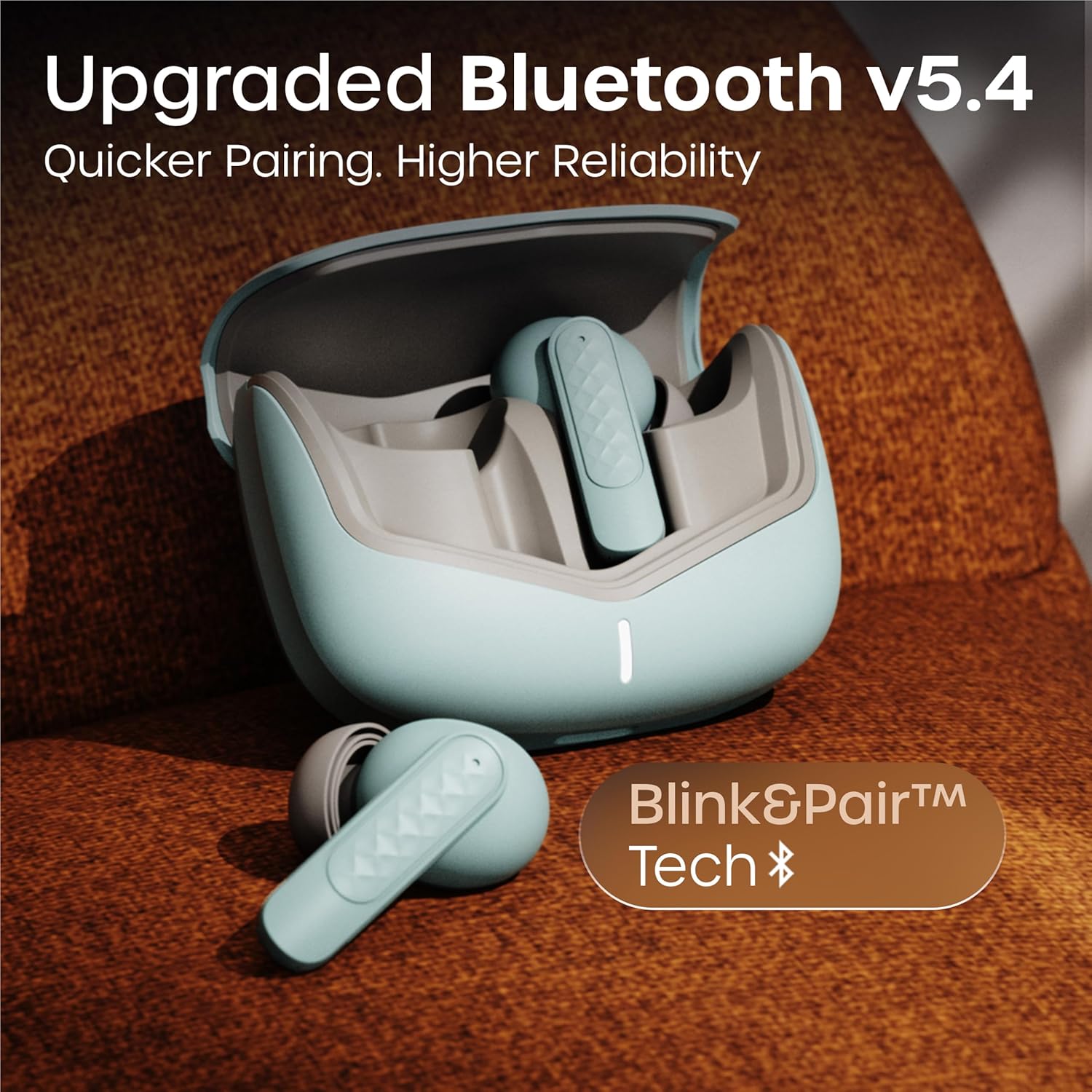
- Obriu la tapa de la caixa de càrrega. Els auriculars s'encendran automàticament i entraran en mode de vinculació.
- Al telèfon intel·ligent o al dispositiu amb Bluetooth, aneu a la configuració de Bluetooth.
- Cerca available devices and select 'GOBOULT Z40 V2.0' from the list.
- Once connected, you will hear a confirmation tone, and the LED indicator on the earbuds will change.
Els auriculars utilitzen tecnologia Bluetooth 5.4 per a una connexió estable i eficient.
Instruccions de funcionament
Encès/Apagat
- Encès: Open the charging case, and the earbuds will automatically power on. Alternatively, long-press the touch area on both earbuds for 3 seconds.
- Apagar: Place the earbuds back into the charging case and close the lid. Alternatively, long-press the touch area on both earbuds for 5 seconds.
Reproducció de música
| Acció | Control tàctil |
|---|---|
| Reproduir/Pausa | Un sol toc a qualsevol dels auriculars |
| Pista següent | Toqueu dues vegades l'auricular dret |
| Pista anterior | Toqueu dues vegades l'auricular esquerre |
| Puja el volum | Toca tres vegades a l'auricular dret |
| Baixa el volum | Toqueu tres vegades a l'auricular esquerre |
Gestió de trucades
| Acció | Control tàctil |
|---|---|
| Respondre/Finalitzar la trucada | Un sol toc a qualsevol dels auriculars |
| Rebutja la trucada | Long press on either earbud for 2 seconds |
The Quad Mic Environmental Noise Cancellation (ENC) ensures clear voice calls by minimizing background noise, making them ideal for office calls and online meetings.

Assistent de veu
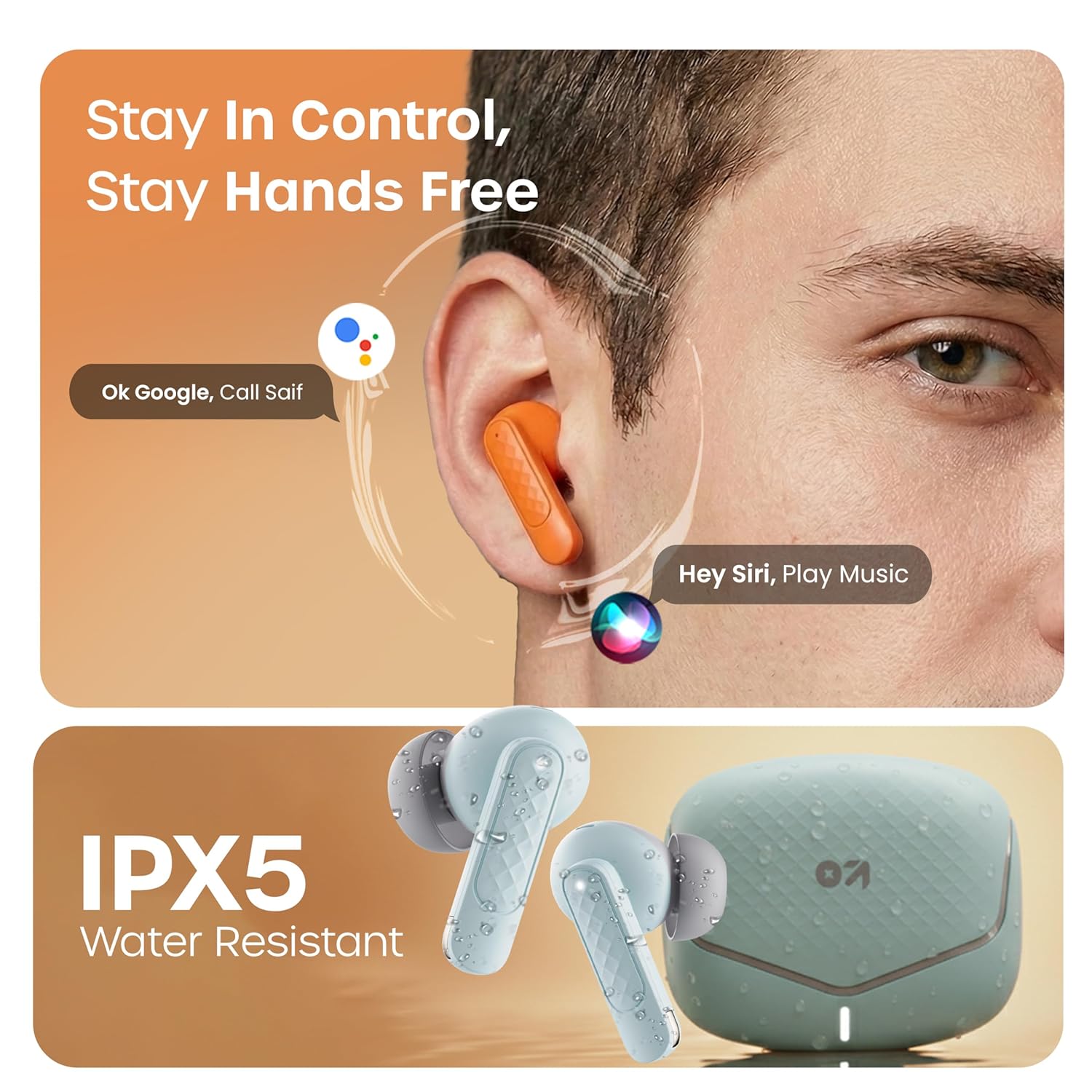
Activate your device's voice assistant (e.g., Google Assistant, Siri) by long-pressing the touch area on either earbud for 2 seconds (when not on a call).
Mode de joc
Activate the low latency gaming mode for a synchronized audio experience during gaming. This mode reduces audio delay to 45 milliseconds, providing faster responses and an immersive gaming experience.
- Activa el mode de joc: Long press the touch area on the left earbud for 2 seconds.
- Desactiva el mode de joc: Repeat the same action.

Manteniment
Neteja
Regularly clean your earbuds and charging case to ensure optimal performance and hygiene. Use a soft, dry, lint-free cloth. Do not use abrasive cleaners, solvents, or harsh chemicals. Gently remove any earwax or debris from the eartips and speaker mesh.
Resistència a l'aigua
The GOBOULT Z40 V2.0 earbuds are IPX5 water-resistant, meaning they are protected against sweat and splashes. They are suitable for workouts and outdoor activities. However, they are not designed for swimming or submersion in water. Avoid exposing them to heavy rain or direct water jets.
Resolució de problemes
Si teniu algun problema amb els auriculars GOBOULT Z40 V2.0, consulteu les solucions habituals següents:
- Sense so:
- Assegureu-vos que els auriculars estiguin correctament emparellats amb el dispositiu.
- Comprova el nivell de volum tant del dispositiu com dels auriculars.
- Make sure the earbuds are seated correctly in your ears.
- No es pot emparellar:
- Ensure the earbuds are charged and in pairing mode (LED blinking).
- Desactiva i després activa el Bluetooth al dispositiu.
- Acosta els auriculars al dispositiu.
- Oblida el dispositiu de la llista de Bluetooth i intenta emparellar-lo de nou.
- Un auricular no funciona:
- Torneu a col·locar els dos auriculars a l'estoig de càrrega, tanqueu la tapa i torneu-la a obrir per restablir la connexió.
- Assegureu-vos que els dos auriculars estiguin carregats.
- Problemes de càrrega:
- Comproveu si el cable de càrrega està connectat correctament tant a la carcassa com a la font d'alimentació.
- Assegura't que els contactes de càrrega dels auriculars i de l'interior de la funda estiguin nets i lliures de residus.
- Prova un cable de càrrega o un adaptador de corrent diferent.
Especificacions
| Característica | Detall |
|---|---|
| Marca | GOBOULT |
| Nom del model | Z40 V2.0 (Airbass) |
| Col·locació de l'orella | A l'orella |
| Control de soroll | Cancel·lació de soroll ambiental (Quad Mic) |
| Durada mitjana de la bateria | 70 hores (amb estoig de càrrega) |
| Temps de càrrega de la bateria | 10 Minutes for 120 Minutes Playtime |
| Mida del controlador d'àudio | 13 Mil·límetres |
| Latència d'àudio | 45 mil·lisegons (mode de joc) |
| Mètode de control | Toca |
| Nivell de resistència a l'aigua | IPX5 (resistent a l'aigua) |
| Tipus de tecnologia sense fil | Bluetooth |
| Versió Bluetooth | 5.4 |
| Interval Bluetooth | 10 metres |
| Pes de l'article | 0.6 Kilograms (total package weight) |
| Contingut de la caixa | Cable, Eartip, User Manual, Warranty Card, Z40v2.0 Earbuds |
Garantia i Suport
Informació de la garantia
The GOBOULT Z40 V2.0 True Wireless Earbuds are backed by a Garantia del fabricant de 1 anys from the date of purchase. This warranty covers manufacturing defects. Please retain your purchase receipt as proof of purchase for warranty claims.
Atenció al client
For any technical assistance, warranty claims, or product-related inquiries, please refer to the contact information provided on the warranty card included in your product box. You may also visit the official GOBOULT website for further support resources.


