
1. Introducció
This manual provides detailed instructions for the operation and maintenance of your ZAQE X20 128GB Clip MP3 Player. Please read this manual thoroughly before using the device to ensure proper function and to maximize your user experience. Keep this manual for future reference.
2. Contingut del paquet
Verifiqueu que tots els elements que s'enumeren a continuació s'inclouen al vostre paquet:
- 1 x ZAQE X20 128GB MP3 Player
- 1 x cable de càrrega USB tipus C
- 1 x auriculars amb cable
- 1 x Manual d'usuari (aquest document)

Image: Contents of the ZAQE X20 MP3 Player package.
3. Dispositiu acabatview
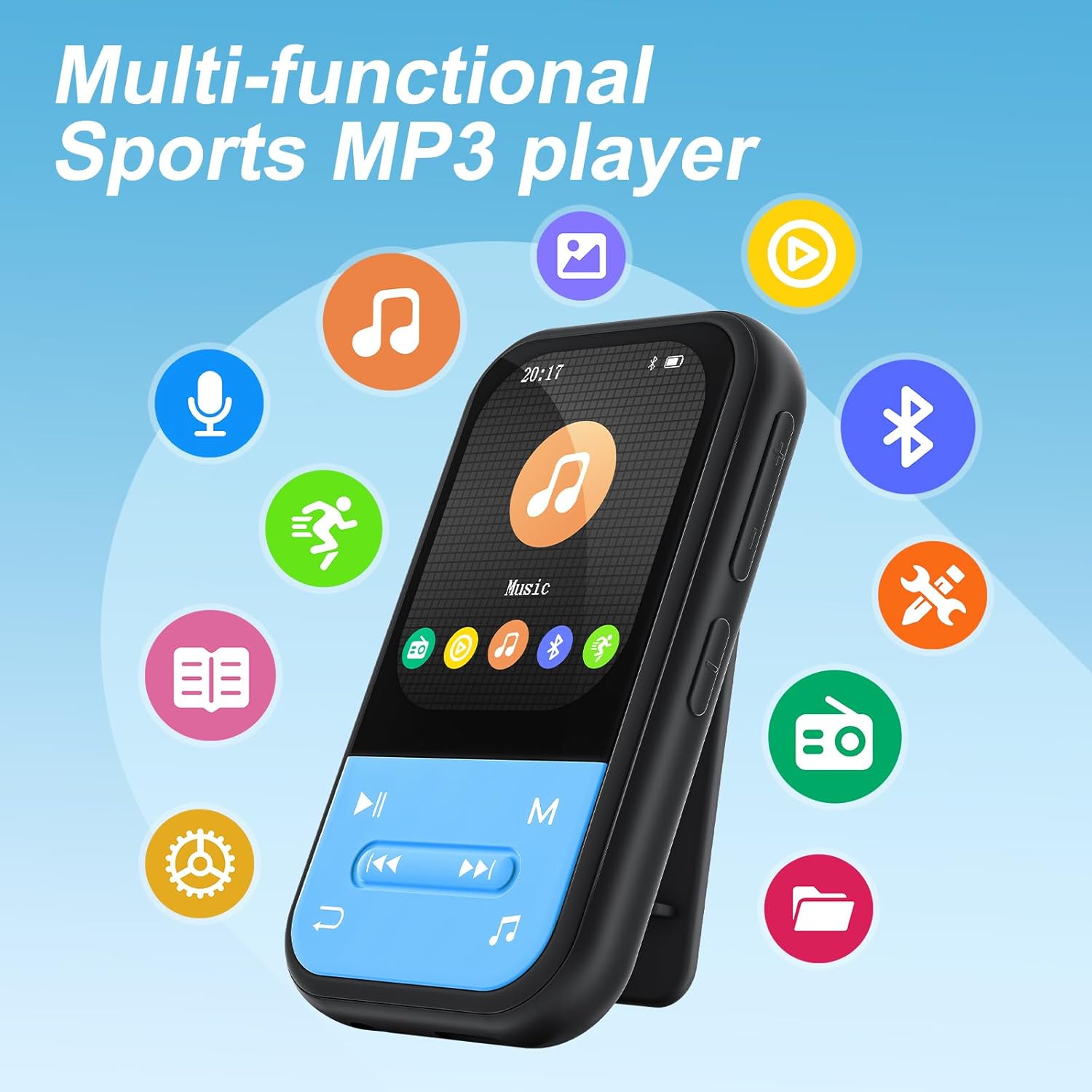
The ZAQE X20 is a compact and lightweight MP3 player designed for portability and ease of use. It features a 2.0-inch color display and intuitive physical buttons.
Imatge: Frontal view of the ZAQE X20 MP3 Player, highlighting the screen and navigation buttons.
Imatge: Enrere view of the ZAQE X20 MP3 Player, illustrating the integrated clip for attaching to clothing.
4. Configuració
4.1 Càrrega del dispositiu
Before first use, fully charge the MP3 player. Connect the provided USB Type-C cable to the player's charging port and the other end to a USB power adapter (not included) or a computer's USB port. The battery indicator on the screen will show charging status.
4.2 Inserció d'una targeta MicroSD
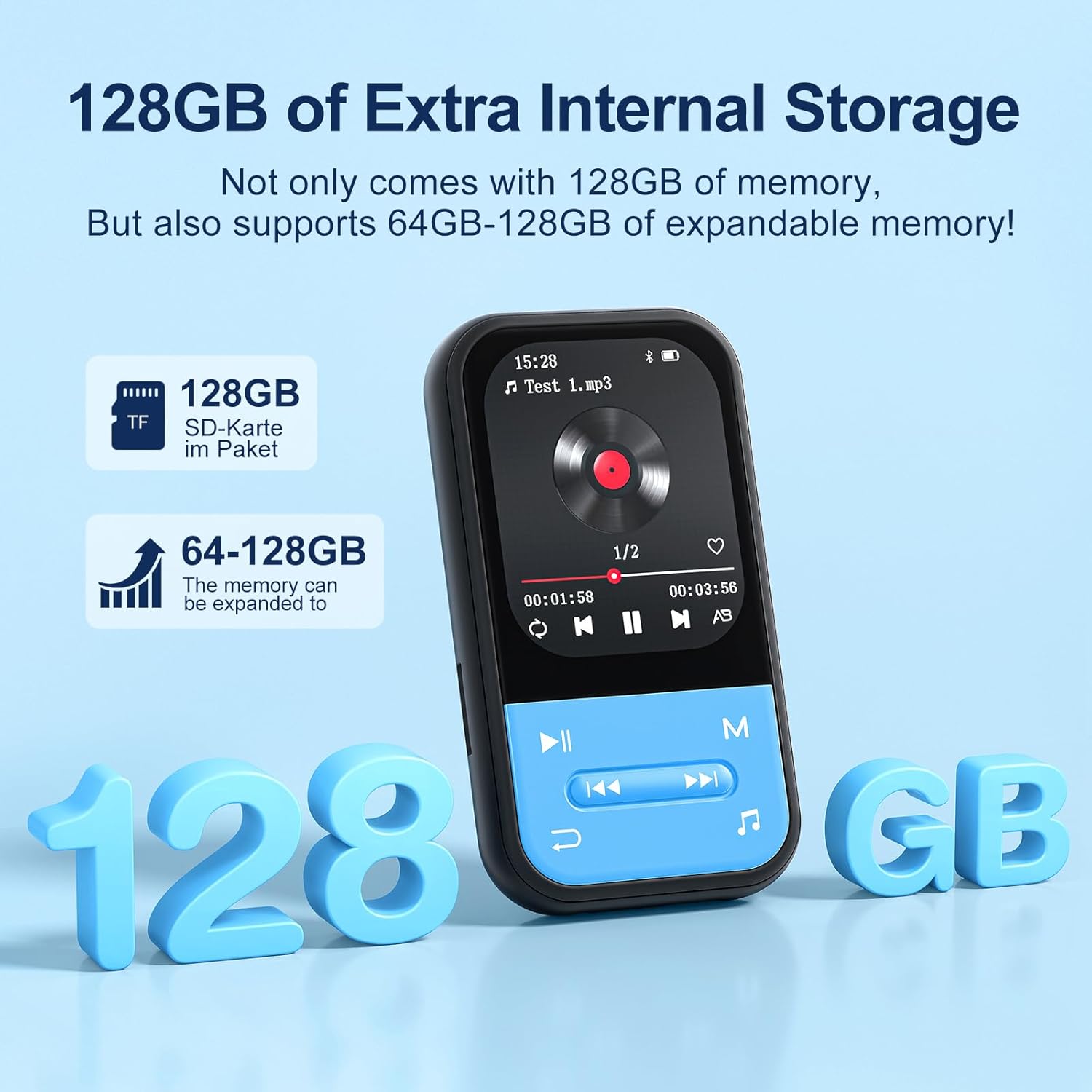
The ZAQE X20 comes with 128GB of internal storage and supports expandable memory up to 512GB via a microSD card (not included). Locate the microSD card slot on the side of the player. Gently insert the card until it clicks into place. To remove, push the card in slightly until it springs out.

Image: Illustration of the ZAQE X20 MP3 Player's 128GB internal storage and microSD card expansion capability.
4.3 Transferència Files
Connect the MP3 player to your computer using the USB Type-C cable. The player will appear as a removable disk drive. You can drag and drop music, video, and e-book files directly into the appropriate folders on the player or the inserted microSD card.
4.4 Connectar auriculars
Auriculars amb cable: Plug the included wired earphones or any standard 3.5mm audio jack headphones into the player's headphone port.
Bluetooth Headphones/Speakers:
- Assegureu-vos que els vostres auriculars o altaveu Bluetooth estiguin en mode d'emparellament.
- On the MP3 player, navigate to the Bluetooth menu.
- Selecciona 'Cerca devices' and choose your device from the list to pair.
Note: The ZAQE X20 MP3 player cannot pair with smartphones or tablets via Bluetooth. It is designed for audio output to Bluetooth headphones or speakers only.
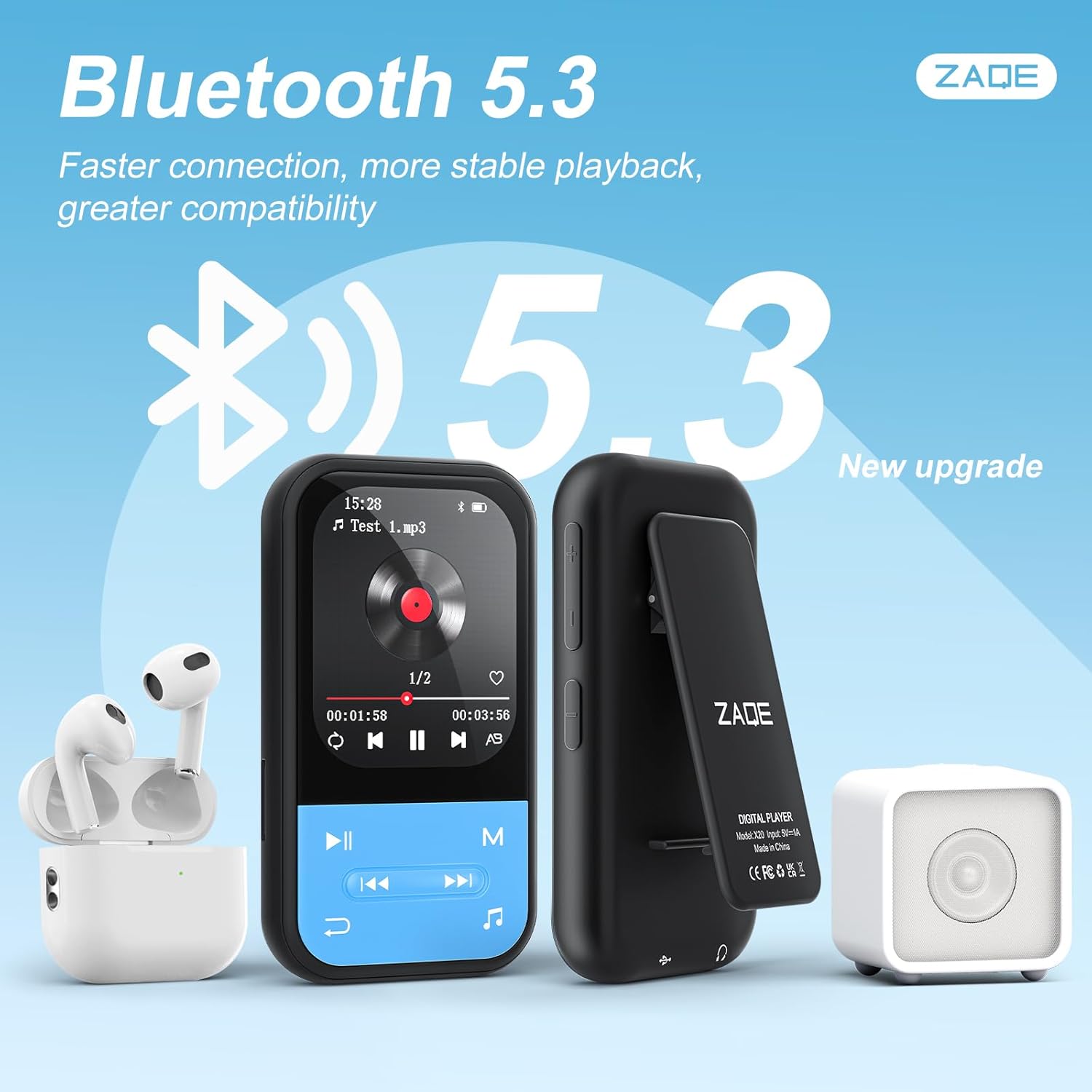
Image: The ZAQE X20 MP3 Player showcasing its Bluetooth 5.3 capability with various wireless audio devices.
5. Instruccions de funcionament
5.1 Encès/Apagat
- Encès: Manteniu premut el botó d'engegada fins que la pantalla s'il·lumini.
- Apagar: Press and hold the power button until the 'Power Off' option appears, then confirm.
5.2 Navegació
Use the physical buttons below the screen to navigate through menus and control playback. The central button typically acts as 'Enter' or 'Play/Pause', while surrounding buttons control direction, volume, and menu access.
5.3 Reproducció de música
The player supports MP3, OGG, APE, FLAC, WAV, AAC, and ACELP audio formats. Navigate to the 'Music' icon on the main menu to access your audio files.
Modes de reproducció:
- Sequential Play: Plays tracks in order.
- Repetiu-ho tot: Repeats the entire playlist.
- Barreja: Reprodueix pistes en ordre aleatori.
- Single Repetition: Repeteix la pista actual.

Image: The ZAQE X20 MP3 Player displaying its various music playback modes.
5.4 Ràdio FM
To use the FM radio function, ensure wired headphones are plugged into the 3.5mm jack, as they serve as the antenna. Navigate to the 'FM Radio' icon, then use the menu options to scan for stations or manually tune.

Image: A user enjoying the FM Radio feature of the ZAQE X20 MP3 Player, emphasizing the need for wired headphones as an antenna.
5.5 Gravadora de veu
Select the 'Recording' icon to access the voice recorder. You can record audio in WAV or MP3 format. Use the on-screen controls to start, pause, and save recordings.
Lector de llibres electrònics 5.6
The player supports e-book files. Transfer your e-book files to the player and select the 'E-Book' icon to read. Use the navigation buttons to turn pages.

Image: The ZAQE X20 MP3 Player functioning as an e-book reader, showing text on its display.
5.7 Pedòmetre
Activate the 'Pedometer' function to track your steps during physical activity. The device can record your step count and history.

Image: A user utilizing the pedometer feature of the ZAQE X20 MP3 Player during a run.
5.8 Useful Tools
The ZAQE X20 includes several utility tools:
- Despertador: Estableix alarmes per als recordatoris.
- Calendari: View la data actual.
- Cronòmetre: Mesurar intervals de temps.

Image: The ZAQE X20 MP3 Player's 'Tools' menu, showing the Alarm Clock, Calendar, and Stopwatch functions.
5.9 Reproducció de vídeo
The player supports AVI video files with a resolution of 320x240. Transfer compatible video files to the player and select the 'Video' icon to play them.
6. Manteniment
6.1 Neteja
Netegeu el dispositiu amb un drap suau i sec. No utilitzeu netejadors líquids ni materials abrasius, ja que poden danyar la pantalla o laasing.
6.2 Cura de la bateria
- Eviteu descarregar completament la bateria amb freqüència.
- No exposeu el dispositiu a temperatures extremes.
- If storing the device for an extended period, charge it to about 50% to prolong battery life.
6.3 Emmagatzematge
Store the MP3 player in a cool, dry place away from direct sunlight and moisture when not in use.
7. Solució De Problemes
- El dispositiu no s'encén: Assegureu-vos que la bateria estigui carregada. Connecteu-la a una font d'alimentació i torneu-ho a provar.
- Sense so: Check if headphones are properly connected (wired or Bluetooth). Adjust volume levels. Remember, the player does not have built-in speakers.
- No es pot transferir files: Ensure the USB cable is securely connected to both the player and the computer. Try a different USB port or cable.
- Problemes d'emparellament per Bluetooth: Ensure the target device is in pairing mode and within range. Restart both devices and try pairing again.
- La ràdio FM no funciona: Ensure wired headphones are plugged in, as they function as the antenna. Try rescanning for stations.
- Pantalla congelada o no respon: Premeu i manteniu premut el botó d'engegada durant uns 10-15 segons per forçar un reinici.
8. Especificacions
| Característica | Especificació |
|---|---|
| Marca | ZAQE |
| Model | X20 |
| Memòria interna | 128 GB |
| Emmagatzematge ampliable | Fins a 512 GB (targeta MicroSD) |
| Connectivitat | Bluetooth 5.3, USB tipus C |
| Mida de la pantalla | 2.0 polzades |
| Formats d'àudio compatibles | MP3, OGG, APE, FLAC, WAV, AAC, ACELP |
| Formats de vídeo compatibles | AVI (320x240 resolution) |
| Supported Recording Formats | WAV, MP3 |
| Durada de la bateria | Fins a 40 hores |
| Dimensions | Aprox. 2.99 x 1.67 x 0.63 polzades |
| Pes | Aprox. 35 g |
9. Garantia i Suport
9.1 Informació de la garantia
Please refer to the product packaging or the official ZAQE website for specific warranty terms and conditions applicable to your device. Retain your proof of purchase for warranty claims.
9.2 Atenció al client
For technical assistance, troubleshooting, or other inquiries, please visit the official ZAQE store on Amazon: ZAQE Store.


