
1. Introducció
Thank you for choosing the Majority D100X Active Bookshelf Speakers. These speakers are designed to deliver high-quality audio for various applications, including home studios, offices, and living rooms. Featuring a powerful 2.2 stereo system, multiple connectivity options, and adjustable sound controls, the D100X provides a versatile and immersive listening experience.
2. Instruccions de seguretat
Please read these safety instructions carefully before using your speakers and retain them for future reference. Incorrect use may result in electric shock, fire, or other hazards.
- Do not expose the unit to rain, moisture, or direct sunlight.
- Ensure proper ventilation around the speakers. Do not block any ventilation openings.
- Do not place the speakers near heat sources such as radiators, heat registers, stoves, or other apparatus (including amplificadors) que produeixen calor.
- Utilitzeu només accessoris/accessoris especificats pel fabricant.
- Desendolleu l'aparell durant les tempestes amb llamps o quan no s'utilitzi durant llargs períodes.
- Demaneu tot el servei a personal de servei qualificat. El manteniment és necessari quan l'aparell s'ha fet malbé d'alguna manera, com ara el cable d'alimentació o l'endoll està danyat, s'ha vessat líquid o han caigut objectes a l'aparell, l'aparell ha estat exposat a la pluja o la humitat, no funciona amb normalitat. , o s'ha deixat caure.
- Do not open the speaker enclosures. There are no user-serviceable parts inside.
3. Contingut del paquet
Carefully unpack your D100X speakers and ensure all items are present and in good condition. If any items are missing or damaged, please contact customer support.

Adaptador d'alimentació

Control remot
3.5m Speaker Connection Cable
Manual d'usuari
- Majority D100X Speakers (2 units)
- Adaptador d'alimentació
- 3.5m Speaker Connection Cable
- Control remot
- Manual d'usuari
4. Configuració
Follow these steps to set up your Majority D100X speakers:
- Col·locació: Position the speakers on a stable, flat surface, such as a bookshelf or desk. For optimal stereo imaging, place them equidistant from your listening position.
- Connectar els altaveus: Use the provided 3.5m speaker connection cable to link the two D100X speaker units. Ensure a secure connection.
- Connexió d'alimentació: Connect the power adaptor to the main speaker unit and then plug it into a wall outlet.
- Encesa inicial: Turn on the main speaker unit using the power switch located on the rear panel.
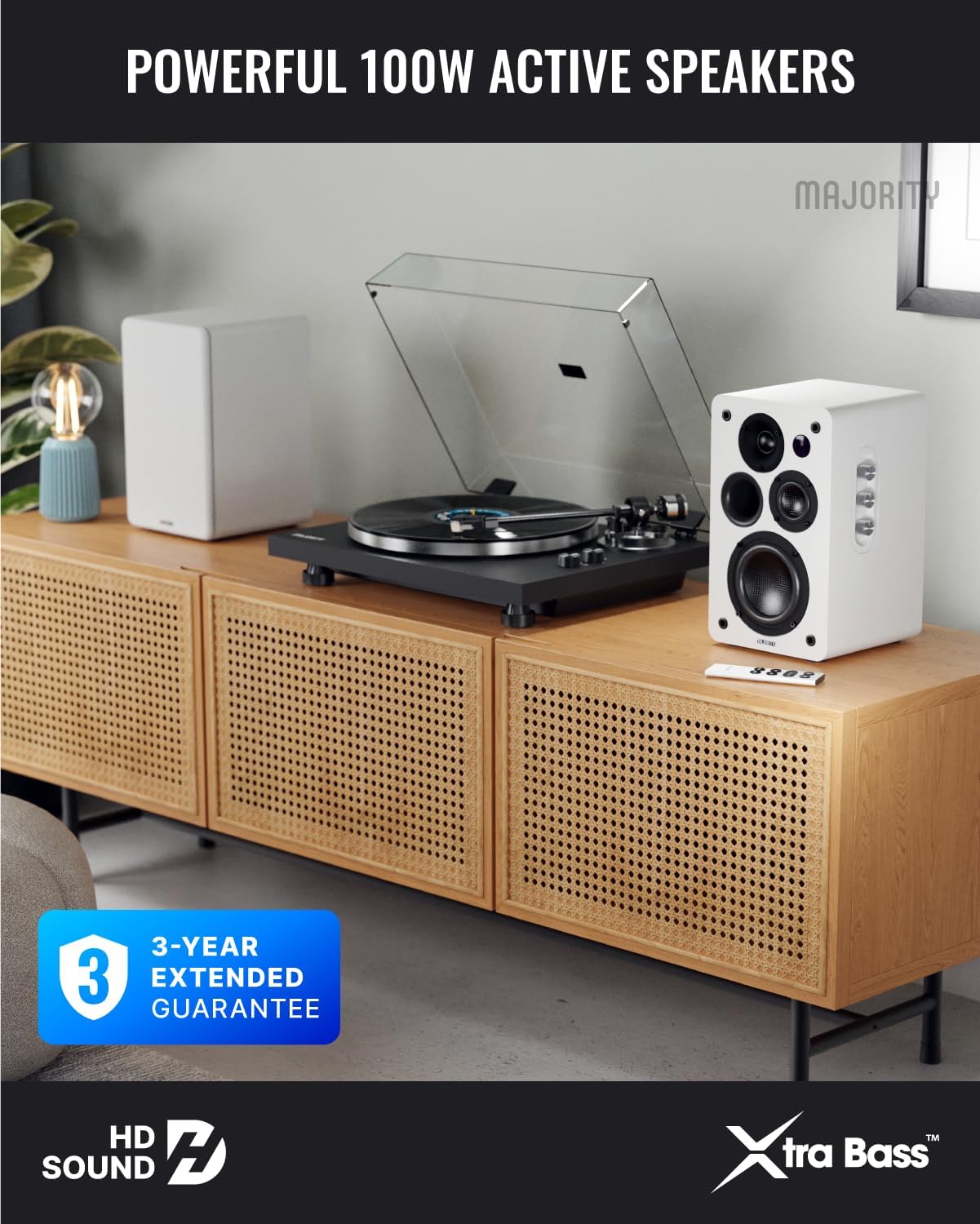
Image: Majority D100X speakers positioned on a wooden cabinet, ready for use.
5. Instruccions de funcionament
The D100X speakers can be controlled via the intuitive front panel controls or the included remote control.
Controls del panell frontal:
- Pom de volum: Gireu per ajustar el nivell de volum general.
- Pom treble: Ajusta la resposta d'alta freqüència.
- Pom de baix: Ajusta la resposta de baixa freqüència.
- Selector d'entrada: Press to cycle through available input sources (Bluetooth, USB, AUX, HDMI ARC, Optical, Phono).
Comandament a distància:
The remote control provides full functionality, including power, volume, input selection, and EQ modes.
- Botó d'encesa: Encén o apaga els altaveus.
- Pujar/baixar el volum: Ajusta el volum.
- Botons d'entrada: Dedicated buttons for selecting specific input sources.
- EQ Modes (1-3): Available when connected via HDMI ARC or Optical. These modes are designed to enhance clarity, depth, and balance for movies, music, and games.
Imatge: Frontal view of a D100X speaker with its remote control, highlighting the adjustable bass and treble controls.
6. Connectivitat
The D100X offers a wide range of connectivity options to suit various audio sources.

Image: Rear panel of the D100X speaker, displaying various input ports including USB, Optical, HDMI ARC, Phono, and AUX.
6.1. Bluetooth 5.3
For wireless audio streaming from smartphones, tablets, or laptops.
- Select Bluetooth input on the speakers. The indicator light will flash.
- Enable Bluetooth on your device and search for "Majority D100X".
- Select the speaker to pair. Once connected, the indicator light will be solid.
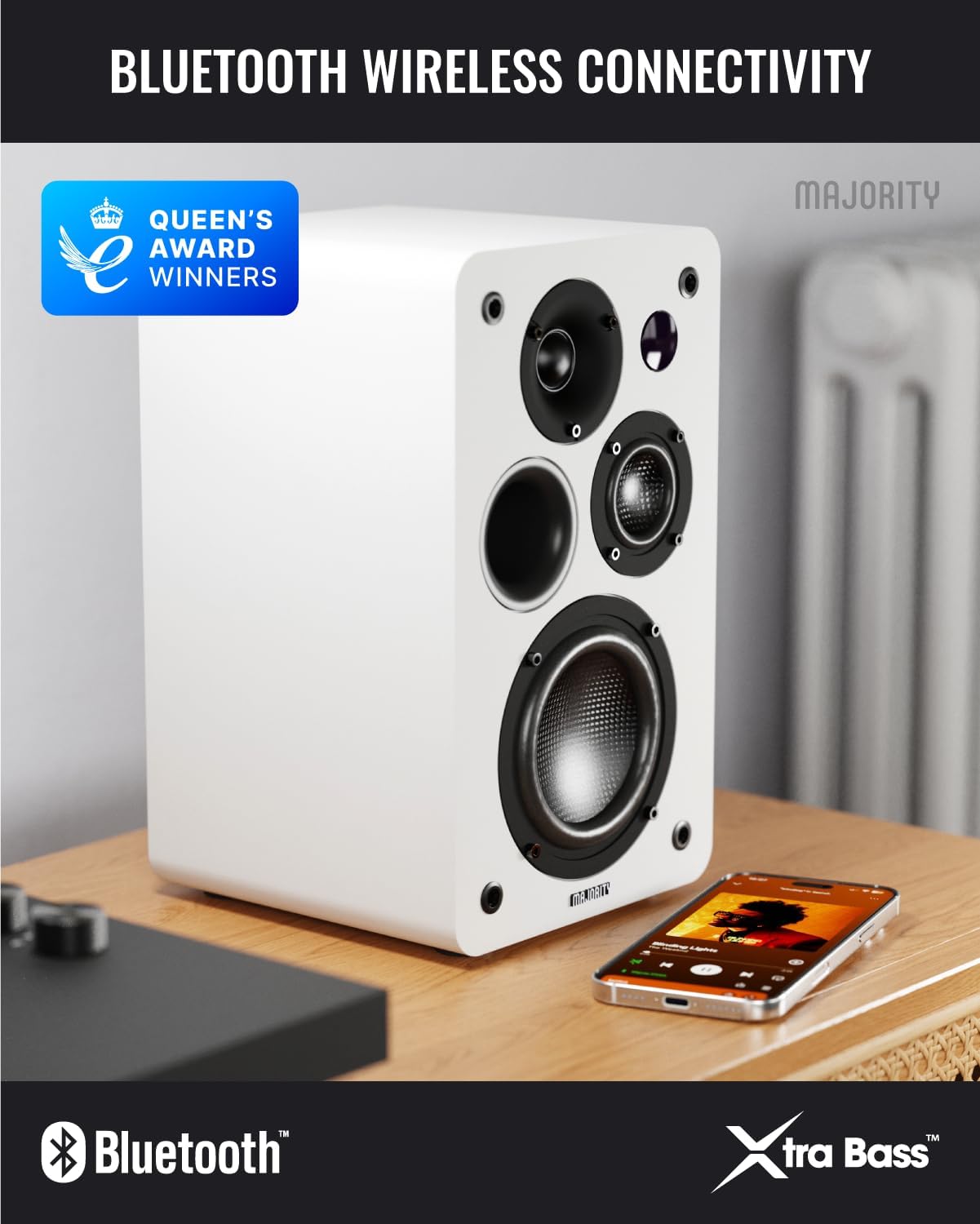
Image: D100X speaker wirelessly connected to a smartphone via Bluetooth.
6.2. HDMI ARC
Connect your TV for enhanced audio. This connection supports the EQ modes (1-3).
- Connect an HDMI cable from your TV's HDMI ARC port to the speaker's HDMI ARC port.
- Select HDMI ARC input on the speakers.
- Ensure your TV's audio output is set to HDMI ARC.
6.3. Òptic
For high-quality digital audio connection from TVs or other devices. This connection also supports the EQ modes (1-3).
- Connect an optical cable from your device's optical output to the speaker's optical input.
- Select Optical input on the speakers.
6.4. Phono (RCA)
Direct connection for turntables with a built-in pre-ampmés viu.
- Connect RCA cables from your turntable's output to the speaker's Phono (R-PHONO-L) input.
- Select Phono input on the speakers.
- Nota: If your turntable's output is higher than 100 RMS, use the AUX input instead of Phono.
6.5. AUX (3.5mm)
For connecting devices with a 3.5mm audio output, such as PCs or older audio players.
- Connect a 3.5mm audio cable from your device's headphone jack or audio out to the speaker's AUX (AUDIO IN) input.
- Select AUX input on the speakers.
6.6. USB Playback & Charging
The USB port allows for direct music playback from storage devices and charging of external devices.
- Insert a USB storage device (e.g., USB flash drive) into the USB port for music playback.
- The USB port can also be used to charge compatible devices.
7. Manteniment
Proper care will ensure the longevity and performance of your D100X speakers.
- Neteja: Feu servir un drap suau i sec per netejar les superfícies dels altaveus. No utilitzeu productes de neteja abrasius, ceres ni dissolvents.
- Pols: Regularly dust the speakers to prevent accumulation, which can affect sound quality and internal components.
- Medi ambient: Avoid placing speakers in areas with extreme temperatures, high humidity, or direct sunlight.
8. Solució De Problemes
If you encounter issues with your D100X speakers, refer to the following common problems and solutions:
| Problema | Possible causa/solució |
|---|---|
| Sense poder |
|
| Sense so |
|
| Mala qualitat de so / Distorsió |
|
| El comandament a distància no funciona |
|
9. Especificacions
Detailed technical specifications for the Majority D100X Active Bookshelf Speakers.
| Marca | Majoria |
| Número de model | D100X |
| Dimensions (L x A x A) | 18 x 16.8 x 27.5 cm (per speaker) |
| Pes | 7.16 kg (total) |
| Potència màxima de sortida de l'altaveu | 100 watts |
| Resposta de freqüència | 20000 Hz |
| Tecnologia de connectivitat | Bluetooth, Optical, HDMI, Phono, Auxiliary, RCA |
| Interval Bluetooth | 10 metres |
| Mode de sortida d'àudio | Estèreo (2.2 canals) |
| Entrada Voltage | 240 Volts |
| Tipus de muntatge | Muntatge de prestatge |
| Material | Fusta |
| Diàmetre del woofer | 4 polzades |
| Diàmetre del Tweeter | 1 polzades |
| Ràtio senyal / soroll | 80 dB |
| Impedància | 4 ohms |
| Mètode de control | Control remot |
| Usos recomanats | Gaming Console, Computer, Television, Home Cinema, Studio |

Imatge: Detallada view of the D100X speaker's carbon fiber drivers, designed for high-quality audio.
10. Garantia i Suport
The Majority D100X speakers come with a 3-year extended guarantee, ensuring peace of mind and reliable performance. For any technical support, warranty claims, or further assistance, please contact Majority customer service.
- Assistència en línia: Visit the official Majority weblloc per a preguntes freqüents, guies de resolució de problemes i informació de contacte.
- Suport per correu electrònic: Reach out to our support team via email for detailed assistance.
- Suport telefònic: Contact our dedicated support line during business hours.
Si us plau, conserveu el comprovant de compra per motius de garantia.

Image: Majority D100X speakers highlighting the 3-year extended guarantee.