
Magcubic L018
Magcubic L018 Mini Portable Projector User Manual
Model: L018
Brand: Magcubic
Introducció
Thank you for choosing the Magcubic L018 Mini Portable Projector. This device is designed to provide a high-quality home cinema experience with its advanced features and portable design. Please read this manual carefully to ensure proper setup and operation.
Característiques principals:
- Native 1080P & 4K Support: Enjoy crystal-clear images with native 1080p resolution and 4K decoding capabilities for a cinematic visual experience.
- 400 lúmens ANSI: Bright and vivid projections suitable for various lighting conditions.
- Sistema operatiu Android 14: Access a wide range of streaming apps and content directly from the projector.
- Suport giratori de 180°: Flexible projection angles, allowing you to project onto walls, ceilings, or screens with ease.
- Dual-Band WiFi 6 & Bluetooth 5.2: Ensures ultra-fast, stable wireless connectivity for streaming and audio.
- Auto Keystone Correction & Electric Focus: Automatically adjusts image shape and sharpness for a perfect picture every time.
- Altaveu integrat: Integrated audio for an immersive experience.
Què hi ha a la caixa
- Magcubic L018 Mini Portable Projector
- Cable d'alimentació
- Control remot
- Manual d'usuari
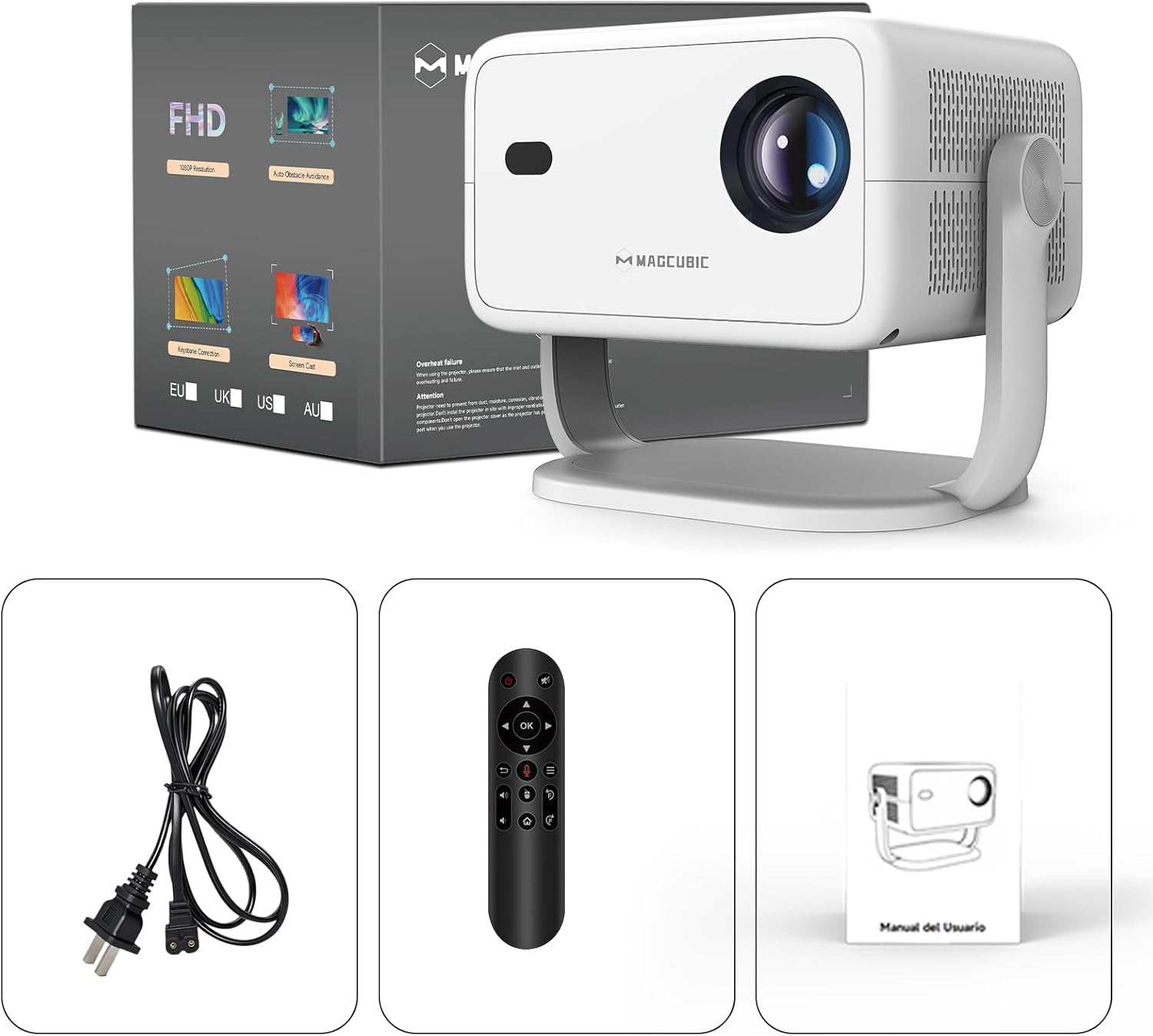
Image: The Magcubic L018 projector, power cable, remote control, and user manual are shown, illustrating the package contents.
Configuració
- Connexió d'alimentació: Connect the provided power cable to the projector's power input and then to a power outlet.
- Col·locació: Place the projector on a stable surface (floor mount or tabletop stand) or mount it as desired. The 180° rotatable stand allows for flexible positioning, including ceiling projection.
- Encès: Premeu el botó d'encesa del projector o del comandament a distància per encendre el dispositiu.
- Ajustaments automàtics: The projector features automatic keystone correction and electric focus. It will automatically adjust the image shape and sharpness. If needed, use the remote control for fine-tuning the focus.
- Initial Setup (Android OS): Follow the on-screen prompts to complete the initial setup, including language selection, Wi-Fi connection, and time zone settings.
- Connectivitat:
- Wi-Fi: Connect to your home Wi-Fi network (2.4G or 5G) via the settings menu for internet access and streaming.
- Bluetooth: Pair Bluetooth devices like external speakers or headphones through the Bluetooth settings.
- HDMI: Connect external devices (e.g., laptop, game console) using an HDMI cable to the HDMI port.
- USB: Inseriu una unitat USB al port USB per reproduir contingut multimèdia local files.
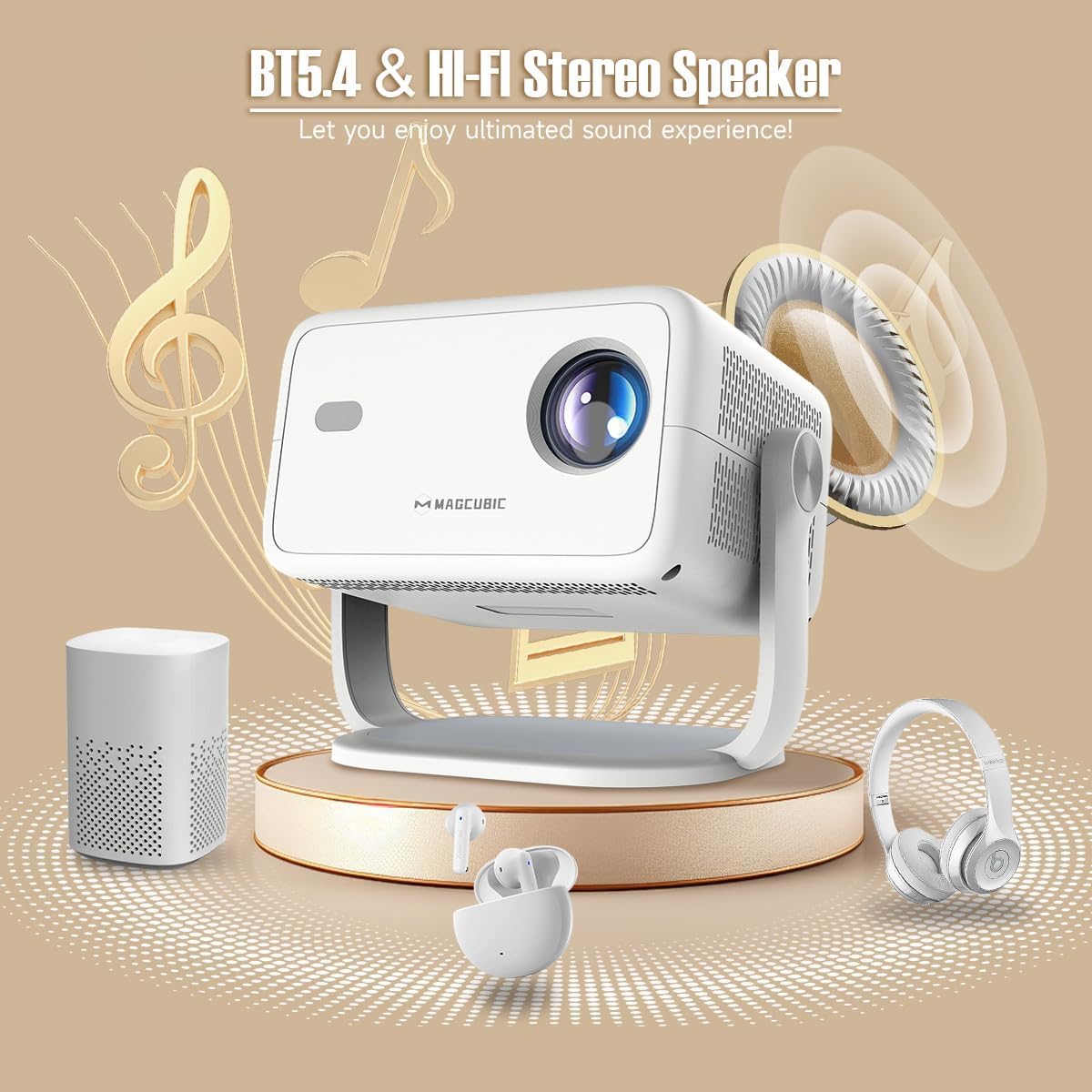
Image: The rear panel of the projector displays the HDMI, USB, and 3.5mm audio ports for connecting various devices.

Image: The projector is shown on a coffee table, projecting an image onto a wall, with on-screen indicators for auto keystone correction and auto focus.
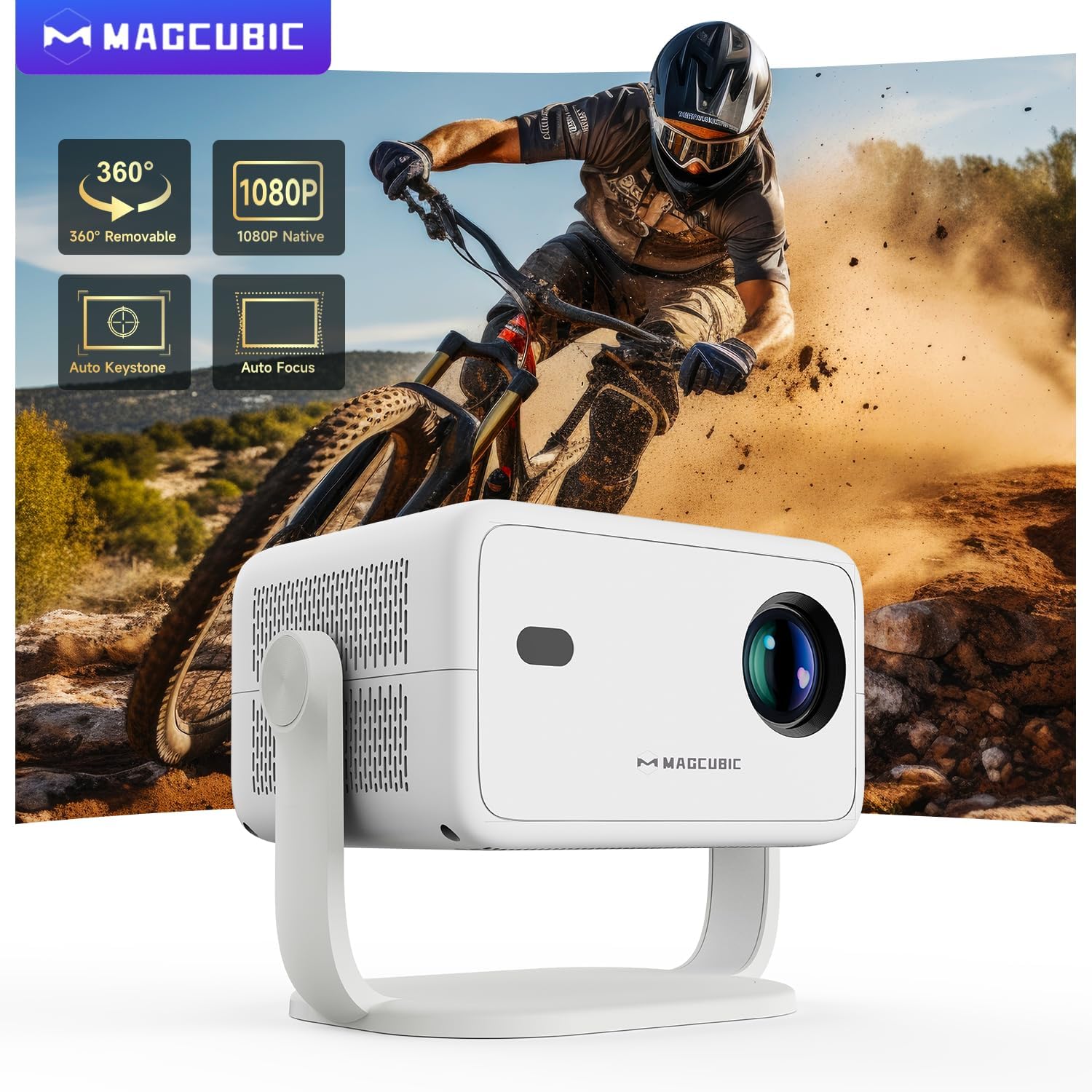
Image: The projector is shown rotating 180 degrees on its integrated stand, demonstrating its flexible projection capabilities.
Instruccions de funcionament
- Navegació: Use the remote control to navigate the Android 14 OS interface. The remote supports both standard button navigation and an air mouse function for easier control.
- Accés a l'aplicació: From the home screen, select your desired streaming apps (e.g., Netflix, YouTube, Prime Video) or browse the app store to download more.
- Replica de pantalla: Use the built-in screen mirroring function (compatible with Android and iOS devices) to project content from your smartphone or tablet wirelessly.
- Reproducció multimèdia: Play videos, photos, or music from connected USB drives or HDMI sources.
- Sortida d'àudio: The projector has a built-in speaker. For enhanced audio, connect external Bluetooth speakers or headphones.
- Configuració de la imatge: Adjust brightness, contrast, color, and sharpness through the projector's settings menu to optimize your viewexperiència.
Video: This video demonstrates the features of the Mini Projector HY350Max Black, including its design, performance, auto-focus, auto-keystone, wireless mirroring, and audio capabilities.
Video: This video showcases the Portable Projector with 4K support and 180° rotatable stand, highlighting its versatility and ease of use for various projection scenarios.
Video: This video presents the Android 11 L018 projector, demonstrating its native 1080P resolution, 650 ANSI lumens, and 4K capabilities.
Video: This video highlights the WiMiUS P61 Pro Portable Projector with Official Netflix support, showcasing its smart features and entertainment options.
Video: This video features the Magcubic HY310 Portable Projector, demonstrating its compact design and projection capabilities.
Manteniment
- Neteja de la lent: Netegeu suaument la lent del projector amb un drap suau i sense borrissol. No utilitzeu productes de neteja abrasius ni dissolvents.
- Ventilació: Assegureu-vos que les obertures de ventilació del projector estiguin buides i sense obstruccions per evitar el sobreescalfament.
- Emmagatzematge: Quan no l'utilitzeu, guardeu el projector en un lloc fresc i sec, allunyat de la llum solar directa i de temperatures extremes.
- Protecció contra la pols: Use a dust cover when the projector is not in use for extended periods.
Resolució de problemes
| Problema | Causa possible | Solució |
|---|---|---|
| No es projecta cap imatge | Power cable disconnected, projector off, input source not selected. | Check power connection, turn on projector, select correct input source (HDMI, USB, Screen Mirroring). |
| La imatge és borrosa | Desenfocat, distància de projecció incorrecta. | Use the remote control to adjust electric focus. Ensure the projector is within the recommended projection distance (1.05m - 4m). |
| La imatge està distorsionada (forma trapezoïdal) | Projector no perpendicular a la pantalla. | The projector has auto keystone correction. If manual adjustment is needed, check settings. |
| Sense so | Volume too low, external speaker not connected/paired, incorrect audio output selected. | Increase volume. Check Bluetooth connection for external speakers. Ensure internal speaker is selected or correct audio output is chosen. |
| Problemes de connexió Wi-Fi | Contrasenya incorrecta, fora de rang, problemes amb el router. | Verify Wi-Fi password. Move projector closer to the router. Restart router. |
Especificacions
- Marca:
- Magcúbic
- Nom del model:
- L018
- Usos recomanats:
- Cinema a casa
- Característiques especials:
- Automatic screen alignment, Built-in speaker, Digital keystone correction, Auto focus, Wi-Fi enabled
- Tecnologia de connectivitat:
- HDMI, USB, Wi-Fi
- Resolució de pantalla:
- 1920 x 1080 (Natiu)
- Resolució de visualització màxima:
- 3840 x 2160 (4K Supported)
- Tipus de visualització:
- LED
- Factor de forma:
- Portàtil
- Tipus de muntatge:
- Floor mount, Tabletop stand
- Brillantor:
- 400 lm (ANSI)
- Color:
- Blanc
- Wattage:
- 80 watts
- Control Unit Type:
- Voice control, Remote control
- Dispositius compatibles:
- Television (and other HDMI/USB devices)
- Relació de contrast:
- 10000:1
- Distància màxima de projecció:
- 4 metres
- Distància mínima de projecció:
- 1.05 metres
- Interfície de maquinari:
- 3.5mm Audio, Bluetooth 5, HDMI, USB 2.0
- Codificació de vídeo:
- H.264 o H.265
- Pes de l'article:
- 1.3 quilos
- País d'origen:
- Xina
Garantia i Suport
Your Magcubic L018 Mini Portable Projector comes with a 2 anys de garantia del producte. We are committed to providing excellent customer service.
- Transparència verificada: Each item has a unique code verified before shipment.
- Devolució o canvi en 30 dies: Per a la teva tranquil·litat.
- Suport tècnic de tota la vida: Our professional support team is available to assist you.
- 24/7 Service Professional: Dedicated support for any inquiries or issues.
For further assistance, please refer to the contact information provided with your purchase or visit the official Magcubic support weblloc.
Documents relacionatsL018


Ask a question about this manual
Ask about setup, troubleshooting, compatibility, parts, safety, or missing instructions. Manuals+ will review the question and use this page’s manual context to help answer it.