
Garmin 010-03387-10
Garmin inReach Mini 3 Plus Satellite Communicator Instruction Manual
Model: 010-03387-10
Introducció
The Garmin inReach Mini 3 Plus is a compact satellite communicator designed to keep you connected beyond cellular service. This manual provides essential information for setting up, operating, and maintaining your device, ensuring reliable communication and safety in remote environments.
Característiques clau
- Global Messaging and Media Sharing: Exchange texts, voice messages, group messages, and photos via the Iridium satellite network. Pair with the Garmin Messenger app for enhanced functionality.
- Interactive SOS and Real-Time Coordination: Trigger an SOS alert to Garmin Response, a 24/7 emergency coordination center, with location tracking and two-way communication.
- Rugged Touchscreen Design and Extended Battery: Features a scratch-resistant color touchscreen and IP67-rated durability. Offers up to 350 hours of battery life with 10-minute tracking.
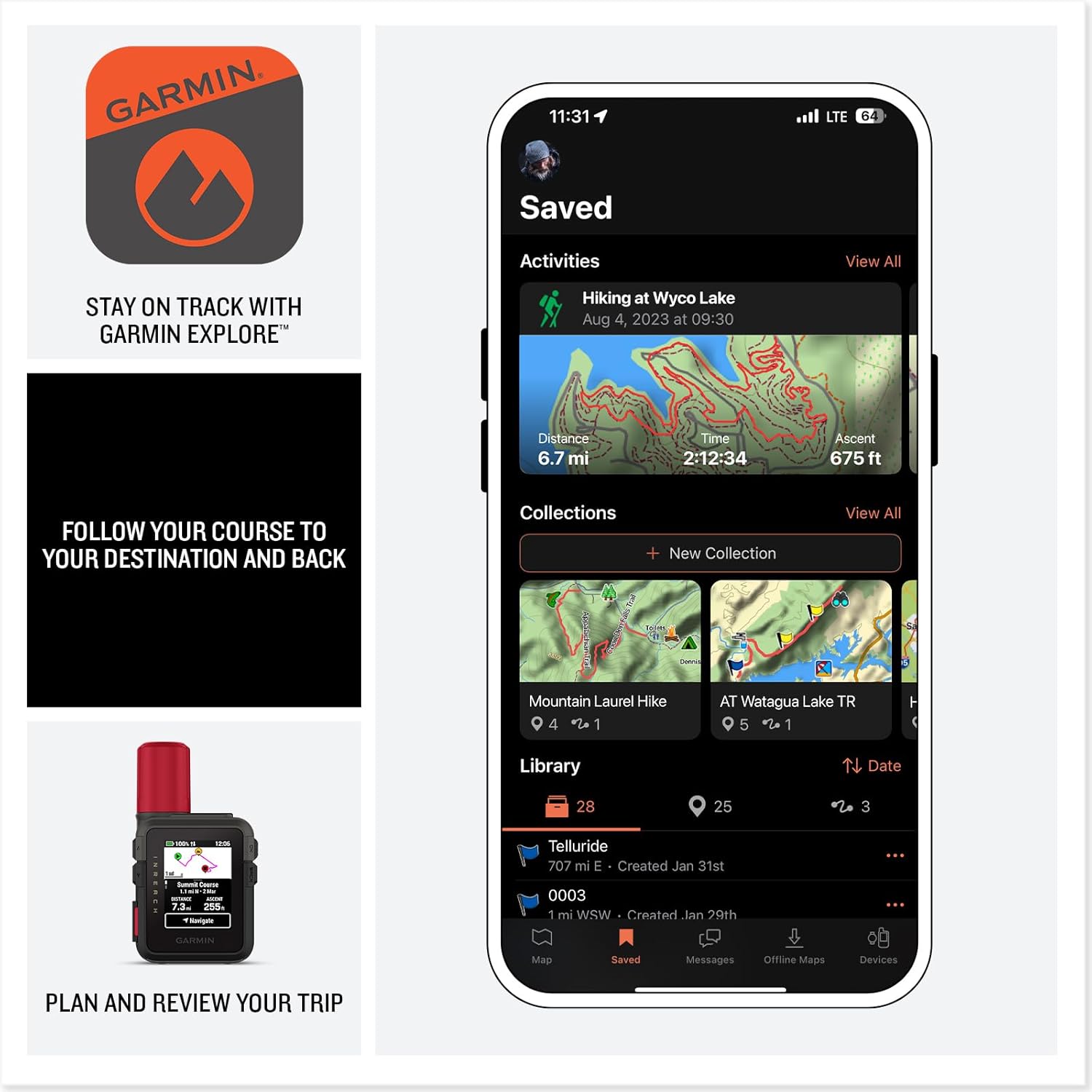
- Advanced App Integration and Location Sharing: Utilize Garmin Messenger and Garmin Explore apps for optimized messaging, trip planning, weather forecasts, and LiveTrack location sharing. Supports voice commands and preset messages.
Què hi ha a la caixa
- Garmin inReach Mini 3 Plus compact SOS Satellite Communicator
- Tela de neteja de microfibra
- Generic Brand 10ft USB Type A to USB Type C cable - Black
- Carregador de paret USB
Configuració
- Carregueu el dispositiu: Connect the inReach Mini 3 Plus to the USB wall charger using the provided USB-C cable. Ensure the device is fully charged before first use.
- Activate Satellite Subscription: An active satellite subscription is required for all messaging, tracking, and SOS functions. Visit the Garmin website to activate your subscription plan.
- Emparella amb telèfon intel·ligent: Download the Garmin Messenger app and Garmin Explore app from your smartphone's app store. Follow the on-screen instructions within the apps to pair your inReach Mini 3 Plus via Bluetooth.
- Configura la configuració: Customize device settings such as tracking intervals, preset messages, and emergency contacts through the Garmin Explore app or directly on the device.

Funcionament del vostre dispositiu
Missatgeria
The inReach Mini 3 Plus allows two-way text, voice, and photo messaging. Messages can be sent directly from the device or via the Garmin Messenger app when paired with your smartphone.
- Sending Text Messages: Navigate to the 'Messages' menu, select 'New Message', and compose your message using the on-screen keyboard or select a preset message.
- Sending Voice Messages: (Plus model only) Access the voice message feature to record and send 30-second audio clips. This can be done directly on the device or through the paired Garmin Messenger app.
- Sending Photos: (Plus model only) Capture photos using your smartphone and send them via the Garmin Messenger app, leveraging the inReach's satellite connection.

Funcionalitat SOS
In an emergency, the interactive SOS feature connects you to Garmin Response, a 24/7 emergency coordination center.
- Triggering SOS: Lift the protective cap covering the SOS button on the side of the device. Press and hold the SOS button for several seconds until the SOS countdown begins.
- Comunicació bidireccional: Garmin Response will communicate with you via text messages to assess your situation and coordinate rescue efforts.
- Canceling SOS: If the emergency is resolved, you can cancel the SOS alert by following the on-screen prompts.

Tracking and Navigation
The device supports LiveTrack location sharing and basic navigation features.
- pista en directe: Enable LiveTrack to share your real-time location with friends and family. Tracking intervals can be customized (e.g., every 10 minutes).
- Navegació: Use the Garmin Explore app to plan routes and waypoints, then sync them to your inReach Mini 3 Plus for basic course navigation. The device can also guide you back along your original track.
Vídeo oficial del producte
Video: Official Garmin inReach Mini 3 Plus Satellite Communicator overview, demonstrating its messaging, SOS, and tracking capabilities in various outdoor settings.
Manteniment
- Neteja: Use the provided microfiber cloth to clean the screen and device body. Avoid harsh chemicals.
- Cura de la bateria: For optimal battery life, avoid extreme temperatures. Recharge the device regularly, especially before extended trips.
- Actualitzacions de programari: Periodically check for software updates via the Garmin Express application on your computer to ensure optimal performance and access to new features.
Resolució de problemes
- No Satellite Connection: Assegureu-vos que el dispositiu té una imatge clara view of the sky. Move to an open area away from dense tree cover or tall buildings.
- Messages Not Sending/Receiving: Verify your satellite subscription is active. Check for any obstructions to the sky. Ensure the device is properly paired with your smartphone if using the app.
- El dispositiu no s'encén: Ensure the battery is charged. Connect to a power source and attempt to power on again.
Especificacions
| Característica | Detall |
|---|---|
| Marca | Garmin |
| Nom del model | 010-03387-10 |
| Mida de la pantalla | 0.9 polzades |
| Característica especial | Global Satellite Coverage, Lightweight, Portable |
| Tecnologia de connectivitat | USB |
| Durada de la bateria | 350 Hours (with 10-minute tracking) |
| Tipus de muntatge | Portàtil |
| Mètode de control | Aplicació, Tàctil, Veu |
| Pes de l'article | 0.79 lliures |
| UPC | 197684020759 |
Garantia i Suport
The Garmin inReach Mini 3 Plus comes with a standard manufacturer's warranty. For detailed warranty information, please refer to the documentation included with your device or visit the official Garmin weblloc.
For technical support, troubleshooting assistance, or inquiries about satellite subscription plans, please visit the Garmin support portal or contact their customer service directly.
Ask a question about this manual
Ask about setup, troubleshooting, compatibility, parts, safety, or missing instructions. Manuals+ will review the question and use this page’s manual context to help answer it.