
1. Introducció
This manual provides instructions for the ASHATA 5-inch E-Reader with Handwriting Board. Please read this manual thoroughly before using the device to ensure proper operation and maintenance.
2. Contingut del paquet
Verifiqueu que tots els elements que s'enumeren a continuació s'inclouen al vostre paquet:
- 1 x ASHATA E-Reader
- 1 x Auriculars
- 1 x Cable de càrrega (Tipus C)
- 1 x Writing Pad
- 1 x Capacitive Pen
- 1 x protector de pantalla
- 1 x funda protectora
- 1 x Manual d'usuari (aquest document)
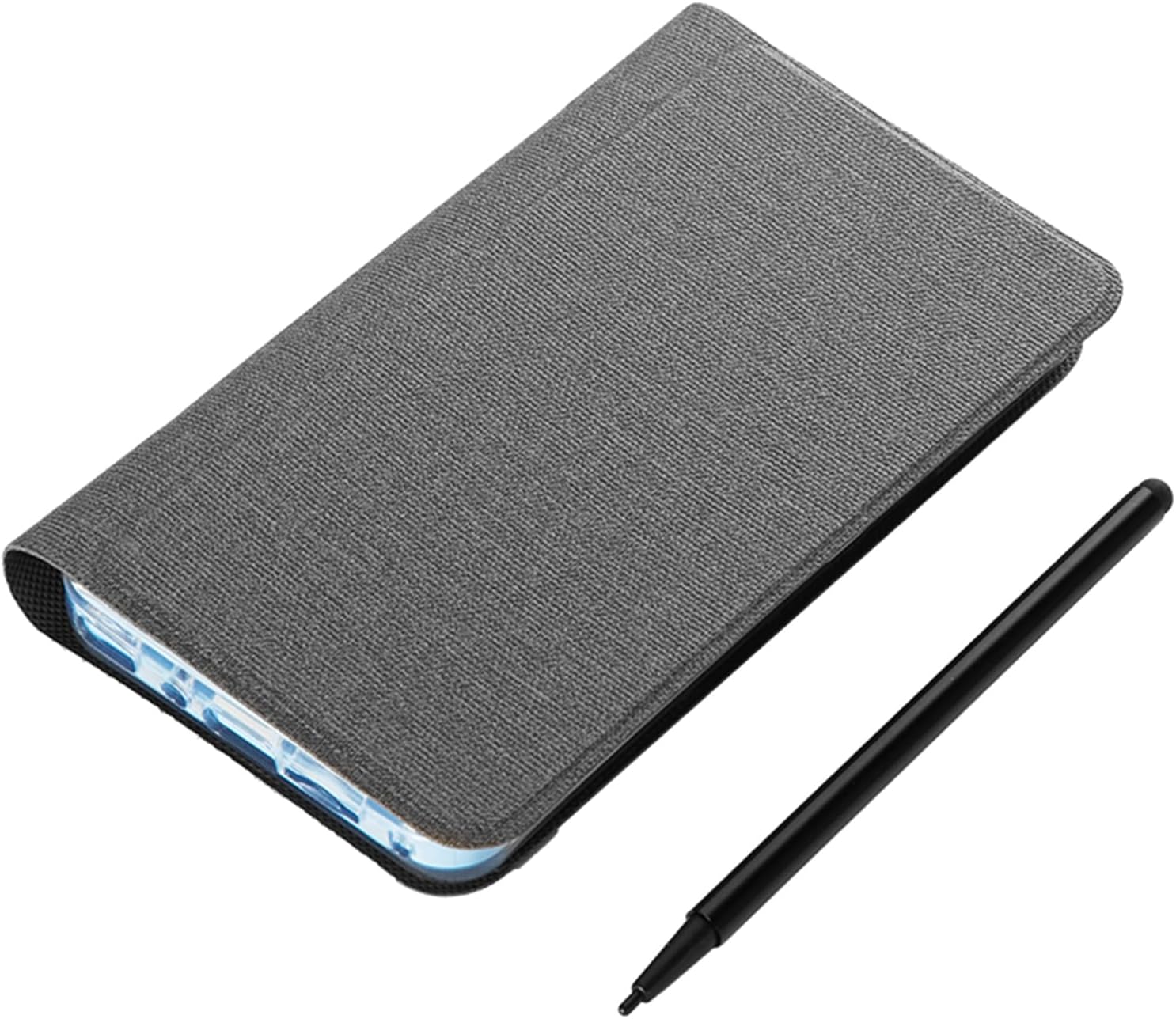
Image: The ASHATA 5-inch E-Reader shown with its protective case and the included capacitive pen.
3. Producte acabatview
The ASHATA 5-inch E-Reader is designed for reading and note-taking, featuring a high-definition, non-reflective screen and wireless connectivity.
3.1 Característiques clau
- High-Clear 5-inch Display: Suitable for various content, including novels, books, and comics.
- Eye-Guard Screen: Ink-less technology mimics traditional paper, non-reflective for reduced eye fatigue.
- Handwriting Tablet Functionality: Equipped with a handwriting board and capacitive pen for notes and annotations.
- Disseny portàtil: Compacte i lleuger per a un fàcil transport.
- Multifuncionalitat: Includes a 5MP camera with flash, Wireless-Fidelity, and BT connectivity.

Imatge: Múltiple views of the ASHATA E-Reader, illustrating its lightweight and ergonomic design.
4. Configuració
4.1 Encès inicial
- Localitzeu el botó d'engegada del dispositiu.
- Press and hold the power button for 1 to 3 seconds until the screen illuminates.
4.2 Selecció de la llengua
- Upon initial startup, navigate to the device settings.
- Seleccioneu el vostre idioma preferit entre les opcions disponibles.
4.3 Càrrega del dispositiu
Before first use, fully charge the E-Reader. Connect the provided Type-C charging cable to the device's USB port and a compatible power adapter (not included).

Image: The E-Reader next to its protective case, emphasizing its built-in high-capacity battery for extended use.
5. Instruccions de funcionament
5.1 Lectura de llibres electrònics
The E-Reader supports various e-book formats including PDF, EPUB, MOBI, and TXT. Transfer your e-books to the device's internal storage or an external memory card (if supported).
- Navigate to the library or file manager application.
- Select the desired e-book to open it.
- Use the touchscreen or physical buttons (if applicable) to turn pages.

Image: The E-Reader's flat TFT screen displaying content, designed to provide a reading experience similar to a physical book.
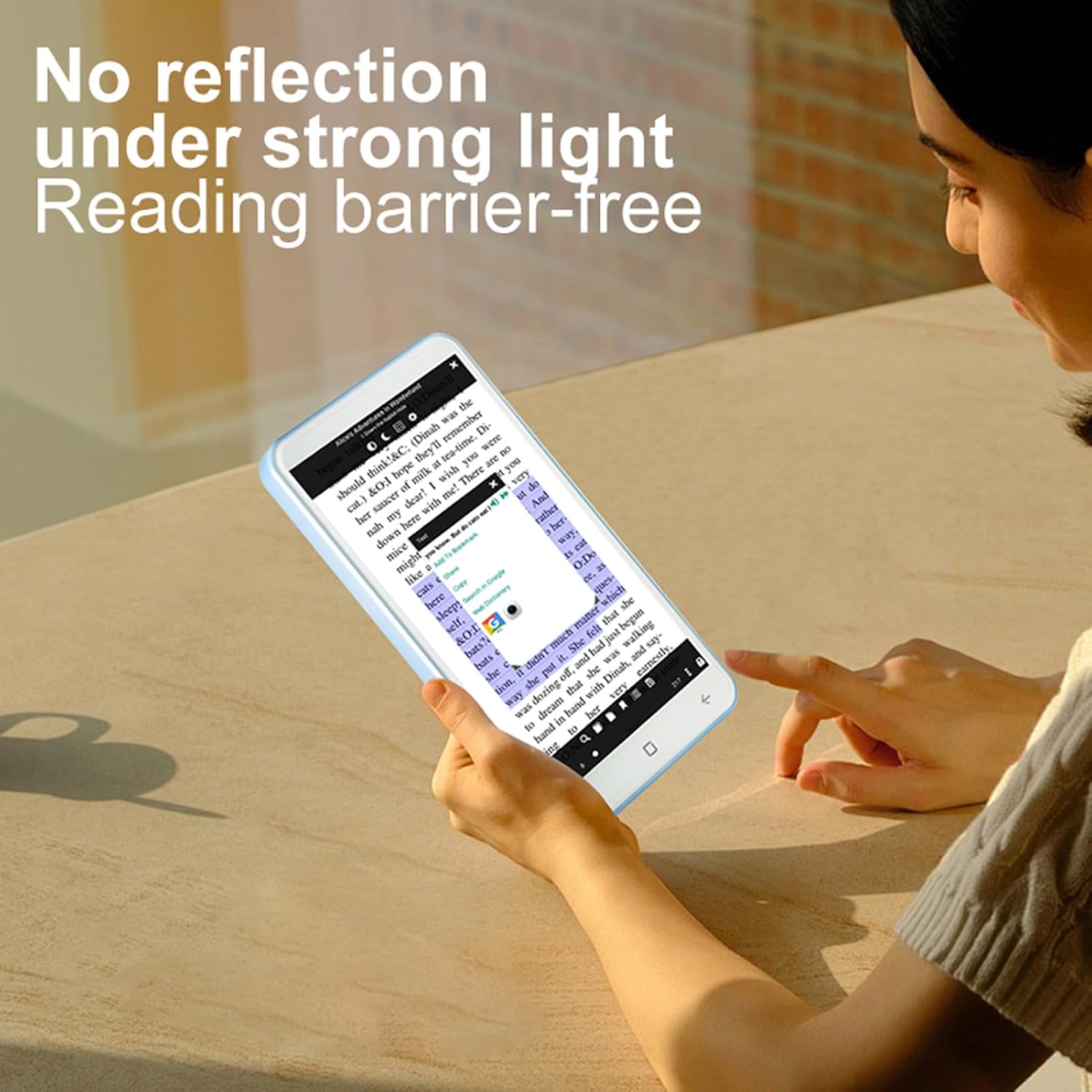
Image: A user reading on the E-Reader, demonstrating its non-reflective screen even under strong lighting conditions.
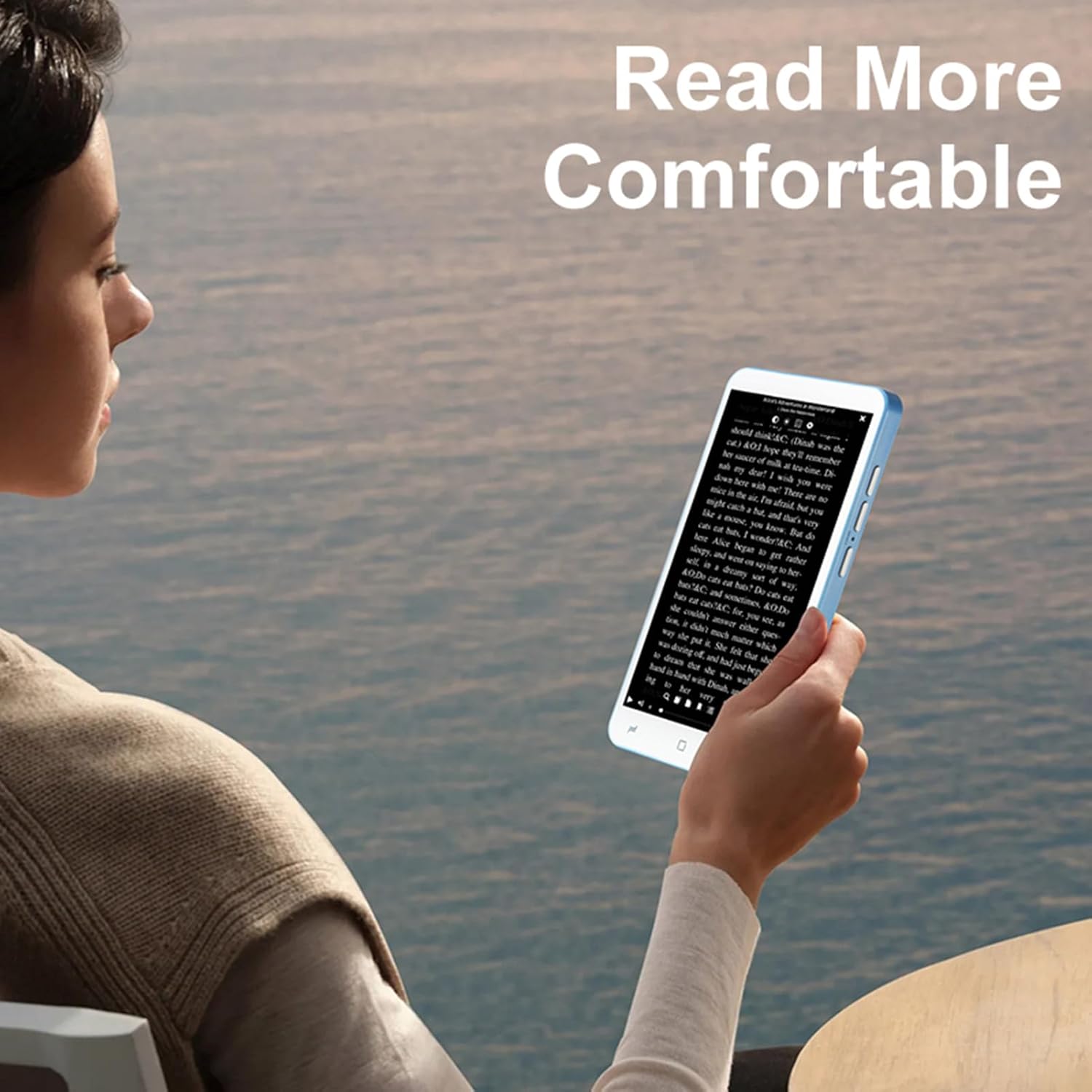
Image: A user holding the E-Reader, highlighting its comfortable grip for extended reading sessions.
5.2 Using the Handwriting Board and Pen
The device includes a dedicated handwriting board and capacitive pen for note-taking or drawing.
- Access the handwriting application from the main menu.
- Use the capacitive pen on the writing pad to write or draw.
- Save your notes as needed.
Funcionalitat de càmera 5.3
The E-Reader is equipped with a 5MP camera with flash.
- Obriu l'aplicació de la càmera.
- Frame your shot and press the camera button or on-screen shutter icon to capture an image.
5.4 Connectivity (Wireless-Fidelity and BT)
Connect to wireless networks or BT devices for data transfer, internet access, or pairing accessories like BT headphones.
- Go to "Settings" and select "Wireless & networks".
- Enable Wireless-Fidelity or BT.
- Select the desired network or device and follow the on-screen prompts to connect.
6. Manteniment
- Neteja: Use a soft, lint-free cloth to clean the screen and device body. Avoid abrasive cleaners or solvents.
- Emmagatzematge: Guardeu el dispositiu en un lloc fresc i sec, allunyat de la llum solar directa i de temperatures extremes.
- Cura de la bateria: Per allargar la durada de la bateria, eviteu descarregar-la completament amb freqüència. Carregueu el dispositiu regularment.
- Actualitzacions de programari: Periodically check for and install software updates to ensure optimal performance and security.
7. Solució De Problemes
7.1 El dispositiu no s'encén
- Assegureu-vos que la bateria estigui carregada. Connecteu el dispositiu a un carregador durant almenys 30 minuts.
- Press and hold the power button for an extended period (up to 10-15 seconds) to perform a hard reset.
7.2 La pantalla no respon
- Reinicieu el dispositiu.
- Assegureu-vos que la pantalla estigui neta i lliure de residus.
7.3 Cannot Connect to Wireless-Fidelity
- Ensure Wireless-Fidelity is enabled in settings.
- Check if the Wireless-Fidelity router is working correctly.
- Try restarting both the E-Reader and the Wireless-Fidelity router.
- Verify the Wireless-Fidelity password.
7.4 Device Freezes or Crashes
- Reinicieu el dispositiu.
- Tanqueu totes les aplicacions en segon pla innecessàries.
- If the issue persists, consider performing a factory reset (note: this will erase all data). Back up important files abans de continuar.
8. Especificacions
| Tipus d'element | E-reader with Handwriting Board |
| Especificació LCD | 5 polzades, 480*854 |
| Pantalla tàctil | COF 6PIN |
| Càmera | 5M with flash |
| Botons físics | Volume +/-, Camera, Power (4 buttons total) |
| E-reader Battery | 2500 mAh (integrada) |
| Handwriting Board Battery | 25 mAh |
| Interfície USB | Tipus-C |
| Conector d'auriculars | 3.5mm (L-R-G-M) |
| Enllaç de dades | Wireless-Fidelity/BT 4.0LE |
| Plataforma de maquinari | MT6580, Quad-core 1.3GHz, ARM Cortex-A7 |
| Memòria | 1GB RAM + 8GB Internal Storage |
| Sensors | Sensor G |
| Ràdio FM | Suport |
| Altaveu | 2030 Single Magnetic Speaker |
| Micròfon | Suport |
| Suport lingüístic | Múltiples idiomes |
| Formats d'imatge | JPG, JPEG, BMP, GIF, PNG |
| Sound Formats | MP3, MP2, AMR, APE, M4A, MIDI, OGG, WAV, FLAC, 3GP |
| Formats de vídeo | MPEG4-SP, H.264/AVC, H.263, 3GP, 3G2, MP4, MKV, AVI, WEBM |
| E-book Formats | PDF, EPUB, EPUB3, MOBI, DjVu, FB2, DOC, DOCX, TXT, RTF, CBR, CBZ, HTML |
| Mida de l'article | 13 x 7 x 1 cm (5.12 x 2.76 x 0.39 polzades) |
| Pes de l'article | 114 g (4.02 oz) |

Image: Diagram showing the physical dimensions of the ASHATA E-Reader.
9. Garantia i Suport
For warranty information and customer support, please refer to the documentation provided at the time of purchase or contact ASHATA customer service directly. Specific warranty terms may vary by region and retailer.