
Introducció
The EKIY EC20 is a versatile 4-in-1 wireless adapter designed to enhance your in-car entertainment and connectivity. It supports Wireless CarPlay, AirPlay, Android Auto, and MirrorLink, providing seamless integration with both iOS and Android devices. This adapter features advanced 6GHz WiFi and Bluetooth 5.4 for stable, low-latency connections, a durable aluminum alloy casing with 2-way heat dissipation, and a powerful Cortex A9 processor for optimal performance. Its compact design and black finish complement any car interior.

Image: The EKIY EC20 adapter, illustrating its four core functionalities: Wireless CarPlay, Wireless Android Auto, Wireless AirPlay, and MirrorLink.
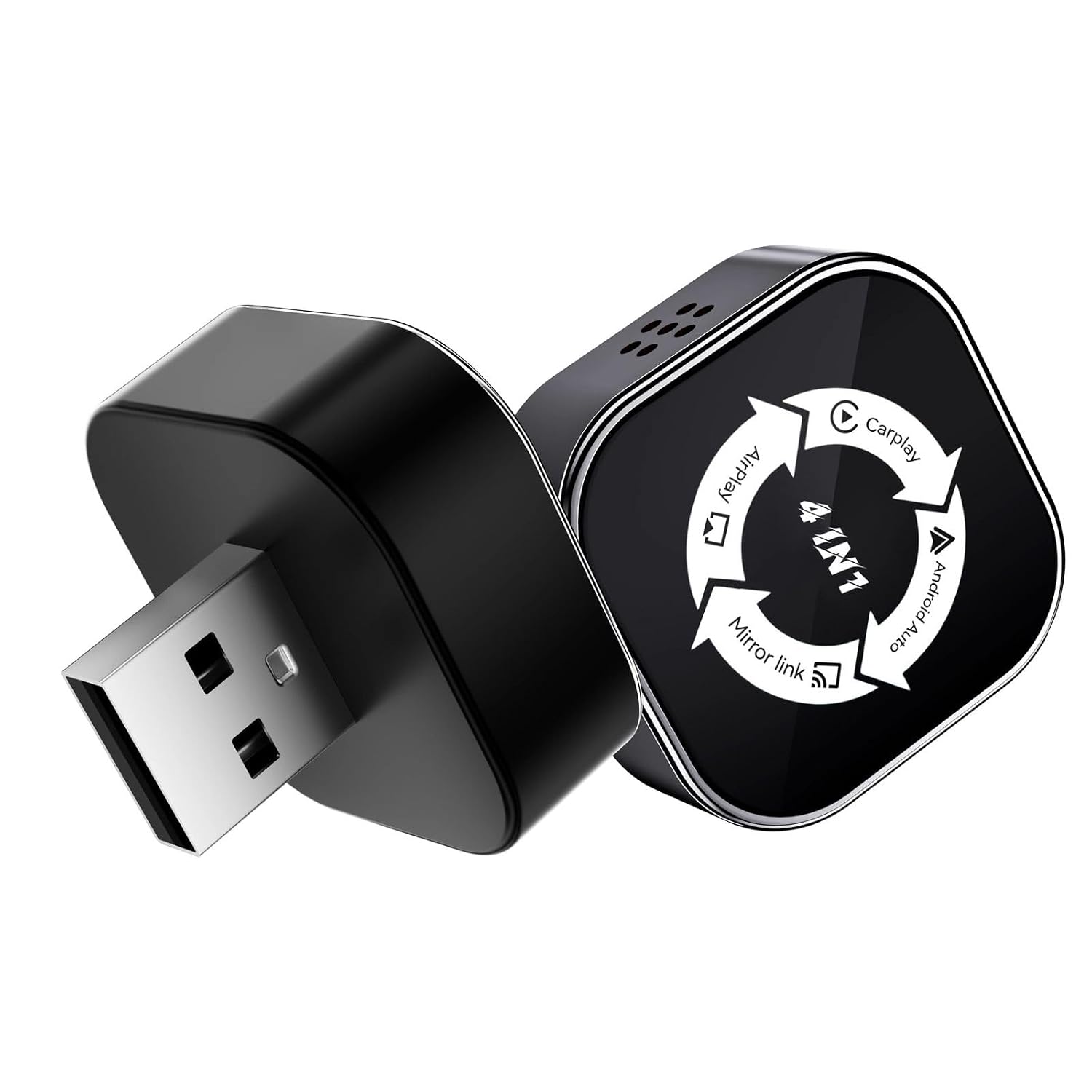
Imatge: Una imatge detallada view of the EKIY EC20 wireless adapter, highlighting its compact size and design.
Instruccions de configuració
Follow these steps to set up your EKIY EC20 adapter:
- Connecteu l'adaptador: Plug the EKIY EC20 adapter into your car's USB port. Ensure your car supports wired CarPlay or wired Android Auto, as this adapter converts the wired connection to wireless.
- Encès: Once connected, the adapter will power on automatically. Your car's infotainment system should detect the device.
- Vincular mitjançant Bluetooth: On your smartphone (iOS or Android), go to Bluetooth settings and search for available devices. Select the EKIY EC20 adapter from the list to pair.
- Connecteu-vos a WiFi: After Bluetooth pairing, your phone will be prompted to connect to the adapter's WiFi network. This connection is essential for wireless CarPlay, AirPlay, Android Auto, and MirrorLink functionality.
- Llançar l'aplicació: Once connected, the respective application (CarPlay, Android Auto, AirPlay, or MirrorLink) should launch automatically on your car's display. If not, select it from your car's infotainment menu.
For optimal performance, ensure your car's infotainment system is updated to the latest software version.
Instruccions de funcionament
The EKIY EC20 adapter allows you to use various smartphone functionalities wirelessly on your car's display.
CarPlay sense fil i Android Auto
Once connected, your iPhone will automatically activate Wireless CarPlay, or your Android phone will activate Wireless Android Auto. You can access navigation, music, calls, and messages directly from your car's touchscreen or via voice commands.

Image: An in-car display demonstrating both Wireless CarPlay and Android Auto interfaces, with a smartphone showing the respective app icons.
Wireless AirPlay (for iOS System)
For iOS devices, the AirPlay feature allows you to mirror content from your iPhone to your car's display. This is useful for sharing videos, photos, or other media.
- Ensure your iPhone is connected to the EC20 adapter's WiFi.
- On your iPhone, open Control Center and tap "Screen Mirroring."
- Select the EC20 adapter from the list of available devices.

Image: An in-car display showing content mirrored via AirPlay from an iOS device, with the EKIY EC20 adapter visible.
MirrorLink (for Android System)
For Android devices, MirrorLink enables screen mirroring, allowing you to display your phone's screen on the car's infotainment system. This is ideal for apps not natively supported by Android Auto.
- Ensure your Android phone is connected to the EC20 adapter's WiFi.
- Activate MirrorLink on your Android device (steps may vary by phone model).
- Select the EC20 adapter as the display output.
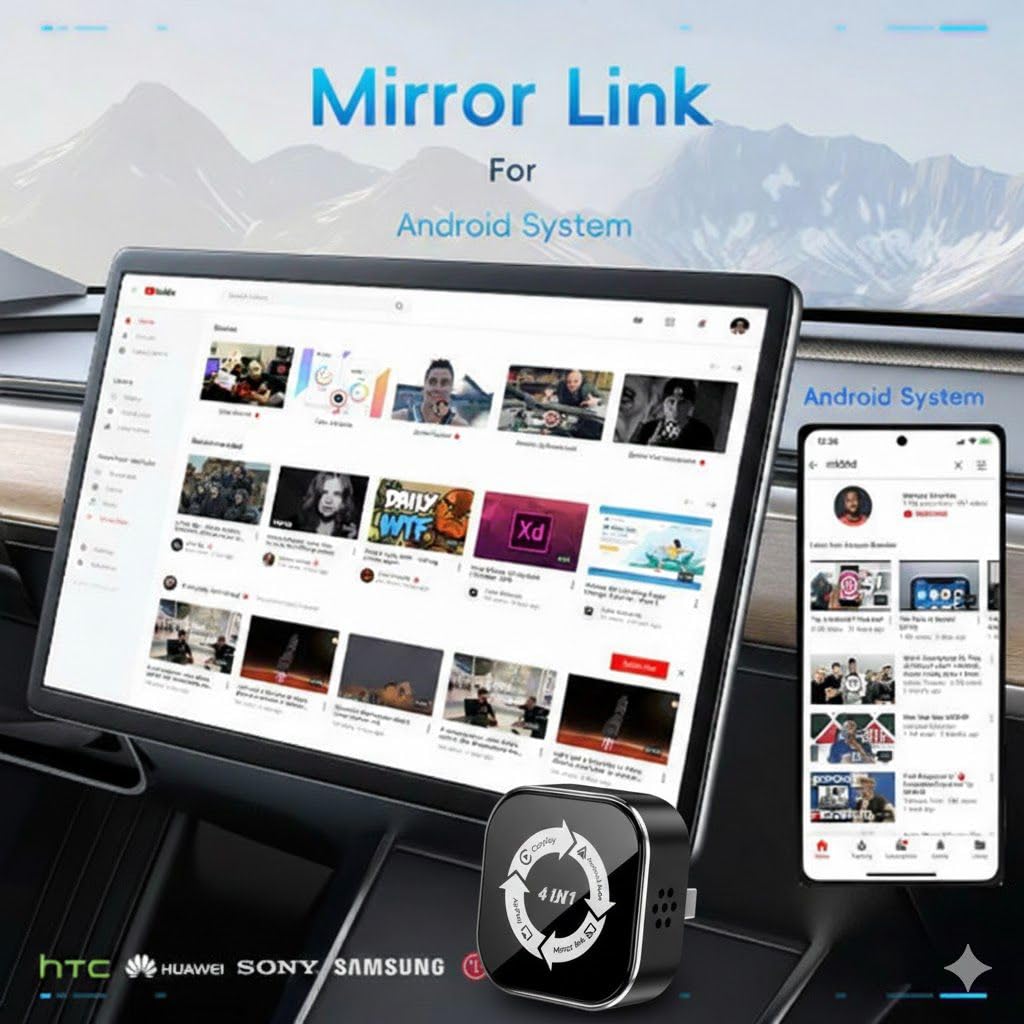
Image: An in-car display showing content mirrored via MirrorLink from an Android device, with the EKIY EC20 adapter visible.
Mètodes de control
The adapter supports various control methods, integrating with your car's existing functionalities:
- Control de pantalla tàctil: Interactua directament amb la pantalla del cotxe.
- Control del volant: Use your car's steering wheel buttons for navigation and media control.
- Control de veu: Utilitza assistents de veu com Siri o Google Assistant per a un funcionament amb mans lliures.

Image: Visual representation of different control methods: touch screen, steering wheel buttons, and voice control (Siri icon).
Manteniment
To ensure the longevity and optimal performance of your EKIY EC20 adapter, follow these maintenance guidelines:
- Mantenir net: Wipe the adapter with a soft, dry cloth to remove dust and fingerprints. Avoid using harsh chemicals or abrasive materials.
- Eviteu temperatures extremes: Do not expose the adapter to extreme heat or cold. While it features 2-way heat dissipation, prolonged exposure to direct sunlight or freezing temperatures can affect its performance and lifespan.
- Manejar amb cura: The adapter is designed to be durable, but avoid dropping it or subjecting it to strong impacts.
- Emmagatzematge adequat: If not in use for an extended period, disconnect the adapter from the USB port and store it in a cool, dry place.
Resolució de problemes
If you encounter issues with your EKIY EC20 adapter, refer to the following common solutions:
| Problema | Solució |
|---|---|
| Adapter not powering on. | Ensure the USB cable is securely connected to a functional USB port in your car. Try a different USB port if available. |
| Cannot connect via Bluetooth/WiFi. |
|
| No s'inicia el CarPlay/Android Auto. |
|
| Connexió amb retard o intermitent. |
|
Especificacions
| Característica | Detall |
|---|---|
| Nom del model | EK-WCA-EC17-BLACK (EC20) |
| Tecnologia de connectivitat | Bluetooth 5.4, 6GHz WiFi |
| Processador | Cortex A9, V821 Chipset |
| Compatibilitat | Wireless CarPlay, AirPlay (iOS), Android Auto, MirrorLink (Android) |
| Dispositius compatibles | Cars from 2016 with wired CarPlay/Android Auto, iPhone 6 or above, Android smartphones |
| Mètode de control | Touch, Steering Wheel, Voice |
| Material | Acrylonitrile Butadiene Styrene (ABS), Aluminum Alloy Casing |
| Dissipació de calor | 2-way ventilation system |
| Dimensions del producte (L x A x A) | 23L x 10W x 23H Millimeters |
| Pes de l'article | 100 grams |
| Color | Negre |
| Tipus de connector | USB tipus A, USB tipus C |

Image: A visual guide indicating compatibility with 98% of car models that support original wired CarPlay or Android Auto, featuring logos of various car manufacturers.
Informació de la garantia
The EKIY EC20 Wireless CarPlay, AirPlay, Android Auto & MirrorLink Adapter comes with a 1 anys de garantia des de la data de compra. Aquesta garantia cobreix els defectes de fabricació i garanteix que el producte compleix els estàndards de rendiment especificats en condicions d'ús normal. Conserveu el comprovant de compra per a reclamacions de garantia.
Atenció al client
For any technical assistance, troubleshooting, or warranty inquiries, please contact EKIY customer support:
- Contacte del fabricant: EKIY
- Packer Contact: EKIY
- Contacte de l'importador: Fet a l'Índia
- Telèfon d'assistència: 06282844320

Image: EKIY Support Center contact information, including a customer service phone number.


