
Introducció
This manual provides essential instructions for the safe and efficient operation of your ASHATA 5 Inch E-Book Reader (Model ASHATA7sn5yg8thx). Please read this manual thoroughly before using the device and retain it for future reference.
Informació de seguretat
- No exposeu el dispositiu a temperatures extremes, llum solar directa ni humitat elevada.
- Eviteu deixar caure o sotmetre el dispositiu a forts impactes.
- Feu servir només el cable de càrrega i l'adaptador proporcionats per evitar danys.
- Mantingueu el dispositiu allunyat de l'aigua i altres líquids.
- No intenteu desmuntar ni reparar el dispositiu vosaltres mateixos. Poseu-vos en contacte amb el servei d'assistència per obtenir ajuda.
Contingut del paquet
Verifiqueu que tots els elements siguin presents al paquet:
- 1 x ASHATA E-Reader
- 1 x Auriculars
- 1 x Cable de càrrega (Tipus C)
- 1 x Writing Pad
- 1 x Capacitive Pen
- 1 x protector de pantalla
- 1 x funda protectora
- 1 x Manual d'usuari (aquest document)
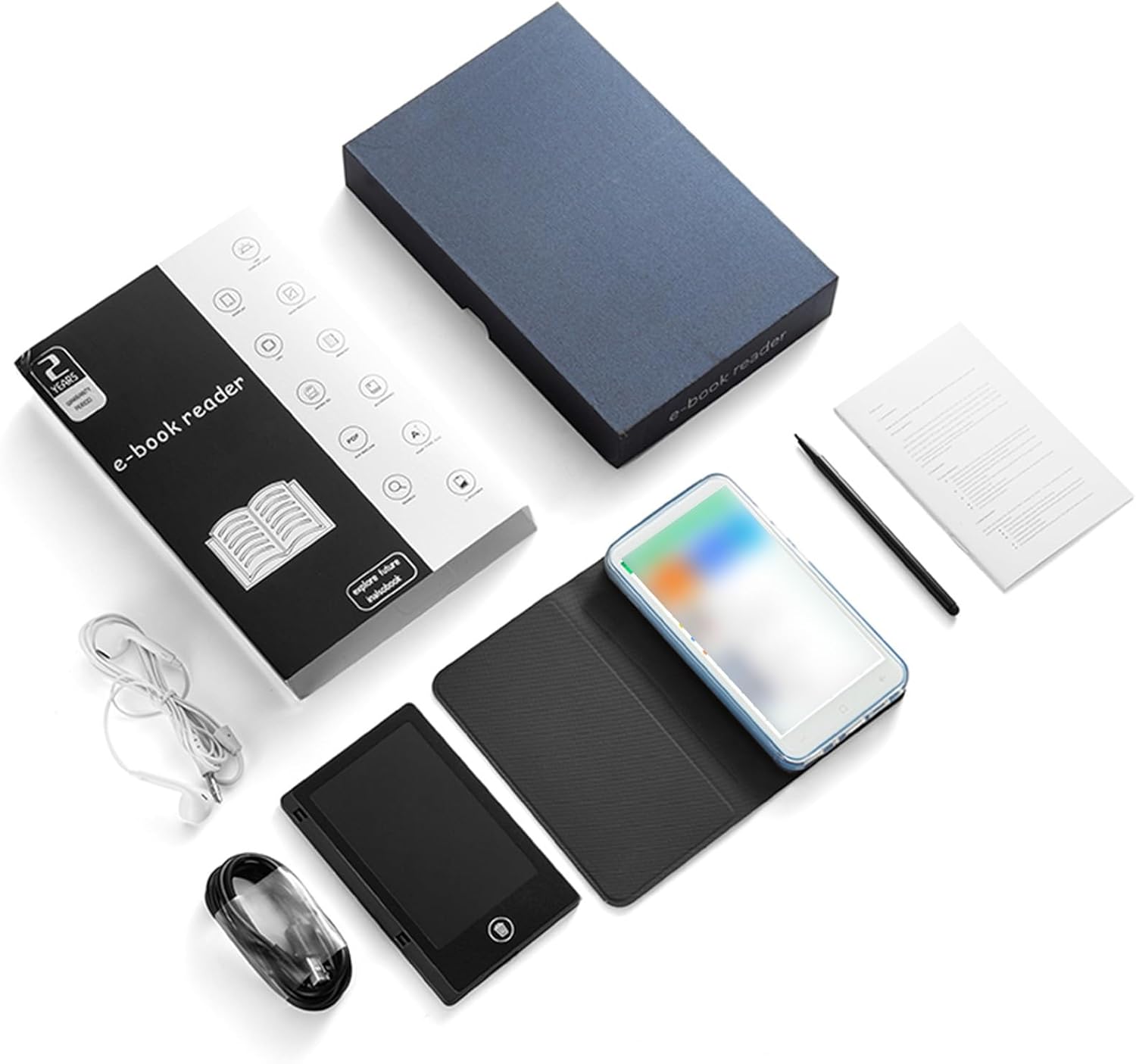
Image: All components included in the ASHATA E-Reader package.
Dispositiu acabatview
The ASHATA E-Book Reader features a compact and lightweight design for comfortable handling and portability.

Imatge: frontal, posterior i lateral views of the ASHATA E-Reader, highlighting its lightweight design and button/port layout.
- Visualització: 5-inch, 480*854 touchscreen.
- Botons físics: Volume +/-, Camera, Power.
- Interfície USB: Port tipus C per a càrrega i transferència de dades.
- Auriculars Jack: Port de 3.5 mm.
- Càmera: 5M with flash.
Configuració
- Encesa inicial: Manteniu premut el botó d'engegada durant 1-3 segons per encendre el dispositiu.
- Selecció d'idioma: Once the device is on, navigate to the settings menu to select your preferred language.
- Càrrega: Connect the provided Type-C charging cable to the device and a power source. Ensure the device is fully charged before first use.
- Protector de pantalla: Apply the included screen protector to prevent scratches.
- Funda protectora: Place the device into the protective case for added durability and protection.
Instruccions de funcionament
Funcionament bàsic
- Encès/apagat: Manteniu premut el botó d'encesa durant 1-3 segons.
- Navegació per pantalla: Use the touchscreen to navigate menus and select options.
- Control de volum: Use the volume +/- buttons to adjust audio output.
Lectura de llibres electrònics
The device supports various e-book formats including PDF, EPUB, MOBI, TXT, and more. Its eye-guard screen technology mimics traditional ink on paper, reducing eye strain.
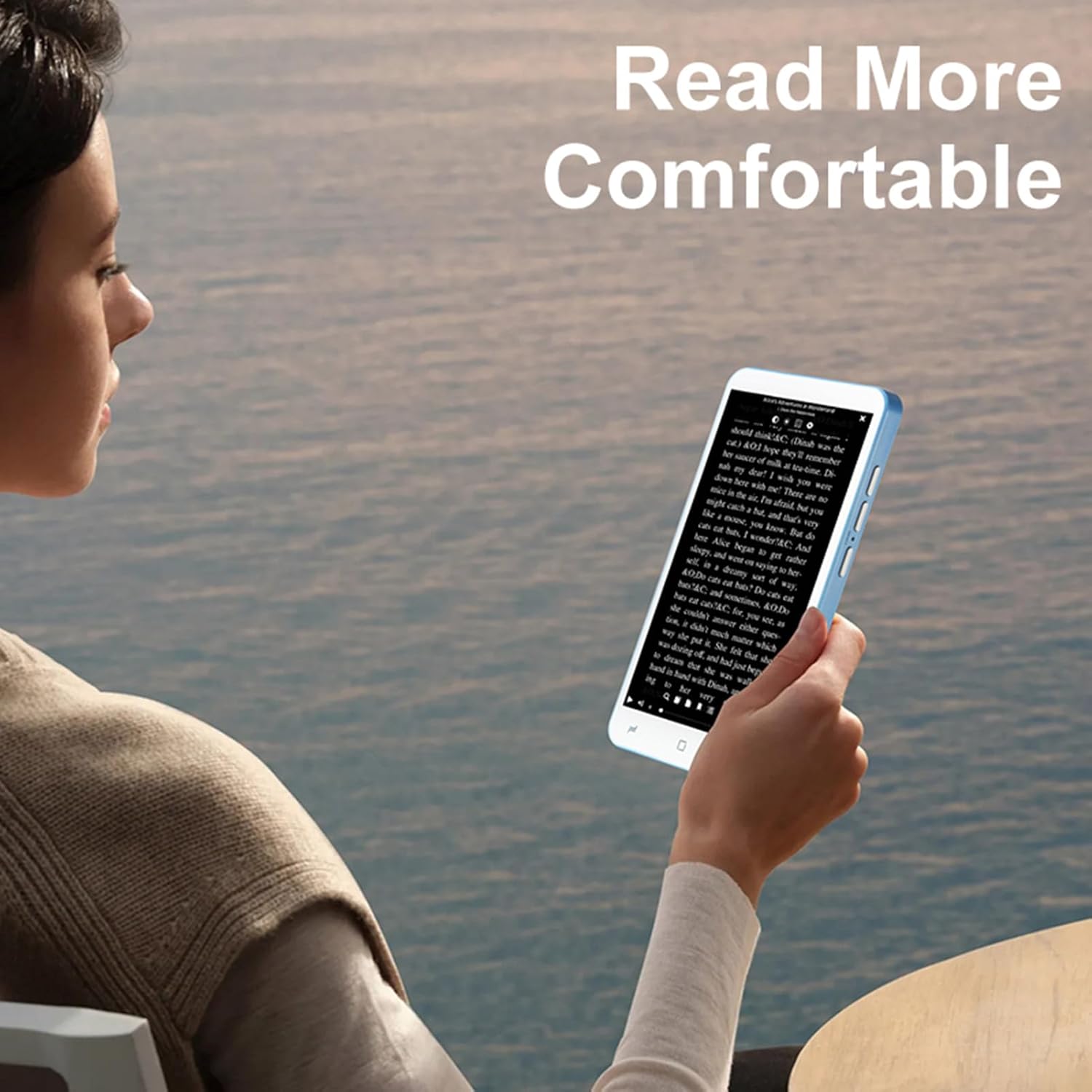
Image: A user holding the ASHATA E-Reader, demonstrating comfortable reading posture.
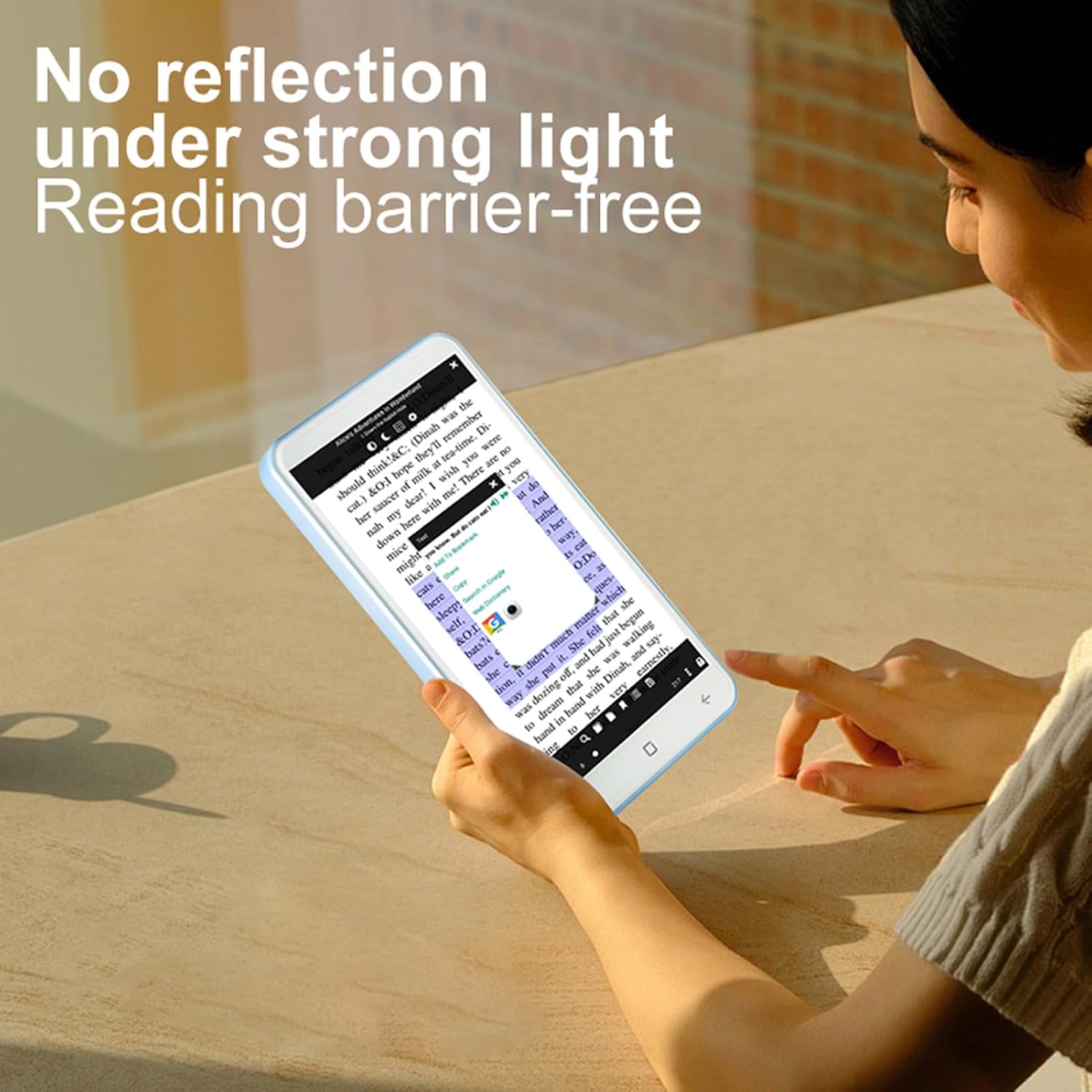
Image: The ASHATA E-Reader display showing text clearly visible even in bright conditions, demonstrating its non-reflective screen.
- Obertura de llibres: Tap on an e-book file per obrir-lo.
- Pas de pàgina: Swipe left or right on the screen to turn pages.
- Ajust del text: Access settings within the e-book reader application to adjust font size, style, and line spacing.
Using the Handwriting Tablet
The device comes with a dedicated writing pad and capacitive pen, allowing you to take notes or make annotations.

Image: The ASHATA E-Reader alongside its capacitive pen, highlighting the flat TFT screen and handwriting capabilities.
- Activating Writing Mode: Open the dedicated writing application or annotation feature within an e-book.
- Ús del llapis: Use the capacitive pen on the screen or the separate writing pad to write or draw.
Funcionalitat de la càmera
The integrated 5MP camera with flash allows for capturing images.
- Accés a la càmera: Locate and tap the camera application icon.
- Fent fotos: Press the dedicated camera button or the on-screen shutter button.
Connectivitat
The device supports Wireless-Fidelity (Wi-Fi) and BT 4.0LE for internet access and connecting to other devices.
- Wi-Fi: Go to Settings > Wireless & Networks > Wi-Fi to connect to available networks.
- BT: Go to Settings > Connected Devices > BT to pair with BT headphones or other accessories.
Manteniment
- Neteja de la pantalla: Feu servir un drap suau i sense borrissol per netejar suaument la pantalla. No utilitzeu productes de neteja abrasius ni dissolvents.
- Cura de la bateria: For optimal battery life, avoid fully discharging the device frequently. Charge the device regularly. The built-in 2500mAh battery provides extended usage.
- Actualitzacions de programari: Periodically check for software updates in the device settings to ensure optimal performance and new features.

Image: The ASHATA E-Reader in its protective case, illustrating the device's high-capacity battery for extended reading.
Resolució de problemes
| Problema | Possible solució |
|---|---|
| El dispositiu no s’encén. | Ensure the device is charged. Connect to a power source and try again. If unresponsive, perform a hard reset by holding the power button for 10-15 seconds. |
| La pantalla no respon. | Reinicieu el dispositiu. Si el problema persisteix, assegureu-vos que la pantalla estigui neta i sense brutícia. |
| No es pot connectar a la Wi-Fi. | Check if Wi-Fi is enabled in settings. Ensure the password is correct. Restart your router and the e-reader. |
| E-books are not opening. | Verify the e-book format is supported. Try opening a different e-book. Ensure the e-book reader application is up to date. |
Especificacions
| Característica | Detall |
|---|---|
| Tipus d'element | E-reader with Handwriting Board |
| Especificació LCD | 5 polzades, 480*854 |
| Pantalla tàctil | COF 6PIN |
| Càmera | 5M with flash |
| Botons físics | Volume +/-, Camera, Power |
| E-reader Battery | 2500 mAh (integrada) |
| Handwriting Board Battery | 25 mAh |
| Interfície USB | Tipus-C |
| Auriculars | 3.5mm (L-R-G-M) |
| Enllaç de dades | Wireless-Fidelity/BT 4.0LE |
| Plataforma de maquinari | MT6580, Quad-core 1.3GHz, ARM Cortex-A7 |
| Memòria | 1GB RAM + 8GB Internal Storage |
| Sensors | Sensor G |
| Ràdio FM | Suport |
| Altaveu | 2030 Single Magnetic Speaker |
| Micròfon | Suport |
| Llengua | Admet diversos idiomes |
| Suport de format d'imatge | JPG, JPEG, BMP, GIF, PNG |
| Suport de format de so | MP3, MP2, AMR, APE, M4A, MIDI, OGG, WAV, FLAC, 3GP |
| Suport de format de vídeo | MPEG4-SP, H.264/AVC, H.263, 3GP, 3G2, MP4, MKV, AVI, WEBM |
| Compatibilitat amb formats de llibre electrònic | PDF, EPUB, EPUB3, MOBI, DjVu, FB2, DOC, DOCX, TXT, RTF, CBR, CBZ, HTML |
| Mida de l'article | 13x7x1cm / 5.12x2.76x0.39in |
| Pes de l'article | 114 g / 4.02 oz |
Garantia i Suport
The ASHATA E-Book Reader comes with a manufacturer warranty for 90 days from the date of purchase. This warranty covers defects in materials and workmanship under normal use.
For technical support, warranty claims, or further assistance, please contact ASHATA customer service through your retailer or the official ASHATA website. Please have your model number (ASHATA7sn5yg8thx) and proof of purchase ready.