
1. Producte acabatview
The MEETION K2000 is a wired ergonomic keyboard designed for comfort and enhanced typing experience. It features a translucent shell, split and curved key layout, integrated wrist rest, and customizable RGB backlighting. It offers broad compatibility with various operating systems via USB-A or USB-C connection.

Imatge 1.1: The MEETION K2000 Ergonomic Wired RGB Keyboard, showcasing el seu disseny dividit i el reposacanell integrat.
Vídeo 1.1: Un acabatview of the MEETION K2000 Ergonomic Wired RGB Keyboard, highlighting its features and design.
2. Configuració
2.1 Contingut del paquet
- MEETION K2000 Ergonomic Wired RGB Keyboard
- Adaptador USB-A a USB-C
- Manual d'usuari
2.2 Connexió del teclat
- Locate an available USB port on your computer (PC, Laptop, Mac).
- Connect the keyboard's USB-A cable directly to a USB-A port on your computer.
- If your computer only has USB-C ports, attach the provided USB-A to USB-C adapter to the keyboard's USB-A cable, then plug the adapter into a USB-C port on your computer.
- The keyboard is plug-and-play; no additional drivers are required for most operating systems.

Imatge 2.1: The keyboard's USB-A cable and the included USB-A to USB-C adapter for versatile connectivity.
2.3 Ajust de l'angle del teclat
The keyboard features adjustable flip-out feet at the bottom to customize your typing angle for optimal comfort. You can choose between 2°, 4.07°, or 4.3° incline settings.

Imatge 2.2: The adjustable feet on the underside of the keyboard allow for different typing angles.
3. Instruccions de funcionament
3.1 Ergonomic Design and Wrist Rest
The keyboard's split, curved layout and integrated padded wrist rest are designed to promote a natural hand and wrist posture, reducing strain during extended use. The scissor-switch key design offers a quiet and comfortable typing experience.
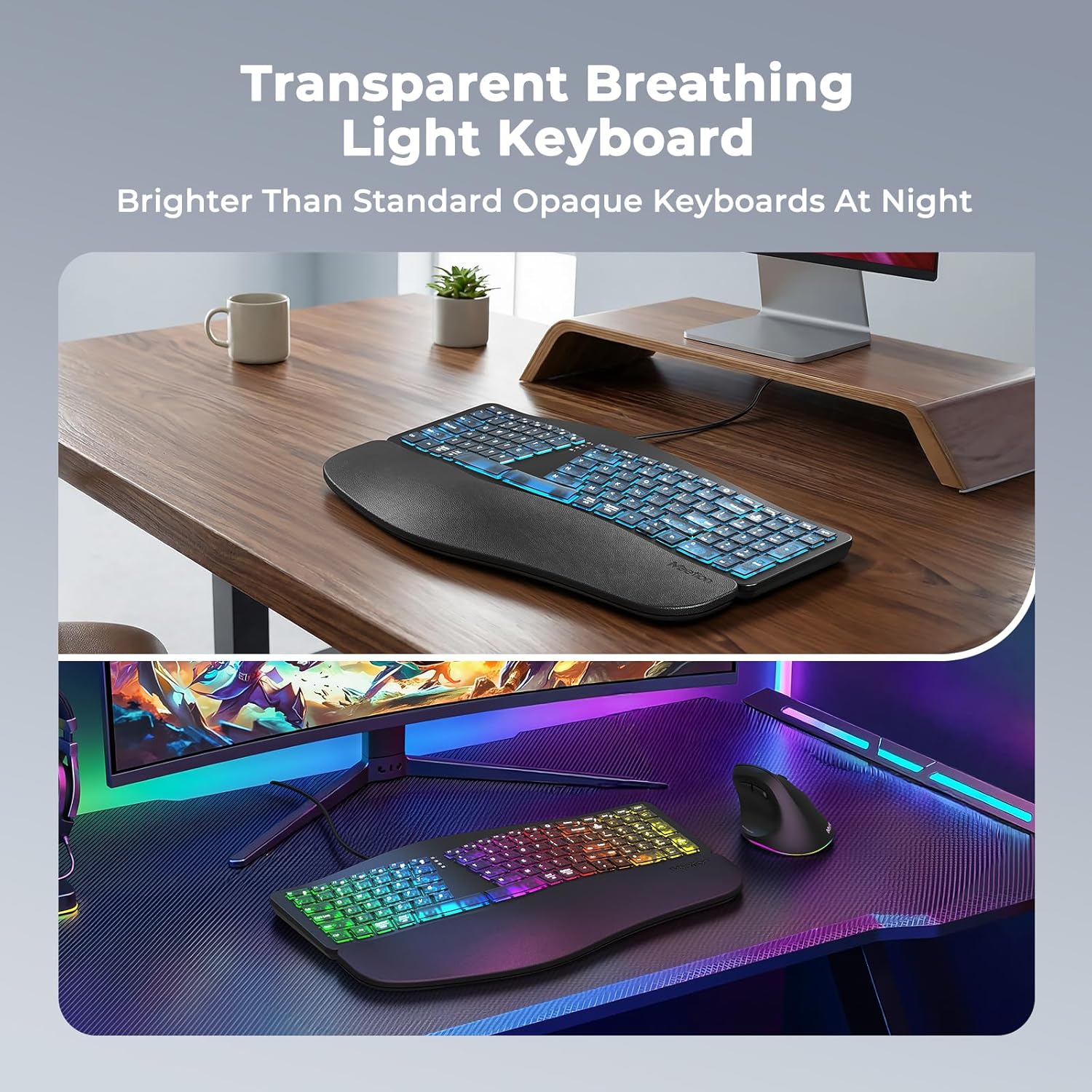
Imatge 3.1: The split ergonomic design of the keyboard helps maintain a comfortable typing posture.
Control de retroiluminació 3.2
The translucent keycaps allow for vibrant backlighting. You can customize the lighting effects and brightness levels:
- Ajusta la brillantor: Premeu Fn + Maj dreta repeatedly to cycle through 25%, 50%, 75%, 100% brightness, or turn the backlight off.
- Change Backlight Mode/Color: Premeu Fn + Right Enter repeatedly to switch between different modes:
- RGB Breathing (dynamic color cycling)
- 7 Static Colors: Red, Green, Blue, White, Purple, Cyan, Yellow
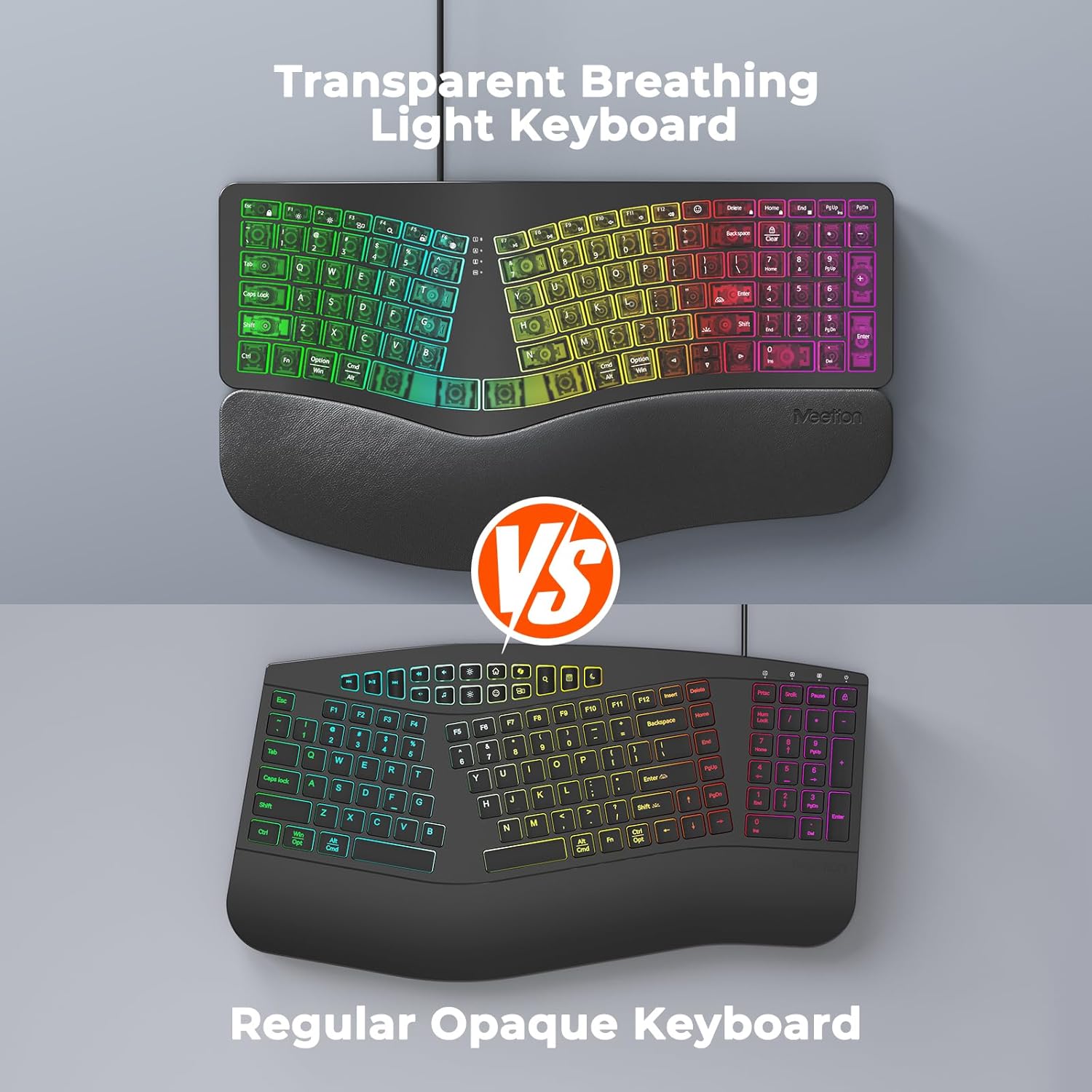
Imatge 3.2: Instructions for adjusting backlight brightness and cycling through various color modes.
Vídeo 3.1: Demonstration of the K2000 keyboard's backlit features and color options.
3.3 System Layout Switching
The keyboard supports both Windows and Mac layouts. To switch between systems:
- Per Windows systems: Press Fn + Q
- Per Mac systems: Press Fn + W

Imatge 3.3: The keyboard supports both Windows and Mac operating systems, with dedicated function keys for switching layouts.
3.4 Emoji Shortcuts
Access emoji shortcuts by pressing the dedicated Emoji key. This feature is compatible with Windows, MacOS, iPad (iPadOS), and Android Samsung devices. Please note that it does not support iPhone (iOS).

Imatge 3.4: The dedicated emoji shortcut key for quick access to emojis on compatible devices.
4. Manteniment
4.1 Neteja
- To clean the keyboard, gently wipe the surface with a soft, dry, or slightly damp tela.
- Avoid using harsh chemicals, abrasive cleaners, or solvents, as these may damage the keyboard's finish or keycaps.
- Per netejar entre les tecles, feu servir aire comprimit per eliminar la pols i les restes.
4.2 Cura de les tecles
- Ensure keycaps are firmly seated. If a keycap feels loose, gently press it down until it clicks into place.
- Avoid excessive force when pressing keys to prevent damage.
5. Solució De Problemes
5.1 El teclat no respon
- Assegureu-vos que el cable USB estigui ben connectat al port USB de l'ordinador.
- Prova de connectar el teclat a un port USB diferent de l'ordinador.
- If using the USB-C adapter, ensure it is firmly connected to both the keyboard cable and the computer's USB-C port.
- Test the keyboard on another computer to determine if the issue is with the keyboard or your computer's port/drivers.
5.2 Problemes de retroiluminació
- If the backlight is off, press Fn + Maj dreta per augmentar la brillantor.
- If the color is not desired, press Fn + Right Enter to cycle through different color modes.
- Ensure the keyboard is properly connected, as power issues can affect backlighting.
5.3 Les claus no es registren
- Gently press down on the affected keycap to ensure it is properly seated.
- Clean any debris or dust from under the keycap using compressed air.
- If the issue persists, try the troubleshooting steps for "Keyboard Not Responding".
6. Especificacions
| Marca | REUNIÓ |
| Número de model | K2000 |
| Tecnologia de connectivitat | USB-A, USB-C |
| Descripció del teclat | Multimedia, Ergonomic, Backlit |
| Característiques especials | Backlit, Ergonomic, Wired, Wrist Rest |
| Color | Negre |
| Suport de color de retroil·luminació del teclat | RGB (7 static colors + breathing mode) |
| Material | Acrylonitrile Butadiene Styrene, Thermoplastic Polyurethane (TPU) |
| Disposició del teclat | QWERTY |
| Dispositius compatibles | Ordinador portàtil, PC (Windows, Mac) |
7. Garantia i Suport
7.1 Garantia del fabricant
The MEETION K2000 Ergonomic Wired RGB Keyboard comes with a Garantia del fabricant de 1 anys. Aquesta garantia cobreix els defectes de materials i de mà d'obra en ús normal.
7.2 Suport tècnic
For technical assistance, troubleshooting, or warranty claims, please contact MEETION customer support. Refer to the product packaging or the official MEETION weblloc web per obtenir la informació de contacte més actualitzada.