
1. Introducció
This manual provides essential information for setting up, operating, maintaining, and troubleshooting your HP 14-em 14-inch HD Laptop. Please read this guide thoroughly to ensure optimal performance and longevity of your device.
The HP 14-em laptop features an AMD Athlon Silver 7120U processor, 4GB RAM, 512GB eMMC storage, and runs on Windows 11 Pro. It is designed for everyday tasks, offering a balance of performance and portability.
2. Configuració
2.1 Desembalatge i inspecció inicial
Traieu amb cura el portàtil i tots els accessoris de l'embalatge. Verifiqueu que hi hagi tots els components:
- HP 14-inch Laptop
- Adaptador d'alimentació
- Mytrix 2.4GHz Wireless Gaming Headset
- Documentació
Inspeccioneu el portàtil per detectar qualsevol dany físic. Si trobeu algun dany, poseu-vos en contacte amb el vostre distribuïdor immediatament.
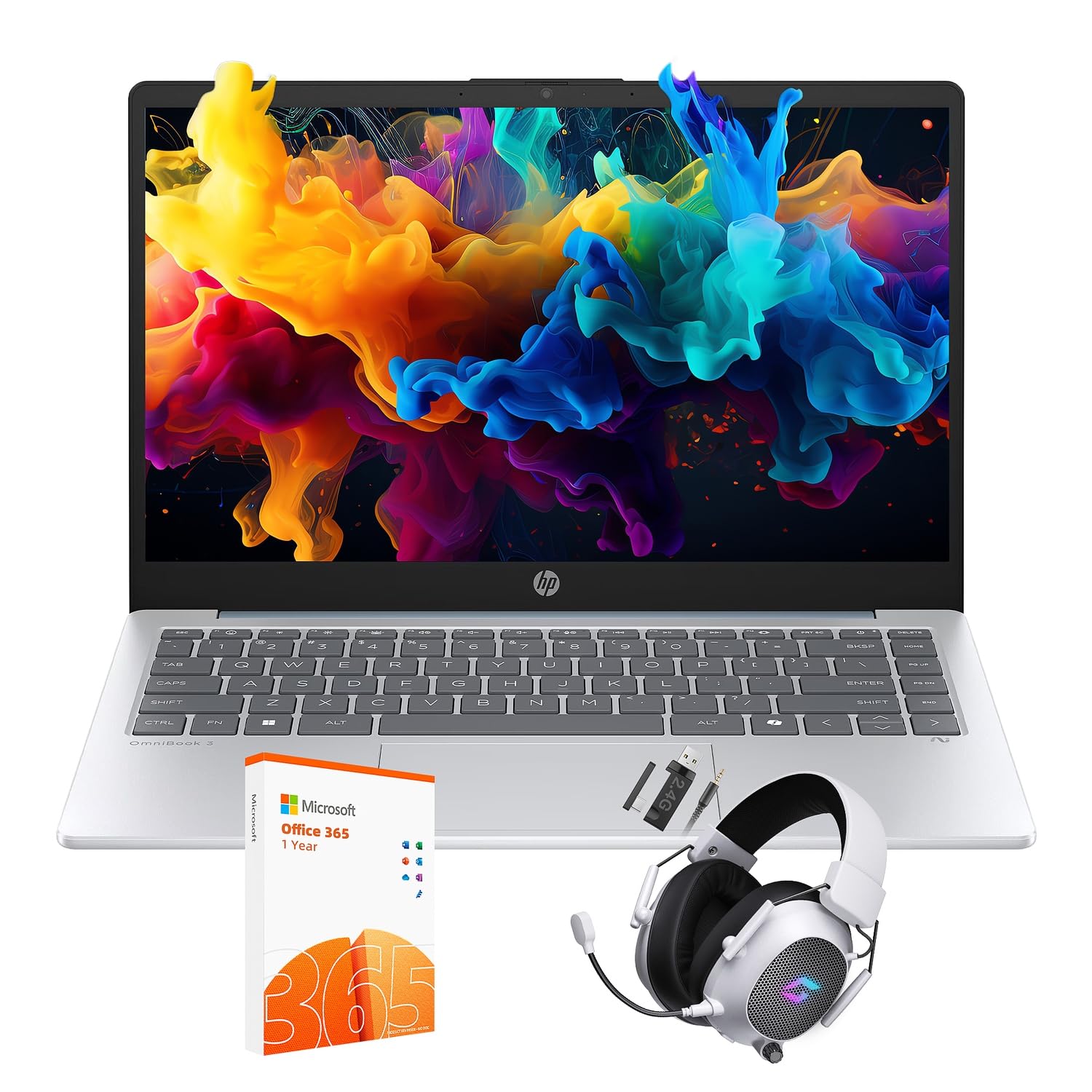
Figure 2.1: The HP 14-inch HD Laptop in Moonlight Blue, showcasing el seu disseny elegant.
2.2 Connexió de l'adaptador de corrent
Connect the power adapter to the laptop's power port and then plug it into a wall outlet. It is recommended to fully charge the battery before initial use.
2.3 Initial Power On and Windows 11 Pro Setup
Press the power button located on the keyboard deck. The laptop will boot up and guide you through the Windows 11 Pro setup process. Follow the on-screen instructions to:
- Seleccioneu la vostra regió i idioma.
- Connecteu-vos a una xarxa Wi-Fi.
- Accepteu els termes de la llicència.
- Crea un compte d'usuari o inicia la sessió amb un compte de Microsoft.
- Configura la configuració de privadesa.
2.4 Setting up the Mytrix Wireless Gaming Headset
Refer to the separate instructions provided with the Mytrix 2.4GHz Wireless Gaming Headset for detailed setup. Generally, this involves:
- Carregant els auriculars.
- Connecting the wireless dongle to an available USB port on the laptop.
- Powering on the headset and ensuring it pairs with the dongle.
- Configuring audio input/output settings in Windows 11 Pro.
3. Funcionament de l'ordinador portàtil
3.1 Gestió de l'energia
- Encès: Premeu el botó d'encesa.
- Mode de repòs: Tanqueu la tapa o seleccioneu "Repos" al menú Inici.
- Apagar: Seleccioneu "Apagar" al menú Inici.
- Reinicia: Seleccioneu "Reiniciar" al menú Inici.
3.2 Ús del ratolí tàctil
El touchpad admet gestos multitàctils per a la navegació. Els gestos comuns inclouen:
- Toca: Toqueu amb un sol dit per fer clic amb el botó esquerre.
- Toc amb dos dits: Clic dret.
- Desplaçament de dos dits: Desplaceu-vos cap amunt o cap avall.
- Pessiga per fer zoom: Apropar o reduir.
3.3 Connecting to Networks (Wi-Fi 6 and Bluetooth 5.4)
Per connectar-se a una xarxa Wi-Fi:
- Feu clic a la icona Wi-Fi de la barra de tasques.
- Seleccioneu la xarxa desitjada de la llista.
- Introduïu la contrasenya de xarxa si se us demana.
Per connectar un dispositiu Bluetooth:
- Vés a Configuració > Bluetooth i dispositius.
- Assegureu-vos que el Bluetooth estigui activat.
- Select "Add device" and follow the pairing instructions for your device.
3.4 External Port Usage
El vostre portàtil està equipat amb diversos ports per connectar dispositius externs:

Figure 3.1: Available ports on the HP 14-inch HD Laptop.
- USB tipus A: For connecting standard USB devices like mice, keyboards, and external storage.
- USB tipus C: Per transferència de dades.
- HDMI: Per connectar pantalles o projectors externs.
- Combinació d'auriculars/micròfon: Per connectar uns auriculars o uns altaveus/micròfon externs.
3.5 Característiques del Windows 11 Pro
Windows 11 Pro offers advanced security, management tools, and productivity features. Explore the Start Menu, Taskbar, and Settings app to customize your experience. The laptop also supports a 180-degree hinge for flexible viewangles d'ajust.
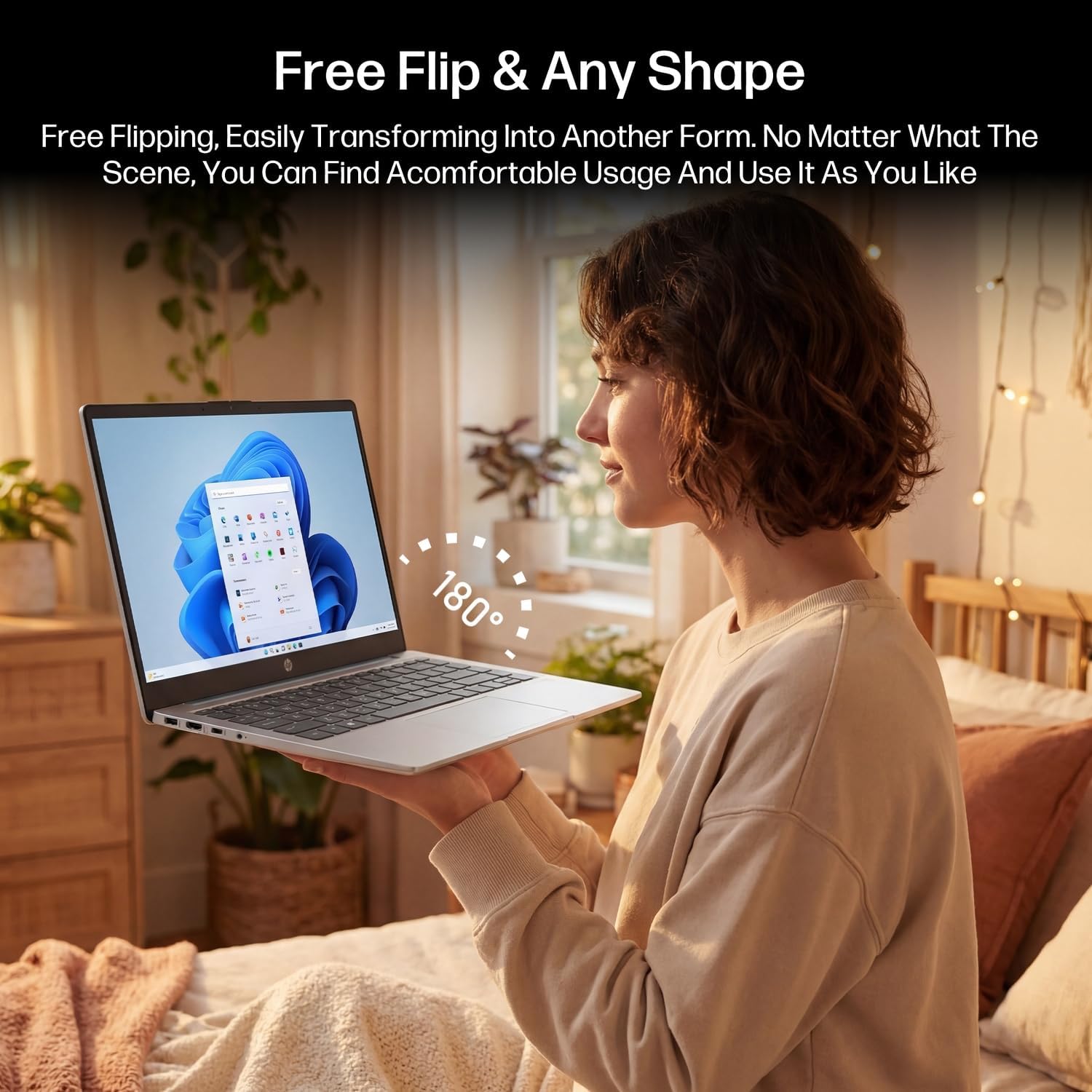
Figure 3.2: The laptop's 180-degree hinge for versatile use.

Figure 3.3: The HP laptop efficiently handles daily tasks.
4. Manteniment
4.1 Neteja del portàtil
- Pantalla: Utilitzeu un drap suau i sense pelusa dampNetegeu amb aigua o un netejador de pantalles. No ruixeu el netejador directament sobre la pantalla.
- Xassís i teclat: Feu servir un drap suau i sec. Per a la brutícia persistent, feu servir un drap lleugerament sec.amp cloth can be used. Avoid excessive moisture.
- Ports: Feu servir aire comprimit per treure suaument la pols dels ports.
4.2 Cura de la bateria
Per maximitzar la durada de la bateria:
- Eviteu temperatures extremes.
- No deixeu que la bateria es descarregui completament amb freqüència.
- Utilize HP Fast Charge technology for quick recharging when needed.
4.3 Actualitzacions de programari
Comproveu i instal·leu regularment si hi ha actualitzacions de Windows per assegurar-vos que el vostre sistema tingui els pegats de seguretat i les millores de rendiment més recents. Aneu a Configuració > Actualització de Windows.
4.4 Gestió d'emmagatzematge
The 512GB eMMC storage provides fast boot-ups and file access. To maintain performance, periodically:
- Elimineu-les innecessàries files.
- Desinstal·la les aplicacions no utilitzades.
- Use Windows' built-in Disk Cleanup tool.
5. Solució De Problemes
Aquesta secció tracta problemes comuns que podeu trobar. Per a problemes més complexos, consulteu els recursos d'assistència oficials d'HP.
5.1 El portàtil no s'encén
- Assegureu-vos que l'adaptador de corrent estigui connectat correctament tant al portàtil com a una presa de corrent que funcioni.
- Verifiqueu que la presa de corrent funciona connectant-hi un altre dispositiu.
- Si la bateria està completament esgotada, deixeu-la carregar durant almenys 30 minuts abans d'intentar tornar-la a encendre.
5.2 Problemes de connectivitat Wi-Fi
- Comproveu si el Wi-Fi està habilitat a la configuració de Windows.
- Reinicieu el router i el mòdem.
- Oblida't de la xarxa i torna a connectar-te, introduint de nou la contrasenya.
- Ensure your laptop is within range of the Wi-Fi signal.
5.3 External Display Not Detected
- Assegureu-vos que el cable HDMI estigui connectat correctament tant al portàtil com a la pantalla externa.
- Check the input source on your external display (e.g., HDMI 1, HDMI 2).
- Premeu Tecla Windows + P and select a display option (Duplicate, Extend, Second screen only).
5.4 Problemes d'àudio
- Check volume levels in Windows and on any connected external audio devices.
- Assegureu-vos que el dispositiu de sortida d'àudio correcte estigui seleccionat a la configuració de so de Windows.
- If using the Mytrix headset, ensure it is powered on and properly paired.
6. Especificacions
Detailed technical specifications for your HP 14-em 14-inch HD Laptop:
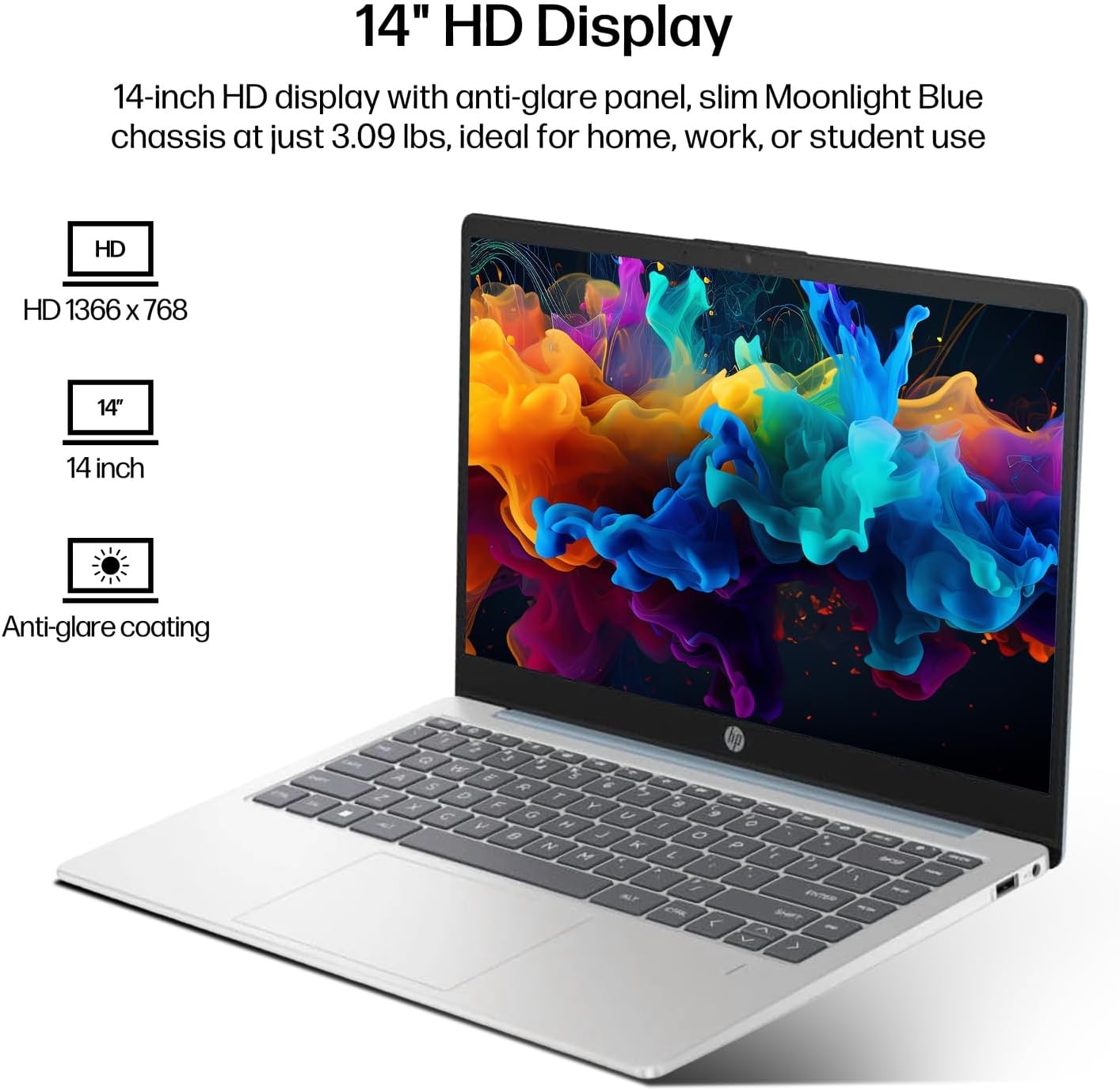
Figure 6.1: The 14-inch HD display features a resolution of 1366 x 768 pixels and an anti-glare coating.

Figure 6.2: The laptop is powered by an AMD Athlon Silver 7120U Processor with integrated AMD Radeon Graphics.
| Característica | Especificació |
|---|---|
| Marca | HP |
| Nom del model | 14-em |
| Processador | AMD Athlon Silver 7120U (2 Cores, 2 Threads, up to 3.5 GHz Boost Clock) |
| Gràfics | Gràfics AMD Radeon (integrats) |
| RAM | 4 GB DDR4 SODIMM |
| Emmagatzematge | 512 GB eMMC (estat sòlid) |
| Mostra | 14-inch HD (1366 x 768) LED, Anti-Glare |
| Sistema operatiu | Windows 11 Pro |
| Connectivitat sense fil | Wi-Fi 6 (802.11ax), Bluetooth 5.4 |
| Ports | 2x USB Type-A, 1x USB Type-C (Data Transfer), 1x HDMI, 1x Headphone/Microphone Combo |
| Càmera | Orientació frontal |
| Àudio | Àudio HD |
| Dimensions (L x A x A) | 12.74" x 8.46" x 0.7" |
| Pes | Aproximadament 3.09 lliures |
| Accessoris inclosos | Mytrix 2.4GHz Wireless Gaming Headset |

Figure 6.3: Physical dimensions of the HP 14-inch HD Laptop.
7. Garantia i Suport
7.1 Garantia del producte
Your HP 14-em laptop comes with a 12-month manufacturer's warranty. This warranty covers defects in materials and workmanship under normal use. For specific terms and conditions, please refer to the warranty documentation included with your product or visit the official HP support weblloc.
7.2 Suport tècnic
For technical assistance, troubleshooting beyond this manual, or warranty claims, please contact HP Customer Support. You can find contact information on the official HP weblloc web o a través de l'aplicació de suport preinstal·lada al portàtil.
Additional protection plans are available for purchase, including 2-Year and 4-Year Protection Plans, and a monthly Complete Protect plan. Details can be found where you purchased the product.