Introducció
This manual provides detailed instructions for the setup, operation, maintenance, and troubleshooting of your BOSGAME M4 Neo Mini PC. Please read this manual thoroughly before using the device to ensure proper functionality and to prevent damage.
Contingut del paquet
Verifiqueu que tots els elements siguin presents al paquet:
- BOSGAME M4 Neo Mini PC
- Adaptador d'alimentació
- Cable HDMI
- Manual d'usuari
Producte acabatview
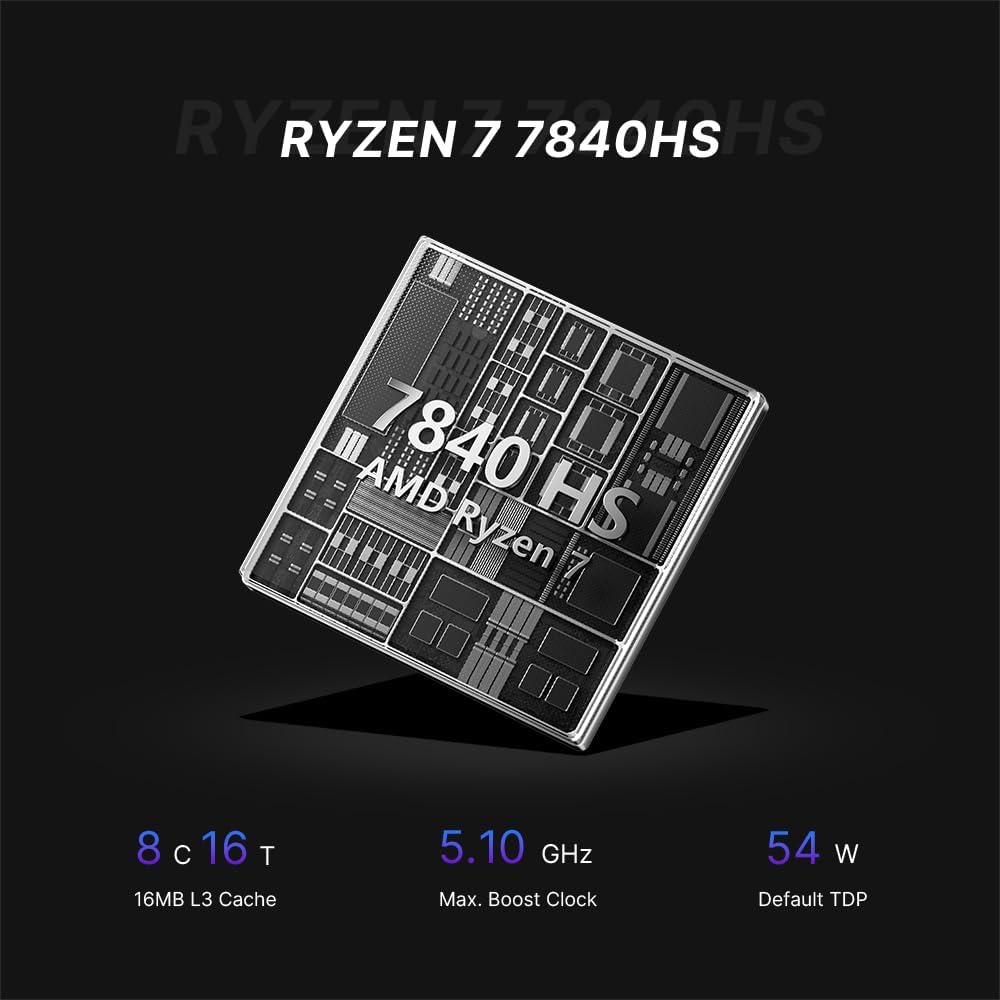
The BOSGAME M4 Neo is a compact desktop computer designed for various applications, from office tasks to gaming. It features an AMD Ryzen 7 7840HS processor, DDR5 memory, and PCIe SSD storage.

Image: Top, front, side, and rear views of the BOSGAME M4 Neo Mini PC with dimensions (130mm x 129mm x 46mm) and port labels.
Imatge: Detallada view of the front and rear ports on the BOSGAME M4 Neo Mini PC, including USB, HDMI, DisplayPort, LAN, and power input.
Configuració
Connexió de perifèrics
- Connecta la pantalla: Use an HDMI or DisplayPort cable to connect your monitor(s) to the corresponding ports on the Mini PC. The device supports up to three displays simultaneously.
- Connecteu els dispositius d'entrada: Plug your USB keyboard and mouse into the available USB ports.
- Connecta la xarxa (opcional): For a wired connection, connect an Ethernet cable from your router or modem to one of the 2.5G LAN ports.
- Connectar l'alimentació: Plug the power adapter into the DC-in port on the Mini PC, then connect the adapter to a power outlet.

Image: The BOSGAME M4 Neo Mini PC connected to an external display, keyboard, and mouse via its USB4.0 interface, demonstrating its connectivity capabilities.
Encès inicial
- Premeu el botó d'engegada que es troba a la part frontal del Mini PC.
- The system will boot up. Follow the on-screen instructions to complete the initial operating system setup.
Sistema operatiu
The BOSGAME M4 Neo Mini PC comes with Windows 11 Pro pre-installed. It also supports other operating systems such as Ubuntu and Linux. For installing alternative operating systems, refer to the specific installation guides for your chosen OS.
Storage and Memory Expansion
The M4 Neo is equipped with 64GB DDR5 4800MHz dual-channel RAM and a 2TB PCIe 4.0x4 NVMe SSD. The storage can be expanded by adding another M.2 2280 NVMe PCIe 4.0x4 SSD.

Image: Illustration of DDR5 SODIMM memory modules and an M.2 NVMe PCIe 4.0 SSD, representing the internal components for storage and memory.
For detailed instructions on upgrading RAM or SSD, consult the advanced user guide or contact technical support to avoid damaging internal components.
Connectivitat
Connectivitat per cable
The Mini PC features dual 2.5G Ethernet LAN ports, providing high-speed and reliable wired network connections.
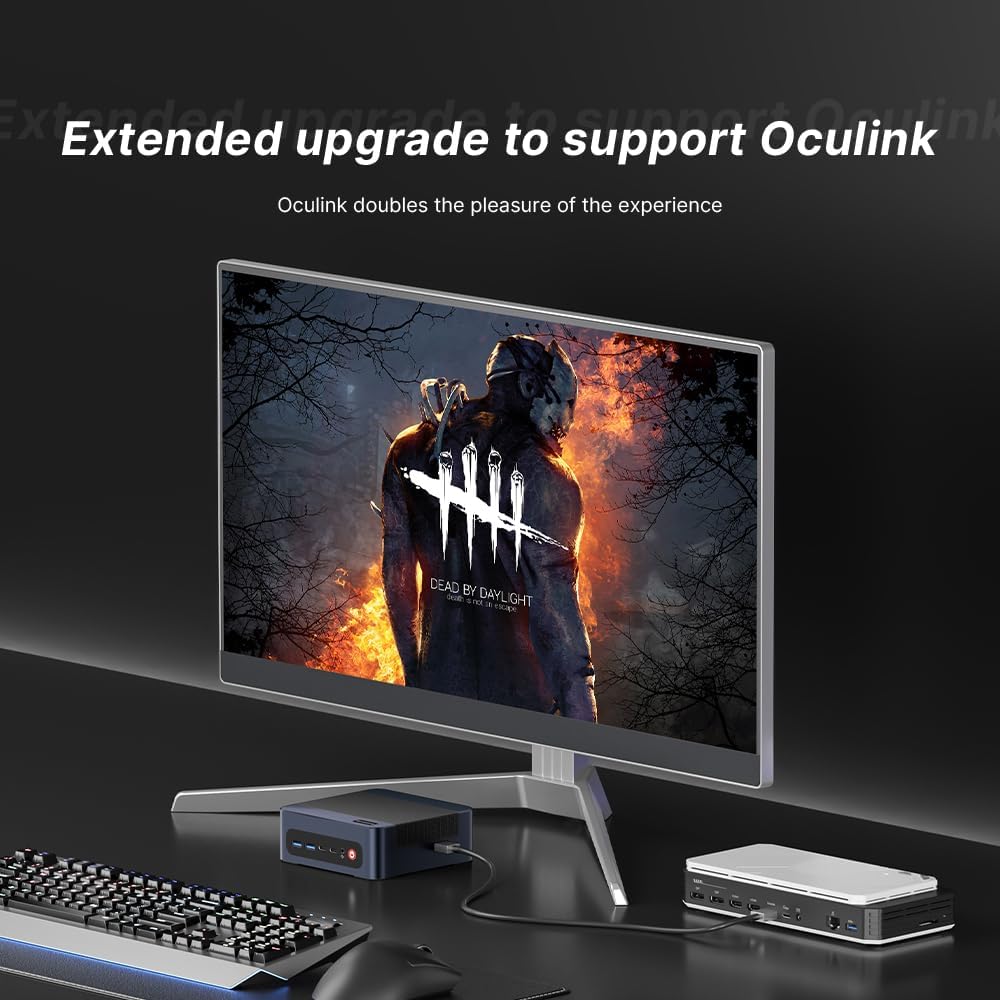
Image: The BOSGAME M4 Neo Mini PC highlighting its dual 2.5G RJ45 LAN ports with Ethernet cables connected, indicating high-speed network capability.
Connectivitat sense fil
Integrated Wi-Fi 6E and Bluetooth 5.2 provide fast and stable wireless network access and connectivity for various wireless accessories.
Configuració de la pantalla
The Mini PC supports quad-screen display output via HDMI 2.0 (4K@60Hz), DisplayPort 1.4 (4K@60Hz), and USB4.0 (8K@60Hz) / Type-C (4K@60Hz) ports. This allows for multi-tasking across multiple monitors.

Image: The BOSGAME M4 Neo Mini PC connected to three external monitors, demonstrating its capability to support a quad-screen display setup for enhanced productivity and entertainment.
An Oculink port is also included, enabling connections to external GPUs (eGPUs) for enhanced graphics performance.

Image: The BOSGAME M4 Neo Mini PC connected to an external graphics card enclosure via its Oculink port, illustrating the option for extended graphics capabilities.
Manteniment
Neteja
- Regularly clean the exterior of the Mini PC with a soft, dry cloth.
- Use compressed air to gently clear dust from ventilation openings to maintain optimal airflow and cooling. Ensure the device is powered off before cleaning.
Actualitzacions de programari
- Keep your operating system and drivers updated to ensure system stability and security.
- Check the BOSGAME official website for the latest driver updates for your M4 Neo Mini PC.
Resolució de problemes
Sense poder
- Assegureu-vos que l'adaptador de corrent estigui connectat correctament tant al Mini PC com a una presa de corrent que funcioni.
- Verifiqueu que la presa de corrent funciona connectant-hi un altre dispositiu.
Sense pantalla
- Check that the HDMI or DisplayPort cable is firmly connected to both the Mini PC and the monitor.
- Assegureu-vos que el monitor estigui configurat a la font d'entrada correcta (per exemple, HDMI 1, DisplayPort).
- Si és possible, prova amb un cable de pantalla o monitor diferent.
Problemes de rendiment
- Tanqueu les aplicacions en segon pla innecessàries per alliberar recursos del sistema.
- Ensure the operating system and drivers are up to date.
- Monitor system temperatures. Excessive heat can lead to performance throttling.

Image: Graphs showing CPU temperature changes over 14 hours (peaking at 72°C) and noise data from running various software (Illustrator, Photoshop, Office, Standby mode), indicating typical operating conditions.
Especificacions
| Marca | BOSGAME |
| Número de model | M4 |
| Model de CPU | AMD Ryzen 7 7840HS |
| Velocitat de la CPU | 3.8 GHz (Max Boost 5.1 GHz) |
| Memòria RAM instal·lada | 64 GB de DDR5 a 4800 MHz |
| Capacitat d'emmagatzematge de memòria | 2 TB PCIe 4.0x4 NVMe SSD |
| Coprocessador gràfic | Gràfics AMD Radeon 780M (integrats) |
| Sistema operatiu | Support Win/Ubuntu/Linux (Windows 11 Pro pre-installed) |
| Sortida de vídeo | HDMI, DisplayPort, USB4.0, USB Type-C (Supports Quad Screen, 4K/8K) |
| Connectivitat de xarxa | Dual 2.5G Ethernet, Wi-Fi 6E, Bluetooth 5.2 |
| Ports USB | 4 Total USB Ports (USB3.2 Type A*2, USB4.0*1, Type-C*1) |
| Característiques especials | Oculink Port for eGPU |
Garantia i Suport
The BOSGAME M4 Neo Mini PC comes with a 1-year manufacturer's warranty. For technical assistance, troubleshooting, or warranty claims, please contact BOSGAME customer service. Refer to the contact information provided with your product or visit the official BOSGAME weblloc de recursos de suport.