
1. Introducció
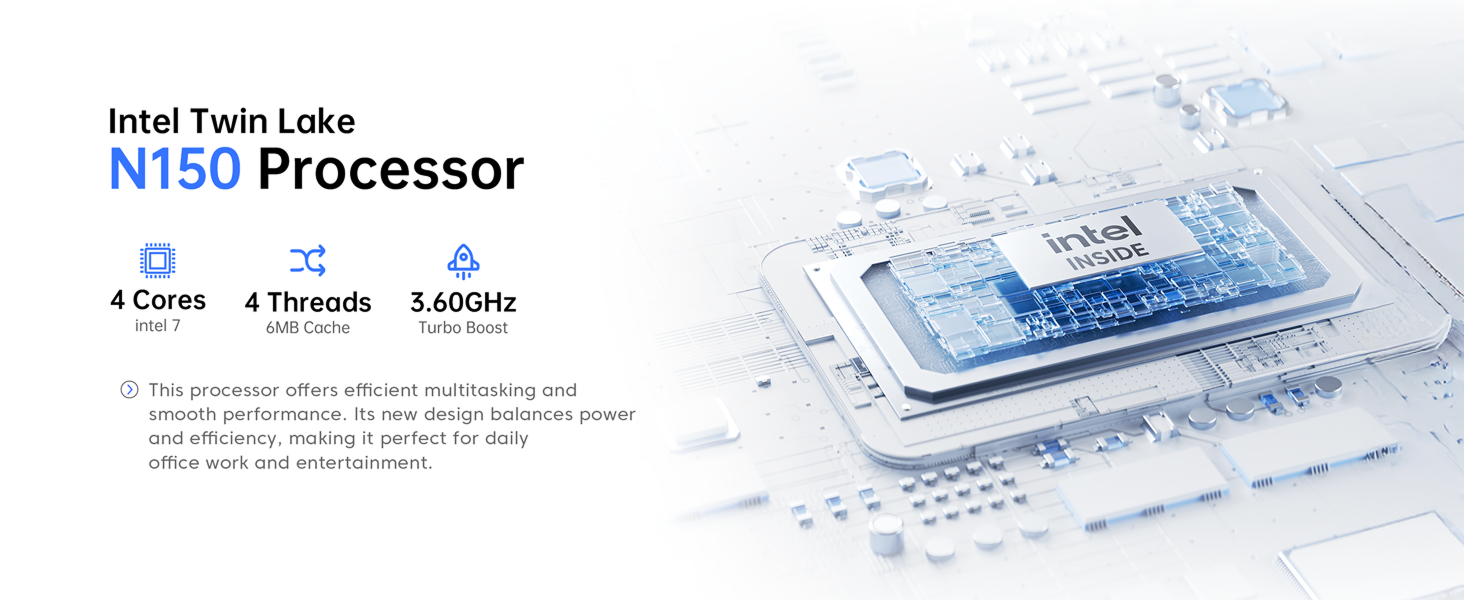
Thank you for choosing the ACEMAGIC V1 Mini PC. This compact and powerful desktop computer is designed for various applications, from office tasks and education to multimedia and light gaming. Featuring an Intel N150 processor, 16GB DDR4 RAM, and a 512GB SSD, it offers efficient performance in a small form factor. This manual provides essential information for setting up, operating, maintaining, and troubleshooting your device.
2. Contingut del paquet
Si us plau, comproveu el paquet per veure si hi ha els elements següents:
- 1 x ACEMAGIC V1 Mini PC
- 1 x adaptador de corrent
- 1 x cable HDMI
- 1 x VESA Mount with Screws
- 1 x Manual d'usuari (aquest document)

Image: Contents of the ACEMAGIC V1 Mini PC package, showing the mini PC unit, power adapter, HDMI cable, VESA mount, and user manual.
3. Producte acabatview
3.1 Tauler frontal
- Botó d'encesa: Premeu per encendre/apagar el dispositiu.
- Llum de potència: Indica l'estat d'alimentació.
- USB 3.2 x 2: Connect USB devices such as keyboards, mice, or external storage.
- Conector d'àudio de 3.5 mm: Connecteu auriculars o altaveus.
3.2 Panell posterior
- Port LAN: Connecteu-vos a una xarxa amb fil mitjançant un cable Ethernet.
- Port HDMI 2.0: Connect to a display device (monitor, TV) for video and audio output.
- DP 1.4 Port: Connect to a display device for video and audio output.
- USB 2.0 x 2: Connecteu dispositius USB.
- Power Interface (DC IN): Connecteu l'adaptador de corrent.

Image: Detailed diagram of the ACEMAGIC V1 Mini PC's front and rear panels, highlighting the power button, USB 3.2 ports, audio jack, LAN port, HDMI 2.0, DP 1.4, USB 2.0 ports, and power input.
4. Instruccions de configuració
4.1 Connexió inicial
- Connecta la pantalla: Connect your monitor or TV to the Mini PC using an HDMI cable or DisplayPort cable. The device supports dual 4K displays via HDMI 2.0 and DP 1.4.
- Connecteu els perifèrics: Connecteu el teclat i el ratolí USB als ports USB disponibles.
- Connectar l'alimentació: Connect the power adapter to the DC IN port on the rear panel of the Mini PC, then plug the adapter into a power outlet.
- Connexió de xarxa (opcional): For a wired internet connection, connect an Ethernet cable to the LAN port. For wireless, ensure your WiFi network is available after booting.
4.2 First Boot and Operating System
Press the power button on the front panel. The power light will illuminate. The Mini PC comes with Windows 11 Pro pre-installed. Follow the on-screen instructions to complete the initial Windows setup, including language, region, network, and user account creation.

Image: The ACEMAGIC V1 Mini PC set up on a desk with a monitor, keyboard, and mouse, demonstrating its compact footprint and readiness for use.
4.3 Instal·lació del suport VESA
The ACEMAGIC V1 Mini PC includes a VESA mount (75x75mm) for discreet installation behind a monitor or on a wall. This allows you to save desk space and create an all-in-one computing experience.
- Attach the VESA mount bracket to the back of your VESA-compatible monitor or to a wall using the provided screws.
- Feu lliscar el Mini PC sobre el suport muntat fins que encaixi fermament al seu lloc.
- Ensure all cables are connected before securing the Mini PC.
5. Instruccions de funcionament
5.1 Encès/Apagat
- Encès: Premeu el botó d'encesa una vegada.
- Apagar: From Windows, click Start > Power > Shut down. Alternatively, press and hold the power button for 5 seconds to force a shutdown (use only when necessary).
5.2 Connectivitat
- Wi-Fi 6: The Mini PC supports Wi-Fi 6 for fast wireless internet access. Connect via Windows network settings.
- Bluetooth 5.2: Connect Bluetooth-enabled devices such as headphones, speakers, or game controllers. Pair devices through Windows Bluetooth settings.
- Gigabit Ethernet: For stable and high-speed wired network connections.
5.3 Expansió d'emmagatzematge
The ACEMAGIC V1 Mini PC comes with a 512GB M.2 SSD. It supports expansion up to 2TB. To expand storage, you will need to open the chassis and install a compatible M.2 NVMe PCIe 3.0 SSD or M.2 SATA SSD. Refer to the detailed internal structure diagram for guidance.
Imatge: Una imatge interna view of the ACEMAGIC V1 Mini PC, highlighting the 16GB DDR4 RAM module and the 512GB M.2 SSD, indicating expandability up to 2TB.
6. Manteniment
6.1 Sistema de refrigeració
The Mini PC features an aluminum CNC shell and an upgraded axial fan for efficient heat dissipation, keeping temperatures under 45°C during typical 8-hour use. The fan operates quietly, typically below 22dB.

Image: A cutaway diagram illustrating the internal cooling technology and upgraded axial fan of the ACEMAGIC V1 Mini PC, showing air intake and exhaust for efficient heat management.
6.2 Atenció general
- Keep the device in a clean, dry environment, away from direct sunlight and excessive heat.
- Avoid blocking the ventilation openings to ensure proper airflow.
- Netegeu l'exterior amb un drap suau i sec. No utilitzeu netejadors líquids.
- Do not attempt to disassemble the device beyond accessible components for upgrades, as this may void the warranty.
7. Solució De Problemes
If you encounter issues with your ACEMAGIC V1 Mini PC, please refer to the following common troubleshooting steps:
- Sense energia:
- Assegureu-vos que l'adaptador de corrent estigui connectat correctament tant al Mini PC com a una presa de corrent que funcioni.
- Verifiqueu que la presa de corrent funciona connectant-hi un altre dispositiu.
- Sense pantalla:
- Check that the HDMI or DisplayPort cable is firmly connected to both the Mini PC and the monitor.
- Ensure the monitor is powered on and set to the correct input source (HDMI/DP).
- Prova un cable de pantalla o monitor diferent si estàs disponible.
- Sense connexió a Internet:
- For wired connection, ensure the Ethernet cable is properly connected and your router is working.
- For Wi-Fi, check if Wi-Fi is enabled in Windows settings and if you are connected to the correct network with the correct password.
- Reinicieu el vostre encaminador/mòdem.
- Rendiment lent:
- Tanca les aplicacions innecessàries que s'executen en segon pla.
- Assegureu-vos que Windows estigui actualitzat.
- Comproveu si hi ha programari maliciós o virus.
- Verify that the cooling vents are not obstructed.
If these steps do not resolve your issue, please contact ACEMAGIC customer support for further assistance.
8. Especificacions
| Característica | Especificació |
|---|---|
| Marca | ACEMAGIC |
| Número de model | V1 |
| Sistema operatiu | Windows 11 Pro |
| Model de CPU | Intel N150 (Twin Lake) |
| Velocitat de la CPU | Fins a 3.6 GHz |
| RAM | 16 GB DDR4 |
| Emmagatzematge | 512GB M.2 SSD (Expandable up to 2TB) |
| Coprocessador gràfic | Gràfics Intel UHD |
| Sortida de vídeo | HDMI 2.0, DP 1.4 (Dual 4K@60Hz support) |
| Connectivitat | Wi-Fi 6, Bluetooth 5.2, Gigabit Ethernet |
| Ports USB | 2x USB 3.2, 2x USB 2.0 |
| Sortida d'àudio | 3.5mm Àudio Jack |
| Mètode de refrigeració | Air (Aluminum CNC shell, Axial Fan) |
| Consum d'energia | 15 watts (TDP) |
| Dimensions | 3.9 × 3.9 × 1.3 inches (Approx.) |
9. Garantia i Suport
9.1 Informació de la garantia
The ACEMAGIC V1 Mini PC comes with a 2 anys de garantia from the date of purchase. This warranty covers manufacturing defects and hardware malfunctions under normal use. Please retain your proof of purchase for warranty claims. The warranty does not cover damage caused by misuse, accidents, unauthorized modifications, or improper installation.
9.2 Atenció al client
For technical assistance, warranty claims, or any questions regarding your ACEMAGIC V1 Mini PC, please contact our customer support team. We offer:
- Live Chat (24/7 instant support)
- Dedicated Phone Support
- Suport per correu electrònic
- Online Help Center (FAQs and guides)
Please visit the official ACEMAGIC website or refer to the contact information provided with your purchase for specific support channels.

Image: Visual representation of ACEMAGIC's customer support services, including icons for live chat, phone support, email support, and a help center.