
1. Introducció
This manual provides detailed instructions for the operation and maintenance of your TIDRADIO TD-H9 Multi-Band Ham Radio. The TD-H9 is a versatile handheld radio featuring GPS, APRS, Bluetooth connectivity, SMS messaging, spectrum analysis, and NOAA weather reception. Please read this manual thoroughly to ensure proper use and to maximize the radio's capabilities.
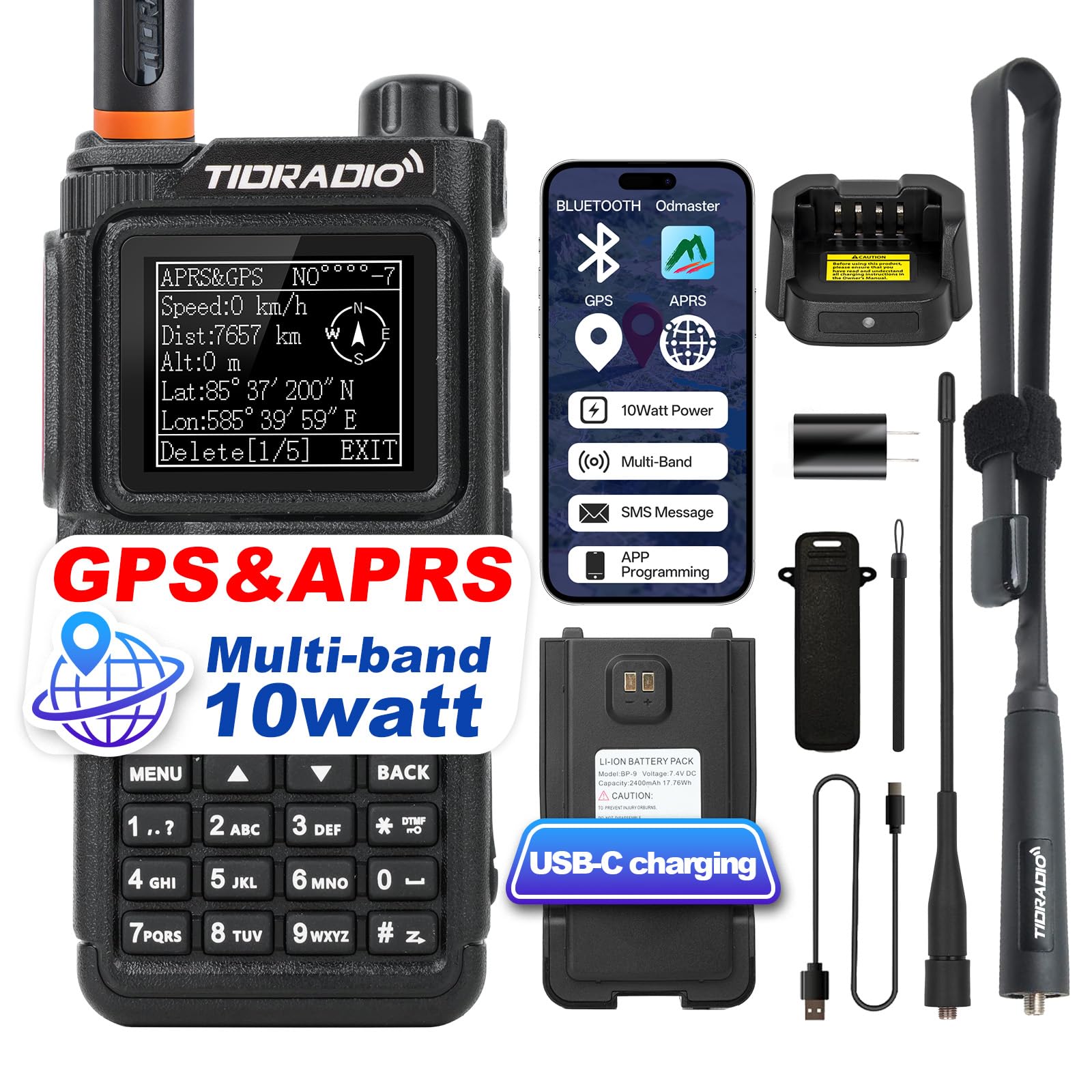
Image 1.1: TIDRADIO TD-H9 Ham Radio with included accessories.
2. Què hi ha a la caixa
Verifiqueu que tots els elements siguin presents al paquet:
- 1 x TIDRADIO TD-H9 Ham radio
- 1 x 18.8-inch Foldable Tactical Antenna
- 1 antena estàndard
- 1 x USB-C Charging Battery
- 1 x Carregador d'escriptori
- 1 x cable de càrrega USB-C
- 1 x adaptador
- 1 x Clip de cinturó
- 1 x corretja
- 1 x Manual d'usuari (aquest document)
3. Configuració
3.1. Instal·lació i càrrega de la bateria
Before initial use, fully charge the battery. Connect the USB-C charging cable to the USB-C port on the battery or use the desktop charger. The battery has a 2400mAh capacity.

Image 3.1: The TD-H9 supports USB-C charging directly to the battery.
3.2. Fixació de l'antena
Screw the desired antenna (standard or tactical) onto the antenna connector at the top of the radio. Ensure it is securely fastened.

Image 3.2: Choose between the standard or 18.8-inch tactical antenna based on your communication needs.
3.3. Belt Clip and Strap Attachment
Attach the belt clip to the back of the radio for convenient carrying. The strap can be attached to the radio for added security.
4. Instruccions de funcionament
4.1. Engegada/Apagada i Volum
To power on or off, rotate the top knob clockwise or counter-clockwise. This knob also controls the volume.
4.2. Mode Switching (Ham/GMRS/Normal)
The TD-H9 supports three operating modes: Ham, GMRS, and Normal. To switch modes:
- Assegureu-vos que la ràdio estigui apagada.
- Manteniu premut el botó PTT botó i el * tecla simultàniament.
- While holding, power on the radio.
- Follow the on-screen menu to select your desired mode.
4.3. GPS and APRS Functionality
The built-in GPS chip provides precise location data. APRS allows for position reporting, beaconing, and text messaging to other radio users on a live map.
To enable GPS:
- Navega a Menú → GNSS → GPS.
- Seleccioneu ON.
- Premeu llargament el botó TORNAR button to enter the GPS display.

Image 4.1: The radio displaying real-time GPS location data.
Video 4.1: This video demonstrates how to access and use the GPS feature on the TD-H9 radio.
4.4. Connectivitat Bluetooth
The TD-H9 supports Bluetooth for connecting to speakers, earpieces, and PTT microphones, enabling hands-free operation.
Configuració ràpida:
- Turn on Bluetooth on the radio.
- Select the appropriate mode (Emitter for wireless earphones/speakers, Receiver for Bluetooth PTT mics).
- Vincula amb el teu dispositiu Bluetooth.
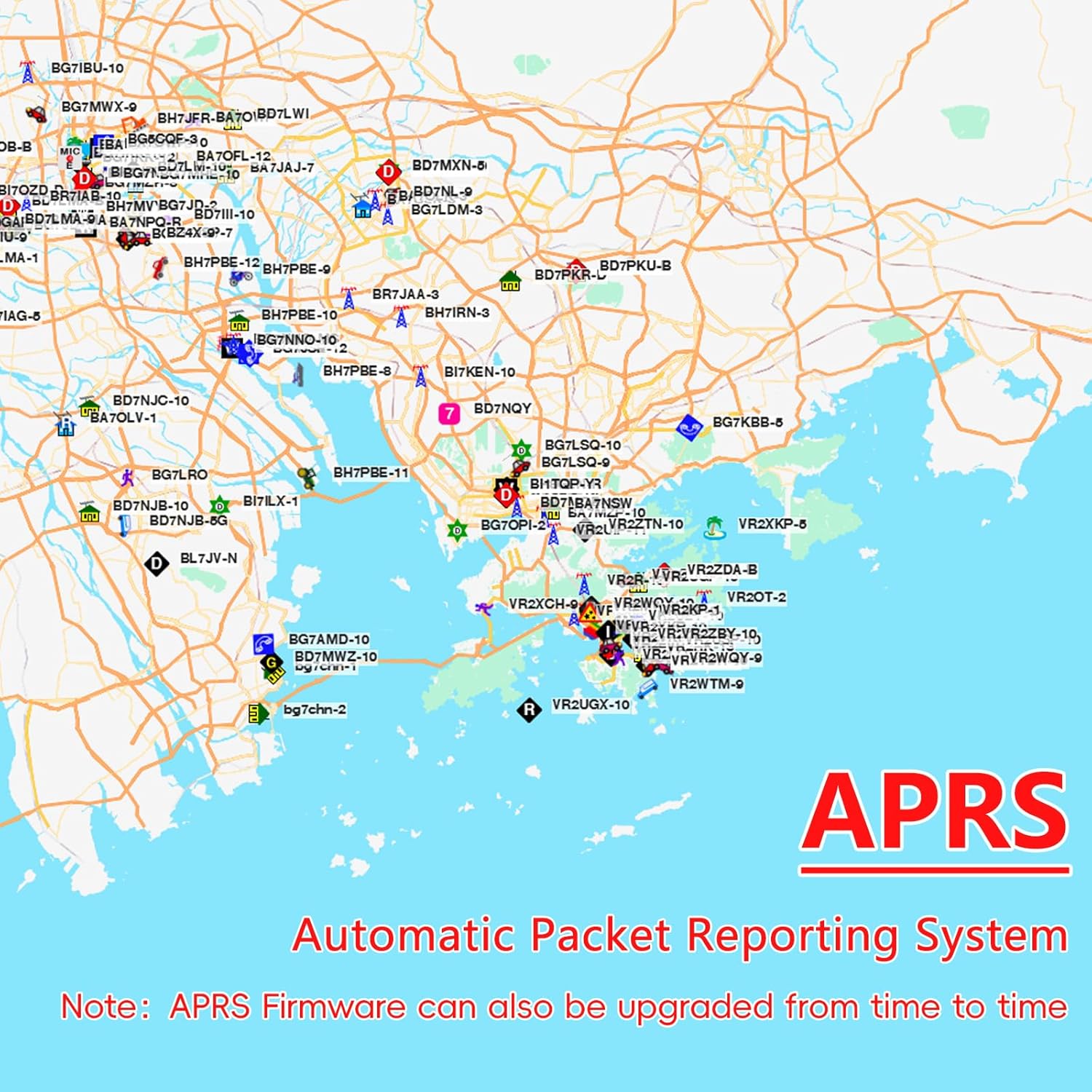
Image 4.2: The Bluetooth menu on the TD-H9, showing options for pairing with external devices.
4.5. Odmaster App Integration
The Odmaster App allows for phone-based radio customization, programming, and communication features.
- Programació: Configure your TD-H9 directly from your phone without a PC.
- Repeater Search: Find and import nearby repeaters.
- Group Talk: Communicate with other app users in the same group, even without the radio.
- Gestió de la configuració: Backup and share custom radio configurations.
Access the app and programming features via web.odmaster.net.

Image 4.3: The TD-H9 connected to the Odmaster app for advanced control and programming.
Vídeo 4.2: Aquest vídeo ofereix una visió generalview of the features available on the TIDRADIO TD-H9 Ham Radio, including its GPS and APRS capabilities.
4.6. SMS Text Messaging
Send secure text messages between TD-H9 radios. Messages are visible only to the sender and recipient.
Morse code messaging is also supported: a short press for a dot (·) and a long press for a dash (—).

Image 4.4: The SMS function on the TD-H9, showing message input and transmission.
Video 4.3: This video demonstrates how to send SMS messages between two TD-H9 radios.
4.7. Receptor meteorològic de la NOAA
The TD-H9 automatically monitors for emergency weather warnings (severe storms, tornadoes, hurricanes, floods) and provides alerts.

Image 4.5: The NOAA weather reception feature provides critical alerts.
4.8. Spectrum Analysis
The spectrum analysis feature helps detect radio activity in real-time, showing busy versus clear channels.
Guia de l'usuari:
- Long press Button 7 to enter the Spectrum interface.
- If there is radio transmission on the current frequency, a bar graph will rise and fall, indicating channel activity.

Image 4.6: The spectrum analysis screen on the TD-H9, showing real-time frequency activity.
Video 4.4: This video demonstrates how to use the Spectrum Feature on the TD-H9 radio.
4.9. AM/FM Aviation Band Reception
The TD-H9 can receive AM/FM aviation band frequencies.
To turn on AM/FM features:
- Navega a Menú → Program Chann → [16] Modulation.
- Seleccioneu [AM] or [FM].

Image 4.7: The TD-H9 displaying AM/FM aviation band reception settings.
4.10. Actualitzacions de firmware
The TD-H9 features a 240MHz CPU and 120MB of storage, allowing for firmware upgrades to enhance performance and APRS functionality. Firmware updates can be performed via web.odmaster.net.

Image 4.8: The TD-H9 is designed for continuous improvement through firmware upgrades.
4.11. Personalització de la pantalla
The 1.77-inch LCD color screen offers 18 menu colors and 3 display modes for personalized viewing preferences, including options for colorblind users.

Image 4.9: Various display modes and 18 menu color options for the TD-H9.
5. Manteniment
5.1. Neteja
Netegeu la ràdio amb un suau, damp cloth. Do not use harsh chemicals or solvents. Ensure the USB-C port cover is closed when not in use to maintain water resistance.
5.2. Cura de la bateria
Per allargar la durada de la bateria, eviteu descarregar-la completament amb freqüència. Guardeu la ràdio i la bateria en un lloc fresc i sec quan no les feu servir durant períodes prolongats.
5.3. Cura de l'antena
Inspect antennas regularly for damage. Ensure they are securely attached before operation.
6. Solució De Problemes
If you encounter issues with your TD-H9, refer to the following common solutions:
- La ràdio no s'encén: Assegureu-vos que la bateria estigui completament carregada i instal·lada correctament.
- No signal reception: Check antenna connection. Verify frequency settings and ensure you are within range of an active signal.
- Mala qualitat d'àudio: Adjust squelch level. Ensure microphone and speaker are clear of obstructions.
- Problemes d'emparellament per Bluetooth: Ensure Bluetooth is enabled on both the radio and the external device. Check that the correct Bluetooth mode (Emitter/Receiver) is selected on the radio.
- El GPS no es bloqueja: Ensure GPS is enabled in the menu. Operate in an open area with a clear view del cel.
For further assistance, please contact TIDRADIO customer support.
7. Especificacions
| Característica | Especificació |
|---|---|
| Marca | TIDRADIO |
| Número de model | TD-H9 |
| Nombre de canals | 199 |
| Interval de freqüència | AM/FM/VHF/1.25M/UHF |
| Interval de conversa màxim | 20 miles (with folding antenna) |
| Potència de sortida | 10 watts |
| Voltage | 7.4 volts |
| Nivell de resistència a l'aigua | IP54 (Resistent a l'aigua) |
| Dimensions del producte | 1 "P x 2" W x 5" H |
| Tipus de bateria | 1 bateria no estàndard (inclosa) |
| Durada mitjana de la bateria | 30 hores |
| Impedància | 50 ohms |
| Protocol de connectivitat | Bluetooth |
| Interval de temperatura | -10 ℃ a 50 ℃ |
| CPU | 240 MHz |
| Emmagatzematge | 120 MB |
8. Garantia i Suport
8.1. Informació de la garantia
The TIDRADIO TD-H9 comes with a 1-year warranty. Please retain your proof of purchase for warranty claims.
8.2. Atenció al client
For technical support, troubleshooting, or warranty inquiries, please visit the official TIDRADIO website or contact their customer service department. You can also find additional resources and community support through the Odmaster App.


