
1. Introducció
The Yunseity Decibel Meter is a versatile 4-in-1 device designed to monitor sound levels, temperature, humidity, and time. It features an 11-inch LED display for clear readability and can be used in various environments such as homes, studios, factories, and offices. This manual provides instructions for the proper setup, operation, and maintenance of your device.
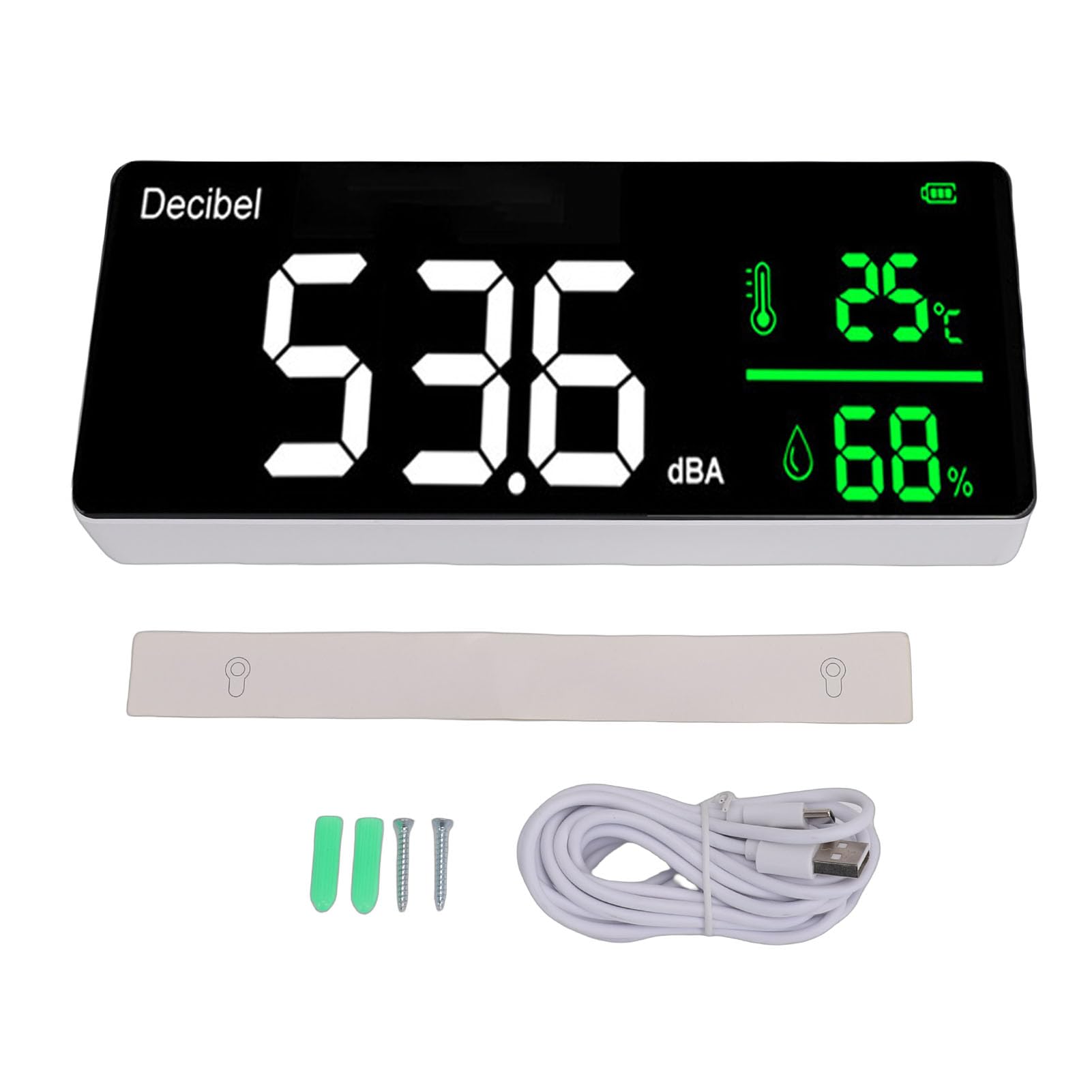
Image 1.1: Yunseity Decibel Meter displaying current readings.
2. Contingut del paquet
Si us plau, verifiqueu que tots els elements siguin presents al paquet:
- 1 x Yunseity Decibel Meter
- 1 x USB Charging Cable (approximately 10ft / 305cm)
3. Característiques del producte
- Multifuncionalitat: Combines decibel meter, temperature meter, humidity meter, and clock.
- Pantalla LED gran: 11-inch screen with adjustable brightness for clear visibility.
- Alta precisió: Utilizes an intelligent air semiconductor sensor for accurate and stable measurements of decibel, temperature, and humidity.
- Col·locació flexible: Designed for both wall hanging and desk placement.
- User-Friendly Adjustments: Allows adjustment of screen brightness, detection speed (three speeds available), and time display.
- Potència portàtil: Built-in 2000mAh rechargeable Li battery with a 10ft USB charging cable for convenient placement and charging.
- Exportació de dades: Capability to export historical data and records to a computer via Type-C USB.
4. Configuració
4.1 Càrrega inicial
Before first use, fully charge the device using the provided USB charging cable. Connect the Type-C end to the device and the USB-A end to a compatible power adapter (not included) or computer USB port. The device will automatically power on when connected to a power source.
4.2 Opcions de col·locació
The decibel meter can be placed on a flat surface or mounted on a wall.
- Col·locació d'escriptori: Position the device on a stable, flat surface.
- Penjat a la paret: Use appropriate mounting hardware (not included) to secure the device to a wall. Ensure it is placed at a suitable height for visibility and accurate environmental sensing.
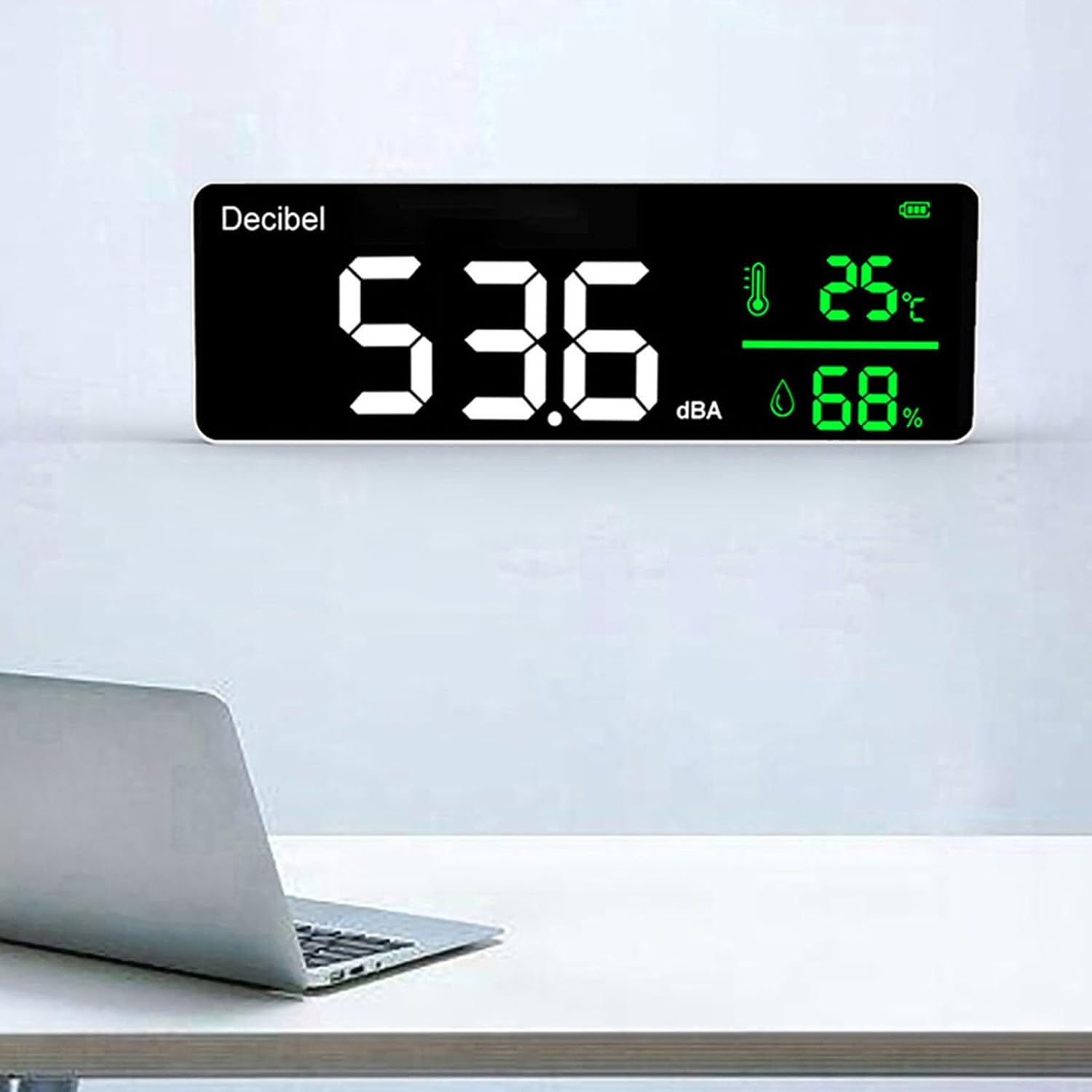
Image 4.1: Decibel meter mounted on a wall.
4.3 Basic Adjustments
The device allows for adjustment of screen brightness, detection speed, and time. Refer to the on-device controls for specific adjustment procedures. The detection speed can be set to one of three available speeds to suit your monitoring needs.
5. Instruccions de funcionament
5.1 Mostra finalview
The 11-inch LED screen displays the following information:
- Current Decibel Level (dBA): Large numerical display.
- Temperatura: Displayed in Celsius or Fahrenheit.
- Humitat: Es mostra com a percentatgetage.
- Hora: Visualització de l'hora actual.
- Indicador de bateria: Mostra el nivell de càrrega actual de la bateria.
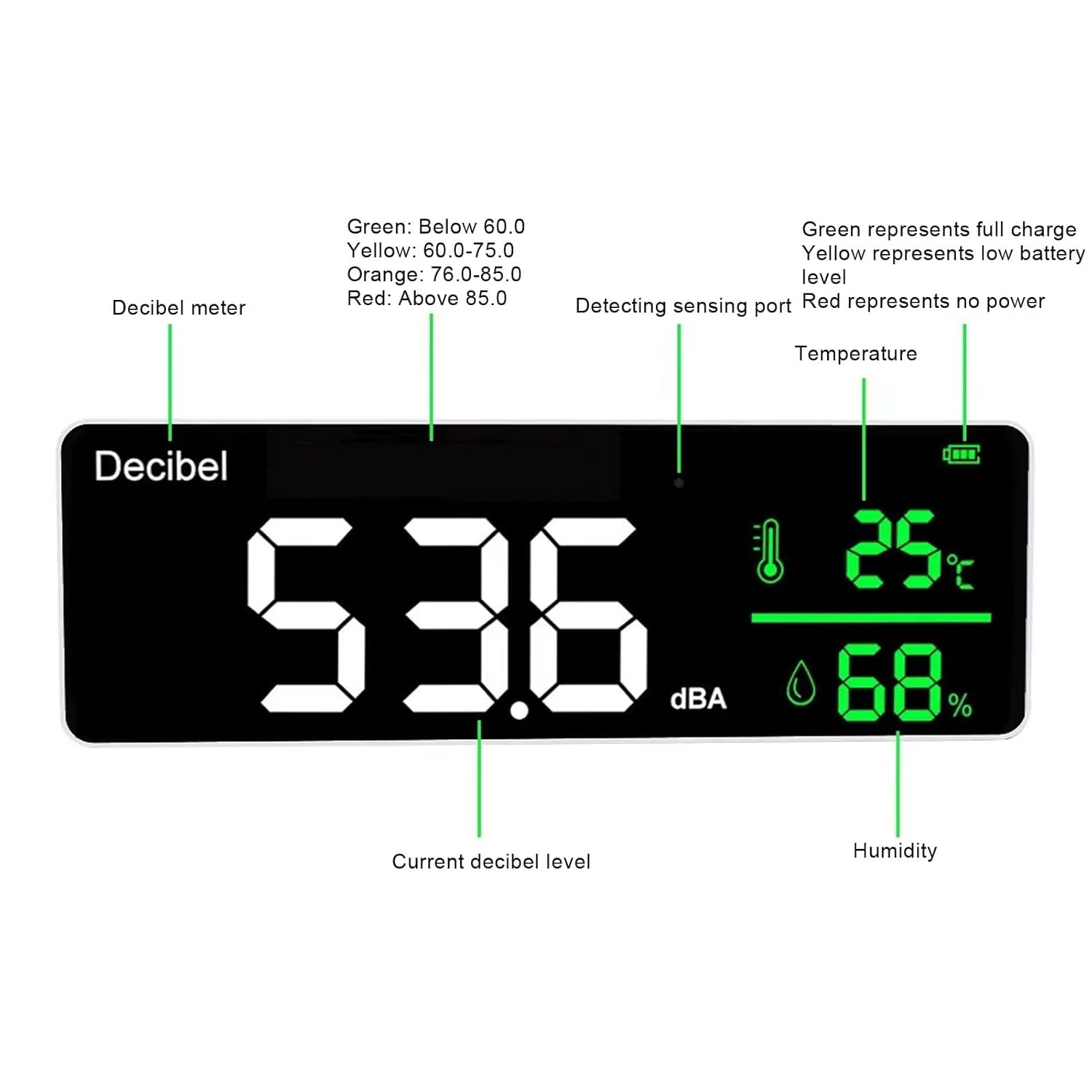
Image 5.1: Screen display with labeled indicators.
5.2 Noise Level Indicators
The device uses color coding to visually represent noise levels:
- Verd: Below 60.0 dBA (Normal/Quiet)
- groc: 60.0 - 75.0 dBA (Moderate)
- Taronja: 76.0 - 85.0 dBA (Loud)
- Vermell: Above 85.0 dBA (Very Loud/Potentially Harmful)
6. Data Export to Computer
To export historical data and records from the device to your computer, follow these steps:
- Connect the Yunseity Decibel Meter to your computer using the provided Type-C USB data cable.
- On your computer, open 'My Computer' or 'This PC'.
- Locate and open the 'USB flash drive' that represents the connected device.
- Inside the USB flash drive, you will find a folder or file named 'My DATA' which contains the device's historical data and records.
7. Especificacions

Image 7.1: Device dimensions.
| Paràmetre | Valor |
|---|---|
| Model | Yunseity28niot79fd |
| Mètode de visualització | Pantalla LED |
| Measurement Range (dBA) | 30-130 dBA |
| Precisió | ±1.5dBA |
| Interval de freqüència | 50Hz-8.5kHz |
| Ponderació de freqüència | A |
| Samptemps temps | 1.5S |
| Rang de temperatura de detecció | -10 ℃ ~ 50 ℃ (14 ℉ ~ 122 ℉) |
| Detection Humidity Range | 20%-85% (Accuracy: 5%) |
| Humitat de funcionament / emmagatzematge | 20%-85% |
| Temperatura d'emmagatzematge | -10 ℃ ~ 60 ℃ (14 ℉ ~ 140 ℉) |
| Pressió atmosfèrica | 12.5 PSI- 15.4 PSI |
| Bateria | Built-in 2000mAh Rechargeable Li Battery |
| Entrada de càrrega | 1000 mA |
| USB Charging Cable Length | Approx. 305cm / 10ft |
| Screen Display Resolution | 0.1 dBA |
8. Manteniment
To ensure the longevity and accurate performance of your Yunseity Decibel Meter, follow these maintenance guidelines:
- Neteja: Gently wipe the device and screen with a soft, dry cloth. Avoid using abrasive cleaners, solvents, or excessive moisture, as these can damage the display or internal components.
- Emmagatzematge: Store the device in a cool, dry place within the specified storage temperature range of -10℃ to 60℃ (14℉ to 140℉) and humidity range of 20%-85%.
- Cura de la bateria: Per a una durada òptima de la bateria, eviteu descarregar-la completament amb freqüència. Carregueu el dispositiu regularment, sobretot si l'emmagatzemareu durant un període prolongat.
- Evitar l'impacte: Protect the device from drops and physical shocks, which can affect its precision and functionality.
9. Solució De Problemes
If you encounter issues with your Yunseity Decibel Meter, consider the following common troubleshooting steps:
- El dispositiu no s'encén: Ensure the device is adequately charged. Connect it to a power source using the USB cable and allow it to charge for at least 30 minutes.
- Lectures inexactes: Verify that the sensing port is not obstructed. Ensure the device is placed in an environment within its specified operating temperature and humidity ranges. Avoid placing it near strong electromagnetic fields or direct heat sources.
- Problemes de visualització: Check the screen brightness settings. If the display is still unclear, try restarting the device by disconnecting and reconnecting the power source after a brief pause.
- Data Export Failure: Ensure the USB cable is securely connected to both the device and the computer. Try a different USB port on your computer or a different USB cable if available. Confirm that the computer recognizes the device as a removable drive.
If these steps do not resolve the issue, please contact Yunseity customer support for further assistance.
10. Garantia i Suport
For information regarding product warranty, technical support, or service, please refer to the warranty card included with your purchase or visit the official Yunseity weblloc web. Conserveu el rebut de compra com a comprovant de compra per a qualsevol reclamació de garantia.