
Introducció
This manual provides detailed instructions for the Digitek DWM-124 2-in-1 Wireless Microphone System. This system is designed for clear audio recording with iPhone 15 and above, as well as Type-C Android smartphones. It features 2.4G wireless transmission, noise reduction, and echo modes, making it suitable for various content creation needs.
Què hi ha a la caixa
Verifiqueu que tots els components siguin presents al paquet:
- 1x funda de càrrega
- 1x Receiver and Charging Cable
- 2x imant
- 2x transmissor
- Control remot

Imatge: Més deview of the Digitek DWM-124 Wireless Microphone System, showing the charging case, two transmitters, and a receiver.
Producte acabatview
Components i controls
The Digitek DWM-124 system consists of two transmitters (microphones), one receiver, and a charging case. Each component has specific indicators and controls:

Image: Detailed diagram illustrating the buttons and digital display on the transmitter and receiver units.
Transmitter (Microphone) Indicators:
- Blue light slow blinking: Connectant
- Llum blava encesa constant: Connectat
- Green light slow blinking: Carregant
- Llum verda apagada: Totalment carregat
- Llum vermella parpellejant: Bateria baixa
- Llum vermella encesa constant: El micròfon està silenciat
- Noise Reduction on: Llum blava encesa constant
- Reverb on: Llum blava encesa constant
Digital Display Screen (on Charging Case):
- Indicador de càrrega del micròfon
- Indicador d'alimentació de la caixa de càrrega
Configuració
The Digitek DWM-124 system offers plug-and-play connectivity without requiring Bluetooth pairing or app installation.
- Carregueu els dispositius: Ensure both transmitters and the charging case are fully charged before first use. Connect the charging case to a power source using the provided Type-C cable.
- Connecteu el receptor: Plug the receiver into the Type-C port of your iPhone 15 (or above) or compatible Android smartphone.
- Power On Transmitters: Long press the power button on each transmitter to turn them on. They will automatically attempt to connect to the receiver. The blue light will blink slowly during connection and become steady once connected.
- Posició del micròfon: Clip the transmitter to your clothing, ensuring the microphone is facing your mouth for optimal audio capture. Magnets are provided for secure attachment.

Image: A user demonstrating the plug-and-play setup of the wireless microphone system with a smartphone.
Instruccions de funcionament
Controls del transmissor:
- Encès/apagat: Premeu llargament el botó d'encesa.
- Mode de reducció de soroll: Single click the power button to activate/deactivate noise reduction.
- Mode de reverberació: Double click the power button to activate/deactivate reverb.
- Mode de silenci: Triple click the power button to mute/unmute the microphone. The red light will be steady on when muted.
Receiver Controls:
- Ajust de volum: Press the volume button on the receiver to increase or decrease the audio level. Levels cycle sequentially.
Característiques
Transmissió sense fil 2.4G
The system utilizes advanced 2.4GHz wireless technology, providing stable and low-latency audio transmission. This ensures reliable performance up to an 80-meter range in open environments.

Image: Illustration of the 80-meter wireless transmission range of the microphone system, showing a user recording from a distance.
Noise Reduction and Echo Modes
The DWM-124 features built-in noise reduction modes to minimize ambient sound interference, delivering clear, studio-quality audio. An echo mode is also available for specific audio effects.

Image: Graphic depicting the noise reduction and echo mode capabilities of the Digitek DWM-124 microphones.
Llarga vida útil de la bateria
Each microphone provides up to 6 hours of runtime on a single charge. The portable charging case extends the total operating time to over 23 hours, ensuring extended use for all-day recording sessions. The charging case is equipped with a 400mAh battery and supports Type-C fast charging.
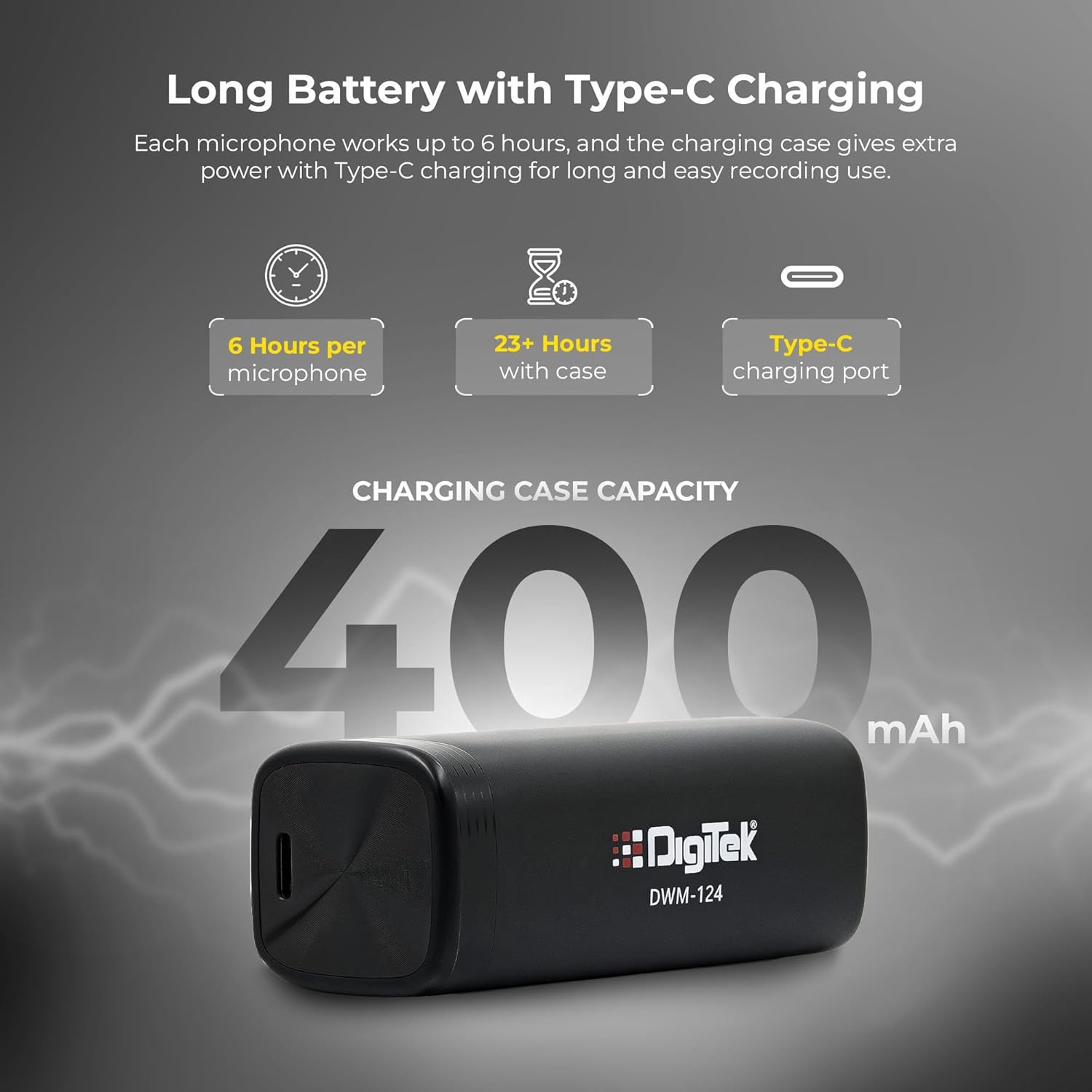
Image: Diagram illustrating the battery life of the microphones (6 hours per mic) and the charging case (23+ hours total, 400mAh capacity).
Disseny compacte i portàtil
The system features ultra-light 9g transmitters and a 4g receiver, along with a portable charging case. This design makes it easy to carry and ideal for creators on the go.

Image: A hand placing the compact Digitek DWM-124 charging case into a pocket, highlighting its portability.
Manteniment
- Neteja: Feu servir un drap suau i sec per netejar el micròfon i el receptor. Eviteu utilitzar líquids o productes de neteja abrasius.
- Emmagatzematge: Store the system in its charging case when not in use to protect it from dust and damage.
- Cura de la bateria: For optimal battery life, avoid fully discharging the devices frequently. Charge regularly.
- Eviteu condicions extremes: Do not expose the devices to extreme temperatures, humidity, or direct sunlight.
Resolució de problemes
| Problema | Causa possible | Solució |
|---|---|---|
| No audio recording | Microphone not powered on, not connected, or muted. | Ensure transmitters are powered on (blue light steady). Check receiver connection to phone. Triple click power button to unmute (red light off). |
| Mala qualitat d'àudio / Soroll excessiu | Noise reduction off, microphone too far from source, or environmental interference. | Single click power button to activate noise reduction. Position microphone closer to the speaker. Move away from strong electromagnetic sources. |
| Microphone not connecting | Out of range, low battery, or temporary connection issue. | Ensure devices are within 80m range. Charge transmitters and receiver. Power cycle both transmitter and receiver. |
| Durada de la bateria curta | Devices not fully charged, or battery degradation over time. | Ensure full charge before use. Use the charging case for extended power. |
Especificacions
| Marca | Digitek |
| Nom del model | DWM 124 |
| Tecnologia de connectivitat | Sense fil (2.4 G) |
| Tipus de connector | USB tipus C |
| Característica especial | Reducció de soroll |
| Dispositius compatibles | Smartphone, iOS devices (iPhone 15+), Type-C Android |
| Sensibilitat d'àudio | -35 Decibels |
| Factor de forma del micròfon | Handheld (Clip-on) |
| Font d'alimentació | Funciona amb bateria |
| Ràtio senyal / soroll | 65 dB |
| Nombre de canals | 2 |
| Resposta de freqüència | 20Hz–20kHz |
| Soroll audible | 34 decibels |
| Color | Negre |
| Pes de l'article | 64 grams (total) |
| Dimensions de l'article | 34 x 13 x 120 mil·límetres |
| Caixa de càrrega de la bateria | 400 mAh |
| Número de peça del fabricant | DWM 124 |
| País d'origen | Xina |
Garantia i Suport
The Digitek DWM-124 Wireless Microphone System comes with a 1 anys de garantia des de la data de compra.
For technical support, warranty claims, or customer service, please contact:
- Fabricant: IMS Merchantiles Pvt. Ltd
- Número gratuït: 1800-123-544-444
- Correu electrònic d'atenció al client: support@digitek.net.in