Introducció
This guide provides practical insights into the real-world behavior of your Motorola smartphone, moving beyond basic settings menus. It is designed for users seeking a deeper understanding of their device's performance, battery management, security options, camera capabilities, and long-term reliability.
The focus is on informed decision-making to ensure your phone operates smoothly from day one and remains dependable over time.
1. Configuració i configuració inicial
Proper initial setup is crucial for optimal performance and battery longevity. This section guides you through the correct steps to configure your Motorola smartphone from the moment you unbox it, helping to prevent common issues that can arise from incorrect initial settings.
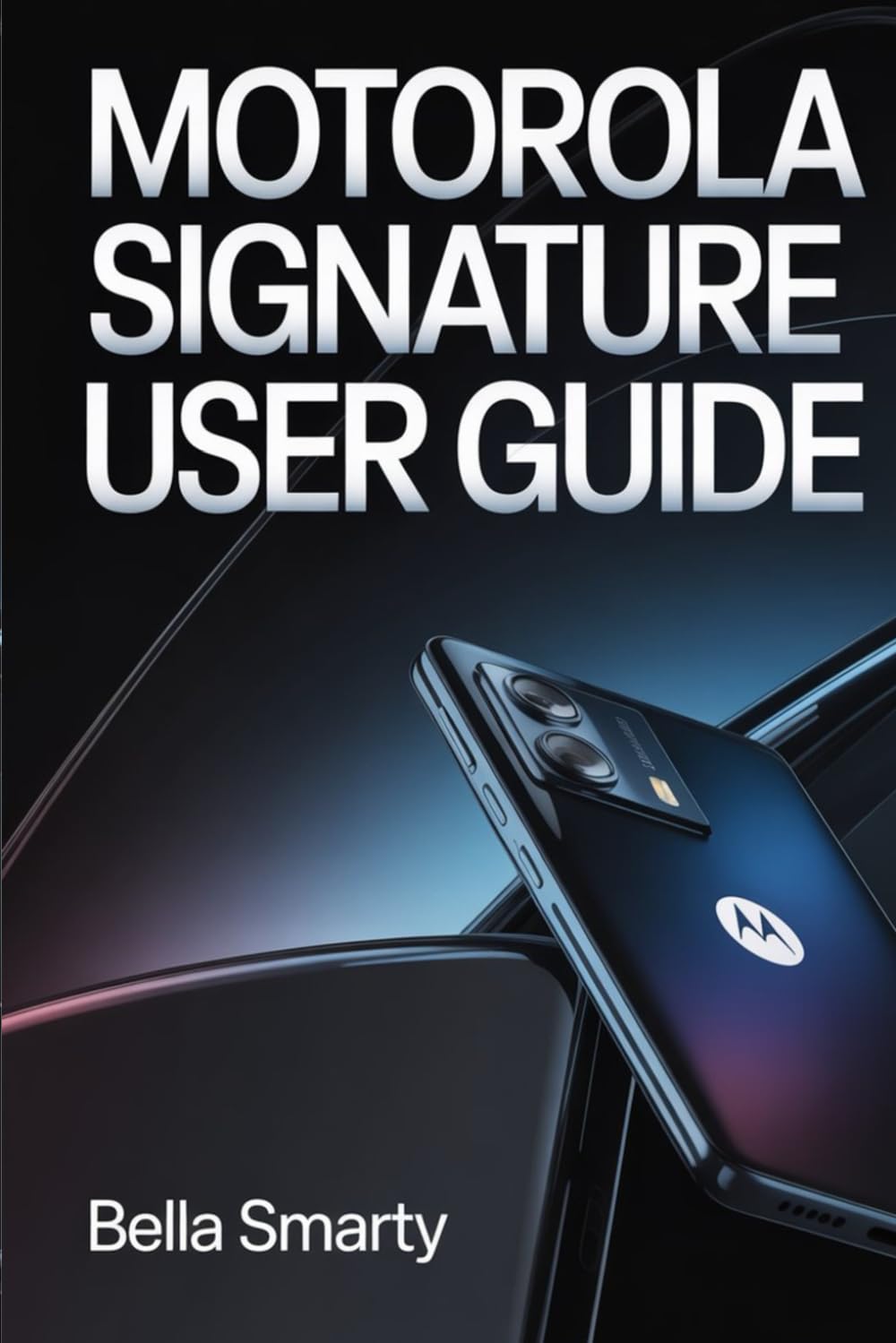
Image: Front cover of the Motorola Signature User Guide, featuring a modern Motorola smartphone.
2. Understanding System Features and Android Behavior
Gain a comprehensive understanding of how Android and Motorola system behavior interact. Instead of blindly adjusting settings, learn the underlying principles that govern your device's operation. This knowledge empowers you to make informed choices that enhance your user experience.
3. Performance and Battery Management
Achieve an optimal balance between device speed, thermal management, and battery health without compromising daily usability. This section provides strategies for managing applications, background processes, and power settings to extend battery life and maintain consistent performance.
4. Camera Usage and Consistent Results
Learn to utilize your Motorola smartphone's camera modes and settings intentionally to achieve consistent and high-quality photographic results. This guide moves beyond automatic settings, explaining how to leverage various features for different scenarios.
5. Security and Privacy Habits
Implement practical and realistic security habits to protect your data, accounts, and personal privacy. This section covers essential steps and best practices for safeguarding your digital life on your Motorola smartphone.
6. Manteniment i resolució de problemes
Discover methods to prevent common slowdowns, glitches, and storage problems before they occur. This section offers proactive maintenance tips and basic troubleshooting steps to keep your device running smoothly and reliably over its lifespan.
Image: Back cover of the Motorola Signature User Guide, displaying the ISBN barcode.
7. Especificacions
| ASIN | B0GKMLGMQD |
| Editor | Publicat independentment |
| Data de publicació | 28 de gener de 2026 |
| Llengua | Anglès |
| Longitud d'impressió | 65 pàgines |
| ISBN-13 | 979-8245989365 |
| Pes de l'article | 3.53 unces |
| Dimensions | 6 x 0.15 x 9 polzades |