
1. Introducció
This manual provides essential information for the safe operation and maintenance of your CHUBORY G9 Pluto GPS Drone. Please read this manual thoroughly before operating the drone to ensure proper usage and to prevent damage or injury. Keep this manual for future reference.
2. Producte acabatview
2.1 Característiques clau
- 4K EIS Camera: Equipped with Electronic Image Stabilization for smooth video recording.
- Integrated HD Screen Controller: Features a 4.5-inch HD display for direct FPV viewing without an external mobile device.
- Posicionament GPS: Provides stable flight, precise hovering, and intelligent return-to-home functions.
- Temps de vol ampliat: Includes three batteries, offering up to 90 minutes of total flight time (30 minutes per battery).
- Llarg rang de control: Supports a control and transmission range of up to 3280 feet (1000 meters).
- Disseny plegable: Compact and portable, weighing under 249g, requiring no FAA registration.
- Modes de vol intel·ligents: Includes Circle Fly and Follow Me modes for dynamic aerial photography.
2.2 Components inclosos
The CHUBORY G9 Pluto package contains the following items:

Image: All components included in the CHUBORY G9 Pluto drone package.
- Dron (x1)
- Remote Controller with 4.5 inch HD Screen (x1)
- Flight Battery (x3)
- Propellers (4x4, total 8 propellers)
- Cable de càrrega USB (x3)
- MicroSD Card (32GB) & Card Reader (x1)
- Tornavís (x1)
- Cargols (x8)
- Manual d'instruccions (x1)
- Drone Carry Bag (x1)
3. Pautes de seguretat
Adherence to safety guidelines is crucial for preventing accidents and ensuring a positive flight experience. Always operate the drone responsibly.
- Comprovació prèvia al vol: Before each flight, ensure batteries are fully charged, propellers are securely attached, and the drone is free from damage.
- Condicions ambientals: Avoid flying in strong winds, rain, snow, or fog. Maintain visual line of sight with the drone at all times.
- Flight Zones: Do not fly near airports, restricted airspace, crowded areas, or over private property without permission.
- Seguretat de la bateria: Use only original CHUBORY batteries and chargers. Do not overcharge or puncture batteries.
- Seguretat de l'hèlix: Keep hands and face clear of rotating propellers. Ensure propellers are correctly installed before flight.
- Funcionalitat GPS: The drone features GPS for stable flight and return-to-home. Ensure sufficient GPS signal before takeoff.
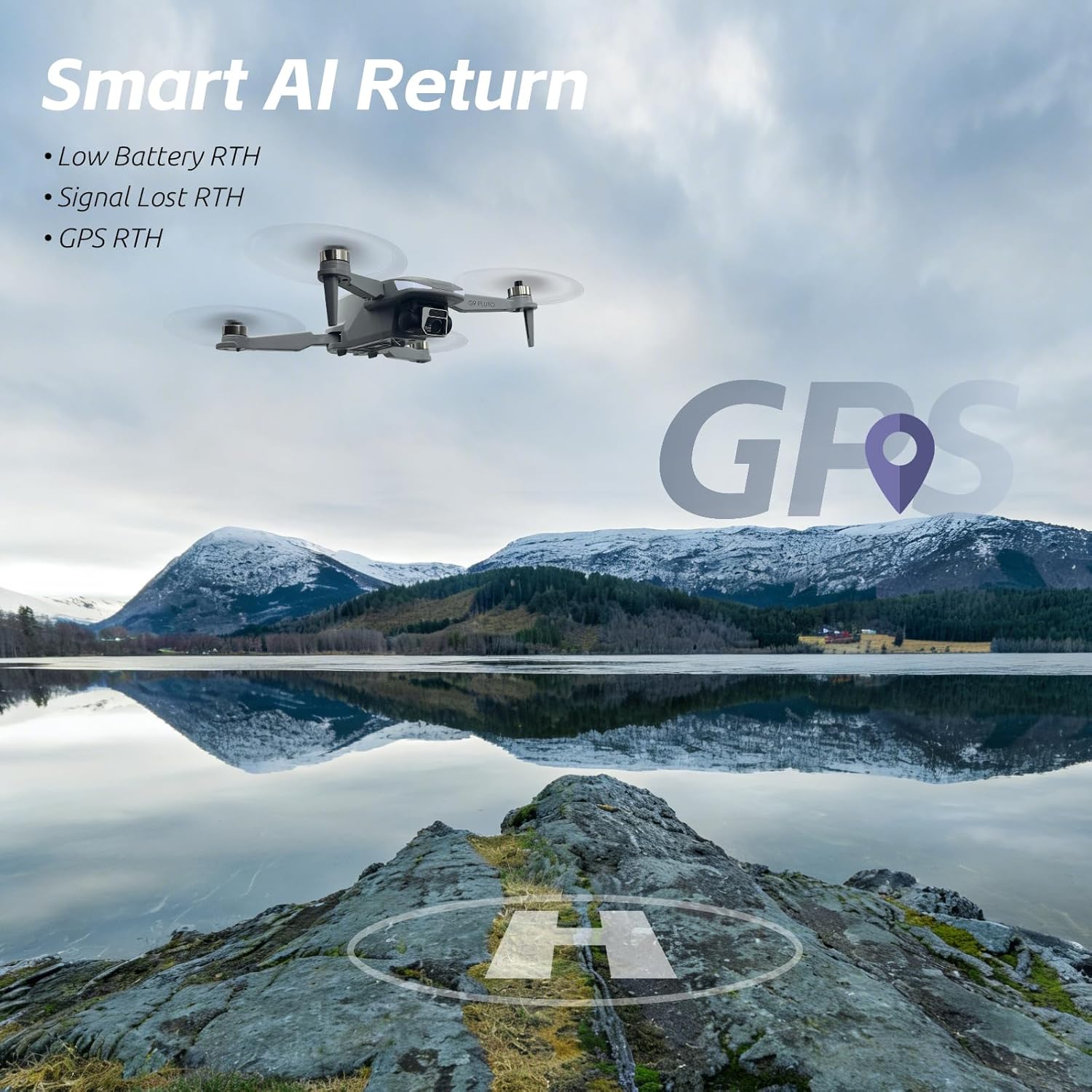
Image: The drone demonstrating its Smart AI Return capabilities, including Low Battery RTH, Signal Lost RTH, and GPS RTH.
4. Configuració
4.1 Càrrega de bateries
- Connect the USB charging cable to the drone battery and a compatible USB power adapter (not included).
- The indicator light on the battery will show charging status. Refer to the battery's specific instructions for full details.
- Charge all three flight batteries and the remote controller battery fully before first use.

Image: The drone and its three batteries, emphasizing the extended flight duration.
4.2 Instal·lació de l'hèlix
- Identify propellers marked 'A' and 'B'.
- Match 'A' propellers to motor arms marked 'A' and 'B' propellers to motor arms marked 'B'.
- Securely attach each propeller using the provided screws and screwdriver. Ensure they are tight but do not overtighten.
4.3 Drone and Controller Pairing
- Power on the drone by pressing the power button.
- Enceneu el comandament a distància.
- Follow the on-screen instructions on the controller's HD display to initiate the pairing process.
- Once paired, the drone's indicator lights will change, and the controller will confirm connection.
5. Instruccions de funcionament
5.1 Comprovacions prèvies al vol
- Ensure all batteries are charged.
- Verify propellers are correctly installed and secure.
- Check for clear flight path and suitable weather conditions.
- Confirm GPS signal strength on the controller's display.
5.2 Enlairament i aterratge
- Enlairament automàtic: Press the one-key takeoff button on the controller. The drone will ascend to a safe altitude and hover.
- Enlairament manual: Push both control sticks down and outwards to start the motors. Slowly push the left stick up to ascend.
- Aterratge automàtic: Premeu el botó d'aterratge d'un sol botó. El dron descendirà i aterrarà automàticament.
- Aterratge manual: Slowly pull the left stick down to descend. Once landed, push both sticks down and inwards to stop the motors.
5.3 Modes de vol
- Mode GPS: Provides stable flight, precise hovering, and enables intelligent flight functions.
- Mode Segueix-me: The drone will automatically follow the controller, recording your movements. Activate this mode via the controller's menu.
- Mode de vol circular: The drone will fly in a circular path around a designated point. Select this mode and set parameters on the controller.

Image: The controller's screen showing the drone actively following a subject using AI Follow mode.
5.4 Funcionament de la càmera
- Captura de fotos: Press the dedicated photo button on the controller to take a still image.
- Gravació de vídeo: Press the dedicated video button to start/stop recording.
- Control de cardán: Use the gimbal dial on the controller to adjust the camera's tilt angle.
- Emmagatzematge: Photos and videos are saved to the inserted 32GB MicroSD card.
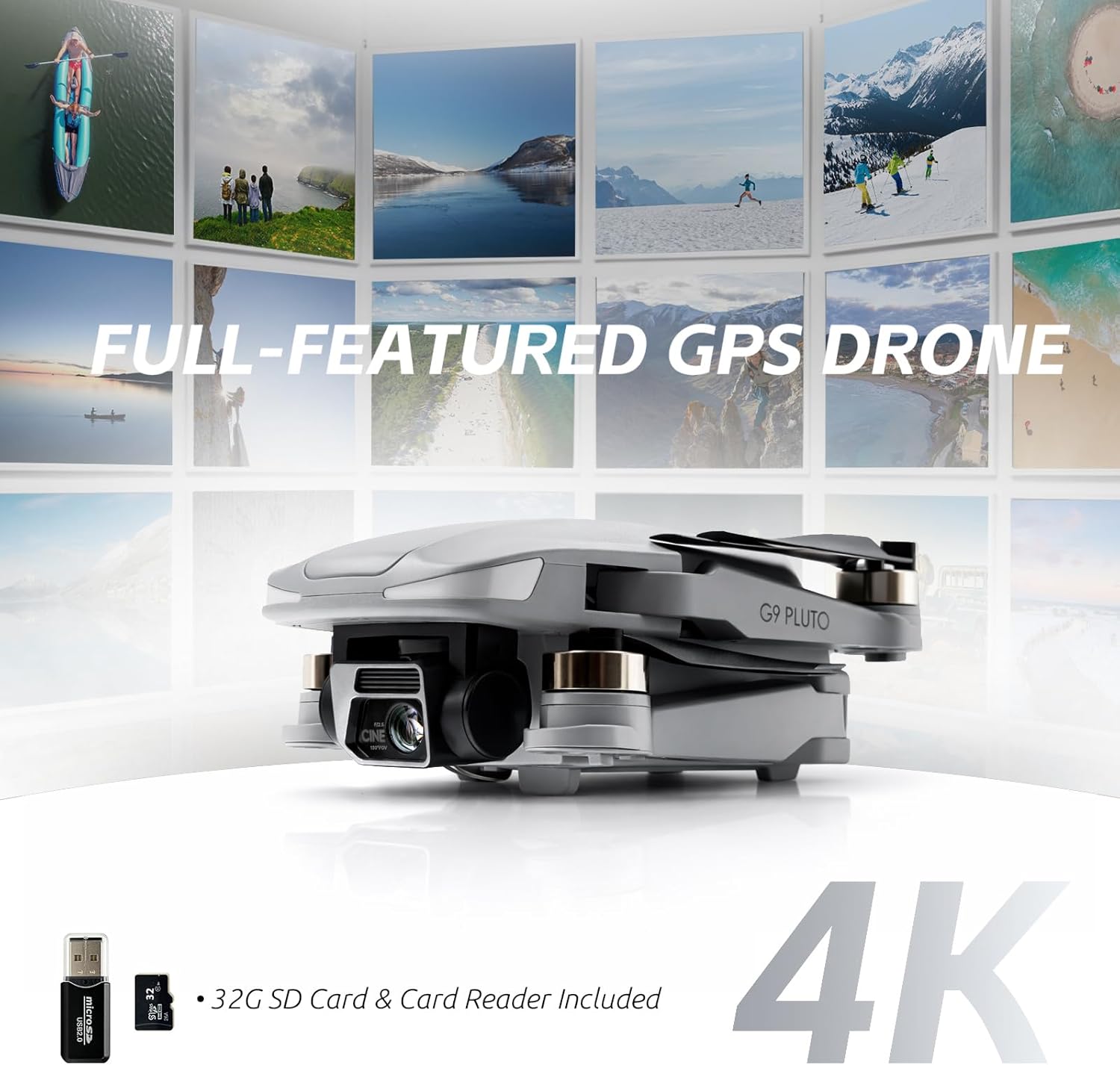
Image: Close-up of the G9 Pluto drone highlighting its 4K camera, along with the included 32GB SD card and card reader.
6. Manteniment
6.1 Neteja
- Wipe the drone and controller with a soft, dry cloth after each use.
- No utilitzeu productes químics o dissolvents aggressivs.
- Assegureu-vos que no s'acumuli pols ni brutícia als motors ni a la lent de la càmera.
6.2 Emmagatzematge
- Store the drone and its components in a cool, dry place, away from direct sunlight.
- For long-term storage, ensure batteries are charged to approximately 50-60% to prolong their lifespan.
- Use the provided carry bag for safe transport and storage.
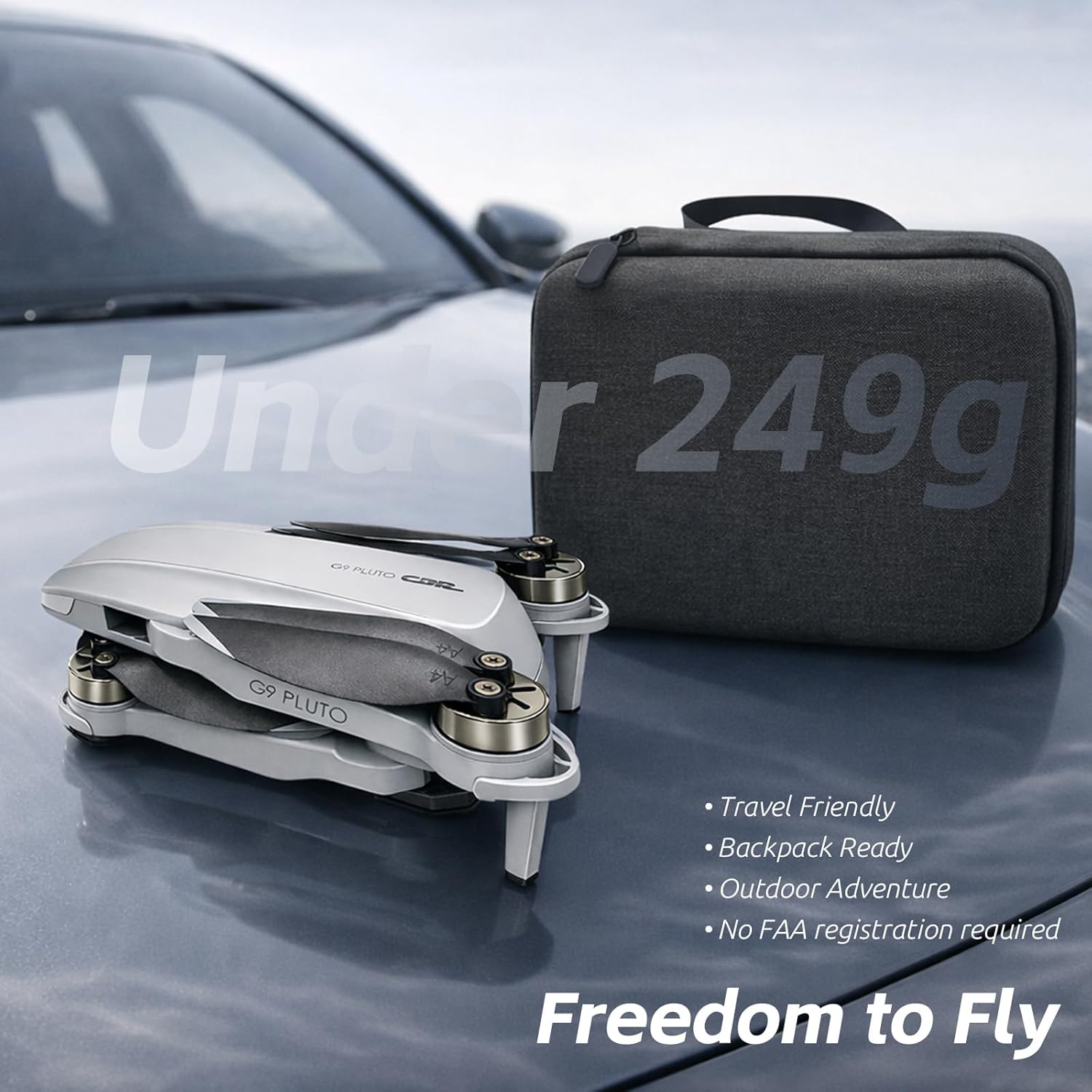
Image: The G9 Pluto drone in its folded state, positioned beside its protective carry case, illustrating its travel-friendly design.
6.3 Substitució de l'hèlix
- If a propeller is damaged, replace it immediately with a new one from the spare set.
- Use the provided screwdriver to remove the old propeller and install the new one, ensuring correct 'A' and 'B' alignment.
7. Solució De Problemes
This section addresses common issues you might encounter with your CHUBORY G9 Pluto drone.
| Problema | Causa possible | Solució |
|---|---|---|
| El dron no s'encén | Low or uncharged battery | Charge the flight battery fully. Ensure it is correctly inserted. |
| El controlador no s'encén | Low or uncharged controller battery | Charge the controller battery fully. |
| Drone fails to pair with controller | Incorrect pairing procedure; interference | Ensure both devices are powered on and follow the pairing steps in Section 4.3. Move to an area with less interference. |
| Unstable flight or drifting | Insufficient GPS signal; uncalibrated sensors; strong winds | Fly in an open area with strong GPS signal. Perform IMU and compass calibration. Avoid flying in windy conditions. |
| Mala qualitat d'imatge/vídeo | Dirty camera lens; insufficient lighting; MicroSD card issues | Clean the camera lens. Ensure adequate lighting. Check MicroSD card for proper insertion and sufficient space. |
| El dron no respon a les ordres | Out of range; signal interference; low battery | Fly within the specified control range. Avoid areas with strong signal interference. Check drone and controller battery levels. |
8. Especificacions
| Característica | Detall |
|---|---|
| Nom del model | G9 Pluto |
| Marca | CHUBORY |
| Dimensions del producte | 13.5 x 7.5 x 4.5 cm |
| Pes de l'article | 150 grams |
| Resolució de captura de vídeo | 4K |
| Característiques de la càmera | EIS (Electronic Image Stabilization) |
| Pantalla del controlador | Pantalla HD de 4.5 polzades |
| Rang màxim de control | 3280 peus (1000 metres) |
| Temps de vol | Fins a 30 minuts per bateria (90 minuts en total amb 3 bateries) |
| Tipus de bateria | Ió de liti |
| Tecnologia de connectivitat | Wi-Fi, RF |
| Característiques especials | GPS Auto Return, Foldable Design, Circle Fly, Follow Me Mode |
| Emmagatzematge inclòs | Targeta MicroSD de 32 GB |
| UPC | 718027500068 |
| País d'origen | Xina |
9. Garantia i Suport
For warranty information and technical support, please refer to the official CHUBORY website or contact their customer service directly. Details can typically be found on the product packaging or the manufacturer's official online channels.
Recursos en línia: For additional support, FAQs, and firmware updates, visit the CHUBORY Store on Amazon.


