
1. Introducció
The MINISO MS116 AI Translation Earbuds are designed to provide real-time language translation, high-fidelity audio, and seamless communication. These earbuds integrate advanced AI technology to support 135 languages, offering a versatile solution for travel, business, and learning. This manual will guide you through the setup, operation, maintenance, and troubleshooting of your MS116 earbuds.
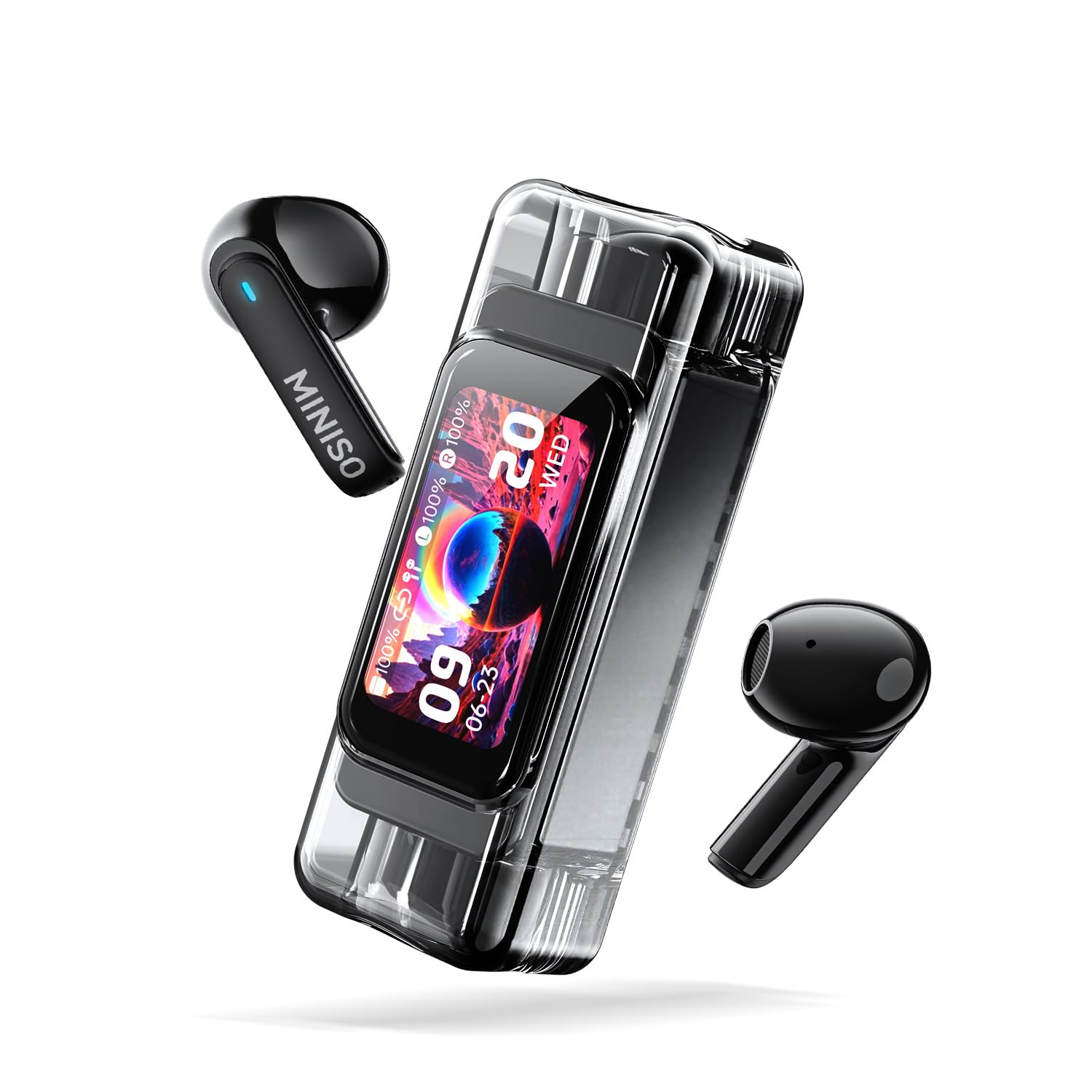
The MINISO MS116 AI Translation Earbuds with their transparent charging case, showcasing the sleek design and digital display.
2. Contingut del paquet
- MINISO MS116 AI Translation Earbuds (Left and Right)
- Estoig de càrrega
- Cable de càrrega USB
- Manual d'usuari (aquest document)
3. Configuració
3.1 Càrrega inicial
Before first use, fully charge the earbuds and the charging case. Connect the provided USB charging cable to the charging port on the case and a compatible USB power source. The charging case display will indicate the charging status.
3.2 Downloading the Saymi APP
The translation function of the MS116 earbuds requires the Saymi APP. Scan the QR code provided in the quick start guide (or search 'Saymi' in your device's app store) to download and install the application on your iOS or Android smartphone.
3.3 Vinculació Bluetooth
- Assegureu-vos que els auriculars estiguin a l'estoig de càrrega i que l'estoig tingui prou càrrega.
- Obre la tapa de la funda de càrrega. Els auriculars entraran automàticament en mode d'emparellament.
- Al teu telèfon intel·ligent, vés a la configuració de Bluetooth i busca els dispositius disponibles.
- Select "MINISO MS116" from the list to connect. A voice prompt will confirm successful pairing.
- Open the Saymi APP and follow the on-screen instructions to connect the earbuds within the app for translation features.
4. Instruccions de funcionament
4.1 Basic Earbud Controls (Touch)
The MS116 earbuds feature smart touch controls. Specific functions may vary slightly based on the app settings or mode. Refer to the Saymi APP for customizable touch controls.
- Reproduir/pausar música: Un sol toc a qualsevol dels auriculars.
- Respondre/Finalitzar la trucada: Un sol toc a qualsevol dels auriculars.
- Rebutja la trucada: Manteniu premut qualsevol dels auriculars durant 2 segons.
- Pista següent: Toca dues vegades l'auricular dret.
- Pista anterior: Toca dues vegades l'auricular esquerre.
- Activa l'Assistent de veu: Toqueu tres vegades qualsevol dels auriculars.
- Activa/desactiva el mode ANC/Transparència: Prem i mantén premut qualsevol dels auriculars durant 3 segons (quan no estiguis en una trucada).
4.2 Translation Modes (via Saymi APP)
The Saymi APP offers multiple translation modes to suit various scenarios:
- Hands-free Mode (Real-time Communication): For direct conversations. One person speaks, the earbuds translate and play the translation in real-time.
- Dual-ear Control: Allows for click operations within the app to manage translation flow.
- Live Photo Translation: Use your phone's camera through the app to translate text from images.
- AI Conversation Mode: Facilitates fluent dialogue with AI assistance for complex interactions.
- Mode de conferència: Designed for multilingual meetings, allowing multiple participants to receive translations.
- Dual Mode (Music & Translation): Listen to music while simultaneously using translation features.
- Notes de veu: Records and automatically transcribes spoken language.
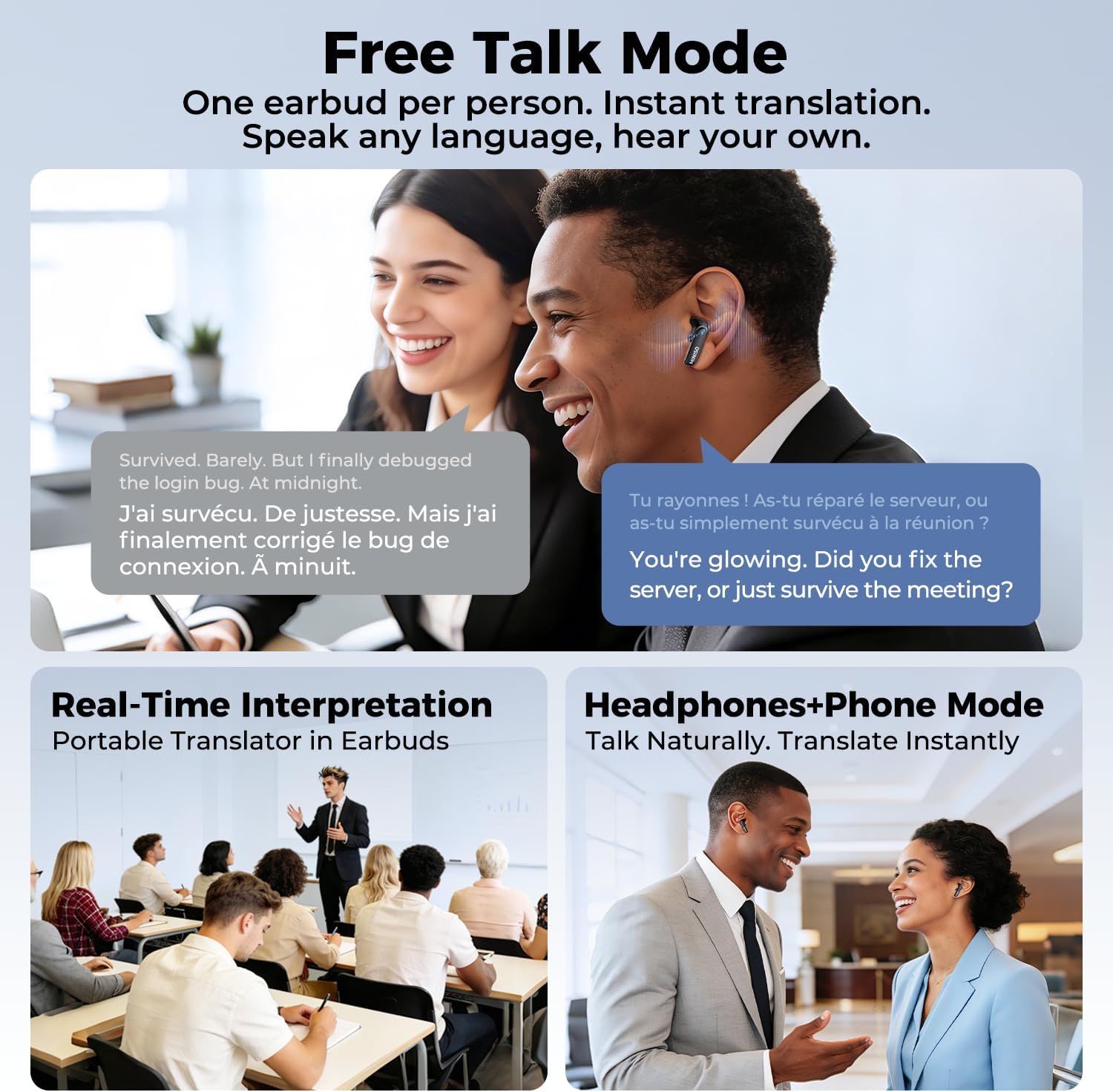
This image depicts three scenarios for the MINISO MS116 earbuds' translation modes: 'Free Talk Mode' for instant translation with one earbud per person, 'Real-Time Interpretation' for group settings, and 'Headphones+Phone Mode' for natural, instant translation during phone conversations.
The MINISO MS116 charging case display cycling through various functions, including music control, call notifications, battery status, and app-related features, indicating its smart capabilities.
4.3 High-Definition Calls
The earbuds are equipped with a high-sensitivity microphone and intelligent call noise reduction algorithms to filter out wind noise and other background distractions, ensuring clear communication during calls.

A person wearing a MINISO MS116 earbud, demonstrating its use for high-definition calls with advanced noise reduction for clear communication.
4.4 Active Noise Cancellation (ANC) and HiFi Audio
Enjoy immersive audio with Active Noise Cancellation, which effectively blocks background noise. The earbuds also feature HiFi Spatial Sound technology for a rich and detailed listening experience.

Un va explotar view diagram of the earbud's internal speaker components, emphasizing the HiFi Spatial Sound technology for an immersive audio experience.
5. Durada i càrrega de la bateria
The MS116 earbuds offer extended battery life for continuous use.
- Auriculars: Fins a 6 hores d'ús continu amb una sola càrrega.
- Estoig de càrrega: Provides an additional 24 hours of battery life, extending the total usage time to over 30 hours.
To charge, place the earbuds back into the charging case. Connect the charging case to a USB power source using the provided cable.

An image showing the MINISO MS116 earbuds and charging case, detailing the battery life: 6 hours for earbuds and an additional 24 hours from the charging case, totaling over 30 hours.
6. Manteniment
6.1 Neteja
Regularly clean your earbuds and charging case to ensure optimal performance and hygiene. Use a soft, dry, lint-free cloth. Do not use abrasive materials or harsh chemicals. For ear tips, remove them and clean with a damp drap i assegureu-vos que estiguin completament secs abans de tornar-los a enganxar.
6.2 Resistència a l'aigua
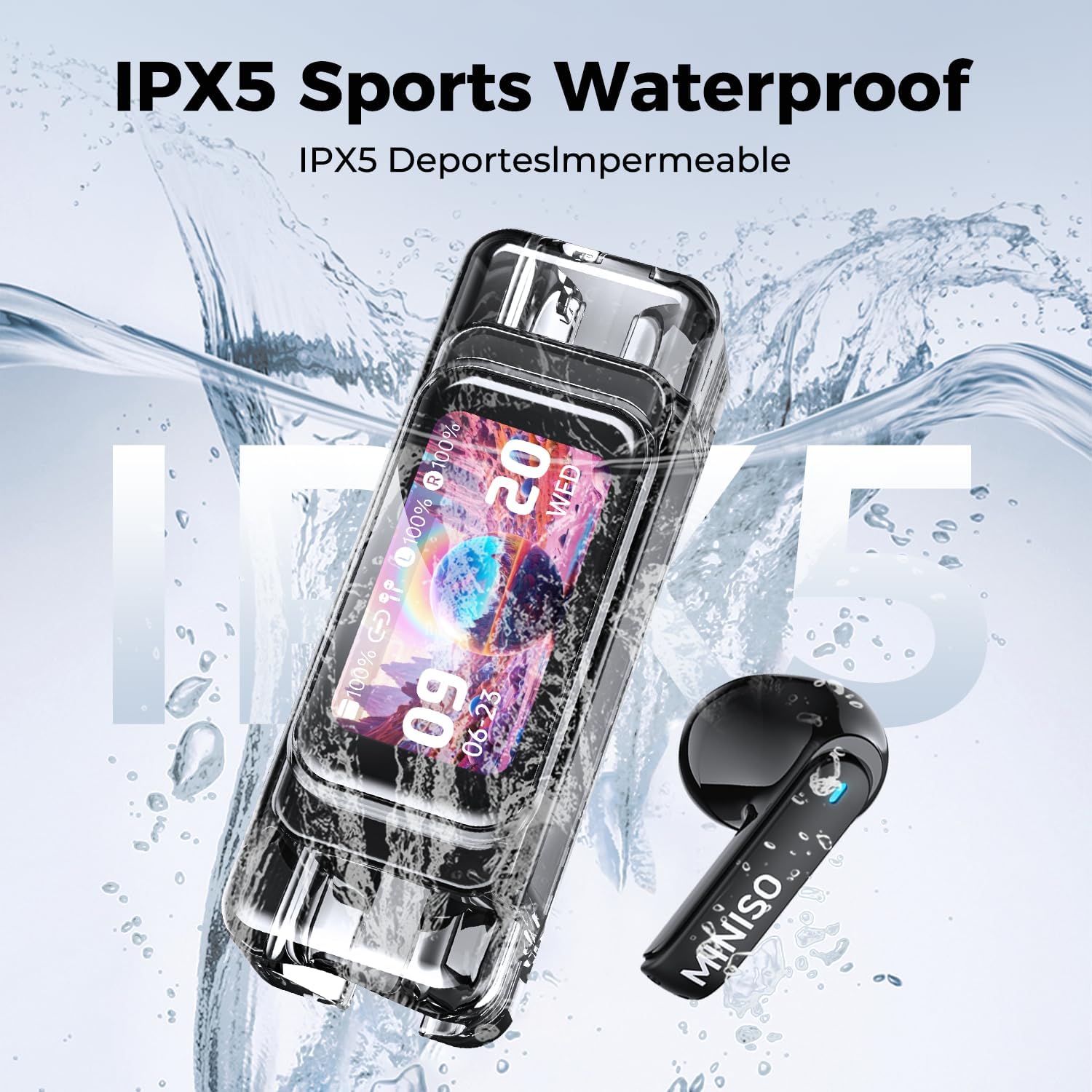
The MINISO MS116 earbuds are rated IPX5 Sports Waterproof, meaning they are resistant to sweat and light splashes of water. They are not designed for swimming, showering, or submersion in water. Do not expose the charging case to water.

The MINISO MS116 earbuds and charging case are shown with water droplets, illustrating their IPX5 sports waterproof capability, making them resistant to sweat and light splashes.
6.3 Emmagatzematge
When not in use, store the earbuds in their charging case to protect them and keep them charged. Avoid storing them in extreme temperatures or high humidity.
7. Solució De Problemes
If you encounter issues with your MINISO MS116 earbuds, try the following solutions:
- Auriculars que no s'emparellan: Ensure both earbuds are in the charging case, close the lid, then open it again. Check your device's Bluetooth settings and try re-pairing. Ensure the earbuds are charged.
- No se sent cap so d'un auricular: Place both earbuds back in the case, close the lid, and then take them out again. Check Bluetooth connection.
- La traducció no funciona: Ensure the Saymi APP is open and connected to the earbuds. Check your internet connection (required for translation). Verify language settings in the app.
- Mala qualitat d'àudio: Ensure earbuds are clean and properly seated in your ears. Check the audio source. Disable ANC temporarily to see if it resolves the issue.
- Problemes de càrrega: Ensure the charging cable is securely connected to both the case and the power source. Try a different USB port or cable.
- L'aplicació no respon: Close and restart the Saymi APP. If the issue persists, reinstall the app.
Si aquests passos no resolen el problema, poseu-vos en contacte amb l'atenció al client.
8. Especificacions
| Marca | MINISO |
| Nom del model | MS116 |
| Número de model | MS116-B |
| Tecnologia de connectivitat | Sense fil (Bluetooth 6.0) |
| Control de soroll | Cancel·lació activa del soroll |
| Resistència a l'aigua | IPX5 Sports Waterproof |
| Durada de la bateria dels auriculars | Fins a 6 hores |
| Durada total de la bateria (amb funda) | Més de 30 hores |
| Mètode de control | Aplicació, Toc |
| Dispositius compatibles | Cellphones (iOS & Android) |
| Interval de freqüència | 20 Hz - 20,000 Hz |
| Material | Metall, plàstic |
| UPC | 850073442845 |
| ASIN | B0GLDVDXCX |
9. Informació de la garantia
The MINISO MS116 AI Translation Earbuds come with a limited warranty. For detailed information regarding warranty coverage, terms, and conditions, please refer to the official MINISO weblloc web o poseu-vos en contacte amb l'atenció al client. Conserveu el comprovant de compra per a reclamacions de garantia.
10. Suport
For further assistance, technical support, or inquiries, please:
- Visita el lloc web oficial de MINISO weblloc web per a preguntes freqüents i recursos de suport.
- Contact MINISO customer service through the contact information provided on their official website or within the Saymi APP.
- Ensure your Saymi APP is updated to the latest version for optimal performance and new features.


