
1. Introducció
Thank you for choosing the Cuifati 2K HD WiFi Fish Tank Camera. This device is designed to provide clear, real-time monitoring of your aquatic or reptile habitats. Featuring 2K HD resolution, anti-glare technology, a 140° wide-angle lens, AI motion detection, two-way audio, and night vision, it allows you to observe your pets and their environment with ease. Please read this manual thoroughly before use to ensure proper installation and operation.
2. Informació de seguretat
- Ensure the camera is installed in a stable location to prevent it from falling.
- Keep the camera and its power cable away from water sources to prevent electric shock, except for the camera unit itself which is designed for tank use.
- No intenteu desmuntar ni reparar la càmera vosaltres mateixos. Poseu-vos en contacte amb el servei d'atenció al client per obtenir ajuda.
- Use only the provided charging cable and power adapter (if included) to avoid damage.
- Mantenir fora de l'abast dels nens i mascotes.
- Operating temperature range: Refer to specifications. Avoid extreme temperatures.
3. Contingut del paquet
Si us plau, comproveu el paquet per veure si hi ha els elements següents:
- 1 x Fish Tank Camera
- 1 x base
- 2 x adhesius
- 1 x xapa de ferro
- 1 x cable de càrrega
- 1 x Manual d'usuari
- 2 x cargols
- 2 x Tubs d'expansió
4. Producte acabatview
The Cuifati 2K HD WiFi Fish Tank Camera is a compact monitoring device designed for clear observation of your pet's habitat. It features a high-resolution lens, an integrated microphone and speaker for two-way communication, and an infrared lamp for night vision.
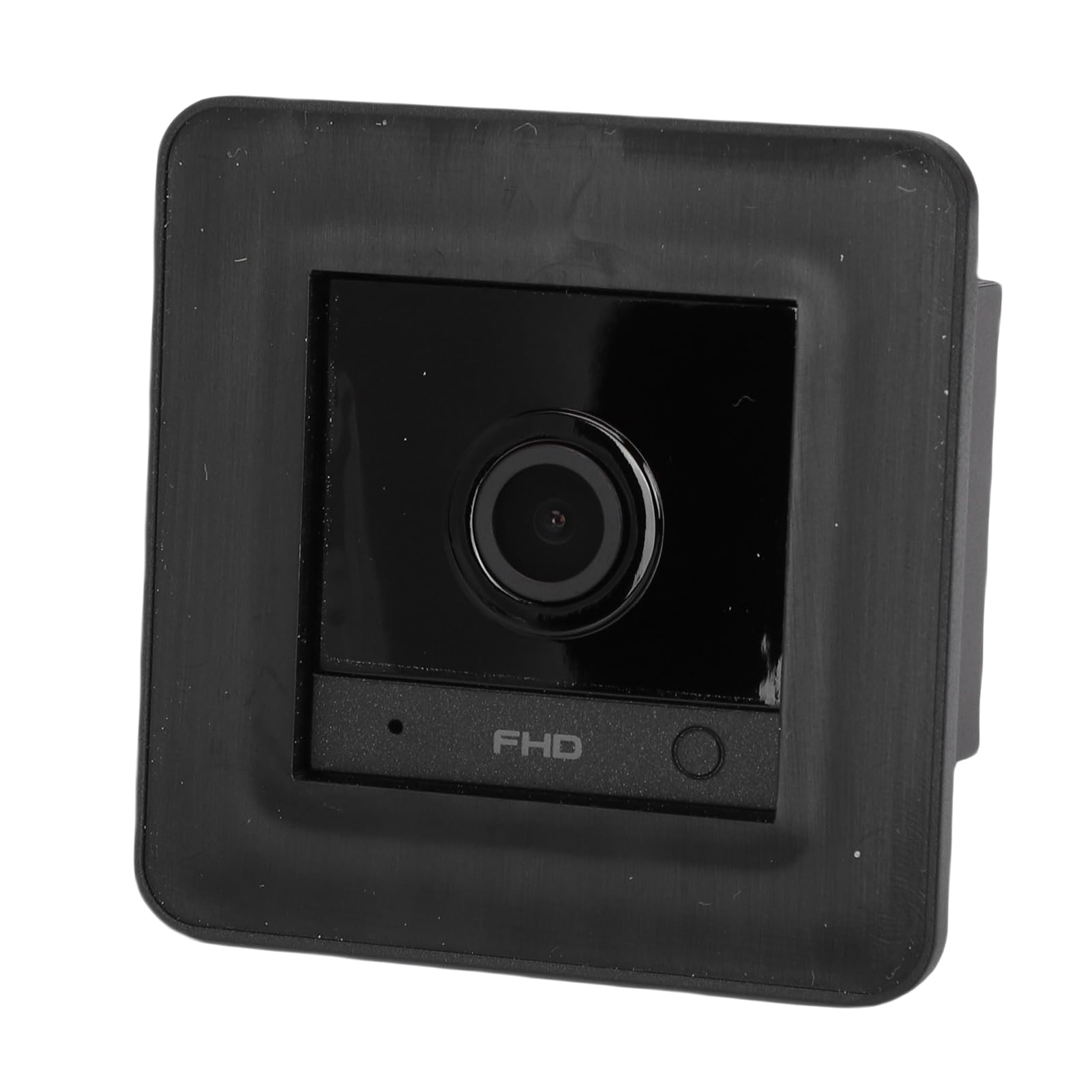
Image: The Cuifati 2K HD Fish Tank Camera shown installed on the side of an aquarium, providing a clear view of the fish and internal decorations.

Image: A close-up of the camera's front face, highlighting the lens. Surrounding images show the camera's application in various environments, including a fish tank, a reptile terrarium, and a gecko enclosure, demonstrating its versatility.
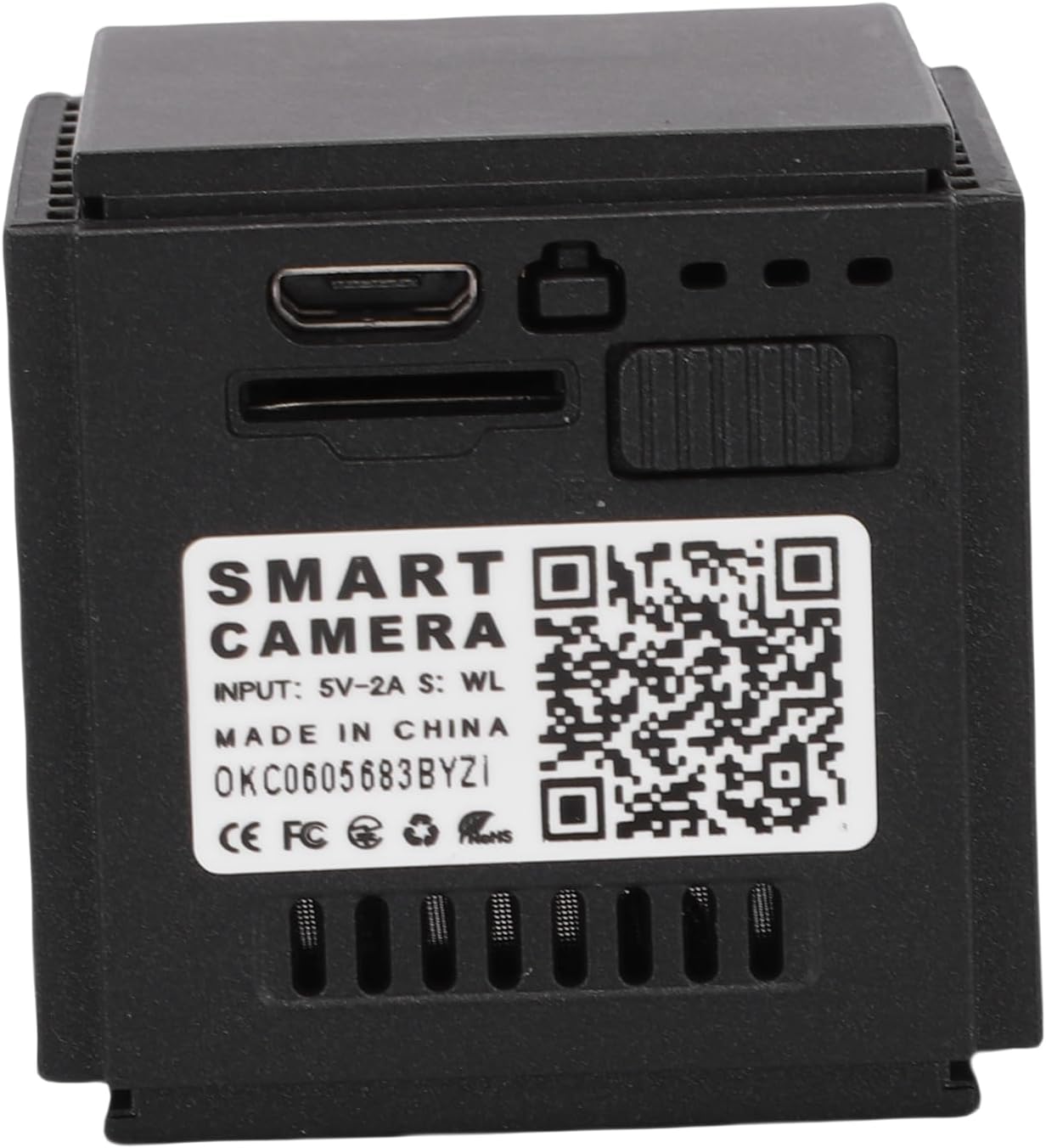
Image: The rear side of the camera, displaying the USB charging port, a slot for a TF card, and a QR code for device pairing. The text 'SMART CAMERA' and 'INPUT: 5V-2A' are visible.
5. Configuració
5.1 Càrrega de la càmera
Before first use, fully charge the camera using the provided charging cable. Connect the USB cable to the camera's charging port and a 5V-2A power adapter (not included). The indicator light will show charging status.
5.2 Inserció d'una targeta TF (opcional)
To enable local video recording, insert a TF (microSD) card (up to 128GB, not included) into the designated slot on the camera. Ensure the camera is powered off before inserting or removing the card.
5.3 Muntatge de la càmera
The camera offers flexible installation options:
- Muntatge adhesiu: Attach the innovative adhesive mounting bracket to any clean, dry glass surface of your aquarium or terrarium. Ensure the camera is positioned to provide an unobstructed view. The compact size (1.46 x 1.46 inches) ensures it does not disturb the pet's environment.
- Ubicació d'escriptori: The camera can also be placed flexibly on a desktop using the included base, allowing for easy repositioning.
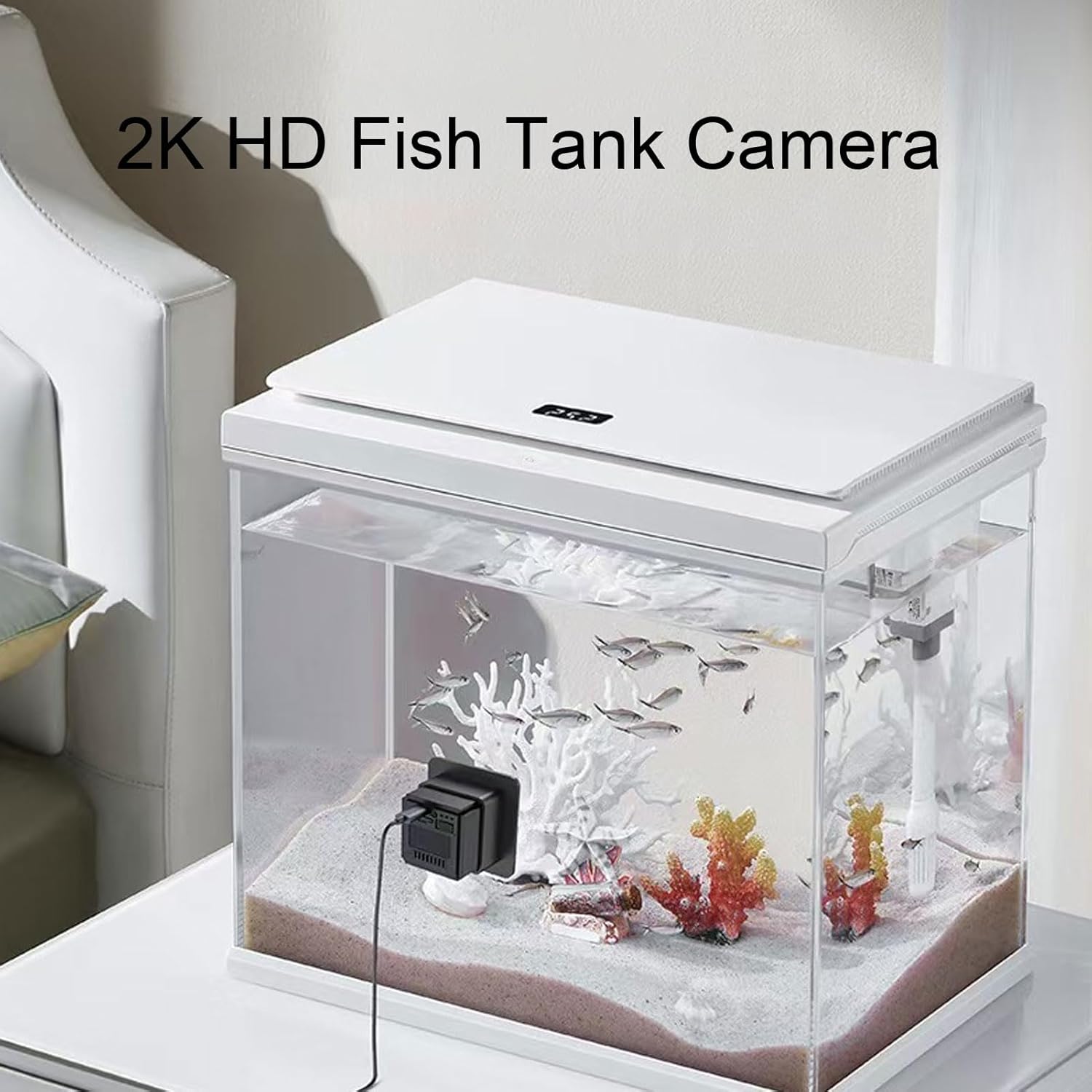
Image: The Cuifati Fish Tank Camera shown with its adhesive mounting bracket detached, and a separate base accessory. This illustrates the flexible installation options.
5.4 Instal·lació i emparellament de l'aplicació
Download the 'O KAM' app from your smartphone's app store (iOS/Android). Follow the in-app instructions to pair your camera. This typically involves creating an account, adding a new device, and scanning the QR code on the camera or following a guided setup process.

Image: A smartphone screen displaying a live video feed from the Cuifati Fish Tank Camera, showing colorful fish in an aquarium. This demonstrates the camera's ability to bring the pet's world to your phone.
6. Instruccions de funcionament
6.1 Viu View
Once paired, open the 'O KAM' app and select your camera to view the live 2K HD video feed. The professional anti-glare and anti-reflective lens technology ensures clear images by eliminating glass reflections and water glare.
6.2 Conversa bidireccional
The camera features two-way talk functionality. Use the microphone icon in the app to speak, and the camera's built-in speaker will transmit your voice. You can also listen to ambient sounds from the habitat through the app.
6.3 Detecció de moviment per IA
Enable AI motion detection in the app settings. The camera will automatically identify unusual activity and send instant notifications to your smartphone, allowing for quick response to potential risks or to simply observe interesting pet behaviors.
6.4 Visió nocturna
Equipped with a 940nm lamp, the camera provides clear images even in complete darkness without disturbing your pet's daily life. Night vision activates automatically in low-light conditions.
6.5 Enregistrament i emmagatzematge
Videos can be recorded to an inserted TF card (up to 128GB) or via the optional cloud storage service (30-day free trial included). Access recorded footage through the 'O KAM' app.
7. Manteniment
- Neteja: Gently wipe the camera lens with a soft, dry cloth. Do not use harsh chemicals or abrasive materials.
- Actualitzacions de firmware: Periodically check the 'O KAM' app for available firmware updates to ensure optimal performance and security.
- Cura de la bateria: For optimal battery life, avoid fully discharging the camera frequently. Recharge when the battery is low.
8. Solució De Problemes
- La càmera no es connecta a la Wi-Fi: Ensure your Wi-Fi network is 2.4GHz. Check Wi-Fi password and signal strength. Restart the camera and your router.
- Poca qualitat d'imatge: Clean the camera lens. Ensure there is adequate lighting (if not using night vision). Check app settings for resolution.
- No sound from two-way talk: Check volume settings on your phone and in the app. Ensure microphone and speaker permissions are granted to the app.
- La detecció de moviment no funciona: Verify motion detection is enabled in the app settings. Adjust sensitivity if necessary.
- La càmera no s'encén: Ensure the camera is fully charged. Try connecting it to a different power source.
9. Especificacions
| Tipus d'element | Fish Tank Camera |
| Material | ABS |
| Supported Online Users | 4 usuaris simultanis |
| Suport d'aplicacions | O KAM |
| Memòria | 8 MB |
| Sensor d'imatge | 2MP CMOS 1080P |
| Il·luminació mínima | 0.3-0.5Lx (color mode), 0Lx (black and white mode) |
| Lent | Diameter 10mm / 0.39 inches, 4G lens, built-in IR filter |
| Camp de View | 140° |
| Estàndard de compressió | H.264+/H.264/MJPEG/JPEG |
| Xarxa sense fils | IEEE 802.11b/g/n |
| Freqüència sense fil | 2.4-2.4835 GHz |
| Targeta TF externa | Supports up to 128GB (not included) |
| Emmagatzematge al núvol | 30-day free trial available |
| Battery Life (after power outage) | Aprox. 3 hores |
| Bateria | Bateria de polímer de liti de 800 mAh integrada |
| Mida del producte | Approx. 3.7 x 3.7 cm / 1.46 x 1.46 inches |
10. Garantia i Suport
This product comes with a 1-year warranty. For technical support, warranty claims, or any questions regarding your Cuifati Fish Tank Camera, please contact your retailer or the manufacturer's customer service. Refer to the product packaging or the official Cuifati weblloc per obtenir informació de contacte.