
Introducció
This comprehensive guide is designed to help you understand and utilize all the features, settings, and functionalities of your Moto G Power 2026 smartphone. Whether you are a new user or looking to explore advanced capabilities, this manual provides clear, step-by-step instructions to enhance your device experience.
The Moto G Power 2026 is a versatile smartphone designed for everyday use. This manual covers essential topics from initial setup to advanced features, ensuring you can make the most of your device.
1. Configuració inicial
Follow these steps to power on and configure your Moto G Power 2026 for the first time.
- Encès: Press and hold the power button located on the side of the device until the Motorola logo appears.
- Selecció d'idioma: Trieu l'idioma que preferiu de la llista.
- Connecta't a Wi-Fi: Select your Wi-Fi network and enter the password to connect to the internet. This is crucial for initial setup and updates.
- Configuració del compte de Google: Sign in with your existing Google account or create a new one. This is necessary for accessing the Google Play Store, Gmail, and other Google services.
- Transferència de dades (opcional): If you are upgrading from another device, follow the on-screen prompts to transfer your data.
- Configuració de seguretat: Set up a screen lock (PIN, pattern, password, or fingerprint) to protect your device.
- Personalitza la configuració: Adjust settings such as date and time, display preferences, and notification sounds.
Once these steps are completed, your Moto G Power 2026 is ready for use.
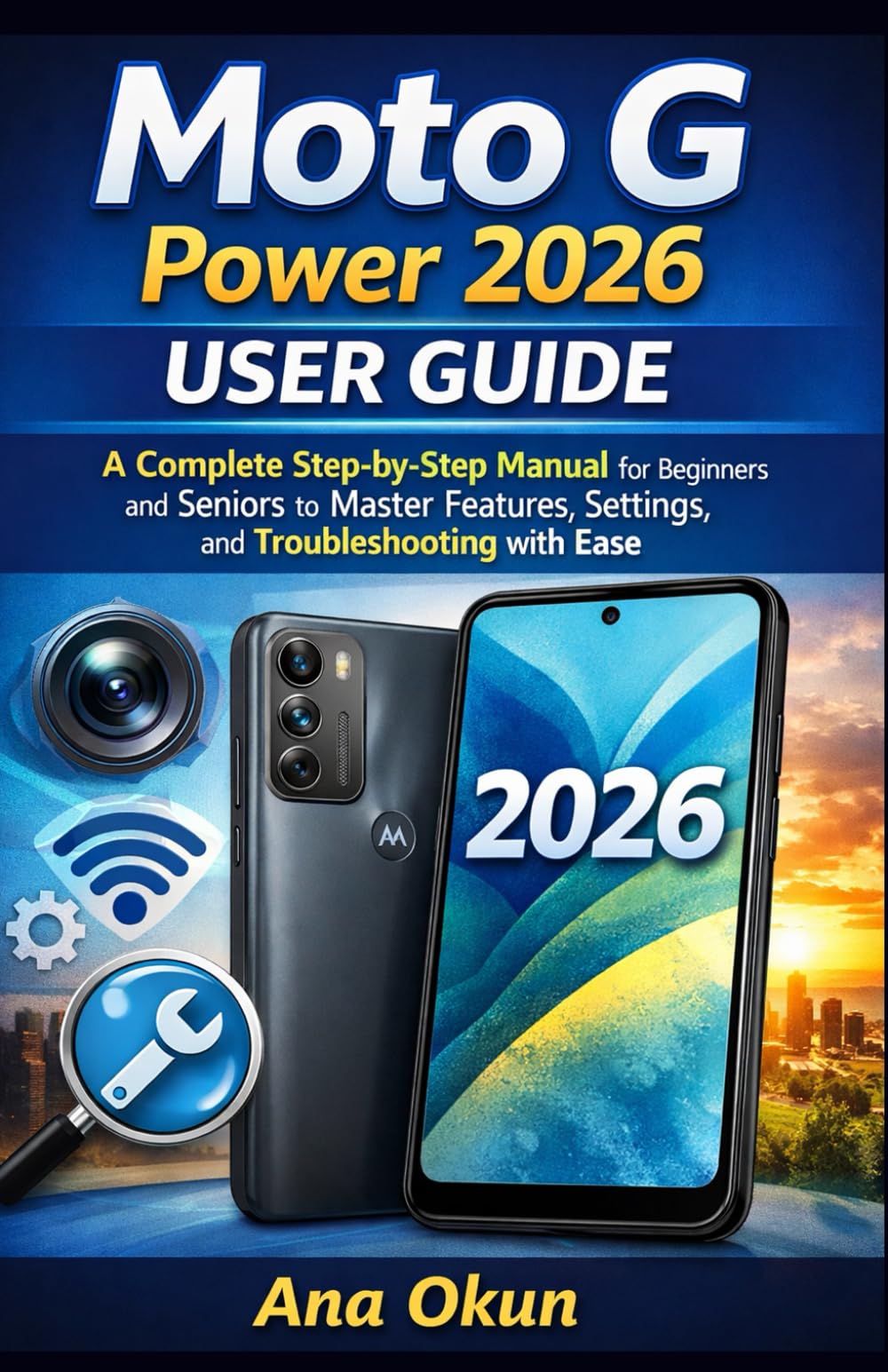
Image 1.1: Front cover of the Moto G Power 2026 User Guide. This image shows the book's title and overall design.
2. Funcionament del vostre dispositiu
2.1 Navigating the Home Screen
The home screen is your central hub for accessing applications and information. Swipe left or right to view additional home screens. Swipe down from the top of the screen to access quick settings and notifications.
- Calaix d'aplicacions: Swipe up from the bottom of the home screen to open the app drawer, which contains all installed applications.
- Ginys: Long-press on an empty area of the home screen to add widgets for quick access to information like weather, calendar, or music controls.
- Carpetes: Drag one app icon over another to create a folder, helping you organize your applications.
2.2 Trucades i missatges
Staying connected is a primary function of your Moto G Power 2026.
- Fer trucades: Toqueu Telèfon icon, enter the number, and tap the call button. You can also select a contact from your address book.
- Gestió de contactes: Utilitza el Contactes app to add, edit, or delete contacts. You can sync contacts from your Google account.
- Enviament de missatges: Obriu el Missatges app, tap the new message icon, enter the recipient's number or select from contacts, and type your message.
2.3 Internet Connectivity and Apps
Your device supports both Wi-Fi and mobile data for internet access.
- Wi-Fi: Vés a Configuració > Xarxa i Internet > Wi-Fi per connectar-se a les xarxes disponibles.
- Dades mòbils: Ensure your SIM card is inserted and mobile data is enabled in Configuració > Xarxa i Internet > Xarxa mòbil.
- Assistent de Google: Activate Google Assistant by saying "Hey Google" or long-pressing the power button (if configured). Use voice commands for tasks, information, and device control.
- Gestió d'aplicacions: Download new apps from the Google Play Store. Manage installed apps in Configuració> Aplicacions i notificacions to adjust permissions, clear cache, or uninstall.
3. Característiques de la càmera
The Moto G Power 2026 camera allows you to capture high-quality photos and videos. Open the Càmera app to begin.
- Fent fotos: Toqueu el botó de l'obturador per fer una foto.
- Gravació de vídeos: Canvia al mode de vídeo i toca el botó de gravació per iniciar/aturar la gravació.
- Modes de càmera: Explore various modes such as Portrait, Night Vision, Panorama, and Pro Mode for different photographic effects.
- Configuració: Access camera settings to adjust resolution, aspect ratio, timer, and other preferences.
4. Resolució de problemes comuns
This section addresses common problems you might encounter with your Moto G Power 2026.
- El dispositiu no respon: If your device freezes, press and hold the power button for about 10-15 seconds to force a restart.
- Esgotament ràpid de la bateria: Comprova l'ús de la bateria a Configuració > Bateria to identify power-hungry apps. Reduce screen brightness, disable unnecessary features like GPS or Bluetooth when not in use, and close background apps.
- Connectivity Problems (Wi-Fi/Mobile Data):
- Activa i desactiva el Wi-Fi o les dades mòbils.
- Reinicieu el vostre encaminador per problemes de Wi-Fi.
- Ensure your mobile data plan is active and you have signal coverage.
- Bloqueig de l'aplicació: Esborra la memòria cau i les dades de l'aplicació Configuració > Aplicacions i notificacions > [Nom de l'aplicació] > Emmagatzematge i memòria cauSi el problema persisteix, desinstal·la i torna a instal·lar l'aplicació.
- Low Storage: Elimineu-les innecessàries files, fotos i vídeos. Desinstal·leu les aplicacions que no feu servir. Moure fitxers grans files to cloud storage or an external SD card (if supported). Check storage usage in Configuració > Emmagatzematge.
5. Manteniment i cura
Proper maintenance ensures the longevity and optimal performance of your Moto G Power 2026.
- Actualitzacions de programari: Regularly check for and install system updates in Configuració> Sistema> Actualitzacions del sistema. Updates often include performance improvements and security patches.
- Neteja: Feu servir un drap suau i sense borrissol per netejar la pantalla i el cos del dispositiu. Eviteu productes químics agressius o materials abrasius.
- Salut de la bateria: Avoid extreme temperatures. Do not leave the device charging for extended periods after it reaches 100%.
- Còpia de seguretat de dades: Regularly back up your important data to a cloud service (like Google Drive) or a computer to prevent data loss.
- Protecció física: Penseu en utilitzar una funda protectora i un protector de pantalla per protegir-vos de caigudes i ratllades.
6. Especificacions
Key technical specifications for the Moto G Power 2026:
| Característica | Detall |
|---|---|
| ASIN | B0GP71KXZ1 |
| Editor | Publicat independentment |
| Data de publicació | 18 de febrer de 2026 |
| Llengua | Anglès |
| Longitud d'impressió | 144 pàgines |
| ISBN-13 | 979-8248918850 |
| Pes de l'article | 8.6 unces |
| Edat de lectura | 12 - 18 anys |
| Dimensions | 5.5 x 0.33 x 8.5 polzades |

Image 6.1: Back cover of the Moto G Power 2026 User Guide. This image displays the ISBN barcode and other publication information.
7. Garantia i Suport
Per obtenir informació sobre la garantia i l'assistència al client, consulteu la pàgina oficial de Motorola. website or the documentation included with your device at the time of purchase. This manual provides general operational guidance and does not replace official warranty statements or specific support channels.
- Oficial Weblloc: Visit the Motorola official weblloc web per obtenir els recursos d'assistència més recents, les preguntes freqüents i la informació de contacte.
- Atenció al client: Contact Motorola customer service for technical assistance or warranty claims.
- Recursos en línia: Many common issues can be resolved by consulting online forums or support communities.