
Introducció
This manual provides essential information for the setup, operation, maintenance, and troubleshooting of your LG 55-Inch Class OLED evo AI 4K C6 Series Smart TV. Please read this manual thoroughly before using your television to ensure proper and safe operation.
Què hi ha a la caixa
Verifiqueu que tots els components siguin presents a l'embalatge:
- Televisor intel·ligent LG OLED evo AI 4K sèrie C6 de 55 polzades
- Dempeus
- Cable d'alimentació
- Control remot
- Remote Control Battery (2 AAA batteries)
- Manual d'usuari (aquest document)

Imatge: Més deview of TV dimensions and included accessories.
Configuració
Desembalatge i col·locació
Carefully remove the TV from its packaging. Place the TV on a stable, level surface or mount it on a wall using a compatible VESA 400 x 400 mm mount. Ensure adequate ventilation around the TV.
- Dimensions del producte (A x A x P): 48.1 cm x 29.8 cm x 9.1 cm (amb suport)
- Dimensions del producte (A x A x P): 48.1 cm x 27.7 cm x 1.8 cm (sense suport)
- Petjada de l'estand: 18.5"
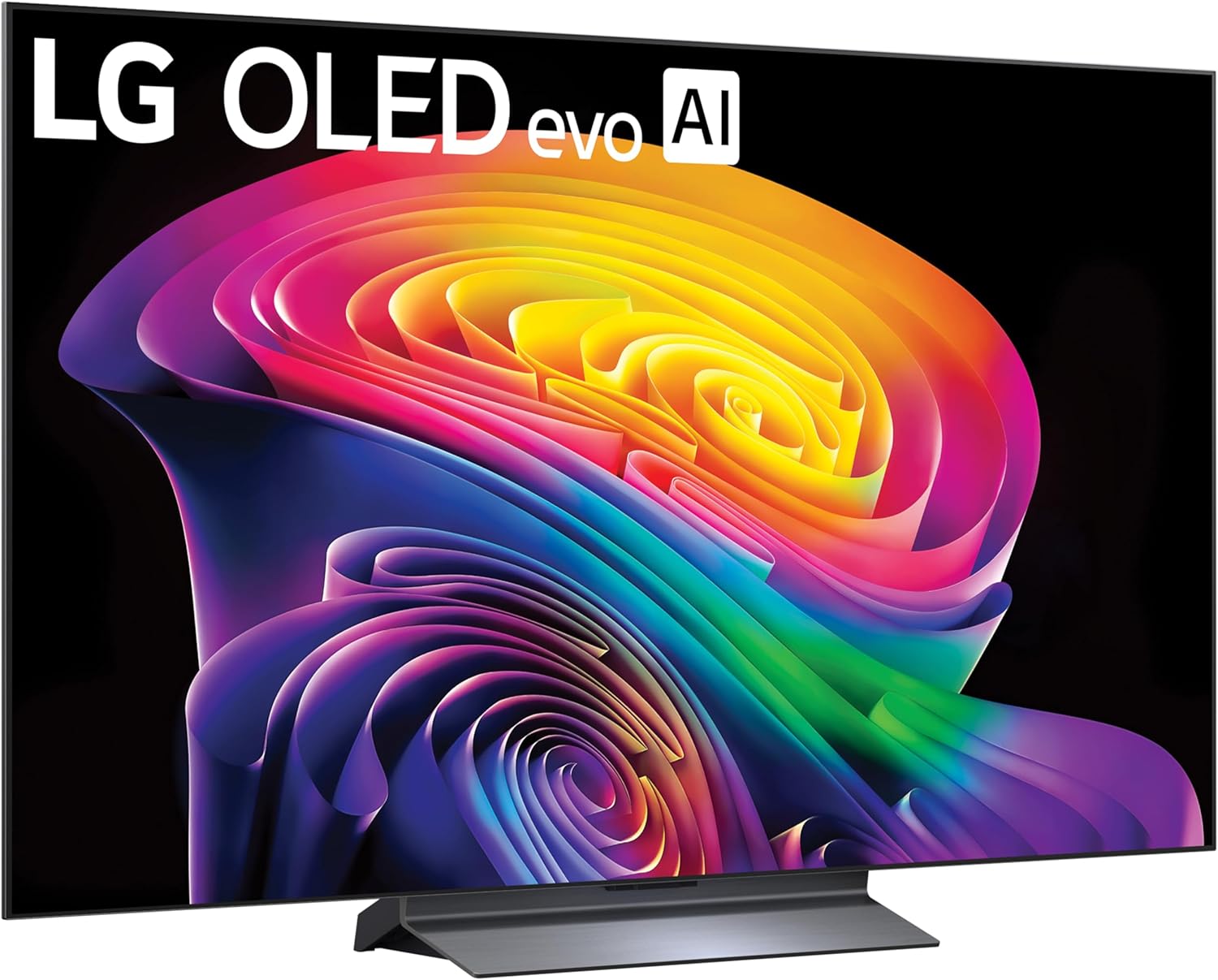
Imatge: Frontal view of the LG OLED TV with its stand.
Instal·lació de l'estand
If using the included stand, attach it securely to the TV following the instructions provided in the quick start guide. Ensure all screws are tightened to prevent instability.

Image: Detail of the TV stand.
Connexió de perifèrics
Connect your external devices such as gaming consoles, soundbars, or media players to the TV's ports. The TV features multiple connectivity options:
- HDMI: 4 ports for high-definition audio and video.
- USB: 2 USB 2.0 ports, 1 USB 3.0 port for media playback or connecting accessories.
- Ethernet (LAN): Per a connexió a Internet per cable.
- Sortida d'àudio òptic: Per connectar a sistemes d'àudio externs.
- Wi-Fi i Bluetooth: Per a la connectivitat sense fil.
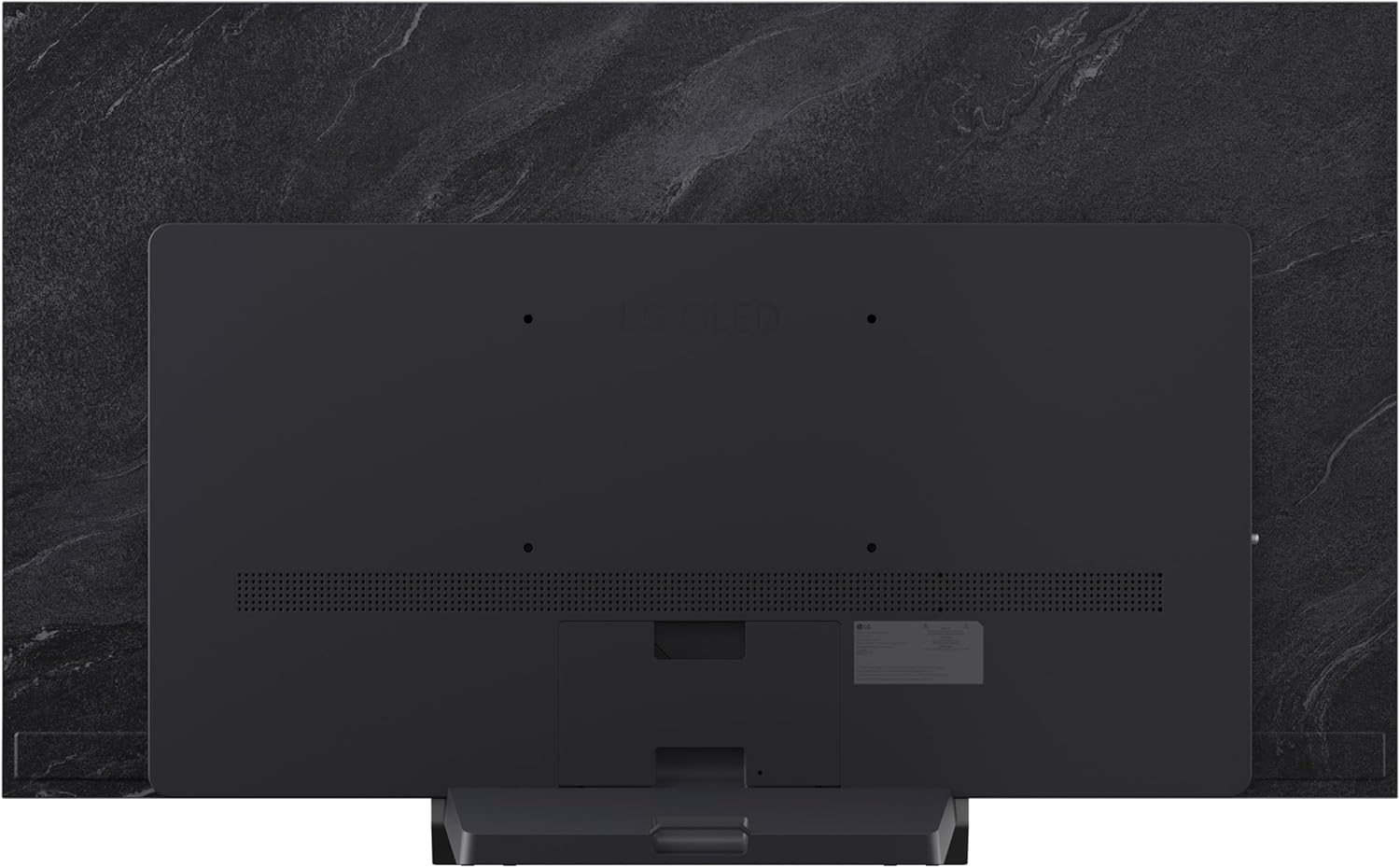
Imatge: Part posterior view del televisor que mostra els ports de connectivitat.

Image: Close-up of the TV's HDMI and USB ports.
Connexió d'alimentació
Connecteu el cable d'alimentació al televisor i després a una presa de corrent. Assegureu-vos que la presa de corrent sigui fàcilment accessible.
Configuració del control remot
Insert the two AAA batteries into the Magic Remote control, observing the correct polarity. The remote is designed for intuitive navigation and voice control.
Assistent d'encesa inicial i configuració
Press the power button on the remote or TV. Follow the on-screen instructions to complete the initial setup, including language selection, network connection, and channel tuning.
Funcionament del televisor
Controls bàsics
Use the Magic Remote to navigate menus, adjust volume, change channels, and select input sources. The pointer function allows for quick selection of on-screen elements.
webPlataforma de televisió intel·ligent del sistema operatiu
El teu televisor LG funciona amb webOS 2026 platform, providing access to a wide range of streaming services and applications. Explore LG Channels for over 400 free channels and thousands of on-demand movies and shows.

Image: LG webOS Smart TV platform interface.
AI Features (Alpha 11 AI Processor Gen3)
The Alpha 11 AI Processor Gen3 enhances picture and sound quality through deep learning. It analyzes content to optimize settings for a personalized viewing experience, including AI Picture and AI Sound features.

Image: Alpha 11 AI Processor Gen3 with Dual AI Engine.
Millores d'imatge i so
- Potenciador de brillantor: Delivers brighter visuals and vivid detail.
- Negre perfecte i color perfecte: Over 8.3 million self-lit pixels provide infinite contrast and accurate colors, even in bright rooms.
- Dolby Vision & HDR10: Supports advanced HDR formats for extraordinary color, contrast, and brightness.
- Dolby Atmos: Proporciona un so immersiu i multidimensional.
- Mode cineasta: Conserva la visió original del director desactivant el suavització del moviment i altres efectes de postprocessament.

Image: Demonstration of Perfect Black and Perfect Color technology.
Característiques de joc
The C6 Series TV is optimized for gaming with features designed for a smooth and responsive experience:
- Freqüència de refresc de 165 Hz: For ultra-smooth motion.
- Temps de resposta d'0.1 ms: Minimitza el retard d'entrada.
- NVIDIA G-Sync i AMD FreeSync Premium: Redueix el tearing i el stuttering de la pantalla.
- Four HDMI 2.1 Inputs: Admet funcions de joc avançades.

Image: Gaming features highlighting 165Hz, G-Sync, and FreeSync Premium.
AI Hub and Voice Control
The AI Hub provides a personalized AI experience with features like Multi AI Search (powered by Google Gemini and Microsoft Copilot), AI Concierge, AI Voice ID, AI Picture Wizard, and AI Sound Wizard. Simply press the AI button on your remote to access these functions.
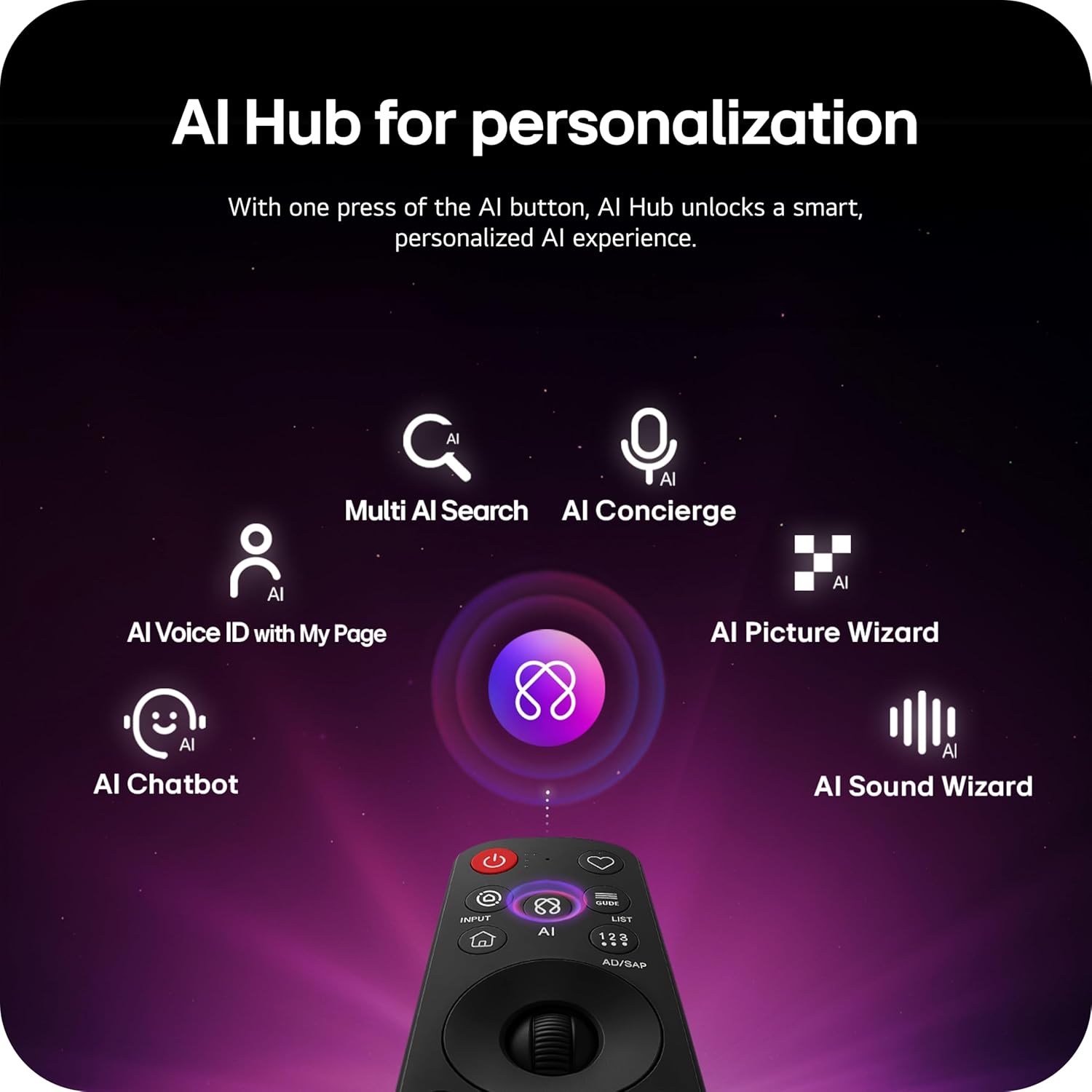
Image: AI Hub features accessible via the Magic Remote.
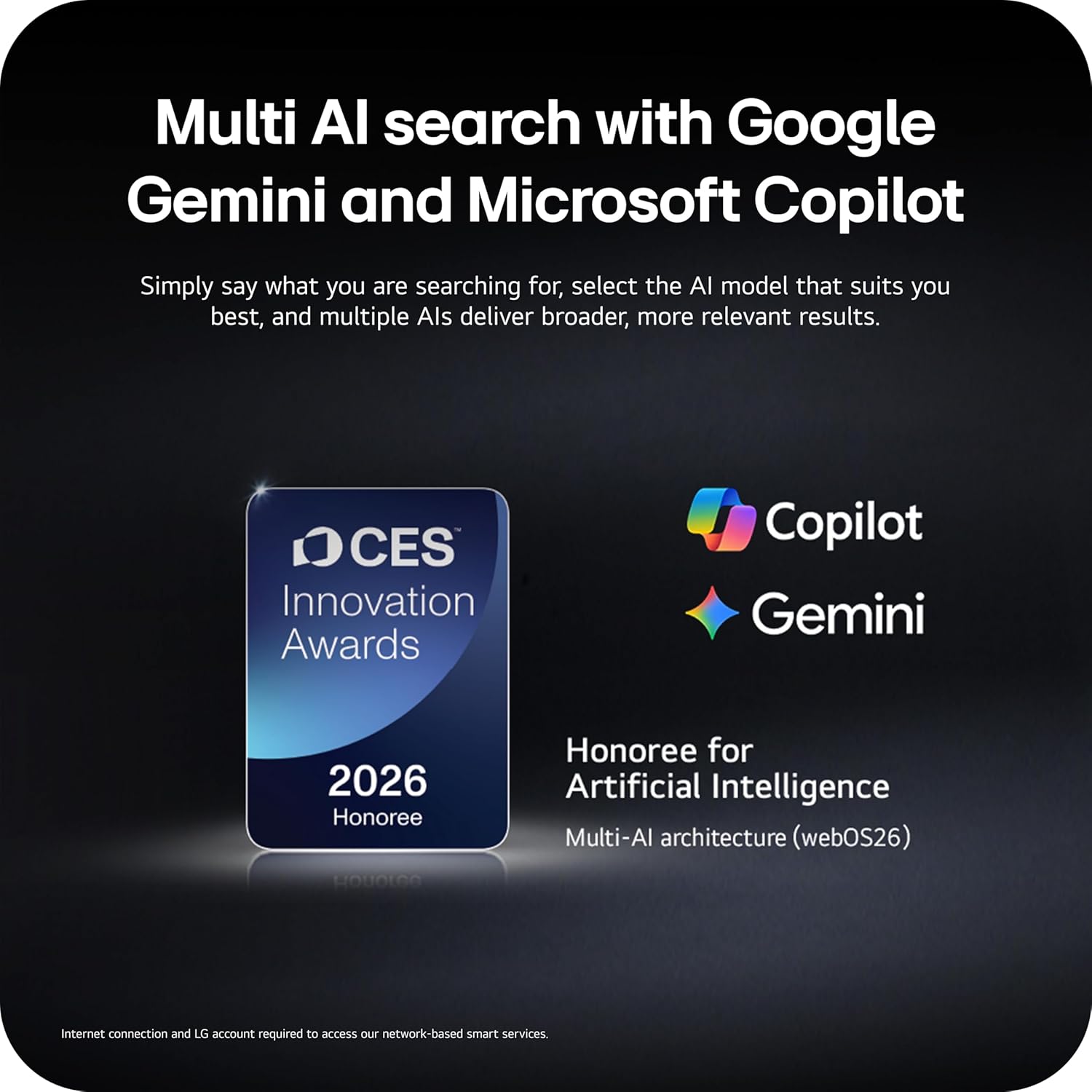
Image: Multi AI search with Google Gemini and Microsoft Copilot integration.
Esports dinàmics
Dynamic Sports is an exclusive feature built into webOS Smart TVs, offering a tailored sports experience. It provides real-time updates, scores, and highlights, ensuring you don't miss any action.
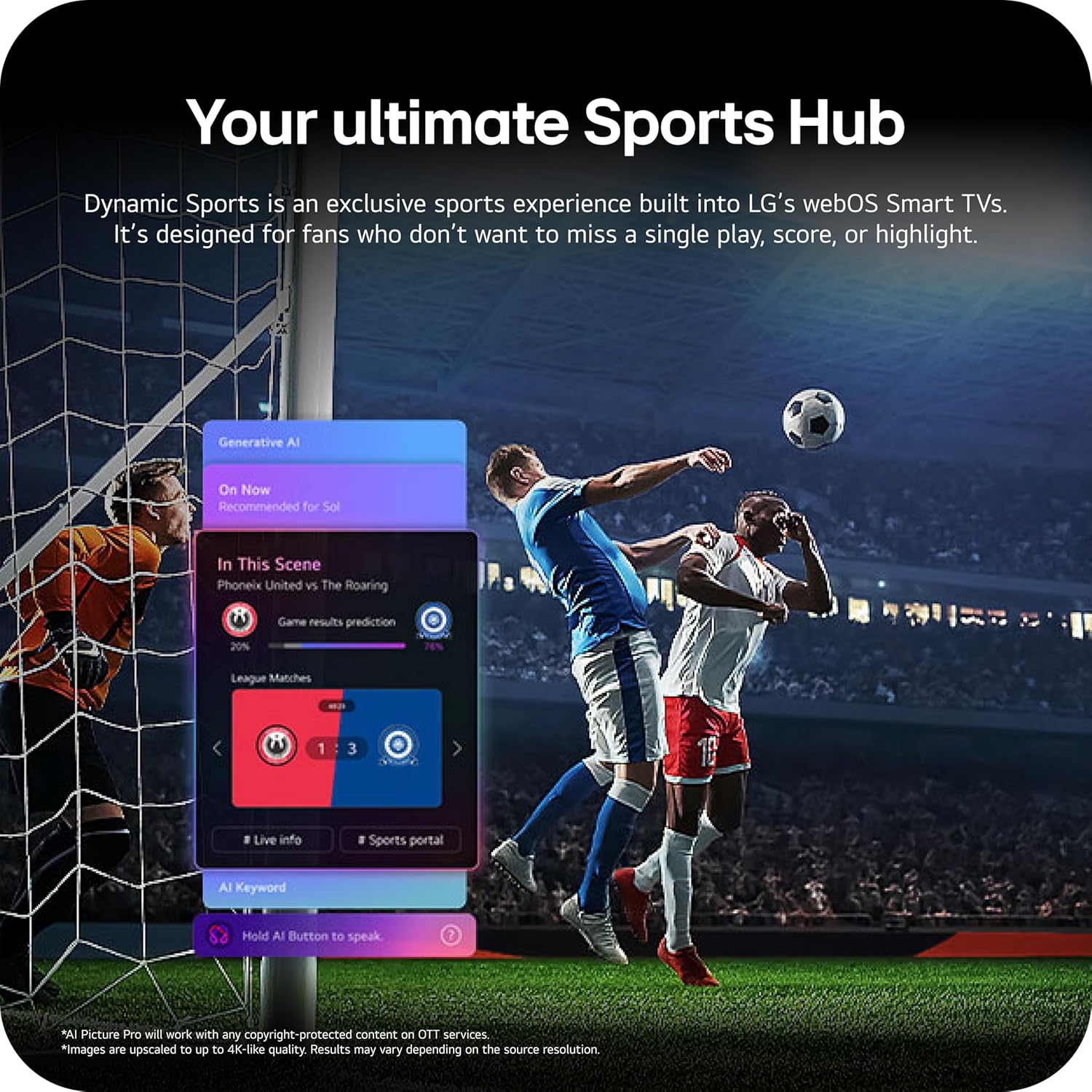
Image: Dynamic Sports Hub interface during a soccer match.
Manteniment
Cura OLED
Your LG OLED TV includes OLED Care features to help protect the display and maintain picture quality over time. These features manage pixel refresh cycles and screen shift to prevent image retention.

Image: OLED Care feature for display protection.
Neteja general
Per netejar la pantalla, netegeu-la suaument amb un drap suau, sec i sense borrissol. Per a marques difícils, netegeu-la lleugerament.ampen the cloth with water or a specialized screen cleaner. Avoid using harsh chemicals or abrasive materials. Clean the TV's exterior with a soft, dry cloth.
Actualitzacions de programari
The TV's software will automatically download updates for up to 5 years. Ensure your TV is connected to the internet to receive the latest features and security enhancements. If auto-update is disabled, you will receive notifications to accept or deny updates.
Resolució de problemes
Si teniu problemes amb el televisor, consulteu les solucions habituals següents:
- Sense energia: Check the power cable connection and the wall outlet. Try plugging another device into the outlet to confirm it is working.
- Sense imatge/so: Verify the correct input source is selected. Check cable connections to external devices. Restart the TV and connected devices.
- El control remot no funciona: Assegureu-vos que les piles estiguin correctament inserides i que no estiguin esgotades. Apunteu el comandament a distància directament al televisor.
- Problemes de connectivitat de xarxa: Comproveu la connexió del vostre encaminador Wi-Fi o del cable Ethernet. Reinicieu l'encaminador i el televisor.
LG Shield
LG Shield provides real-time scanning and automatic updates to protect your TV against malware, viruses, and other cyber threats, ensuring your digital security.

Image: LG Shield security features.
Especificacions
| Característica | Detall |
|---|---|
| Marca | LG |
| Nom del model | C6 |
| Número de model | OLED55C6PUA |
| Mida de la pantalla | 55 polzades |
| Tecnologia de visualització | OLED |
| Resolució | 4K |
| Freqüència d'actualització | 120 Hz (Native), up to 165Hz for PC gaming |
| Processador | Processador Alpha 11 AI Gen3 |
| Format HDR compatible | Dolby Vision, HDR10, HLG |
| Àudio | Dolby Atmos (2.2 Channels) |
| Sistema operatiu | webOS 2026 |
| Tecnologia de connectivitat | Bluetooth, Ethernet, HDMI (4 ports), USB (2x 2.0, 1x 3.0), Wi-Fi |
| Característiques especials | AMD FreeSync, Built-In Speaker, Chromecast, Intelligent Voice Recognition, NVIDIA G-Sync |
| Tipus de muntatge | Wall Mount (VESA 400 x 400 mm) |
| Dimensions del producte (amb suport) | 9.1 "P x 48.1" W x 29.8" H |
| Pes de l'article | 35.1 lliures |
| UPC | 195174137123, 195174137130 |
Informació de la garantia
Your LG 55-Inch Class OLED evo AI 4K C6 Series Smart TV comes with a 1 Year Parts and Labor Limited Warranty. Please retain your proof of purchase for warranty claims. For full terms and conditions, refer to the warranty card included with your product or visit the official LG weblloc.
Atenció al client
Per a més ajuda, assistència tècnica o consultes de servei, visiteu el lloc web oficial de LG. website or contact LG customer service. You can find contact details and additional resources on the LG support page for your region.