
1. Acabatview
This manual provides essential information for setting up, operating, maintaining, and troubleshooting your INSIGNIA 85-inch Class QF Series QLED 4K UHD Smart Fire TV. This television offers a high-quality viewing experience with 4K UltraHD resolution, Quantum Dot Technology for enhanced color, and Direct LED Backlight for uniform brightness. It integrates the Fire TV Smart OS, providing access to various streaming services and features like the Voice Remote with Alexa. The design features a metal bezel-less display for a modern aesthetic.
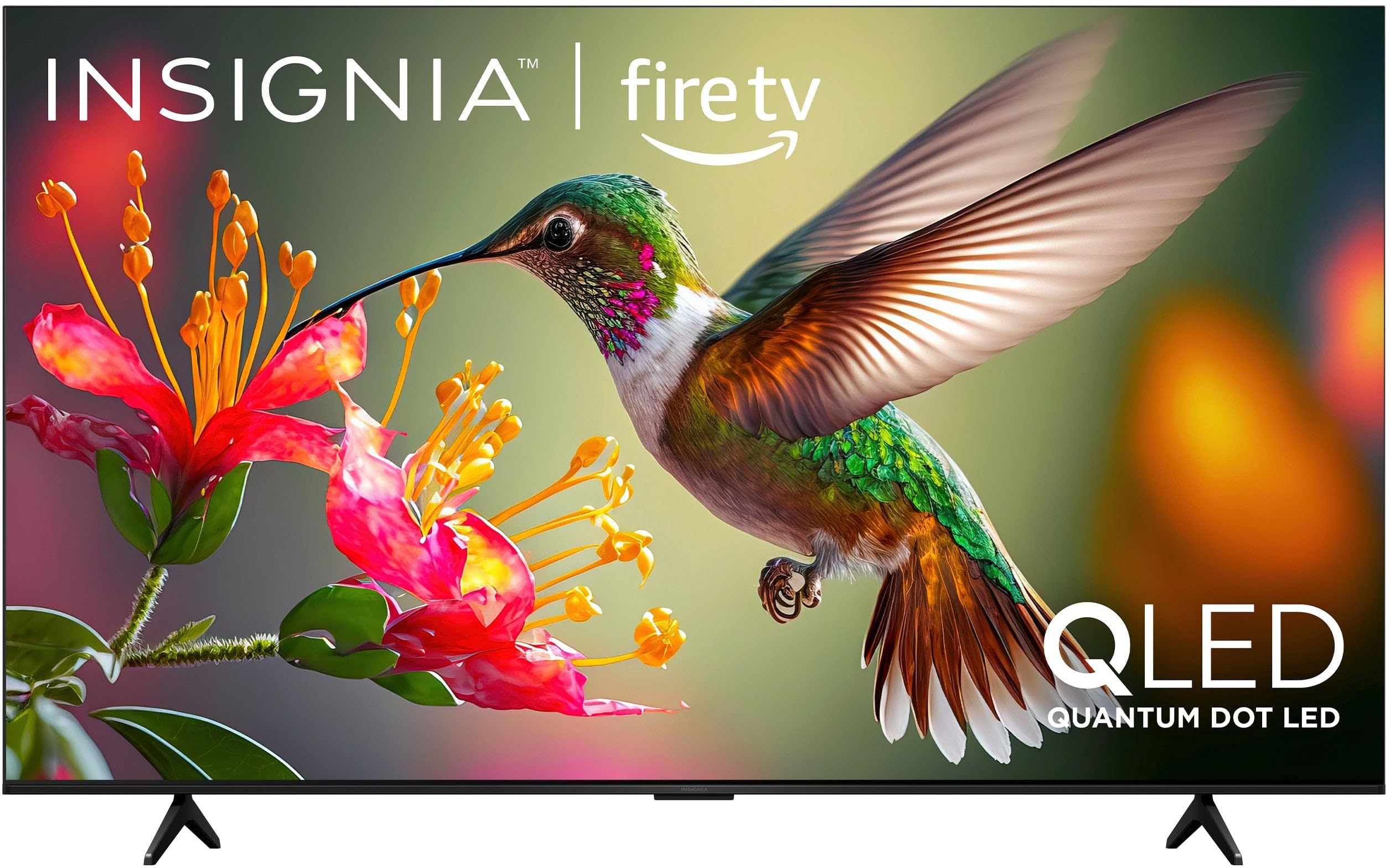
Imatge 1.1: Frontal view of the INSIGNIA 85-inch QF Series QLED 4K UHD Smart Fire TV.
2. Què hi ha a la caixa
Verifiqueu que tots els components siguin presents abans de continuar amb la configuració:
- INSIGNIA 85-inch QF Series QLED 4K UHD Smart Fire TV
- Comandament de veu amb Alexa
- Piles del comandament a distància (2 AAA)
- Suport de TV
- Cargols per a la instal·lació del suport
- Guia de configuració ràpida (aquest document)
3. Configuració
3.1. Instal·lació del suport per a TV
If you are not wall-mounting your TV, attach the included stand:
- Col·loqueu amb cura el televisor cap per avall sobre una superfície suau i neta per evitar que es faci malbé la pantalla.
- Alineeu les potes del suport amb els forats dels cargols de la part inferior del televisor.
- Fixeu les potes del suport amb els cargols proporcionats. Assegureu-vos que estiguin ben ajustades.
3.2. Engegada inicial i connexió de xarxa
- Connecteu el cable d'alimentació al televisor i després a una presa de corrent.
- Premeu el botó d'engegada del televisor o del comandament a distància per encendre el televisor.
- Follow the on-screen instructions to select your language, connect to your Wi-Fi network, and sign in to your Amazon account.
3.3. Emparellament remot
Your Voice Remote with Alexa should pair automatically. If it does not, press and hold the Casa button on the remote for 10 seconds until the LED indicator flashes blue, then release. The remote will attempt to pair.

Image 3.1: The Voice Remote with Alexa, used for controlling the TV and accessing smart features.
4. Instruccions de funcionament
4.1. Fire TV Smart OS Navigation
The Fire TV Smart OS provides a centralized hub for all your entertainment. Use the navigation buttons on your remote to browse:
- Pantalla d'inici: Access recommended content, recently used apps, and various streaming services.
- Aplicacions: Download and manage your favorite streaming applications.
- TV en directe: Integrate live TV channels from supported services or an antenna.
- Configuració: Adjust picture, sound, network, and device preferences.

Image 4.1: The Fire TV interface displaying a selection of streaming services and content.
4.2. Voice Remote with Alexa
Utilize the built-in Alexa voice assistant for hands-free control:
- Manteniu premut el botó botó de micròfon al teu comandament a distància.
- Speak commands such as "Find action movies," "Launch Netflix," "Switch to HDMI 2," or "Show me the weather."
- Alexa can also control compatible smart home devices.
4.3. Connexió de dispositius externs
Your TV is equipped with four HDMI inputs for connecting external devices:
- Connect gaming consoles, Blu-ray players, soundbars, or cable/satellite boxes to the HDMI ports.
- One HDMI port supports eARC for enhanced audio return channel functionality with compatible sound systems.
- To switch inputs, press the Entrada button on your remote and select the desired source.

Image 4.2: Illustration of the TV's connectivity options, including HDMI ports.
4.4. Millores d'imatge i so
This TV features advanced technologies for an immersive experience:
- QLED (Quantum Dot LED): Delivers vibrant, lifelike colors and improved brightness.
- Resolució 4K UltraHD: Provides four times the detail of Full HD TVs.
- Dolby Vision i Dolby Atmos: Supports advanced HDR for enhanced contrast and accurate colors, along with immersive spatial audio.

Image 4.3: Visual representation of Dolby Vision and Dolby Atmos features, highlighting cinematic picture and immersive sound.
5. Manteniment
5.1. Neteja del televisor
Per mantenir l'aspecte i el rendiment del televisor:
- Desendolla sempre el televisor abans de netejar-lo.
- Feu servir un drap suau, sec i sense borrissol per netejar suaument la pantalla i la carcassa.
- Per a marques persistents a la pantalla, fregueu lleugeramentampNetegeu el drap amb aigua o amb un netejador de pantalles especialitzat. No ruixeu mai líquid directament sobre la pantalla.
- Eviteu utilitzar netejadors abrasius, ceres o dissolvents.
5.2. Actualitzacions de programari
Your Fire TV automatically receives software updates to improve performance and add new features. Ensure your TV is connected to the internet to receive these updates. You can manually check for updates in the Settings menu.
6. Solució De Problemes
Si teniu problemes amb el televisor, consulteu les solucions habituals següents:
| Problema | Solució |
|---|---|
| Sense poder | Assegureu-vos que el cable d'alimentació estigui ben connectat tant al televisor com a una presa de corrent que funcioni. Proveu una altra presa de corrent. |
| No hi ha imatge, però hi ha so | Comproveu la font d'entrada. Premeu el botó Entrada button on the remote to cycle through inputs. Verify external devices are powered on and connected correctly. |
| El comandament a distància no respon | Replace the AAA batteries in the remote. If the issue persists, re-pair the remote by holding the Casa botó durant 10 segons. |
| No es pot connectar a la Wi-Fi | Ensure your Wi-Fi router is on and within range. Restart your router and TV. Check Wi-Fi settings in the TV's menu to ensure the correct network and password are entered. |
| Poca qualitat d'imatge | Adjust picture settings (brightness, contrast, color) in the TV's menu. Ensure the content source is high-quality (e.g., 4K content for 4K resolution). |
| Sense so | Check the volume level and ensure the TV is not muted. Verify external audio devices (soundbar, receiver) are connected and configured correctly. |
7. Especificacions
| Característica | Detall |
|---|---|
| Nom del model | NS85-UQFL27 |
| Mida de la pantalla | 84.6 polzades (classe de 85 polzades) |
| Tecnologia de visualització | QLED (LED de punt quàntic) |
| Resolució | 4K Ultra HD (3840 x 2160) |
| Freqüència d'actualització | 60 Hz |
| Sistema operatiu | FireOS |
| Suport HDR | Dolby Vision |
| Tecnologia d'àudio | Dolby Atmos |
| Connectivitat | Wi-Fi |
| Entrades HDMI | 4 (including 1 eARC) |
| Característiques especials | Voice Remote with Alexa, Apple Airplay |
| Dimensions del producte (P x A x A) | 2.5 "P x 74.4" W x 42.8" H |
| Item Weight Without Stand | 64.6 lliures |
| Components inclosos | Remote Control, Remote Control Battery, Screws, Stand |
| UPC | 600603325472 |
8. Garantia i assistència
8.1. Informació de la garantia
This INSIGNIA TV comes with a 1 anys de garantia. For specific terms and conditions, please refer to the warranty card included with your product or visit the official INSIGNIA support weblloc.
8.2. Atenció al client
If you require further assistance or encounter issues not covered in this manual, please contact INSIGNIA customer support. Contact information can typically be found on the manufacturer's weblloc web o a l'embalatge del producte.