
1. Introducció
Welcome to the Huidun HiBook 6 15.6-inch FHD Laptop. This manual provides essential information for setting up, operating, maintaining, and troubleshooting your new device. Please read it thoroughly to ensure optimal performance and longevity of your laptop.
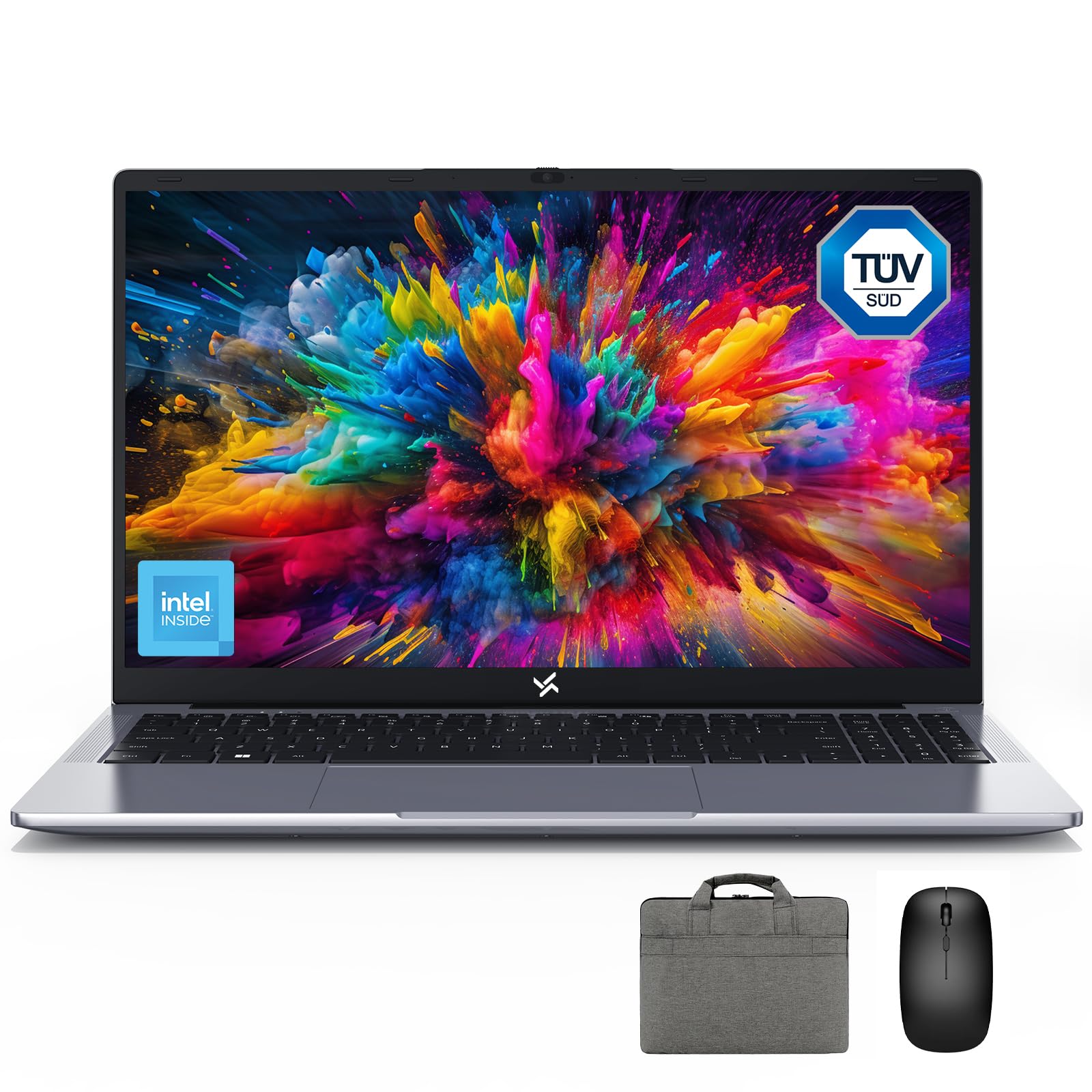
Figure 1: Huidun HiBook 6 Laptop Overview
The Huidun HiBook 6 is a versatile laptop designed for productivity and entertainment. It features a 15.6-inch Full HD display, an Intel N150 Quad-Core Processor, 16GB of RAM, and a 256GB NVMe SSD. It comes pre-installed with Windows 11 Home and includes a carrying bag, wireless mouse, and mouse pad for a complete user experience.
2. Configuració
2.1 Desembalatge i inspecció inicial
Traieu amb cura tots els components de l'embalatge. Assegureu-vos que hi hagi els elements següents:
- Huidun HiBook 6 Laptop
- Power Adapter (45W USB-C)
- Ratolí sense fil
- Coixinet de ratolí
- Laptop Carrying Bag
- Manual d'usuari (aquest document)
Inspect the laptop for any physical damage. If any components are missing or damaged, contact customer support immediately.

Figure 2: Laptop and Included Accessories
2.2 Engegada i configuració inicial
- Connect the power adapter to the laptop's Type-C port and plug it into a power outlet.
- Open the laptop lid. The laptop may power on automatically, or you may need to press the power button located on the top right of the keyboard.
- Follow the on-screen instructions to complete the Windows 11 Home setup. This includes selecting your language, region, connecting to a Wi-Fi network, and creating a user account.
- Connect the wireless mouse by inserting the USB receiver into an available USB-A port on the laptop.
Video 1: Huidun HiBook 6 Laptop Setup and Initial Use. This video demonstrates the unboxing and initial setup process for the Huidun HiBook 6 laptop, including connecting peripherals and powering on the device.
3. Instruccions de funcionament
3.1 Teclat i touchpad
The HiBook 6 features a full-size keyboard with an independent numeric keypad for enhanced productivity. The touchpad supports multi-touch gestures for navigation and control.

Figure 3: Independent Numeric Keypad for Efficient Data Entry
3.2 Visualització i elements visuals
The 15.6-inch Full HD IPS display (1920x1080 resolution) offers clear visuals. It includes TÜV Rheinland-certified eye-care technology and an anti-glare coating to reduce eye strain during prolonged use.

Figure 4: 15.6-inch Full HD IPS Display with Eye Protection
3.3 Connectivitat i ports
The HiBook 6 offers a range of ports for connecting peripherals and external displays:
- Full-featured Type-C: Supports 5Gbps data transfer, 4K video output (DP 1.4), and PD fast charging.
- HDMI 2.0: Supports up to 4K resolution at 60Hz for external monitors.
- USB-A 3.2 Gen 1: Per a la transferència de dades d'alta velocitat.
- USB 2.0: For standard peripherals.
- Ranura per a targetes TF: For memory card expansion.
- Conector d'àudio de 3.5 mm: Per a auriculars o altaveus externs.
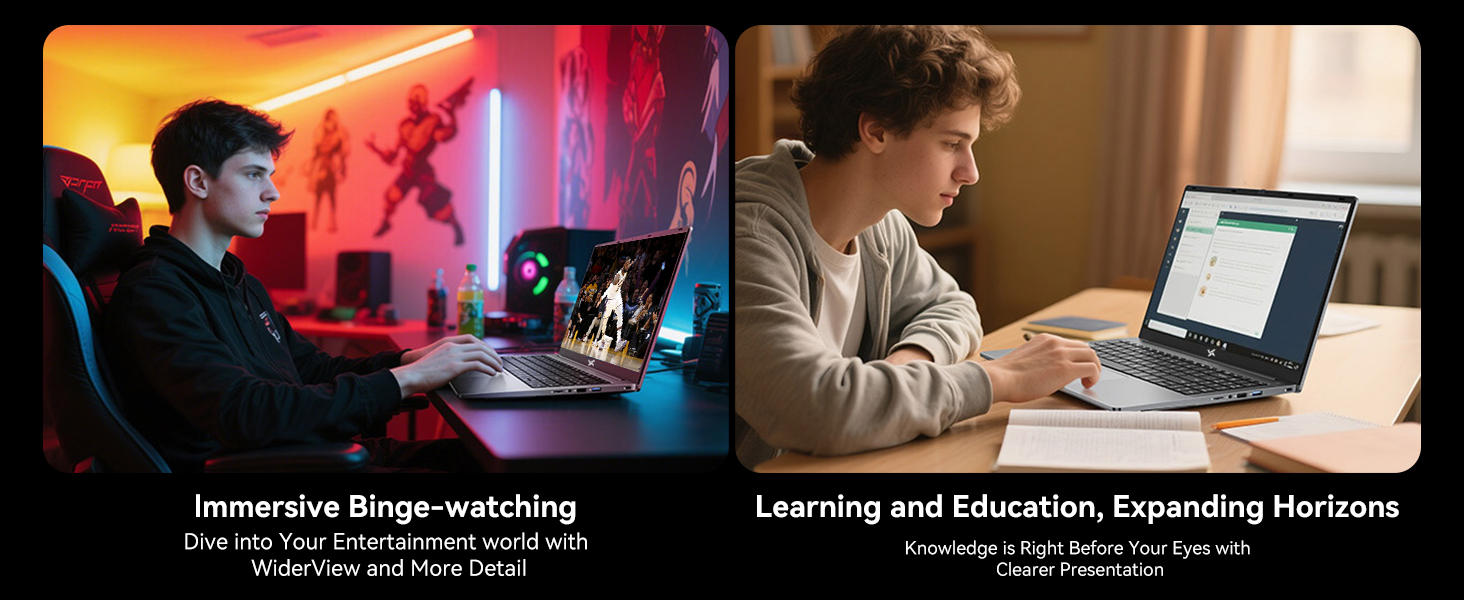
Figura 5: Mésview of 7 Versatile Ports
3.4 Bateria i càrrega
The laptop is equipped with a 45Wh battery, providing up to 6 hours of continuous runtime. Use the included 45W USB-C fast charger to power the battery up to 60% in approximately 45 minutes.
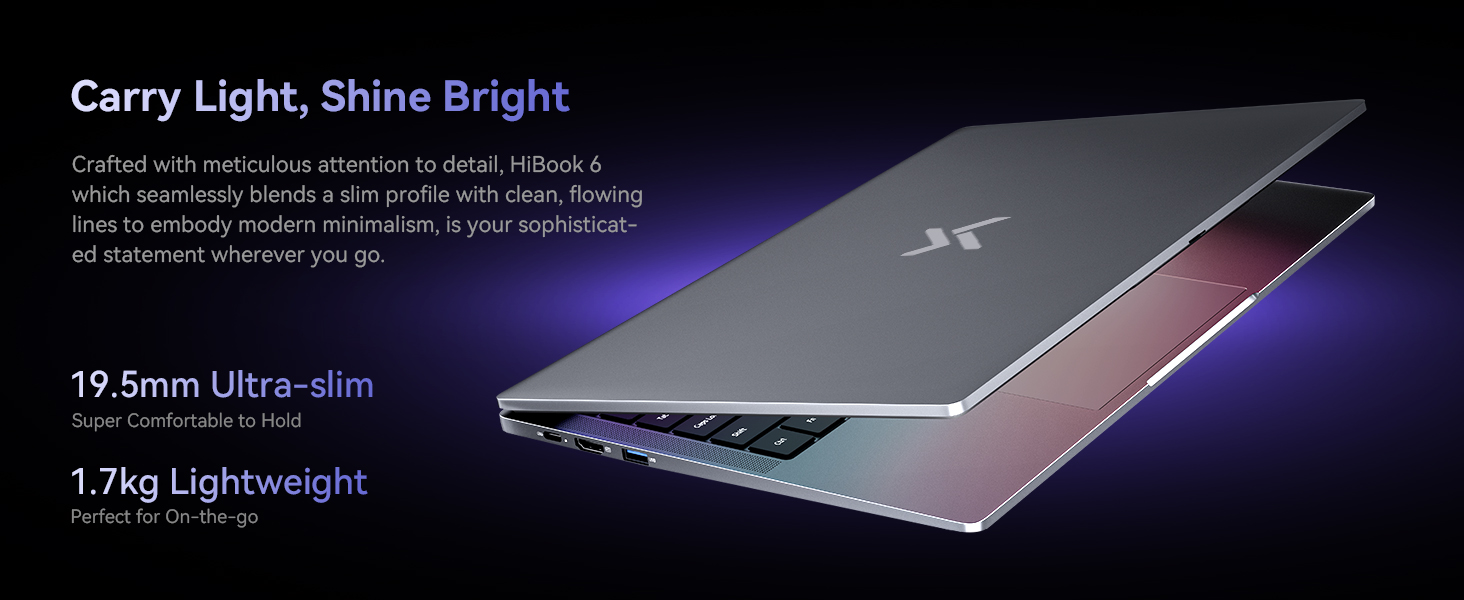
Figura 6: Intern View of the 45Wh Battery
4. Manteniment
4.1 Neteja del portàtil
- Feu servir un drap suau i sense borrissol per netejar la pantalla i l'exterior.
- Per a taques persistents, lleugerament dampNetegeu el drap amb aigua o un netejador de pantalles segur.
- Eviteu ruixar líquids directament sobre l'ordinador portàtil.
- Use compressed air to clear dust from keyboard keys and vents.
4.2 Optimització del rendiment
- Regularly update your Windows operating system and drivers.
- Keep the cooling vents clear to prevent overheating. The laptop features a 16,800mm² cooling area with a shark fin fan for efficient heat dissipation.
- Executeu periòdicament eines de neteja i desfragmentació de disc (per a discs durs, no cal per a discs SSD).
- Manage startup programs to reduce boot time and system load.
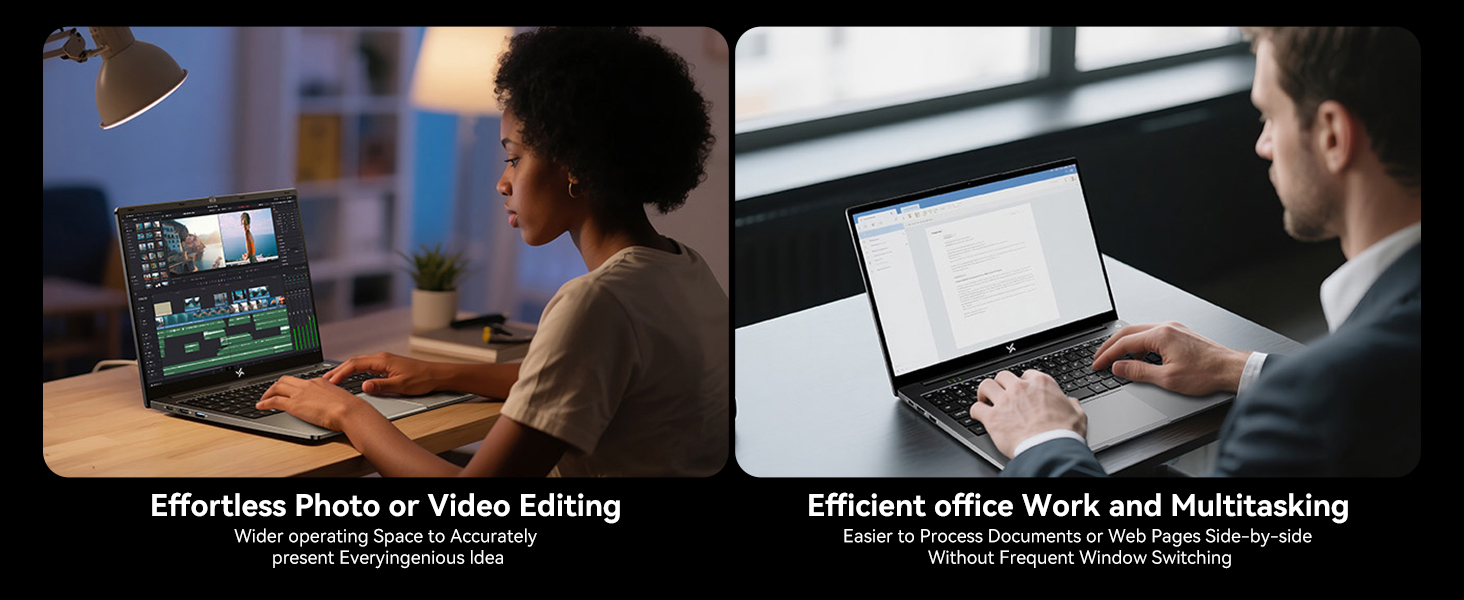
Figure 7: Expansive Cooling Area for Optimal Performance
5. Solució De Problemes
5.1 Problemes comuns i solucions
| Problema | Possible solució |
|---|---|
| El portàtil no s'encén | Ensure the power adapter is securely connected and the outlet is working. Try a different power outlet. If the battery is completely drained, it may take a few minutes to show signs of life after plugging in. |
| La pantalla està en blanc o negra | Check if the laptop is powered on. Adjust screen brightness. Connect to an external monitor via HDMI to check if the issue is with the laptop's display. |
| Rendiment lent | Close unnecessary applications. Check for background processes. Ensure sufficient free space on the SSD. Run a virus scan. Refer to the 'Optimizing Performance' section. |
| Problemes de connectivitat Wi-Fi | Restart your router and modem. Restart the laptop. Check Wi-Fi settings and ensure the correct network is selected. Update Wi-Fi drivers. |
| La bateria no es carrega | Verify the power adapter and cable are not damaged. Ensure the Type-C port is clean. Try a different Type-C port if available. |
If you encounter issues not listed here or if the suggested solutions do not resolve the problem, please contact Huidun technical support.
6. Especificacions
Below are the detailed technical specifications for the Huidun HiBook 6 laptop:
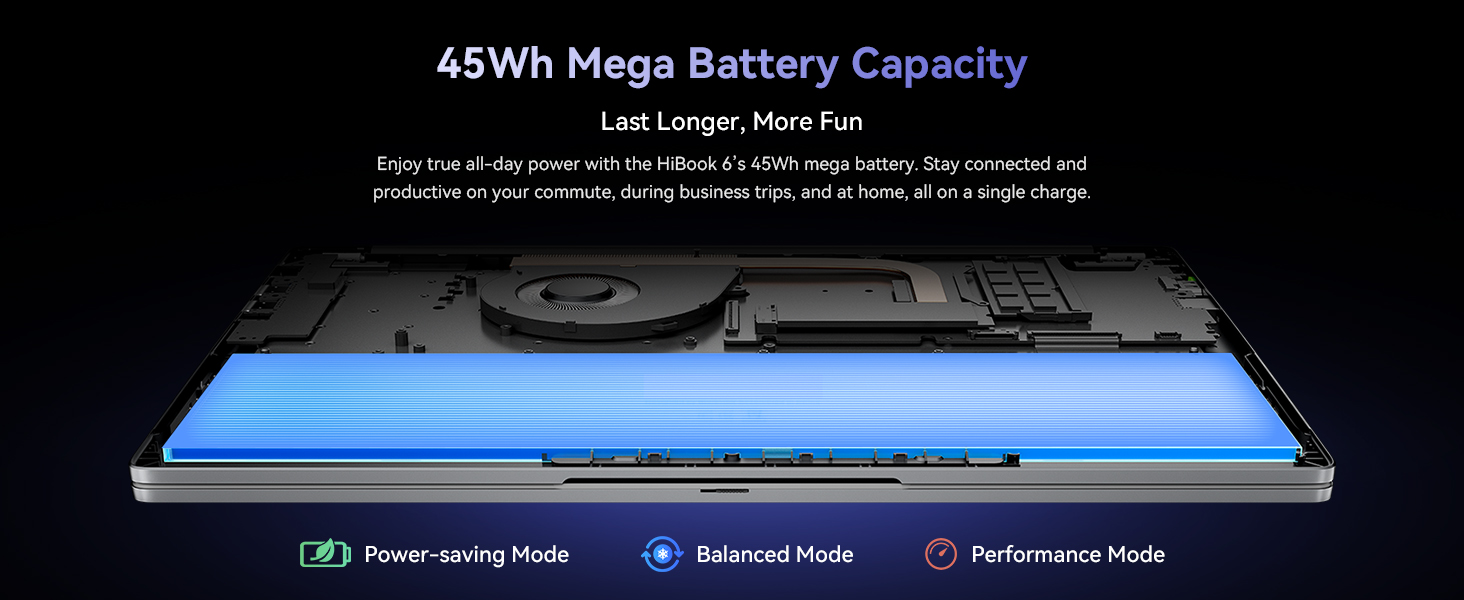
Figure 8: Key Internal Components and Features
| Característica | Detall |
|---|---|
| Marca | Huidun |
| Nom del model | Huidun Hibook6 |
| Mida de la pantalla | 15.6 polzades |
| Resolució de visualització | 1920 x 1080 píxels (Full HD) |
| Model de CPU | Intel N150 Quad-Core (up to 3.6GHz) |
| Memòria RAM | 16 GB de DDR4 (ampliable fins a 32 GB) |
| Mida del disc dur | 256 GB NVMe SSD (Expandable up to 2TB) |
| Sistema operatiu | Windows 11 Home |
| Coprocessador gràfic | Gràfics Intel UHD |
| Capacitat de la bateria | 45 Wh (5000 mAh) |
| Connectivitat | Dual-band 5G WiFi, Bluetooth 5.0 |
| Ports | Full-featured Type-C, HDMI 2.0, USB-A 3.2 Gen 1 (x2), USB 2.0, TF Card Slot, 3.5mm Audio Jack |
| Dimensions (L x W x Thickness) | 9 cm de llargada x 10 cm d'amplada x 0.6 cm de gruix |
| Pes | 3.75 lliures (1.7 kg) |
7. Garantia i Suport
7.1 Garantia del producte
The Huidun HiBook 6 laptop comes with an industry-leading 3 anys de garantia des de la data de compra. Aquesta garantia cobreix defectes de fabricació i avaries de maquinari en condicions d'ús normal. Conserveu el comprovant de compra per a reclamacions de garantia.
7.2 Suport tècnic
Huidun provides suport tècnic de per vida for your HiBook 6 laptop. If you encounter any issues or have questions, please contact our support team through the following methods:
- Refer to the contact information provided in the warranty card included with your product.
- Visit the official Huidun weblloc web per a recursos de suport i dades de contacte.
- Scan the QR code on your laptop (if available) for direct access to support.
Our dedicated support team is available to assist you with any technical inquiries or troubleshooting needs.