
1. Introducció i finalview
This manual provides detailed instructions for the Redmi 15A 5G smartphone. It covers essential information regarding device setup, operation, maintenance, troubleshooting, and technical specifications. Please read this manual thoroughly to ensure proper use and to maximize the performance of your device.
Què hi ha a la caixa
- Redmi 15A 5G Smartphone
- Carregador
- Cable USB-Type C
- Eina d'expulsió de SIM
- Targeta de garantia
- Guia de l'usuari (aquest document)
- Funda protectora
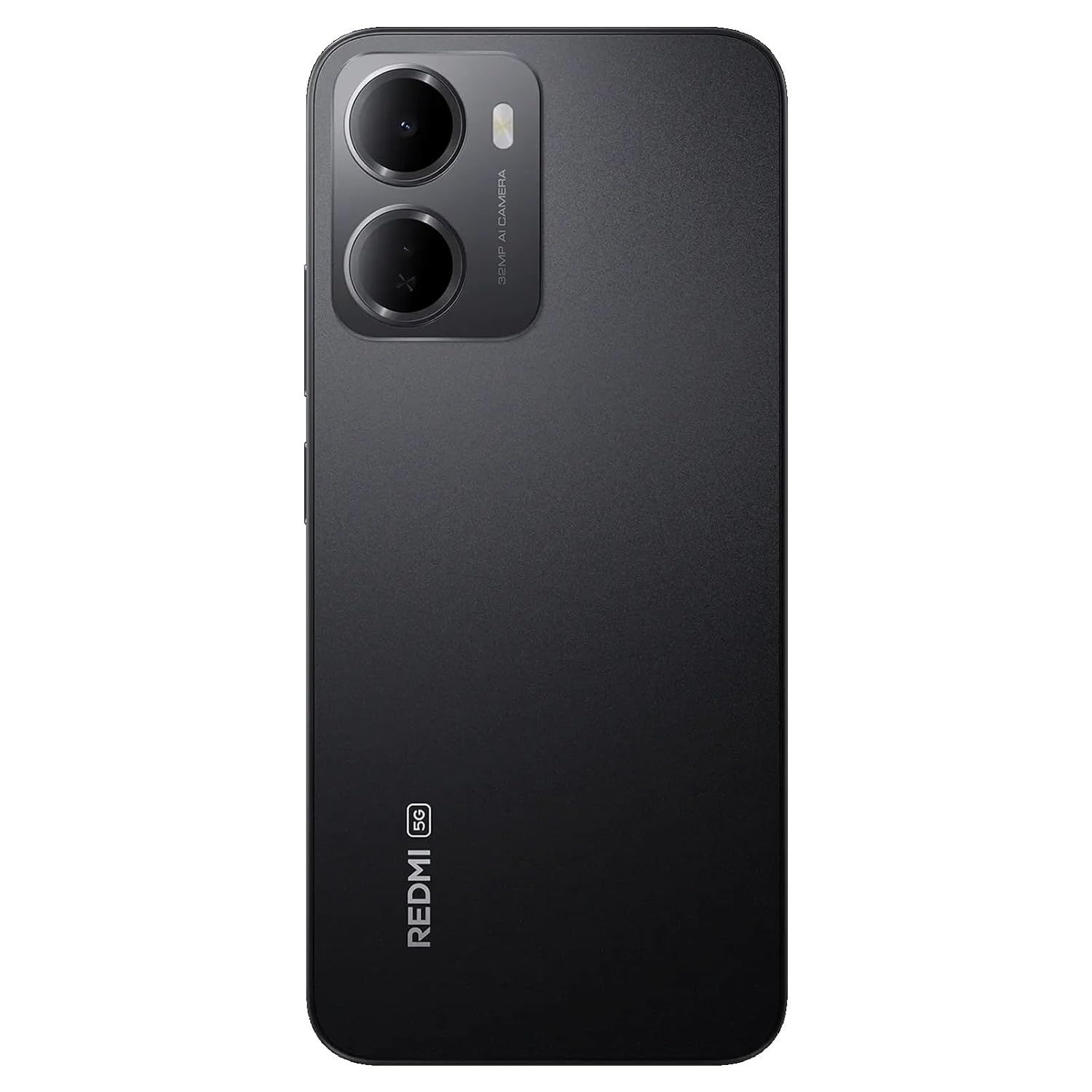
Figure 1: Redmi 15A 5G Smartphone (Front and Back View)
2. Configuració del dispositiu
2.1. Instal·lació de la targeta SIM i la targeta microSD
Per instal·lar la targeta SIM i/o la targeta microSD:
- Localitza la safata de la targeta SIM al lateral del dispositiu.
- Introduïu l'eina d'expulsió de la SIM al forat petit que hi ha al costat de la safata i premeu fermament fins que la safata surti.
- Col·loqueu la targeta (o targetes) nano-SIM i/o la targeta microSD a les ranures designades de la safata, assegurant-vos que els contactes daurats estiguin mirant cap avall.
- Empenyeu amb cura la safata cap al dispositiu fins que encaixi al seu lloc.

Figura 2: lateral View amb safata SIM
2.2. Càrrega del dispositiu
Before first use, it is recommended to fully charge your Redmi 15A 5G. Connect the USB Type-C cable to the charging port at the bottom of the phone and plug the other end into the provided charger. Plug the charger into a power outlet. The battery indicator on the screen will show the charging status.
2.3. Engegada i configuració inicial
To power on your device, press and hold the Power button located on the side until the Redmi logo appears. Follow the on-screen instructions to complete the initial setup, including language selection, Wi-Fi connection, Google account setup, and security settings.
3. Instruccions de funcionament
3.1. Navegació bàsica
The Redmi 15A 5G features a touchscreen interface. Use gestures such as tapping, swiping, pinching, and spreading to navigate. The Power button controls screen on/off and device power, while the Volume buttons adjust audio levels.
3.2. Fer trucades i enviar missatges
To make a call, open the Phone app, enter the number, and tap the call icon. To send a message, open the Messages app, tap the new message icon, enter the recipient's number or select from contacts, and type your message.
3.3. Connexió a xarxes
- Wi-Fi: Go to Settings > Wi-Fi, turn Wi-Fi on, and select your desired network. Enter the password if prompted.
- Dades mòbils (5G): Go to Settings > SIM cards & mobile networks, select your SIM, and ensure 'Mobile data' is enabled.
- Bluetooth: Go to Settings > Bluetooth, turn Bluetooth on, and pair with available devices.
3.4. Ús de la càmera
Open the Camera app from your home screen or app drawer. Tap the shutter button to take a photo. Swipe left or right to switch between different modes like Video, Portrait, and more. Tap on the screen to focus on a specific area.
3.5. Característiques de seguretat
Your device supports various security features:
- Bloqueig de pantalla: Set a PIN, pattern, or password via Settings > Password & security.
- Desbloqueig de les empremtes digitals: Register your fingerprint(s) via Settings > Password & security > Fingerprint unlock.
- Desbloqueig facial: Set up face recognition via Settings > Password & security > Face unlock.
4. Manteniment
4.1. Neteja del dispositiu
Use a soft, lint-free cloth to gently wipe the screen and body of your phone. Avoid using harsh chemicals, abrasive cleaners, or aerosol sprays, as these can damage the device's finish and coatings. Do not expose the device to excessive moisture.
4.2. Cura de la bateria
Per allargar la vida útil de la bateria de 6300 mAh:
- Eviteu temperatures extremes.
- No deixeu que la bateria es descarregui completament amb freqüència.
- Feu servir només el carregador i el cable proporcionats.
- Desendolleu el carregador un cop la bateria estigui plena.
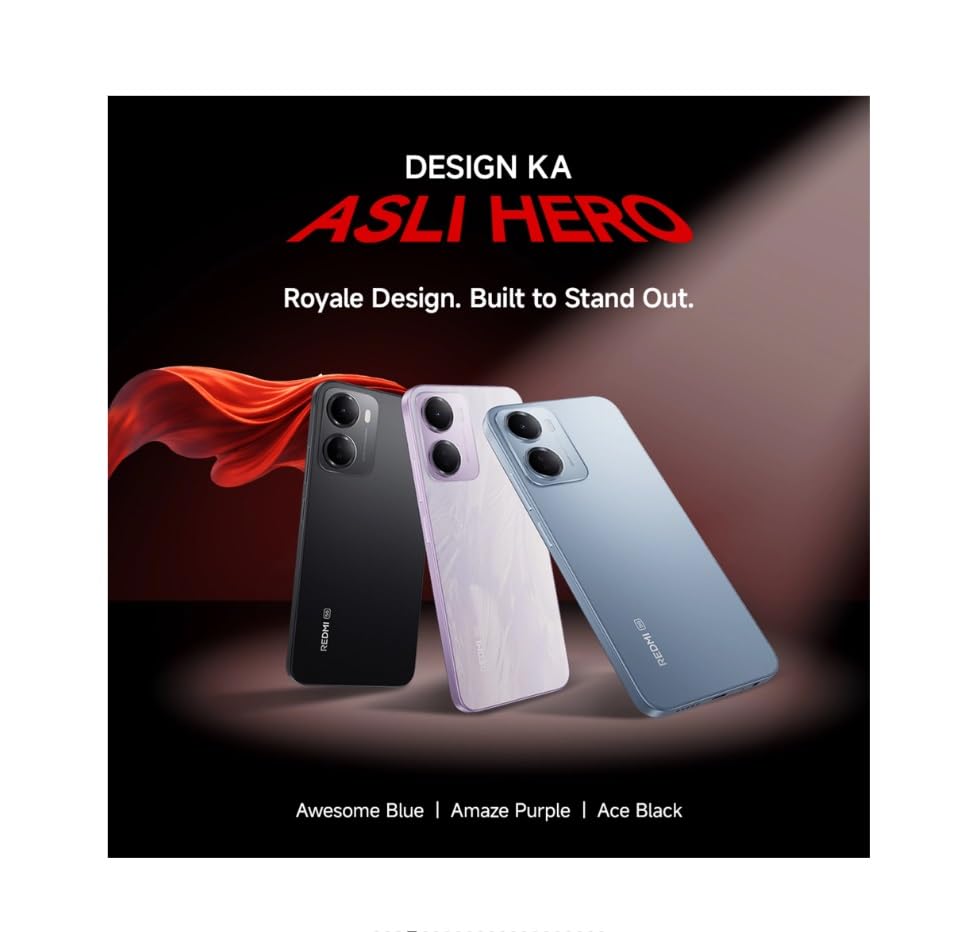
Figure 3: Redmi 15A 5G Battery Capacity (6300mAh)
4.3. Actualitzacions de programari
Regularly check for and install software updates to ensure your device has the latest features, security patches, and performance improvements. Go to Settings > About phone > MIUI version (or Android version) to check for updates.
4.4. Còpia de seguretat de dades
It is recommended to regularly back up your important data (photos, contacts, documents) to a cloud service or a computer to prevent data loss in case of device malfunction or loss.
5. Solució De Problemes
5.1. El dispositiu no s'encén
- Assegureu-vos que la bateria estigui carregada. Connecteu el carregador i espereu uns minuts abans d'intentar engegar-lo.
- Mantingueu premut el botó d'engegada durant almenys 10-15 segons per forçar un reinici.
5.2. Problemes de connectivitat de xarxa
- Wi-Fi: Restart your router. Forget and reconnect to the Wi-Fi network on your phone.
- Dades mòbils: Ensure mobile data is enabled and you have an active plan. Try toggling Airplane Mode on and off.
- Calls/SMS: Check SIM card insertion. Ensure you have network signal.
5.3. Application Performance Issues
- Tanca les aplicacions en segon pla.
- Clear the cache of the problematic app (Settings > Apps > Manage apps > [App Name] > Clear cache).
- Reinicieu el dispositiu.
5.4. Restabliment de fàbrica
Avís: Un restabliment de fàbrica esborrarà totes les dades del dispositiu. Fes una còpia de seguretat de les dades importants abans de continuar.
If other troubleshooting steps fail, you may perform a factory reset: Go to Settings > About phone > Factory reset. Follow the on-screen prompts.
6. Especificacions
| Característica | Especificació |
|---|---|
| Marca | Redmi |
| Model | 15A 5G |
| Sistema operatiu | Android 16, HyperOS 3 |
| Memòria RAM | 4 GB |
| Capacitat d'emmagatzematge de memòria | 64 GB |
| Model de CPU | Core 2 Duo T8300 |
| Velocitat de la CPU | 2.2 GHz |
| Potència de la bateria | 6300 mAh |
| Tipus de visualització | LCD |
| Tecnologia cel·lular | 5G |
| Tecnologia de xarxa sense fil | LTE |
| Tipus de connector | USB tipus C |
| Dimensions de l'article | 17.2 x 7.9 x 0.8 centímetres |
| Pes de l'article | 210 grams |
| Any model | 2026 |
7. Informació de la garantia
The Redmi 15A 5G comes with a 1 any de garantia del fabricant per al dispositiu des de la data de compra. Els accessoris inclosos a la caixa, incloses les bateries, estan coberts per una garantia 6 mesos de garantia del fabricant des de la data de compra. Si us plau, conserveu el comprovant de compra per a reclamacions de garantia.
8. Atenció al client
For technical assistance, service, or warranty inquiries, please contact Redmi customer support. You can find contact details on the official Redmi website or refer to the warranty card included in your product box.
Fabricant: DBG Technology (India) Pvt Ltd, PLOT NO-2, BAWAL, SECTOR-8, Rewari, Haryana, 123501.
Importador: Xiaomi Technology India Private Limited, Building Orchid. Block E, Embassy Tech Village, Marathahalli Outer Ring Road, Devarabisanahalli, Bengaluru 560103.


