
1. Introducció
This manual provides essential information for setting up, operating, and maintaining your TCL 75C7L 75-inch SQD-Mini LED 4K Smart TV. Please read it thoroughly to ensure proper use and to maximize your viewexperiència. Conserveu aquest manual com a referència futura.

Imatge 1.1: Frontal view of the TCL 75C7L 75-inch SQD-Mini LED 4K Smart TV.
2. Configuració
2.1 Desembalatge i components
Traieu amb cura el televisor del seu embalatge. Assegureu-vos que hi hagi tots els components:
- TCL 75C7L TV Unit
- Cable d'alimentació
- Control remot
- Components del suport
2.2 Instal·lació de l'estand
Si no voleu muntar el televisor a la paret, fixeu el suport de la manera següent:
- Col·loqueu la pantalla del televisor amb la pantalla cap avall sobre una superfície suau i plana per evitar que es faci malbé.
- Alineeu els components del suport amb els forats de muntatge de la part inferior del televisor.
- Fixeu el suport amb els cargols proporcionats. Assegureu-vos que estigui ben fixat.
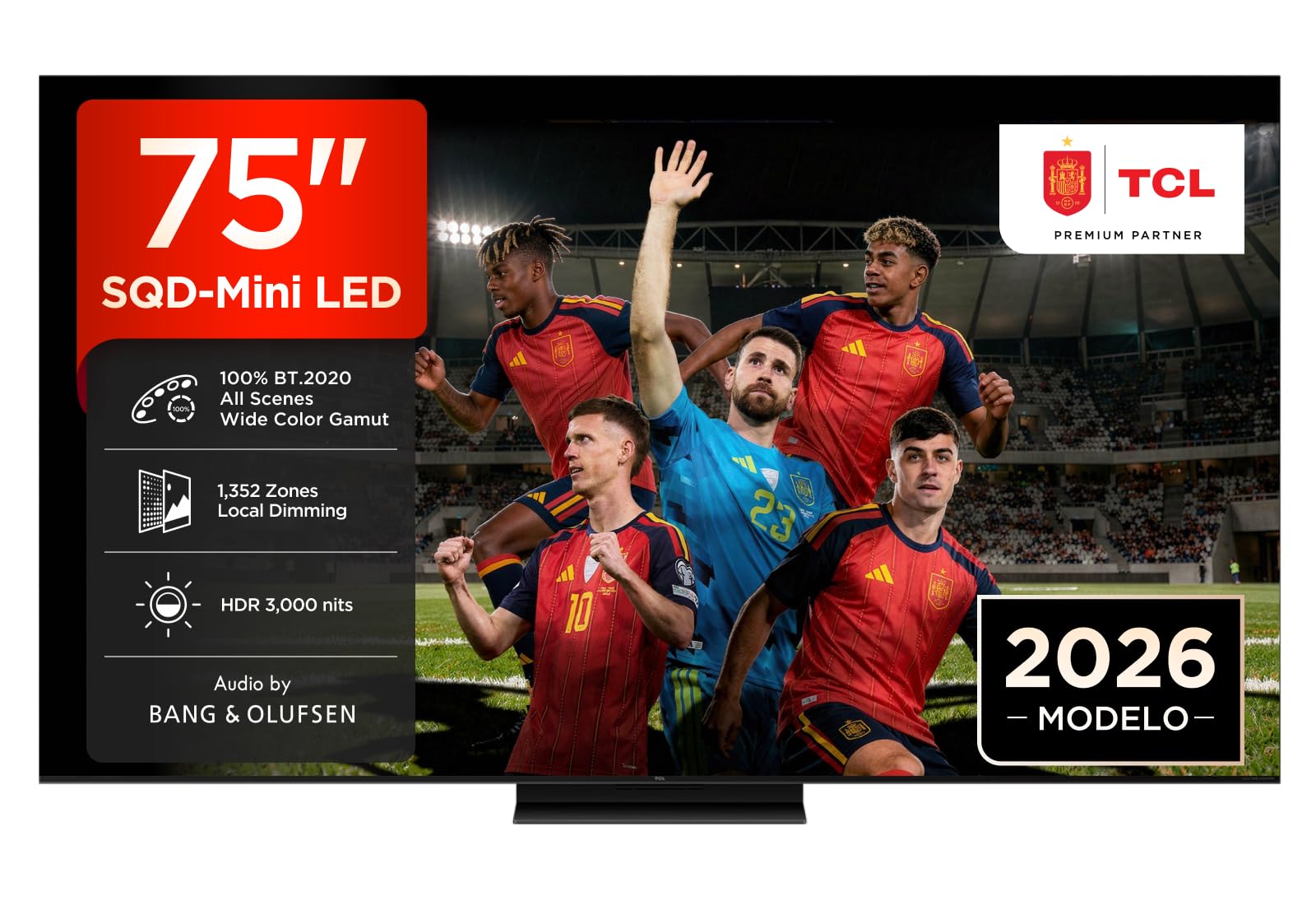
Image 2.1: Dimensions of the TCL 75C7L TV and stand assembly diagram. The TV measures 1666mm wide, 995mm high (with stand), and 367mm deep (with stand). The VESA mounting pattern is 300x300mm.
2.3 Muntatge a la paret
For wall mounting, use a VESA-compatible bracket (300 x 300 mm) and follow the instructions provided with your wall mount. Ensure the wall can support the TV's weight (36.3 kg with stand, 24.6 kg without stand).
2.4 Connexió de dispositius externs
Connecteu els dispositius externs als ports corresponents del panell posterior del televisor.
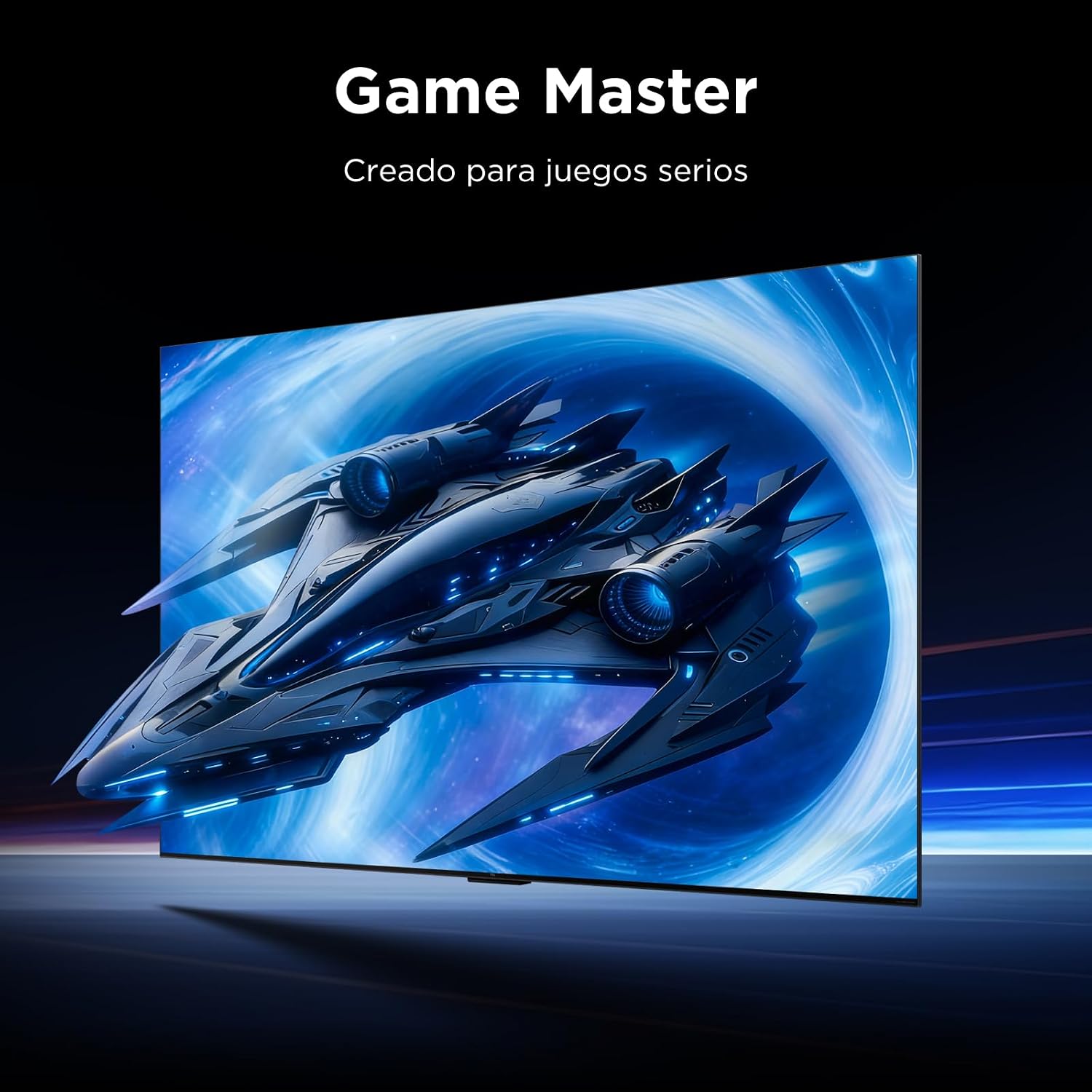
Image 2.2: Rear panel connections of the TCL 75C7L TV. Ports include USB 3.0, LAN, HDMI 1 (4K@144Hz eARC/ARC), HDMI 2 (4K@60Hz Service Port), HDMI 3 (4K@60Hz), HDMI 4 (4K@60Hz), Antenna/Cable, Satellite, CI Slot, and Optical audio out.
- HDMI: Connect Blu-ray players, game consoles, or other HDMI devices. HDMI 1 supports 4K at 144Hz with eARC/ARC.
- USB: Connecteu dispositius d'emmagatzematge USB per a la reproducció de contingut multimèdia.
- LAN: Connecteu un cable Ethernet per a una connexió a Internet per cable.
- Antena/cable: Connecteu l'antena o el senyal de televisió per cable.
- Òptic: Connect to an external audio system for digital audio output.
2.5 Connexió d'alimentació
After all connections are made, plug the power cable into the TV and then into a wall outlet.
2.6 Configuració inicial
Upon first power-on, the TV will guide you through the initial setup process, including language selection, network connection (Wi-Fi or Ethernet), and Google TV account setup.
3. Funcionament
3.1 Control remot
Use the provided remote control (RC833A) to navigate the TV's features. The remote includes buttons for power, volume, channel, input selection, and smart TV functions.
3.2 Funcions bàsiques
- Encès/apagat: Premeu el botó d'engegada del comandament a distància.
- Control de volum: Feu servir els botons de pujar/baixar el volum.
- Selecció de canals: Use the channel up/down buttons or number pad.
- Font d'entrada: Press the input button to switch between HDMI, TV, and other sources.
3.3 Funcions de Smart TV (Google TV)
Your TCL 75C7L TV runs on Google TV, offering access to a wide range of apps, streaming services, and personalized recommendations. Use the built-in Google Assistant for voice control.

Image 3.1: Illustration of AI processing enhancing visualization, showing how TCL AI adjusts image and sound for a personalized experience.
3.4 Configuració de la imatge
Access the picture settings menu to adjust various display parameters:
- Mode d'imatge: Select from preset modes (e.g., Standard, Movie, Game) or customize your own.
- Brillantor i contrast: Adjust for optimal light and dark levels. The TV features up to 3000 nits peak brightness for HDR content.
- Color: The SQD-Mini LED and Super QLED + UltraColor panel deliver 100% BT.2020 color volume for accurate and vibrant colors.
- Atenuació local: The TV utilizes 1,352 precise dimming zones for deep blacks and bright highlights.
- Motion Clarity Pro: Enhances motion smoothness, especially for fast-paced content, with a 144Hz refresh rate.

Image 3.2: The TCL 75C7L TV showcasing its 100% BT.2020 wide color gamut, ensuring accurate and vibrant color reproduction.

Image 3.3: Visual representation of the 1,352 precise dimming zones on the TCL 75C7L TV, providing enhanced contrast and detail.

Image 3.4: The TCL 75C7L TV demonstrating its 3000 nits peak HDR brightness, revealing fine details in both bright and dark scenes.
3.5 Configuració de so
Adjust audio settings for your preferred sound experience. The TV features Audio by Bang & Olufsen with Dolby Atmos support.

Image 3.5: The TCL 75C7L TV featuring Audio by Bang & Olufsen, delivering refined and balanced sound.
3.6 Característiques del joc
The TCL 75C7L is equipped with Game Master Pro, offering features optimized for gaming:
- 144Hz VRR: Supports Variable Refresh Rate up to 144Hz for smooth, tear-free gameplay.
- Baix retard d'entrada: Minimitza el retard entre l'entrada del controlador i l'acció en pantalla.
- Barra de jocs: Provides quick access to gaming settings and tools.

Image 3.6: The TCL 75C7L TV highlighting its Game Accelerator 288 VRR feature for smooth motion in games.

Image 3.7: A user playing a racing game on the TCL 75C7L TV, demonstrating the immersive gaming experience.
4. Manteniment
4.1 Neteja del televisor
To clean the screen, gently wipe it with a soft, lint-free cloth. For the TV body, use a soft, dry cloth. Do not use abrasive cleaners, waxes, or solvents.
4.2 Actualitzacions de programari
El televisor pot rebre actualitzacions de programari automàtiques a través d'Internet. Assegureu-vos que el televisor estigui connectat a Internet per rebre les darreres funcions i millores de rendiment.
5. Solució De Problemes
Si teniu problemes amb el televisor, consulteu les solucions habituals següents:
- Sense energia: Check if the power cable is securely plugged into both the TV and the wall outlet. Try a different outlet.
- Sense imatge/so: Assegureu-vos que heu seleccionat la font d'entrada correcta. Comproveu totes les connexions de cable a dispositius externs.
- Mala qualitat d'imatge: Adjust picture settings. Check the quality of the source signal.
- El control remot no funciona: Canvieu les piles. Assegureu-vos que no hi hagi cap obstacle entre el comandament a distància i el televisor.
- Problemes de connexió de xarxa: Restart your router and modem. Check Wi-Fi password or Ethernet cable connection.
For more complex issues, consult the full user manual available online or contact TCL customer support.
6. Especificacions
| Característica | Especificació |
|---|---|
| Número de model | 75C7L |
| Mida de la pantalla | 75 polzades |
| Tecnologia de visualització | SQD-Mini LED |
| Resolució | 4K (3840 x 2160) |
| Freqüència d'actualització | 144 Hz |
| Lluminositat màxima | 3000 nits |
| Suport al format HDR | Dolby Vision IQ, HDR10+, IMAX Enhanced |
| Tecnologia d'àudio | Audio by Bang & Olufsen, Dolby Atmos, DTS:X |
| Sistema operatiu | Google TV amb l'Assistent de Google |
| Connectivitat | Bluetooth, Ethernet, HDMI (4 ports), USB (1 port), Wi-Fi |
| Ports HDMI | 4 (HDMI 1 supports 4K@144Hz eARC/ARC) |
| Compatibilitat VESA | 300 x 300 mm |
| Dimensions (amb suport) | 36.7 x 166.6 x 99.5 cm |
| Pes (amb suport) | 36.3 kg |
| Classe d'eficiència energètica | E |
7. Garantia i Suport
7.1 Garantia del producte
Your TCL 75C7L TV comes with a 2-year manufacturer's warranty. Please retain your proof of purchase for warranty claims.
7.2 Atenció al client
For technical assistance, troubleshooting, or warranty inquiries, please contact TCL customer support. Refer to the official TCL weblloc web per obtenir informació de contacte específica de la vostra regió.


