
Introducció
This manual provides instructions for the setup, operation, and maintenance of your La Crosse Technology Equity 617-546 Digital Alarm Clock. This device features a 2-inch red LED display, indoor temperature display, and a crescendo alarm function. Please read these instructions thoroughly before using your new alarm clock.
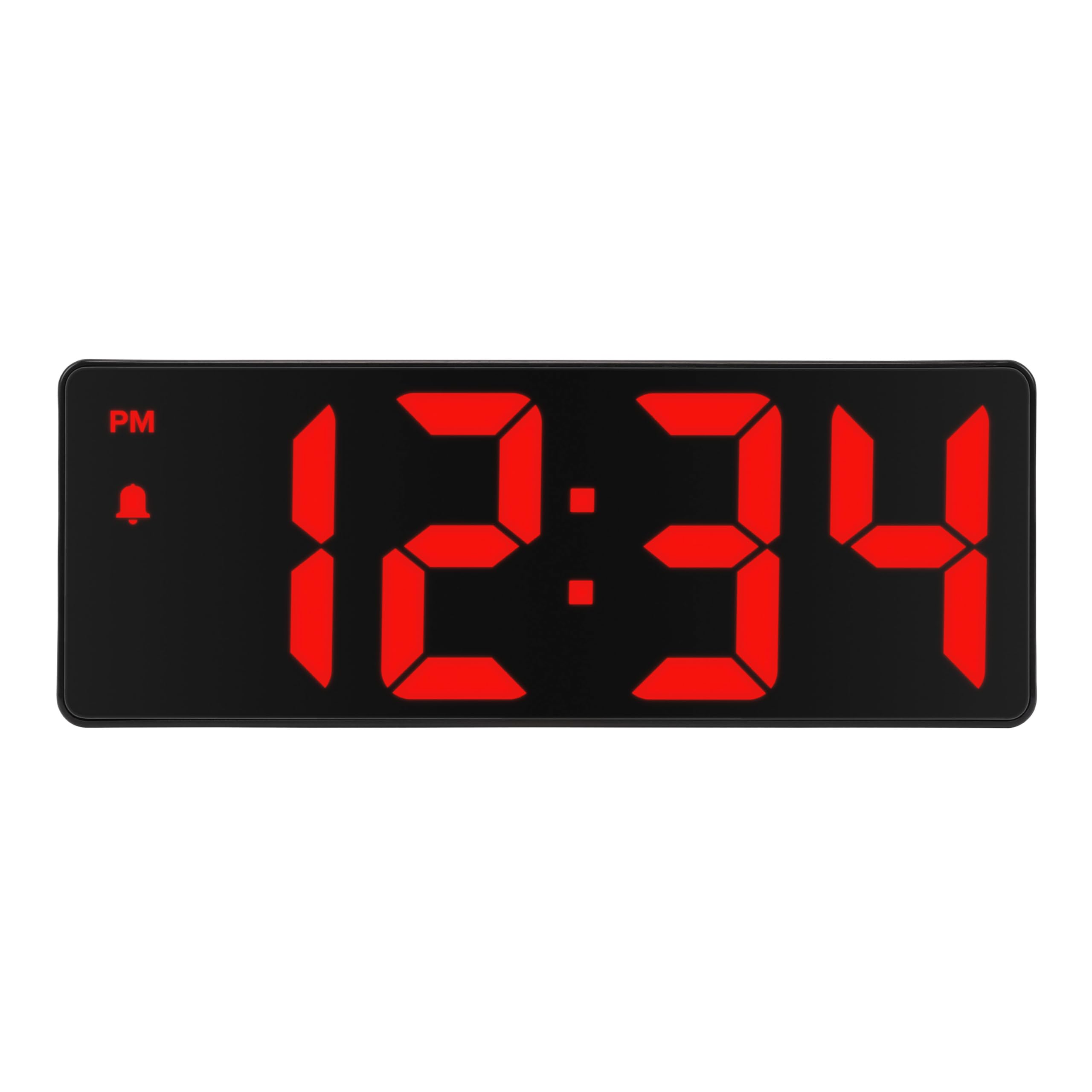
Figura 1: Frontal view of the 617-546 Digital Alarm Clock.
Contingut del paquet
- La Crosse Technology Equity 617-546 Digital Alarm Clock
- Adaptador de corrent (amb cable elèctric)
- Manual d'usuari (aquest document)
Nota: 3 AAA batteries (not included) are required for battery backup functionality.
Característiques
- Alarma crescendo: Gradually increases in volume and frequency.
- Alarm Schedule Options: Daily, weekdays (Mon-Fri), or Monday through Saturday.
- Sound Activated Display: On battery backup, the screen activates with a sound.
- Custom Snooze: Programmable from 1 to 60 minutes.
- Large Red LED Display: 2-inch digits for easy readability.
- Brillantor ajustable: Three brightness levels (High, Medium, Low) plus OFF.
- Programmable Auto-Dim: Automatically adjusts display brightness.
- Multi-Display: Shows time, indoor temperature (°F or °C), and calendar (month/date).
- Auto-Scroll Feature: Cycles through time, temperature, and calendar displays.
Configuració
1. Connecteu l'adaptador d'alimentació
Plug the included power adapter into the DC 5V port on the back of the alarm clock and then into a standard wall outlet. The clock will power on and the display will illuminate.

Figura 2: Esquena view of the alarm clock with power input and control buttons.
2. Install Backup Batteries
Open the battery compartment cover on the back of the clock. Insert 3 new AAA batteries (not included) according to the polarity markings (+ and -). Close the compartment cover. These batteries provide backup power to maintain time and alarm settings during a power outage. The display will not remain continuously lit on battery power alone; it will activate with sound.
Instruccions de funcionament

Figure 3: Control buttons on the back of the alarm clock.
Configuració de l'hora
- Manteniu premut el botó SET/MODE fins que els dígits de les hores comencin a parpellejar.
- Utilitza el + or - botons per ajustar l'hora. Presteu atenció a l'indicador PM.
- Premeu SET/MODE de nou per confirmar l'hora i passar als minuts.
- Utilitza el + or - botons per ajustar els minuts.
- Premeu SET/MODE to confirm the minutes and exit time setting.
Configuració d'alarma
- Manteniu premut el botó ALARMA fins que els dígits de l'hora de l'alarma comencin a parpellejar.
- Utilitza el + or - botons per ajustar l'hora de l'alarma.
- Premeu ALARMA again to confirm the alarm hour and move to alarm minutes.
- Utilitza el + or - botons per ajustar els minuts de l'alarma.
- Premeu ALARMA again to select the alarm schedule (Daily, Weekdays, Mon-Sat). Use + or - per anar ciclant entre les opcions.
- Premeu ALARMA to confirm and exit alarm setting. The alarm icon will appear on the display when the alarm is active.
Per activar/desactivar l'alarma, premeu el botó ALARMA button once (do not hold). The alarm icon will appear or disappear from the display.
Using Snooze
Quan soni l'alarma, premeu el botó SNOOZE/BRIL button to activate snooze. The alarm will pause for the set snooze duration (default is 9 minutes, adjustable from 1 to 60 minutes). To adjust snooze duration:
- While the alarm is sounding and snoozed, press and hold the SNOOZE/BRIL button until the snooze time flashes.
- Utilitza el + or - buttons to set the desired snooze duration (1-60 minutes).
- Premeu SNOOZE/BRIL per confirmar.
Per aturar completament l'alarma, premeu qualsevol botó que no sigui SNOOZE/BRIL when the alarm is sounding. The alarm will automatically shut off after one minute if not silenced or snoozed.
Ajust de brillantor
Premeu el botó SNOOZE/BRIL button (do not hold) to cycle through the display brightness levels: High, Medium, Low, OFF.
Programmable Auto-Dim
The clock features an auto-dim function that can be programmed to reduce brightness during specific hours. Refer to the full manual for detailed instructions on setting the auto-dim schedule.
Sound Activated Display (Battery Backup Mode)
When operating on battery backup only (power adapter disconnected), the display will be off to conserve power. To view the time, make a quick sound (e.g., clap) near the clock, and the display will illuminate temporarily.
Display Modes (Time, Temperature, Calendar)
Premeu el botó SET/MODE button (do not hold) to cycle through the display modes: Time, Indoor Temperature, Calendar (Month/Date), and Auto-Scroll (cycles through all modes). The default is Auto-Scroll.
Selecció de la unitat de temperatura
When the indoor temperature is displayed, press the + botó per canviar entre Celsius (°C) i Fahrenheit (°F).
Manteniment
Neteja
Wipe the clock with a soft, damp cloth. Do not use abrasive cleaners or chemicals that may damage the display or casing.
Canvi de bateria
Replace the 3 AAA backup batteries annually or when the clock fails to retain settings during a power outage. Assegureu-vos de la polaritat correcta quan inseriu piles noves.
Resolució de problemes
| Problema | Solució |
|---|---|
| Clock loses time or settings after power outage. | Ensure fresh AAA batteries are installed correctly in the battery compartment for backup power. |
| La pantalla està tènue o apagada. | Check power adapter connection. Press SNOOZE/BRIL to adjust brightness levels. If on battery backup, make a sound to activate the display. |
| L'alarma no sona. | Verify the alarm is activated (alarm icon visible on display). Ensure the alarm time is set correctly. |
| Difficulty setting time or alarm. | Refer to the "Operating Instructions" section and ensure you are pressing and holding the correct buttons for setting modes. |
Especificacions
- Model: 617-546
- Tipus de visualització: 2-inch Red LED Digital
- Font d'alimentació: Corded Electric (DC 5V adapter)
- Còpia de seguretat de la bateria: 3 piles AAA (no incloses)
- Dimensions del producte (amplada x alçada): 15.94 cm x 5.91 cm
- Pes de l'article: 6.4 unces (181.4 grams)
- Material: Plàstic
- Interval de temperatura interior: Not specified, but displays indoor temperature.

Figura 4: Dimensions del producte.
Garantia
Aquest producte de La Crosse Technology està cobert per una Garantia limitada d'2 any from the date of purchase. This warranty covers manufacturing defects in materials and workmanship. It does not cover damage caused by misuse, accident, unauthorized modifications, or improper installation. For full warranty details, please refer to the official La Crosse Technology weblloc o contacteu amb el servei d'atenció al client.
Suport
For additional assistance, troubleshooting, or to inquire about replacement parts, please visit the official La Crosse Technology website or contact their customer support. You can find contact information on their weblloc web o dins de l'embalatge del producte.
Weblloc: www.lacrossetechnology.com