Introducció
Welcome to the user manual for your new Samsung Galaxy S8 or S8+ smartphone. This guide is designed to help you understand and utilize all the features of your device, from basic setup to advanced functions. Whether you are a first-time smartphone user or new to the Galaxy series, these instructions will provide clear, step-by-step guidance.
The Samsung Galaxy S8 and S8+ offer a powerful and intuitive mobile experience. By following this manual, you will learn how to make calls, send messages, browse the internet, manage your accounts, personalize your device, and much more.
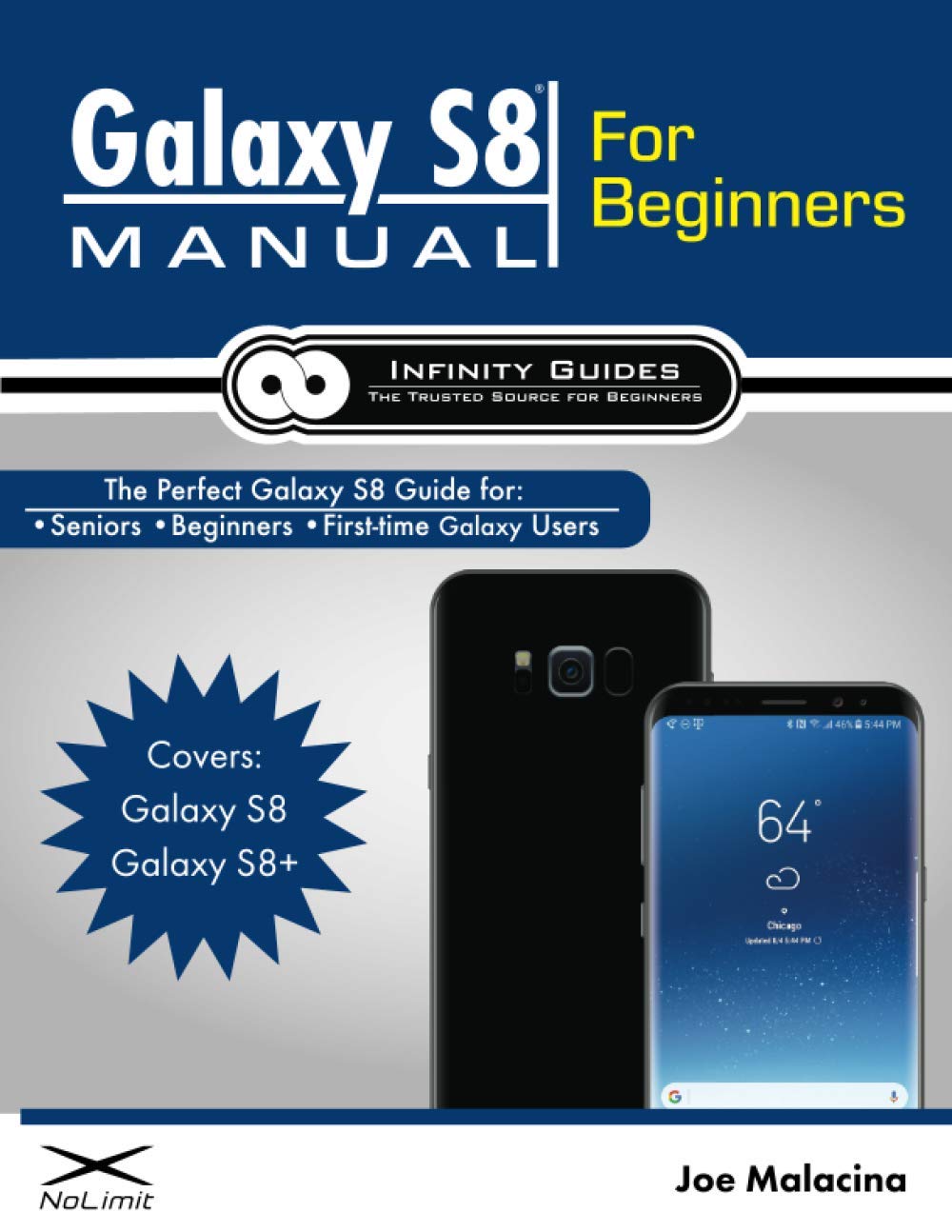
Image: Cover of the instructional guide for the Samsung Galaxy S8. This manual provides detailed instructions for new users.
Primers passos
1. Dispositiu acabatview
Familiarize yourself with the physical components of your Galaxy S8/S8+.
- Botó d'encesa/bloqueig: Located on the right side, used to turn the device on/off or lock/unlock the screen.
- Botons de volum: Situat al costat esquerre, s'utilitza per ajustar el volum multimèdia i de trucades.
- Botó de Bixby: Located below the volume buttons, used to launch the Bixby assistant.
- Port USB-C: A la part inferior, per a la càrrega i la transferència de dades.
- Auriculars Jack: At the bottom, for connecting wired headphones.
- Ponent: A la part inferior, per a la sortida d'àudio.
- Càmera frontal: At the top of the screen, for selfies and video calls.
- Càmera posterior: On the back, for high-quality photos and videos.
- Sensor d’empremta digital: On the back, next to the rear camera, for secure unlocking.
- Safata de targeta SIM/microSD: At the top, for inserting your SIM card and an optional microSD card.
2. Configuració inicial
- Insereix la targeta SIM: Use the provided tool to open the SIM/microSD card tray. Insert your Nano-SIM card and/or microSD card into the tray, then reinsert the tray into the phone.
- Encès: Mantingueu premut el botó d'engegada/bloqueig fins que aparegui el logotip de Samsung.
- Segueix les instruccions que apareixen a la pantalla: Select your language, connect to a Wi-Fi network, and accept the terms and conditions.
- Copy Data (Optional): If you're upgrading from another device, you can transfer your data using Samsung Smart Switch.
3. Creating and Utilizing Accounts
Accounts are essential for full functionality, app downloads, and data backup.
- Compte de Google:
- Vés a Configuració > Comptes i còpies de seguretat > Comptes > Afegeix un compte > Google.
- Follow the prompts to sign in with an existing Google account or create a new one. This account is crucial for the Play Store, Gmail, and Google services.
- Compte de Samsung:
- Vés a Configuració > Comptes i còpies de seguretat > Comptes > Afegeix un compte > Compte de Samsung.
- Sign in or create an account to access Samsung services like Samsung Cloud, Find My Mobile, and Samsung Pay.
Operacions bàsiques
1. Making and Receiving Phone Calls
- Per fer una trucada: Obriu el Telèfon app, enter the number using the keypad, and tap the green call icon. Alternatively, select a contact from your Contactes llista.
- Per respondre una trucada: When your phone rings, swipe the green phone icon upwards.
- To Decline a Call: Swipe the red phone icon downwards.
2. Enviament i recepció de missatges de text
- Per enviar un missatge: Obriu el Missatges app, tap the Nou missatge icon (usually a plus sign or a speech bubble), enter the recipient's number or select from contacts, type your message, and tap Enviar.
- A View Missatges: Obriu el Missatges app. Conversations are organized by contact.
3. Using Email
You can set up various email accounts on your Galaxy S8/S8+.
- Gmail: If you've set up a Google account, your Gmail is automatically configured in the Gmail aplicació.
- Other Email Accounts: For other providers (Outlook, Yahoo, etc.), open the Correu electrònic aplicació, toqueu Afegeix un compte, and follow the on-screen instructions to enter your email address and password.
4. Surfing the Web with the Chrome App
The Google Chrome browser is pre-installed for internet access.
- Obriu el Chrome aplicació.
- Tipus a webadreça del lloc (URL) into the address bar at the top, or use the search bar to find information.
- Toqueu Go or the search icon to navigate.
Funcions avançades
1. Taking and Sharing Photos and Videos
- Càmera oberta: Toqueu Càmera icona de l'aplicació.
- Fes una foto: Toqueu el botó de l'obturador.
- Grava vídeo: Tap the video icon, then tap the record button to start/stop.
- Canvia de càmeres: Toqueu la icona del canvi de càmera per alternar entre la càmera frontal i la posterior.
- Comparteix: After taking a photo/video, tap the thumbnail in the corner, then tap the Comparteix icon to send via message, email, or social media.
2. Personalizing Your Galaxy S8
Customize your device to reflect your style.
- Fons de pantalla: Vés a Configuració > Wallpaper and themes. Choose from pre-installed options or your own photos.
- Tons de trucada: Vés a Configuració > Sons i vibracions > To de trucada. Select a ringtone for calls and notifications.
- Ginys: Long-press an empty area on your home screen, then tap Ginys to add useful tools like clocks, weather, or calendar.
3. Securing Your Galaxy's Data
Protect your personal information with various security features.
- Bloqueig de pantalla: Vés a Configuració > Pantalla de bloqueig i seguretat > Screen lock type. Options include Pattern, PIN, Password, Fingerprints, Iris scanner, and Face recognition.
- Find My Mobile: Activa aquesta funció a Configuració > Pantalla de bloqueig i seguretat > Troba el meu mòbil. This allows you to locate, lock, or wipe your device remotely if it's lost or stolen.
4. Downloading and Using Apps from the Play Store
The Google Play Store offers millions of apps, games, movies, and books.
- Open Play Store: Toqueu Play Store icona de l'aplicació.
- Cerca Aplicacions: Use the search bar at the top to find specific apps or browse categories.
- Instal·leu aplicacions: Tap on an app, then tap Instal·lar. The app will download and install automatically.
- Actualitzar aplicacions: Open Play Store, tap your profile icon (top right), then Gestiona les aplicacions i el dispositiu > Updates available.
Consells i trucs
- Quick Settings Panel: Swipe down from the top of the screen to access quick toggles for Wi-Fi, Bluetooth, flashlight, and more.
- Split Screen Multitasking: Open a recent apps view (square button), tap the app icon at the top of a card, then select Open in split screen view.
- Pantalla de vora: Swipe from the edge of the screen (if enabled) to access Edge Panels for quick access to contacts, apps, and tools.
- Optimització de la bateria: Vés a Configuració > Cura del dispositiu > Bateria to manage power usage and extend battery life.
- Captura de pantalla: Press the Volume Down button and Power button simultaneously.
Specifications (General for Galaxy S8/S8+)
| Característica | Descripció |
|---|---|
| Mostra | Infinity Display (S8: 5.8-inch, S8+: 6.2-inch), Super AMOLED, Quad HD+ resolution |
| Processador | Octa-core (Exynos or Snapdragon, region dependent) |
| RAM | 4 GB |
| Emmagatzematge | 64GB internal, expandable via microSD (up to 256GB) |
| Càmera posterior | 12MP Dual Pixel OIS (Optical Image Stabilization) |
| Càmera frontal | 8MP AF (Autofocus) |
| Bateria | S8: 3000 mAh, S8+: 3500 mAh (Non-removable) |
| Sistema operatiu | Android (version at launch: 7.0 Nougat, upgradable) |
| Resistència a l'aigua/pols | Classificació IP68 |
| Seguretat | Fingerprint sensor, Iris scanner, Face recognition |
Note: Specifications may vary slightly by region and carrier.
Resolució de problemes
Aquí teniu solucions a problemes comuns que podeu trobar:
- El telèfon no s'encén: Ensure the battery is charged. Connect to a charger and wait a few minutes before attempting to power on again. If unresponsive, try a force restart by holding the Volume Down and Power buttons for 7-10 seconds.
- Les aplicacions es bloquegen o es bloquegen: Close the app from the recent apps screen. Clear the app's cache and data via Configuració > Aplicacions > [Nom de l'aplicació] > EmmagatzematgeSi el problema persisteix, desinstal·la i torna a instal·lar l'aplicació.
- Poca durada de la bateria: Comprova l'ús de la bateria a Configuració > Cura del dispositiu > Bateria to identify power-hungry apps. Reduce screen brightness, disable unnecessary features like GPS or Bluetooth when not in use, and enable power-saving modes.
- No es pot connectar a Wi-Fi: Ensure Wi-Fi is enabled on your phone and the router is working. Try forgetting the network (Configuració > Connexions > Wi-Fi, tap the gear icon next to the network, then Oblida't) and reconnecting. Restart your phone and router.
- El sensor d'empremtes dactilars no funciona: Assegureu-vos que el dit estigui net i sec. Torneu a registrar les empremtes dactilars a Configuració > Biometria i seguretat > Empremtes dactilars.
Garantia i Suport
For detailed warranty information, please refer to the documentation included with your Samsung Galaxy S8/S8+ at the time of purchase or visit the official Samsung website for your region. Samsung provides customer support through various channels, including online FAQs, live chat, phone support, and authorized service centers.
Per obtenir més ajuda, visiteu: Suport Samsung