Introducció
The JLab J6MS Mono In-Ear Earbud Headset is designed for users requiring a single earbud for communication and audio playback, while maintaining awareness of their surroundings. This high-performance earbud features a built-in microphone and in-line controls, making it ideal for calls, webinars, and listening to audio in environments where one ear needs to remain open. Its ergonomic design and various ear tip sizes ensure a comfortable and secure fit.
Contingut del paquet
Your JLab J6MS package includes the following items:
- JLab J6MS Mono In-Ear Earbud Headset with 3.5mm Jack
- Multiple sizes of silicone ear tips (pre-installed and additional pairs)
- Clip de cable

Image: The JLab J6MS Mono Earbud, showing the earbud, coiled cable, in-line microphone, and 3.5mm audio jack.
Configuració
- Select Ear Tip: Choose the ear tip size that provides the most comfortable and secure fit for your ear. Refer to the 'Ear Tip Selection and Replacement' section for guidance.
- Connecta't al dispositiu: Insert the 3.5mm audio jack into the headphone port of your smartphone, tablet, laptop, or other compatible device. Ensure the connection is firm.

Imatge: Un primer pla view of the 3.5mm audio jack, designed for universal compatibility.

Image: The JLab J6MS earbud connected to its cable and 3.5mm jack, ready for use.
Instruccions de funcionament
In-line Microphone and Button Control
The J6MS features an in-line control unit with a microphone for hands-free communication and audio management.
- Respondre/Finalitzar la trucada: Premeu el botó una vegada per respondre a una trucada entrant o finalitzar una trucada activa.
- Reprodueix/Pausa l'àudio: Press the button once to play or pause audio playback.
- Pista següent: Press the button twice quickly to skip to the next audio track.
- Pista anterior: Press the button three times quickly to go back to the previous audio track.
Imatge: Una imatge detallada view of the in-line control unit, highlighting the button and microphone for easy access.
Wearing the Earbud
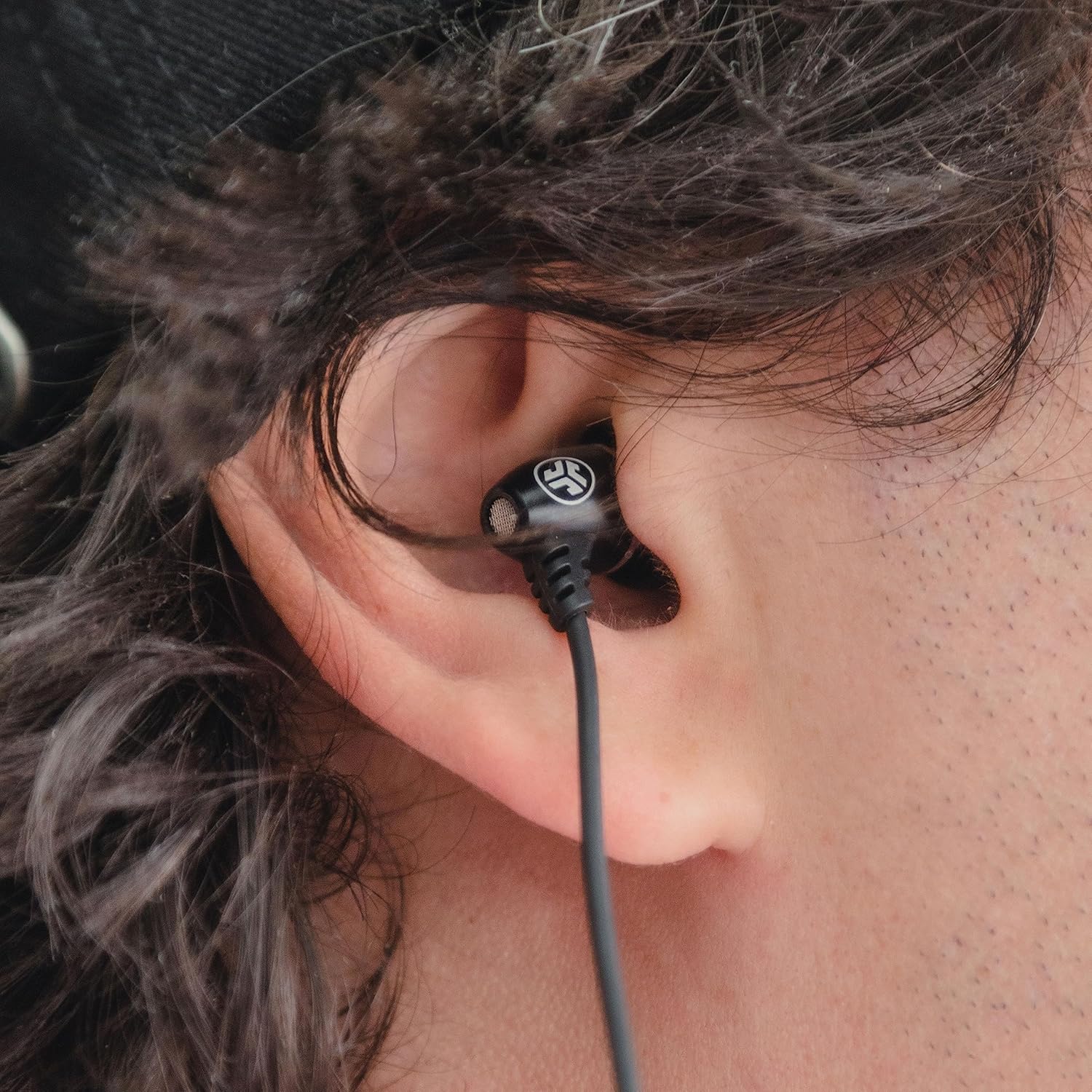
Insert the earbud into one ear canal. The ergonomic design is intended to provide a secure and comfortable fit. The cable clip can be used to secure the cable to your clothing, reducing cable movement and ensuring the microphone stays in an optimal position for clear voice pickup.
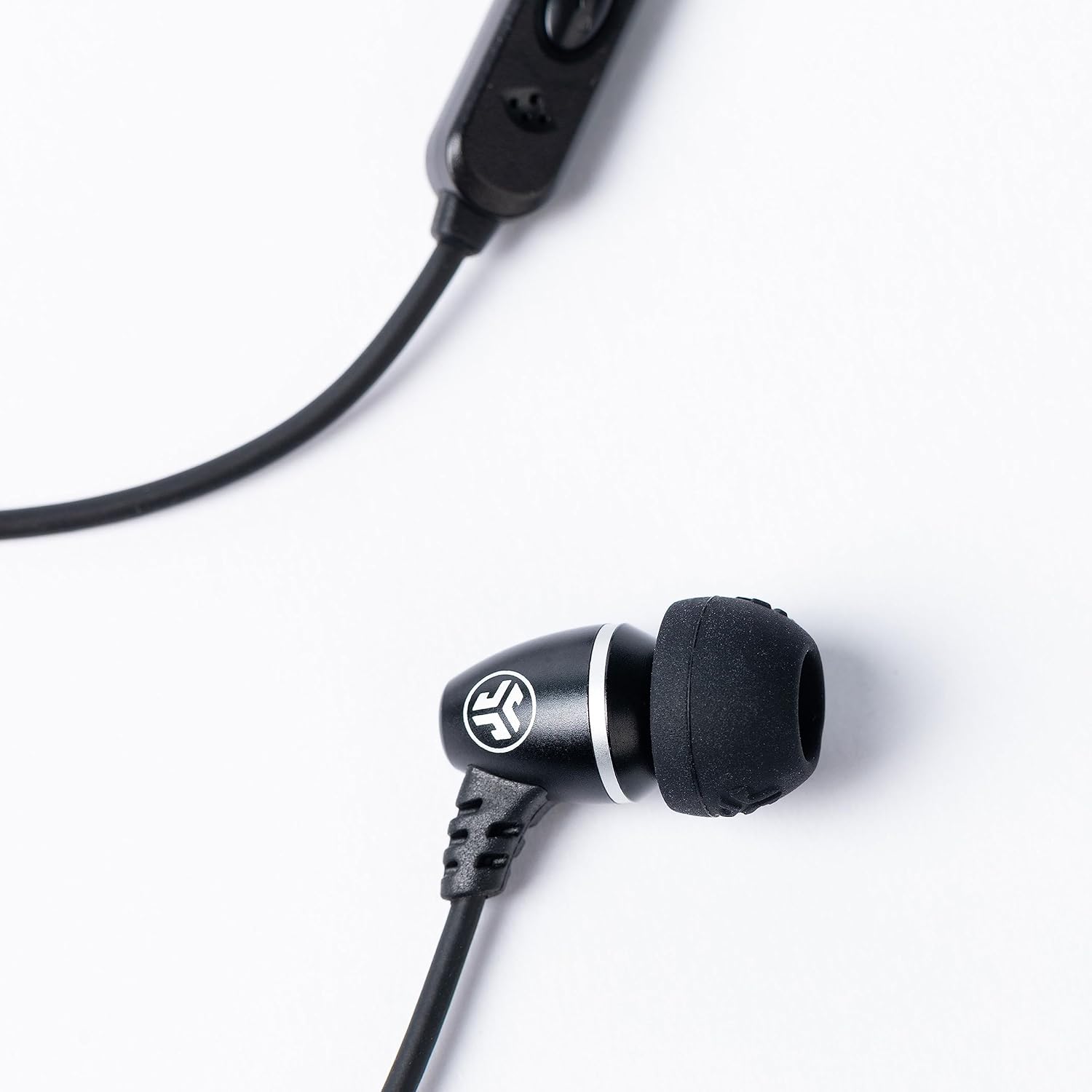
Image: The JLab J6MS earbud comfortably placed in a user's ear, demonstrating its discreet profile.
Ear Tip Selection and Replacement
Optimal sound quality and comfort depend on selecting the correct ear tip size. The J6MS comes with several sizes and styles of silicone ear tips to ensure a custom fit.
- Selecció: Experiment with different sizes to find the one that creates a good seal in your ear canal without causing discomfort. A good seal enhances bass response and noise isolation.
- Substitució: Gently pull off the existing ear tip from the earbud nozzle. Align the new ear tip with the nozzle and push it on firmly until it is securely attached.

Image: A selection of ear tips in different sizes, allowing users to customize their fit for comfort and sound.
Compatibilitat
The JLab J6MS is compatible with most devices featuring a standard 3.5mm headphone jack, including:
- Smartphones (Android, iPhone, Motorola, Palm, HTC, Windows, BlackBerry)
- Tauletes
- Laptops and Personal Computers
- 2-way radios and other communication devices
Note: For modern smartphones without a 3.5mm jack, a USB-C to 3.5mm adapter (not included) may be required.
Manteniment
- Consells per netejar les orelles: Traieu regularment les puntes de les orelles i netegeu-les amb un drap suau iamp drap. Assegureu-vos que estiguin completament secs abans de tornar-los a enganxar.
- Cleaning Earbud Nozzle: Gently wipe the earbud nozzle with a dry cotton swab to remove any earwax or debris. Avoid using liquids directly on the earbud.
- Cura del cable: Avoid sharp bends or excessive pulling on the cable to prevent internal damage. Store the earbud neatly coiled when not in use.
Resolució de problemes
- Sense so:
- Ensure the 3.5mm jack is fully inserted into the device's port.
- Comproveu el nivell de volum del vostre dispositiu.
- Test the earbud with another device to rule out device-specific issues.
- El micròfon no funciona:
- Ensure the 3.5mm jack is fully inserted. Some devices require a TRRS (4-pole) jack for microphone functionality, which the J6MS provides.
- Comproveu la configuració d'entrada d'àudio del dispositiu per assegurar-vos que el micròfon extern estigui seleccionat.
- Assegureu-vos que el micròfon no estigui obstruït.
- Qualitat de so baixa:
- Verify that the ear tip is correctly sized and forms a good seal in your ear.
- Clean the earbud nozzle and ear tips as described in the 'Maintenance' section.
Especificacions
| Nom del model | JLab JBuds J6MS |
| Tecnologia de connectivitat | Amb cable |
| Conector d'auriculars | 3.5 mm Jack |
| Característica especial | Micròfon inclòs |
| Col·locació de l'orella | A l'orella |
| Control de soroll | Aïllament acústic (passiu) |
| Pes de l'article | 0.64 unces |
| Dimensions del producte | 8.5 x 2.5 x 6 polzades |
| Material | Metal (earbud housing), Vinyl (carrying case) |
| Color | Negre |
Garantia i Suport
The JLab J6MS Mono In-Ear Earbud Headset is backed by JLab's limited one-year warranty. For warranty claims, technical support, or further assistance, please visit the official JLab weblloc web o poseu-vos en contacte amb el seu departament d'atenció al client. Conserveu el comprovant de compra per validar la garantia.


